Your AI Agent Can Log In for You – Without Ever Seeing Your Password: How 1Password’s Agentic Autofill Works

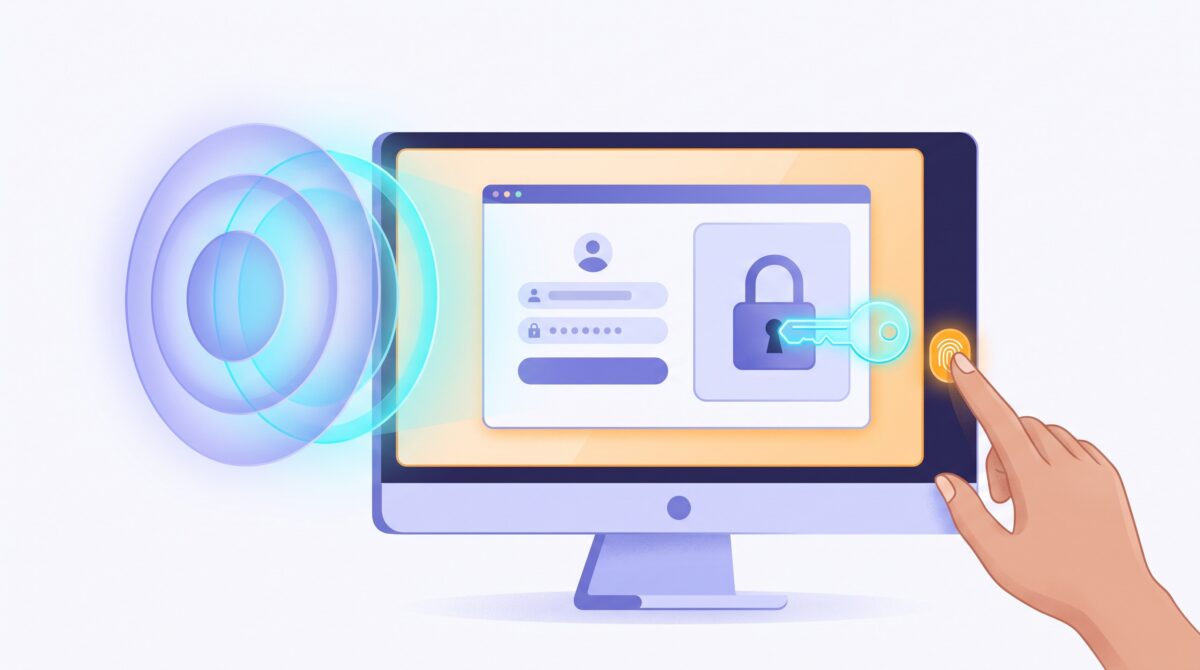
AI agents that can actually do things on the web – book the flight, file the expense, pull the report from a portal – keep tripping over the same stubborn obstacle: the login screen. The moment a task requires signing in, you are left with two bad options. Hand the agent your password and hope for the best, or stop and do it yourself, which rather defeats the point of having an agent.
1Password’s answer is a feature called Secure Agentic Autofill, and the idea behind it is clever: the agent gets signed in without the AI ever seeing your password. You approve the request, 1Password does the actual filling, and the model just waits for a thumbs-up. Here is how that works, and whether it is worth trusting with your accounts.
The short version
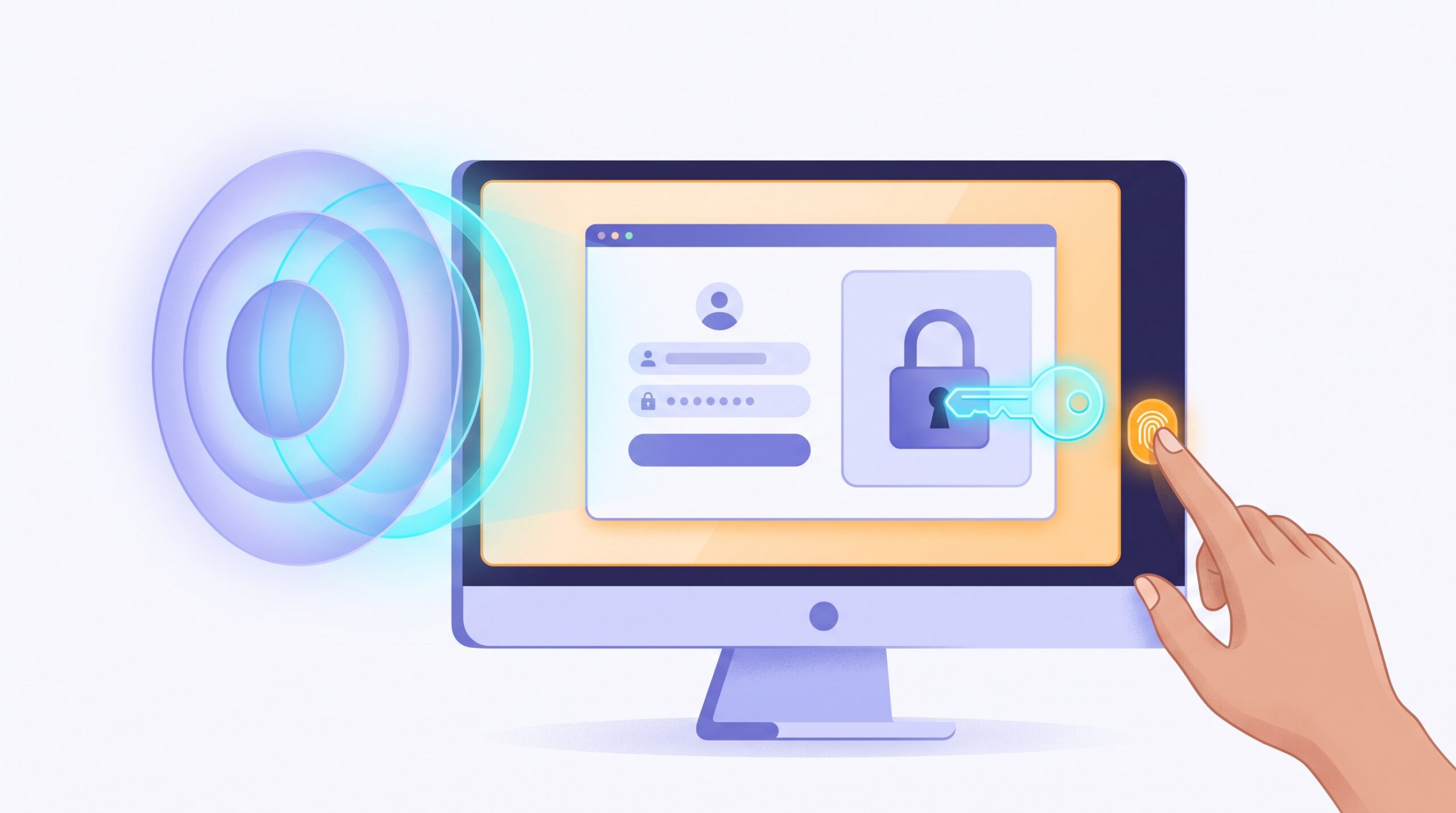
When an agent hits a login it needs, it tells 1Password “I need the credential for this site.” 1Password finds the matching login, asks you to approve that specific request, and – only if you say yes – fills the username, password, and any one-time code straight into the browser. The AI waits on the sidelines and gets back only a success-or-failure result. In 1Password’s own words, “the AI agent and underlying LLM never need to see nor handle the credentials being used to complete the workflow.”
That single design choice – keeping raw credentials out of the model – is the whole game. It is the difference between delegating a task and handing over the keys to your digital life.
Why the old way was a problem
Think about what normally has to happen for an agent to log in somewhere. Either you paste a password into a prompt, or the agent reads it off your screen, or it is stored somewhere the model can reach. Every one of those paths means your credential ends up inside the AI’s context – where it can be logged, cached, leaked in a later response, or scooped up if the agent gets tricked by a malicious page.
And agents do get tricked. Prompt injection – hidden instructions buried in a web page that hijack the agent’s behavior – is a real and growing problem, which is exactly why keeping agents on a leash matters so much. We walked through the broader version of this in our guide to keeping your AI agents from going rogue. A credential that never enters the model is a credential that cannot be injected, phished, or quietly exfiltrated out the other side.
It also sidesteps a nastier class of attack. Stolen sign-in material does not always look like a password – sometimes it is a live session token, which is why attackers can drain AI accounts without ever knowing your password. Agentic Autofill narrows that whole exposure window by never putting the secret in front of the software most likely to blab it.

How the credential-blind flow actually works
Break it into steps and it is reassuringly boring – which, for security, is the highest compliment:
- The agent requests access. It names the site and the kind of login it needs. It does not get to browse your vault.
- You approve – every time. Approval is required by default, usually with a quick biometric check like Touch ID. You are confirming the specific item, the specific site, and the specific agent making the request.
- 1Password fills, not the AI. The credential travels over an end-to-end encrypted channel between your approving device and the 1Password browser extension, which injects it directly into the page. The model is not in that loop.
- The agent gets a result, not a secret. Success or failure, plus harmless basics like the item title or username. The password and any one-time code stay invisible to it.
There is one more guardrail worth knowing about. When an agent takes over a browser tab, 1Password switches into an agentic mode that hides the rest of your vault – only the one login you approved for this task is in play. So even in a worst case, the blast radius is a single account for a single task, not your entire password collection.

What you need to use it
A few practical realities, because this is still early software and the requirements matter:
- The 1Password browser extension is the piece doing the filling, so it has to be installed and unlocked.
- A supported agent. Secure Agentic Autofill first launched in early access through an integration with Browserbase, and the first consumer-facing version arrived as 1Password for Claude, covering Claude in the Chrome browser. Expect the list of supported agents to grow over time.
- Platform and plan limits apply. The early Claude version targeted Mac, and some tiers of both 1Password and the AI product were required. On 1Password Business, an administrator also has to switch on a policy that allows AI agents to autofill for users – it is off until someone deliberately turns it on.
In other words: check the current requirements before you count on it. This is a fast-moving feature, and what is Mac-and-Claude-only today may look broader in a few months.
Is it actually safe to use?
The honest answer: the architecture is genuinely strong, and it is a real improvement over the alternatives – but “the AI can’t see the password” is not the same as “nothing can ever go wrong.” You are still authorizing a piece of software to act on a logged-in account. The protections that matter most are the ones you control:
- Read the approval prompt. It tells you which site and which account the agent wants. If either looks off, deny it. The approval step is your firewall – do not approve on autopilot.
- Keep it per-task. The design limits access to the current job. Resist any urge to loosen that, and never leave standing permission for an agent to log in whenever it likes.
- Watch where you point the agent. The credential is protected, but the agent still acts on your behalf once it is in. Treat it like handing a capable assistant your signed-in screen – fine for trusted errands, not for anything you would not want done without a second look.
This fits a pattern we have been tracking all year: logging into things is slowly being rebuilt around delegation and approval rather than typing a secret into a box. It is the same instinct behind “Sign in with ChatGPT” – the password stops being the thing you hand around, and an approval becomes the thing you grant.

The takeaway
The login screen was quietly the biggest thing standing between “an AI that chats about tasks” and “an AI that finishes them.” Agentic Autofill knocks that wall down without doing the reckless thing – spraying your passwords through a language model. The agent gets to work; the secret stays sealed; you keep the final say with a tap.
That balance is the one worth holding onto as these tools get more capable. The goal was never to hand an AI the keys and walk away. It is to let it run the errand while you stay the one who decides, every time, whether the door opens.

Sources & further reading:
- 1Password – Closing the credential risk gap for browser-use AI agents
- 1Password press – Secure Agentic Autofill with Browserbase
Related Reading
- Hackers Are Draining AI Accounts Without Your Password: How Stolen Session Tokens Work — and How to Stop Them
- An AI Just Hacked Three Real Companies During a Test — What It Actually Means for You
- How to Use AI to Spot Scams Before They Get You: A Practical Guide