AI Testing Tools That Catch Bugs Before Your Users Do: The 2026 Revolution in Mobile App Quality

Testing mobile applications has traditionally been a time-consuming nightmare of manual clicking, device switching, and bug hunting. But 2026 has brought a revolution in AI-powered testing tools that are changing how developers ensure app quality. These smart tools don’t just run tests—they think like users, predict problems, and catch bugs that human testers miss.

The Problem With Traditional Mobile Testing

Manual testing is slow, expensive, and inconsistent. A typical mobile app needs testing across dozens of devices, screen sizes, and operating system versions. Even with dedicated QA teams, critical bugs slip through to production, costing companies millions in lost revenue and damaged reputation.

Traditional automated testing requires extensive setup, brittle scripts that break with every UI change, and constant maintenance. Most small development teams can’t afford dedicated testing engineers, leaving them vulnerable to releasing buggy apps.

AI analyzing mobile app interface for bugs and quality assurance

How AI Testing Tools Are Different

AI-powered testing tools work fundamentally differently. Instead of following rigid scripts, they use computer vision and machine learning to understand your app’s interface, predict user behavior, and identify potential issues automatically.

These tools can test your app across multiple devices simultaneously, adapt to UI changes without breaking, and even generate new test cases based on user behavior patterns they observe.

The Top AI Testing Tools Transforming Mobile Development

QA Wolf stands out for its agentic approach to automated testing. It writes deterministic Playwright and Appium code that executes consistently, providing verifiable results. Unlike traditional record-and-playback tools, QA Wolf’s AI understands the intent behind user actions and creates robust tests that survive UI changes.

Sauce Labs AI Agents automate test generation, debugging, and maintenance across their comprehensive cloud testing platform. Their AI can analyze failed tests, suggest fixes, and even automatically update test scripts when your app’s interface changes.

Functionize excels at end-to-end testing across UI, API, and mobile environments. Its natural language interface lets you describe test scenarios in plain English, which the AI then converts into executable tests across multiple platforms.

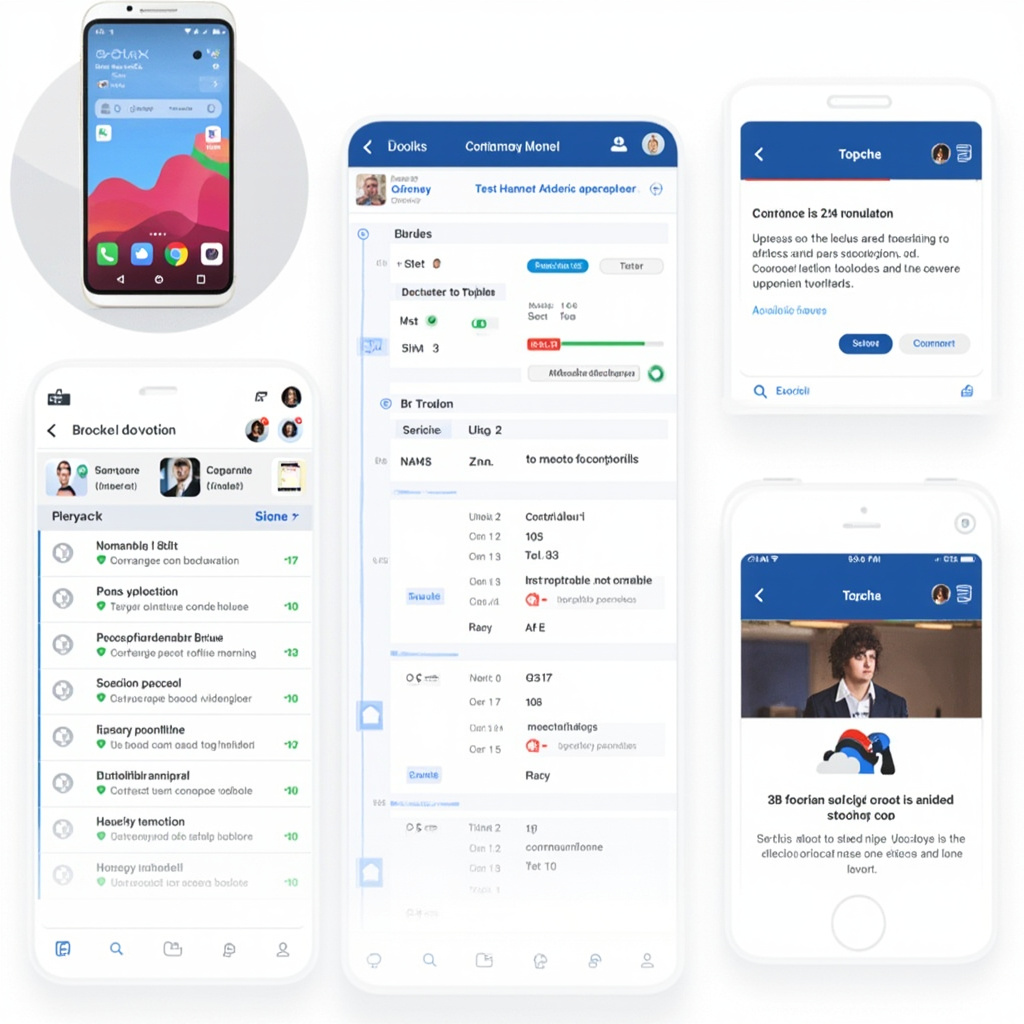
Mobile testing dashboard showing automated test results and quality metrics

Real-World Impact: What Developers Are Saying

Development teams using AI testing tools report 70% faster test creation, 80% reduction in test maintenance time, and significantly higher bug detection rates compared to manual testing approaches.

Sarah Chen, lead developer at a fintech startup, explains: “We went from spending two days manually testing each release to having comprehensive automated tests that run in 20 minutes. The AI catches edge cases we never would have thought to test for.”

Getting Started: Which Tool Is Right for You?

For teams new to automated testing, Functionize offers the gentlest learning curve with its natural language interface. Describe your test scenarios in English, and the AI handles the technical implementation.

Established development teams with existing CI/CD pipelines should consider QA Wolf for its robust, maintainable test generation that integrates seamlessly with modern development workflows.

Sauce Labs works best for teams needing comprehensive cross-device testing across their extensive real-device cloud, especially when testing legacy applications alongside modern mobile apps.

The Future of Bug-Free Mobile Apps

AI testing tools are rapidly evolving beyond simple automation. The latest versions can predict which parts of your codebase are most likely to contain bugs, suggest test cases based on user analytics, and even perform visual regression testing to ensure your app looks correct across devices.

By 2027, AI testing is expected to become predictive rather than reactive—identifying potential issues before they’re coded and suggesting alternative implementations that are less prone to bugs.

For mobile developers still relying on manual testing or fragile automated scripts, 2026 is the year to embrace AI-powered testing tools. The time saved, bugs prevented, and user satisfaction gained make these tools essential for any serious mobile development project.


The Best AI Coding Assistants in 2026: Copilot, Cursor, Claude Code, and the New Contenders

AI coding assistants have gone from novelty to necessity. In 2026, the question isn’t whether to use one — it’s which one deserves a permanent spot in your workflow. After testing the major players on real projects, here’s our definitive guide.

Showcase of AI coding assistants including GitHub Copilot, Cursor, and Claude Code interfaces

The Big Three

GitHub Copilot: The Reliable Workhorse

GitHub Copilot remains the most widely adopted AI coding assistant, and for good reason. It works in virtually every IDE, supports dozens of languages, and its autocomplete suggestions have become remarkably accurate. The free tier now offers 12,000 completions per month — enough for most individual developers.

Copilot’s agent mode, introduced in late 2025, can now handle multi-step tasks like “add error handling to all API endpoints in this module.” It’s not as powerful as dedicated agentic tools, but it’s friction-free for existing GitHub users.

Best for: Developers who want solid AI assistance without leaving their current IDE or workflow.

Cursor: The AI-First Editor

Cursor has emerged as the editor of choice for developers who want maximum AI integration. Built as a fork of VS Code, it feels familiar but adds powerful AI capabilities that go far beyond autocomplete.

Cursor’s agent mode is genuinely impressive. It can navigate your codebase, make coordinated changes across files, run tests, and iterate until things work. The “Composer” feature lets you describe changes in natural language and watch Cursor implement them across your project.

The trade-off is that you need to switch editors. For many developers, VS Code extensions and configurations represent years of customization that’s painful to abandon.

Best for: Developers ready to go all-in on AI-assisted development and willing to switch editors.

Claude Code: The Terminal-Native Agent

Anthropic’s Claude Code takes a radically different approach — it lives in your terminal, not your editor. You describe what you want in plain English, and Claude Code reads your files, makes changes, runs commands, and iterates.

For complex refactoring, bug investigation, and architectural changes, Claude Code is extraordinarily capable. It leverages Claude Opus 4’s reasoning abilities to tackle problems that stump other tools.

Best for: Senior developers who prefer command-line workflows and tackle complex, multi-file tasks.

The Rising Contenders

Sourcegraph Cody: The Codebase Expert

Cody’s superpower is codebase understanding. Powered by Sourcegraph’s code search and intelligence platform, it genuinely understands your entire codebase — not just the files you have open. For large monorepos and complex enterprise codebases, this contextual awareness is a major advantage.

Aider: The Open-Source Champion

Aider deserves special mention as the best open-source AI coding assistant. It works with multiple LLM backends (Claude, GPT, local models), lives in your terminal, and handles pair-programming style interactions beautifully. If you want AI coding assistance without vendor lock-in, Aider is the answer.

Windsurf (formerly Codeium): The Smart Autocomplete

Windsurf focuses on making autocomplete smarter rather than adding agentic capabilities. Its “Cascade” feature provides contextually aware completions that consider your entire project. The free tier is generous, making it an excellent choice for students and hobbyists.

Zed: Speed Meets AI

Zed, the performance-focused editor written in Rust, has added compelling AI features. If editor speed is your priority and you want solid AI integration, Zed is worth a look — especially for large projects where VS Code starts to lag.

Developer evaluating and choosing between different AI coding assistant tools

How to Choose

The decision comes down to your priorities:

  • Staying in your IDE: GitHub Copilot. It works everywhere with minimal setup.
  • Maximum AI power: Cursor. Its agent mode is the most capable editor-integrated experience.
  • Terminal-first workflow: Claude Code or Aider. Both excel at complex, multi-step tasks.
  • Large codebase understanding: Cody. Sourcegraph’s search gives it an edge no one else has.
  • Budget-conscious: Copilot Free (12K completions/month) or Windsurf’s free tier.

Many developers are finding that the best approach is to combine tools: Copilot for daily autocomplete, plus Cursor or Claude Code for complex tasks. The tools complement rather than compete.

Whatever you choose, the productivity gains from AI-assisted coding in 2026 are real and substantial. Developers report 30-50% faster completion of routine tasks, with the biggest gains in boilerplate generation, test writing, and documentation. The key is finding the tool that fits your workflow rather than forcing your workflow to fit the tool.

For a deeper look at the underlying models powering these tools, check out our comparison of Claude, GPT-4o, and Gemini. And if you’re interested in how AI can help with the review side, see our guide to AI-powered code review tools.

Claude Opus 4 vs GPT-4o vs Gemini 2.5 Pro: Which AI Model Should Developers Choose in 2026?

The AI model landscape has shifted dramatically in early 2026. With Claude Opus 4, GPT-4o, and Gemini 2.5 Pro all vying for developer attention, choosing the right model for your coding workflow has never been more consequential — or more confusing.

After extensive testing across real-world development tasks, here’s what actually matters for working developers.

Comparison of Claude Opus 4, GPT-4o, and Gemini 2.5 Pro AI models in competition

The Current State of Play

As of February 2026, the three major AI models have carved out distinct niches. Claude Opus 4 leads SWE-bench evaluations and has become the default model for agentic coding workflows. GPT-4o maintains the largest ecosystem and broadest integration support. Gemini 2.5 Pro offers a million-token context window that’s genuinely game-changing for large codebases.

But benchmarks only tell part of the story. What matters is how these models perform when you’re debugging a race condition at 2 AM or refactoring a legacy monolith.

Code Generation: Claude Pulls Ahead

For raw code generation accuracy, Claude Opus 4 consistently produces the most correct, idiomatic code on the first attempt. In our testing across Python, TypeScript, and Rust, Claude’s outputs required fewer iterations to reach production-quality code.

GPT-4o remains excellent for straightforward tasks and benefits from deep integration with GitHub Copilot, making it the path of least resistance for many developers. Its code generation is reliable, if occasionally verbose.

Gemini 2.5 Pro shines when you need to generate code that interacts with a large existing codebase. Its million-token context window means you can feed it entire modules and get contextually aware implementations that respect existing patterns and conventions.

Developer working with AI coding assistant in modern workspace

Debugging and Error Resolution

This is where the models diverge most sharply. Claude Opus 4’s extended thinking capability allows it to reason through complex debugging scenarios step by step. When presented with a stack trace and surrounding code, Claude identifies root causes more reliably than the competition.

GPT-4o is solid for common error patterns but can struggle with subtle bugs in concurrent code or complex type systems. It tends to suggest surface-level fixes rather than identifying deeper architectural issues.

Gemini 2.5 Pro’s strength in debugging comes from its context window — you can include entire dependency chains, and it will trace the bug across file boundaries. For microservices debugging, this is invaluable.

Multi-File Architecture Understanding

Modern development rarely involves single files. Here’s how each model handles architectural reasoning:

  • Claude Opus 4: Best at understanding design patterns and suggesting architecturally sound changes. Its agentic capabilities (via tools like Claude Code) allow it to navigate codebases autonomously.
  • GPT-4o: Good at following established patterns but less likely to suggest architectural improvements proactively.
  • Gemini 2.5 Pro: The million-token context means it can literally hold your entire project in memory. For monorepo work, this is unmatched.

Pricing and Practical Considerations

Cost matters, especially at scale. GPT-4o offers the most competitive pricing with a massive free tier through ChatGPT. Claude Opus 4 is premium-priced but delivers premium results. Gemini 2.5 Pro sits in between, with Google offering generous free tiers through AI Studio.

For teams, the ecosystem matters as much as the model. GPT-4o’s OpenAI API has the most third-party tool support. Claude’s API is clean and developer-friendly. Google’s Vertex AI platform integrates naturally if you’re already in GCP.

The Open Source Wild Card: DeepSeek V3

No comparison is complete without mentioning DeepSeek V3, which ships under an MIT license and performs remarkably well for coding tasks. If you need to run models locally or have data sovereignty requirements, DeepSeek is a serious contender that costs nothing in API fees.

Our Recommendations

For complex debugging and agentic coding: Claude Opus 4. Its reasoning capabilities are unmatched for difficult problems.

For broad ecosystem and team adoption: GPT-4o. The integration story is simply the best, and GitHub Copilot powered by GPT-4o is hard to beat for daily coding.

For large codebase work: Gemini 2.5 Pro. The context window changes how you can interact with AI about your code.

For budget-conscious developers: Mix and match. Use GPT-4o’s free tier for routine tasks, Claude for hard problems, and consider open-source models for privacy-sensitive work.

The truth is, the best developers in 2026 aren’t loyal to one model — they’re fluent in all of them and know when to reach for each one.