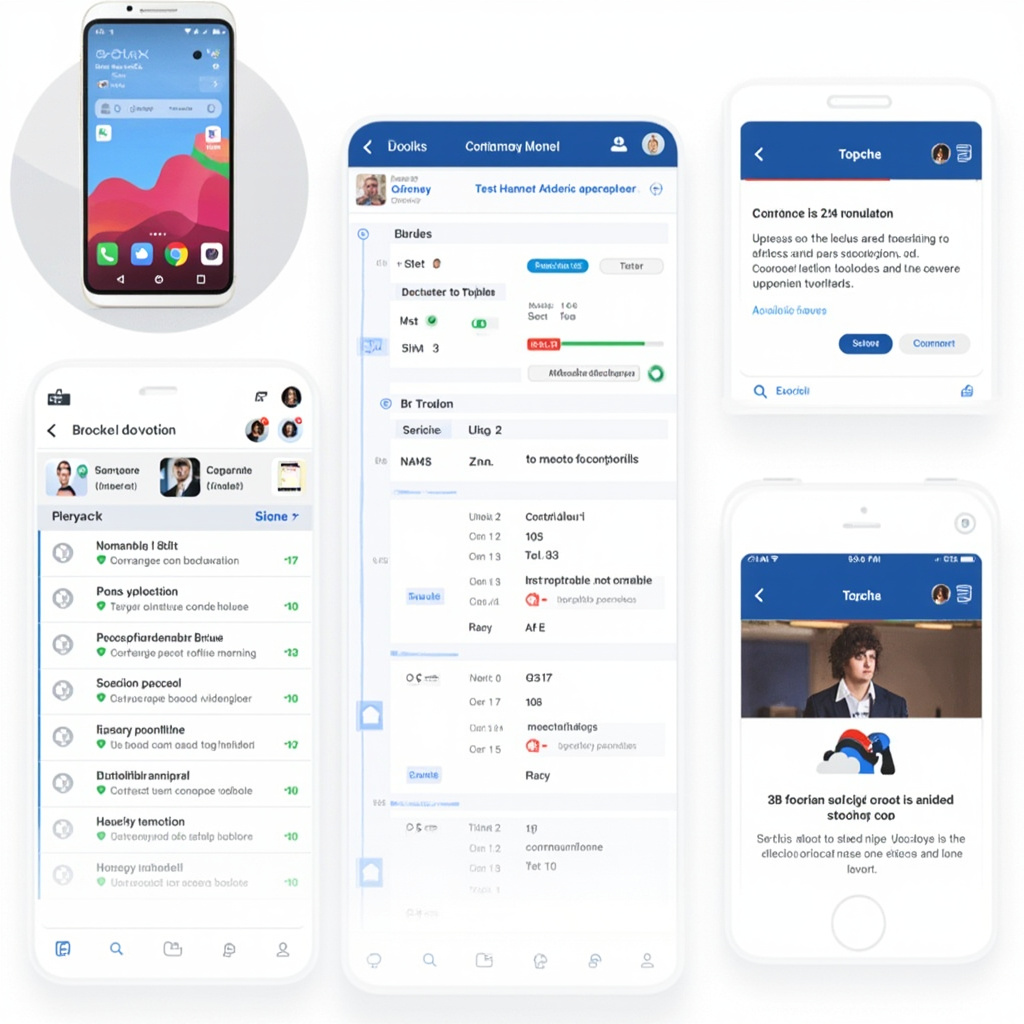
AI Second Brain Tools That Actually Process Your TikToks, YouTube Videos, and Podcasts: The 2026 Knowledge Revolution

Your brain isn’t built for the modern information age. You consume dozens of videos, podcasts, articles, and social posts daily — but where does it all go? Most knowledge workers lose 90% of what they learn within 48 hours. The solution isn’t taking better notes. It’s building an AI-powered second brain that captures and processes everything.
Unlike traditional note-taking apps that only handle text documents, the new generation of AI knowledge management tools can actually watch your YouTube videos, listen to your podcasts, and read your social media feeds. They’re turning multimedia chaos into organized, searchable knowledge.

The Multimedia Processing Revolution
Traditional second brain tools like Notion and Obsidian hit a wall with multimedia content. They can store links to videos and podcasts, but they can’t actually understand what’s inside them. You’re left with a digital filing cabinet full of unopened boxes.
The 2026 generation changes everything. Tools like Second Brain, Saner.ai, and emerging platforms can:
- Extract key insights from hour-long YouTube videos in minutes
- Turn podcast episodes into searchable transcripts with chapter summaries
- Analyze Instagram Reels and TikToks for actionable takeaways
- Process LinkedIn posts and Twitter threads into organized knowledge blocks
- Connect related concepts across different media types automatically
This isn’t just transcription — it’s intelligent analysis that understands context, identifies patterns, and surfaces relevant connections when you need them.
Real-World Applications That Actually Work
The power becomes obvious when you see these tools in action:
Content Creators: A YouTuber uploads competitor videos to their second brain. The AI identifies trending topics, successful formats, and content gaps. Instead of watching dozens of hours manually, they get strategic insights in minutes.
Researchers: A graduate student processing interview recordings and conference presentations. The AI transcribes everything, identifies recurring themes, and creates automatic citation networks between sources.
Business Professionals: An entrepreneur collecting industry podcasts, webinars, and thought leadership videos. The system creates personalized intelligence briefings highlighting relevant trends and opportunities.

The Technical Breakthrough
What makes this possible now? Three converging technologies:
Multimodal AI Models: Systems like GPT-4V and Claude 3 can process video, audio, and images alongside text. They understand context across different media types.
Real-Time Processing: Advanced speech recognition and video analysis can process content faster than humans can consume it. A 60-minute podcast becomes searchable insights in under 5 minutes.
Vector Embeddings: Modern AI can create “fingerprints” for concepts that work across media types. An idea mentioned in a podcast, video, and article gets automatically connected in your knowledge graph.
Choosing Your AI Second Brain
The market is rapidly evolving, but these platforms lead the pack:
Second Brain (thesecondbrain.io): The most comprehensive multimedia processor. Handles everything from TikToks to 3-hour podcasts. Strong at connecting insights across different content types. Best for heavy multimedia consumers.
Saner.ai: Browser-focused tool that excels with web content. Great for processing YouTube videos, online courses, and social media. Integrates well with existing productivity workflows.
Buildin.ai: Enterprise-focused with strong P.A.R.A. methodology integration. Excellent for teams that need shared knowledge processing and collaboration features.
Each platform has strengths, but they all share the core breakthrough: they can actually understand and process the multimedia content that makes up most of our learning.
Implementation Strategy
Don’t try to process everything at once. Start small:
Week 1: Pick one content type (podcasts, YouTube videos, or social media). Feed your chosen platform 5-10 pieces of content you’ve consumed recently.
Week 2: Test the search and connection features. Look for insights you would have missed manually. Pay attention to cross-references between different pieces of content.
Week 3: Add a second content type. Notice how the AI connects themes between different media formats.
Week 4: Develop your capture workflow. Set up automated feeds for your regular content sources.
The goal isn’t perfect organization — it’s building a system that actually helps you think and create better.
The Knowledge Work Revolution
We’re at an inflection point. For decades, knowledge workers have been drowning in information while starving for insights. Traditional tools forced us to choose between consuming content and organizing it.
AI second brain tools eliminate that trade-off. You can consume broadly and organize automatically. The system gets smarter as you feed it more content, creating a personalized intelligence layer that grows with your interests and expertise.
This isn’t just about productivity — it’s about amplifying human intelligence. When your second brain can process a week’s worth of content in an hour and surface the connections you’d never see manually, you’re not just more efficient. You’re actually smarter.
The multimedia processing revolution is here. The question isn’t whether you need a second brain — it’s whether you can afford not to have one.