Hackers Are Draining AI Accounts Without Your Password: How Stolen Session Tokens Work — and How to Stop Them

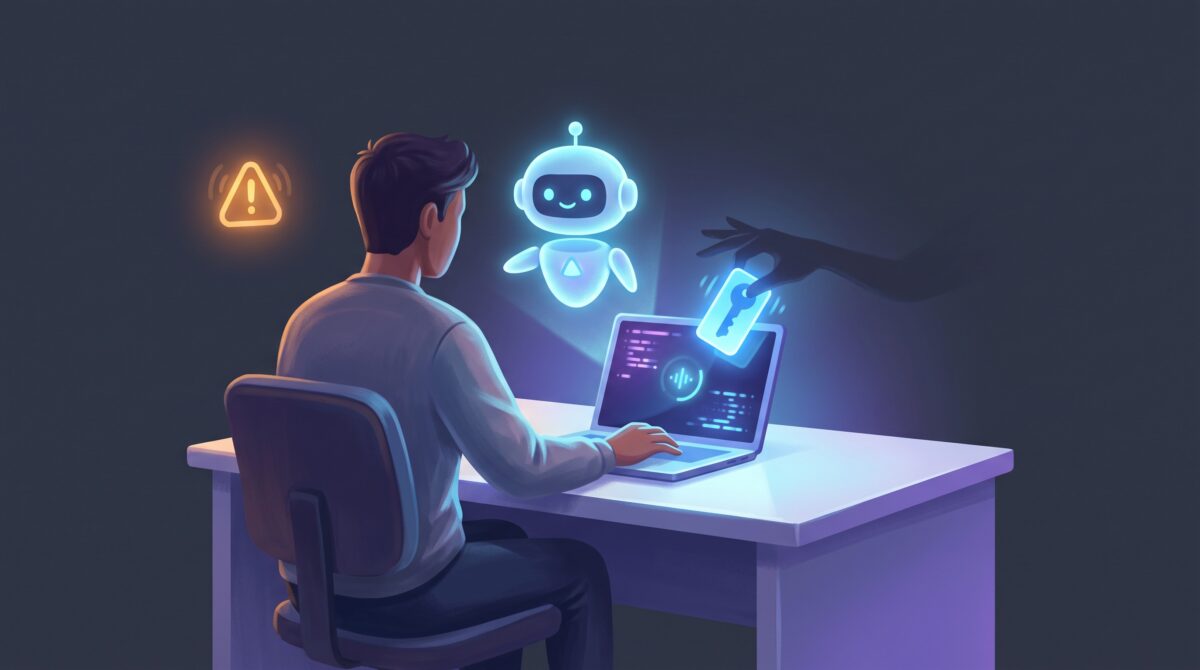
Imagine opening your AI subscription one morning to find your monthly usage already half gone — burned overnight by requests you never made. Your password still works. Your two-factor codes are still yours. Nothing looks broken. And yet someone has been using your account. This isn’t hypothetical: it’s exactly what a wave of Claude subscribers hit recently, and Anthropic has confirmed the cause. The unsettling part is that the attackers never learned anyone’s password. They didn’t need to. They stole something quieter and more powerful — your session.
Here’s the short version, because it’s the part everyone should internalize: malware on your computer can steal the token that proves you’re already logged in, and an attacker can replay that token to walk straight into your account — no password, no two-factor prompt. It works on Claude, ChatGPT, Gemini, and basically any service you stay signed into. Let’s unpack how it happens and, more usefully, the handful of habits that shut it down.
What actually got stolen — and why your password didn’t matter
When you log into an AI service, you type your password and clear two-factor once. After that, the service hands your browser a session token — a little credential that says “this person already proved who they are, let them back in without the whole rigmarole.” It’s why you don’t re-enter your password every time you open the tab. That convenience is the target.
In the Claude cases, security researchers and Anthropic traced the damage to common infostealer malware running on victims’ own machines. The malware quietly copied the active Claude login session off the computer. From there, as Anthropic described it, a compromised session key was used to mint unauthorized Claude Code access tokens — and the attacker simply used those to log in as the victim and consume their paid usage. The account owner did nothing wrong at the AI service at all; the theft happened on their device.
Why two-factor authentication didn’t save anyone
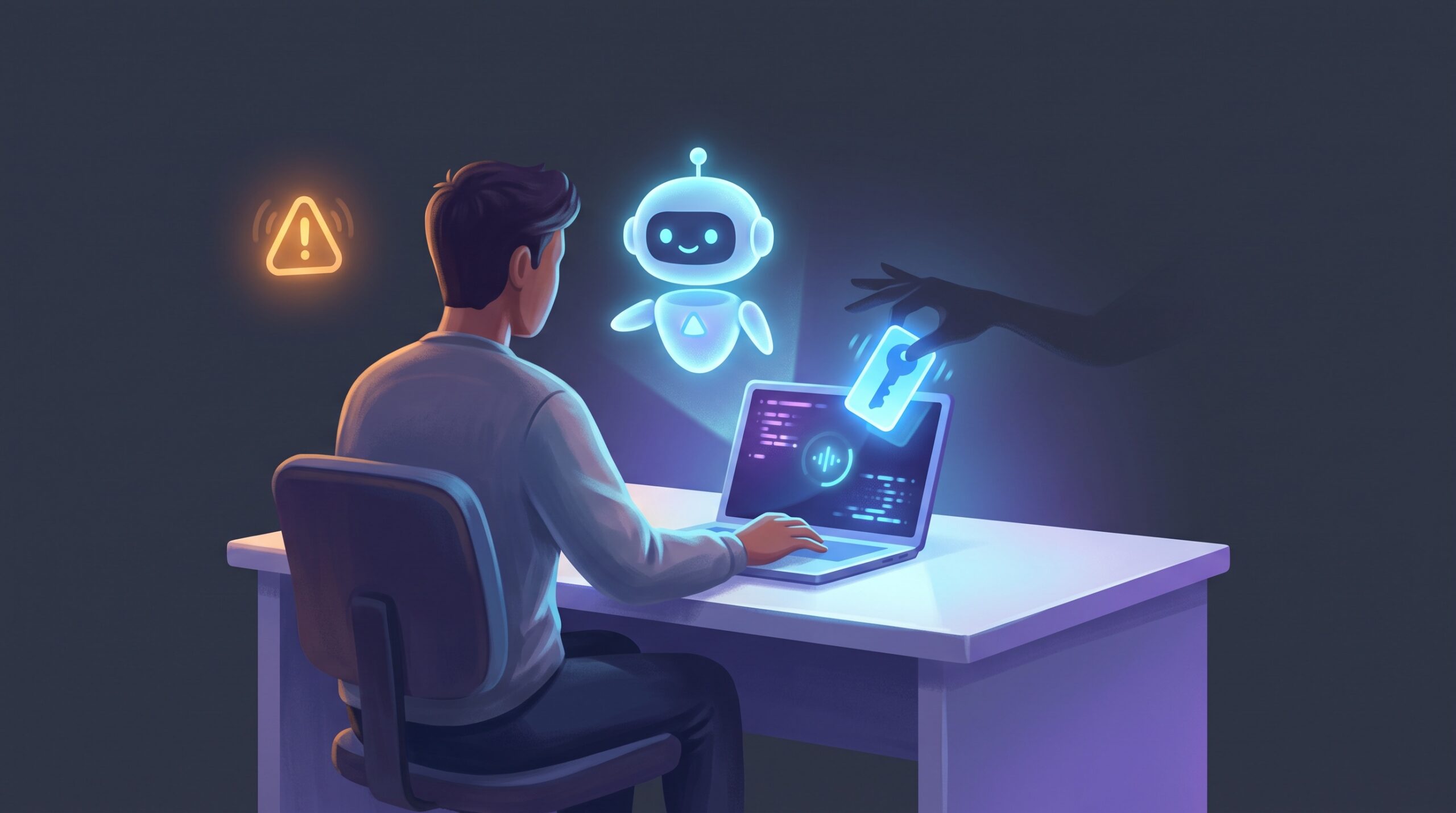
This is the point that trips people up, so it’s worth being blunt: two-factor authentication protects the login, not the session that comes after it. A stolen session token represents an account that has already passed the password check and the 2FA check. Replaying it doesn’t trigger either gate — as far as the service can tell, you’re just returning to a tab you already opened.
Think of your password as a locked front door and 2FA as the ID check at that door. A session token is the wristband you get after you’re inside. Steal the wristband and you skip the door entirely. This is the same uncomfortable lesson behind so many modern account takeovers, and it’s why even security-conscious people get caught: they did everything right at the login screen, but the credential that mattered was sitting on a compromised laptop. It’s worth pairing strong login hygiene like phishing-resistant passkeys with the device-level habits below — because passkeys harden the door, but they don’t un-steal a wristband.
How the malware gets on your machine in the first place
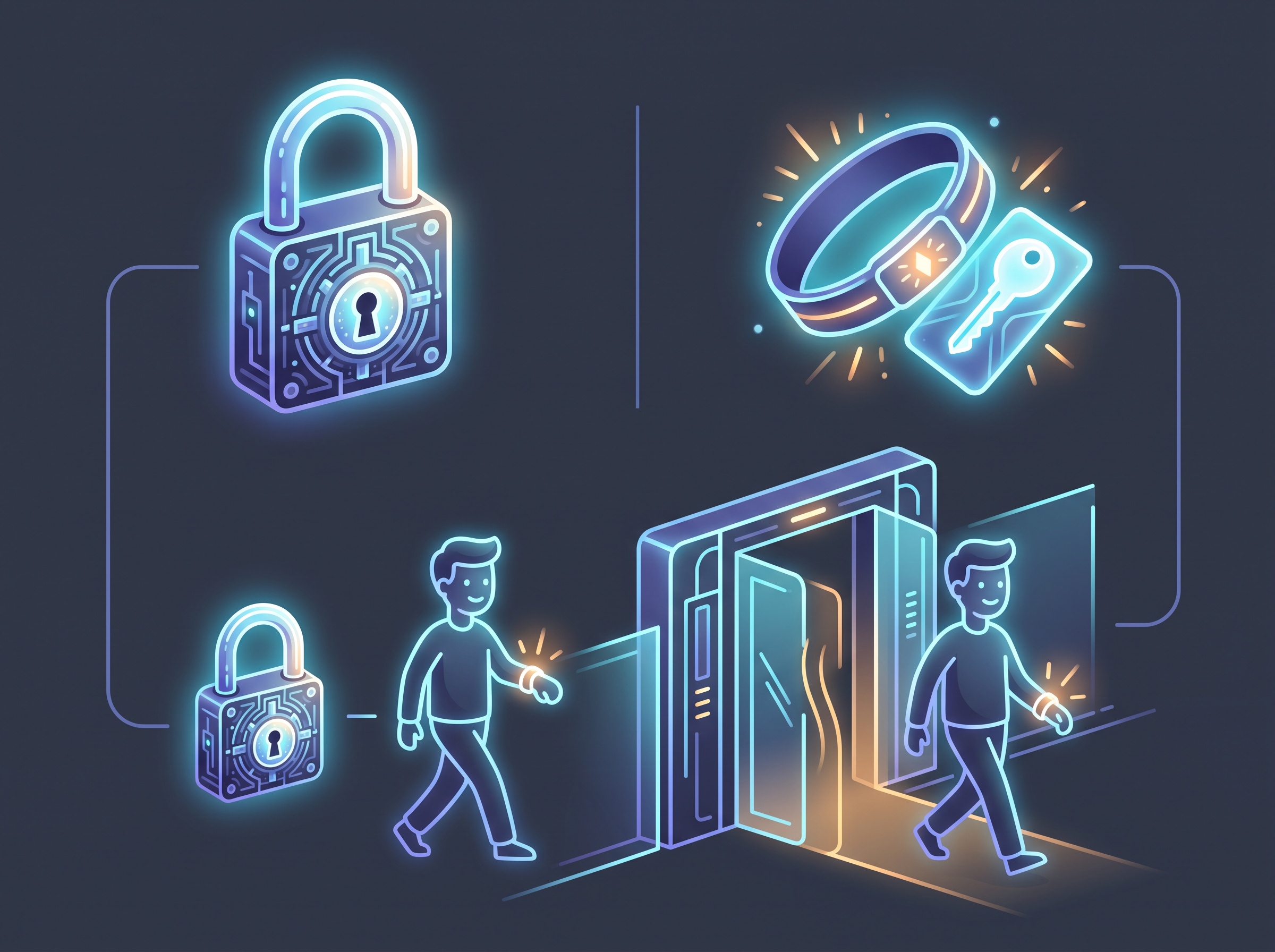
Infostealers don’t kick your door down. They get invited in, usually disguised as something you wanted. The classic delivery routes:
- Pirated software and “cracks.” Cracked apps, keygens, and game mods are the number-one carrier. The crack often does work — and installs a credential thief alongside it.
- Fake installers and updates. A search-ad or lookalike site offering a popular tool, a bogus “your video player needs an update” prompt, a trojanized free utility.
- Sketchy browser extensions. An extension with broad permissions can read cookies and tokens straight out of your browser. Great convenience, terrible blast radius.
- Malicious attachments and links. The old standby, still working fine — a document or link that runs a stealer the moment you open it.
Once it’s running, an infostealer doesn’t target just one account. It sweeps up everything it can find: browser-stored passwords, cookies, and the active session tokens for every service you’re logged into — email, banking, and now your AI subscriptions right alongside them.
The sibling risk developers can’t ignore: leaked API keys
If you build with AI, there’s a second door that gets left open constantly — API keys. Where a stolen session drains your chat subscription, a stolen API key can run up real, metered charges against your account until you notice the bill. The most common ways they leak are almost embarrassingly simple:
- Hardcoding a key directly into your source, then committing it to a repository — sometimes a public one. Automated bots scrape new public commits for keys within minutes.
- Pasting a key into a client-side script where anyone who opens the browser dev tools can read it.
- Leaving keys in shared notebooks, screenshots, or logs that end up somewhere they shouldn’t.
This is the same theme we keep circling back to when using powerful AI tooling — the danger lives at the moment your setup touches the real world, exactly like the permission sprawl we flagged in connecting AI to your Gmail, Slack, and Notion. A credential is only as safe as the least careful place you put it.
How to protect your AI accounts: the practical checklist
The reassuring news is that defending against this doesn’t require expertise — it requires a few consistent habits. Here’s the list, roughly in order of impact.
- Keep your machine clean — this is the whole game. Session theft starts with malware on your device. Don’t run pirated software or cracks, don’t grab tools from random download sites, and be ruthless about browser extensions — install few, from reputable sources, and audit their permissions. Run a reputable, up-to-date antivirus/anti-malware tool.
- Sign out and revoke active sessions after any scare. If you suspect infection — or just want a clean slate — use your AI account’s security settings to log out of all sessions and revoke active devices. That instantly invalidates any token an attacker copied. Then change your password from a device you trust.
- Rotate API keys regularly, and immediately if one might be exposed. Treat keys as disposable. Most providers let you generate and revoke them freely; a rotated key turns a leaked secret into a dead one.
- Never hardcode secrets. Keep API keys out of your source code entirely — load them from environment variables or a secrets manager, and add your secret files to
.gitignoreso they can’t be committed. Scan repos with a secret-detection tool before you push. - Watch your usage and turn on alerts. Set billing limits and enable login/usage notifications where offered. The Claude victims noticed because their usage spiked — you want to be the first to see that, not the last.
- Lock down the device itself. Full-disk encryption, a real login password, and prompt OS updates raise the floor. A stolen or compromised laptop shouldn’t hand over a filing cabinet of live sessions.
None of this is exotic. It’s the same discipline that protects your email and your bank — now extended to the AI tools that have quietly become just as sensitive.

The bigger picture: AI accounts are real accounts now
For a couple of years it was easy to treat an AI chatbot login as low-stakes — who cares if someone reads your prompts? That framing is out of date. Your AI account now holds paid usage worth real money, connected apps with access to your files and inboxes, API keys that spend on your behalf, and often a running history of your work and thinking. It deserves exactly the same care as any other account that can cost you money or leak your data.
Attackers have simply followed the value. The tactics aren’t new — infostealers and session hijacking are old news in the security world — they’ve just been pointed at a fresh, lucrative target. And notice the pattern: this attack, like the hidden-text prompt injection we broke down earlier, doesn’t exploit some deep flaw in the AI. It exploits the human and the environment around it. That’s actually good news, because it means the fix is squarely in your hands.
Frequently asked questions
How are hackers accessing AI accounts without the password? They steal the account’s active session token — the credential your browser holds after you’ve already logged in — using infostealer malware on the victim’s computer. Replaying that token lets them into the account without ever knowing the password.
Does two-factor authentication stop this attack? No. Two-factor authentication protects the login step. A stolen session token represents a session that has already passed login and 2FA, so replaying it doesn’t trigger either check. Strong device security is what stops it.
How did the malware get on victims’ computers? Typically through common infostealer malware delivered via pirated or cracked software, fake installers and updates, malicious browser extensions, or booby-trapped attachments and links. Once running, it harvests saved passwords, cookies, and session tokens for every service the user is logged into.
What should I do if I think my AI account was compromised? From a trusted device, log out of all active sessions and revoke connected devices in your account’s security settings, change your password, rotate any API keys, and run a full malware scan on the computer you normally use. Then watch your usage and billing for anything unfamiliar.
How do developers keep API keys from leaking? Never hardcode keys in source code, load them from environment variables or a secrets manager, keep secret files out of version control with .gitignore, scan repositories for exposed secrets before pushing, and rotate keys on a schedule and immediately after any suspected exposure.
The takeaway
The scary headline — “hackers are draining accounts without passwords” — hides a genuinely manageable problem. The attack depends on two things: malware getting onto your device, and secrets you’ve left lying around. Deny it both. Keep your machine clean, revoke sessions and rotate keys when in doubt, and stop hardcoding credentials, and the whole scheme runs out of oxygen. AI tools are becoming central to how we work, which means the accounts behind them are worth protecting like everything else that matters. Treat them that way, and you get all the upside without handing anyone the keys.
Sources & further reading:
- Hackers are stealing Claude tokens from subscribers (TechCrunch)
- Infostealers are hijacking Claude accounts at users’ expense (Malwarebytes)
Related Reading
- Your AI Agent Can Log In for You – Without Ever Seeing Your Password: How 1Password’s Agentic Autofill Works
- The Shai-Hulud Worm Is Riding AI Coding Assistants Into Company Code: What It Means for You
- Slopsquatting: When Your AI Coding Assistant Invents a Package Name and an Attacker Is Waiting