AI Search Engines That Beat Google: 7 Smart Alternatives for Everyday Research


Traditional search engines are showing their age. While Google still dominates, a new generation of AI-powered search tools is revolutionizing how we find information. These intelligent search engines don’t just return links – they provide direct answers, cite sources, and understand context like a research assistant.

Why AI Search Engines Are Different

Unlike traditional search that shows you a list of links, AI search engines analyze your query, understand the intent, and provide conversational answers with built-in citations. Think of it as having a research librarian who never sleeps.

AI Search Engines That Beat Google — context image

The key advantages include:

  • Direct answers instead of link farming
  • Source citations for fact-checking
  • Follow-up questions for deeper research
  • Context understanding across multiple queries
  • Real-time information synthesis

Top 7 AI Search Tools Worth Using

1. Perplexity AI

Perplexity stands out for its transparency and source citation. Every answer includes clickable references, making it perfect for research projects. The interface is clean, and the Pro version offers advanced models and unlimited searches.

2. You.com

You.com offers three distinct modes: Auto (adapts to your query), Chat (conversational search), and Research (deep analysis). The side-panel SERP-style results complement the AI answers, giving you the best of both worlds.

AI search comparison showing traditional vs intelligent search results

3. SearchGPT by OpenAI

OpenAI’s entry into search combines ChatGPT’s conversational abilities with real-time web data. It excels at complex queries that require reasoning and context understanding.

4. Felo AI

Felo AI specializes in multilingual search and real-time information. It’s particularly strong for international research and breaking news queries.

5. Brave Search

Brave Search now includes AI-powered summarizations while maintaining privacy-first principles. No tracking, no profiling – just intelligent search results.

6. Claude by Anthropic (Web Search)

Claude’s web search capability provides thoughtful, nuanced answers with excellent reasoning. It’s particularly valuable for complex topics requiring analysis.

AI Search Engines That Beat Google — detail image

7. Microsoft Copilot

Integrated with Bing, Copilot offers AI search with Microsoft’s ecosystem integration. Strong for business and productivity queries.

When to Use AI Search vs Traditional Search

AI search engines excel when you need:

  • Quick answers to specific questions
  • Research synthesis from multiple sources
  • Follow-up questions on complex topics
  • Fact-checking with citations
  • Breaking down complicated concepts

Traditional search remains better for:

  • Finding specific websites or brands
  • Shopping and product comparisons
  • Local business information
  • Image and video searches
  • Very recent news (hours old)

Privacy and Accuracy Considerations

While AI search engines offer convenience, consider these factors:

  • Source verification: Always check the cited sources
  • Bias awareness: AI models can reflect training data biases
  • Privacy policies: Some tools store your search history
  • Real-time accuracy: Information can be outdated or misinterpreted

Getting Started

Try Perplexity AI for general research, You.com for comprehensive searches, or SearchGPT for conversational queries. Most offer free tiers, so experiment to find your preferred tool.

The future of search is conversational, intelligent, and contextual. These AI search engines represent the next evolution in how we access information – making research faster, more accurate, and genuinely helpful.

Related Reading

AI Nutrition Coaching Apps: Your Personal Diet Coach That Never Sleeps

Gone are the days when professional nutrition guidance was limited to expensive appointments and rigid meal plans. AI nutrition coaching apps are revolutionizing how everyday people approach healthy eating, offering personalized guidance that adapts to your lifestyle, preferences, and goals in real-time.

These intelligent apps combine the expertise of registered dietitians with machine learning algorithms to deliver nutrition coaching that is available 24/7, costs a fraction of traditional consultations, and gets smarter with every meal you log.

AI Nutrition Coaching Apps — context image

What Makes AI Nutrition Coaching Different

Traditional nutrition advice often follows a one-size-fits-all approach. AI nutrition apps like Welling, Fitia, and others take a fundamentally different approach by analyzing your individual patterns, preferences, and progress to create truly personalized recommendations.

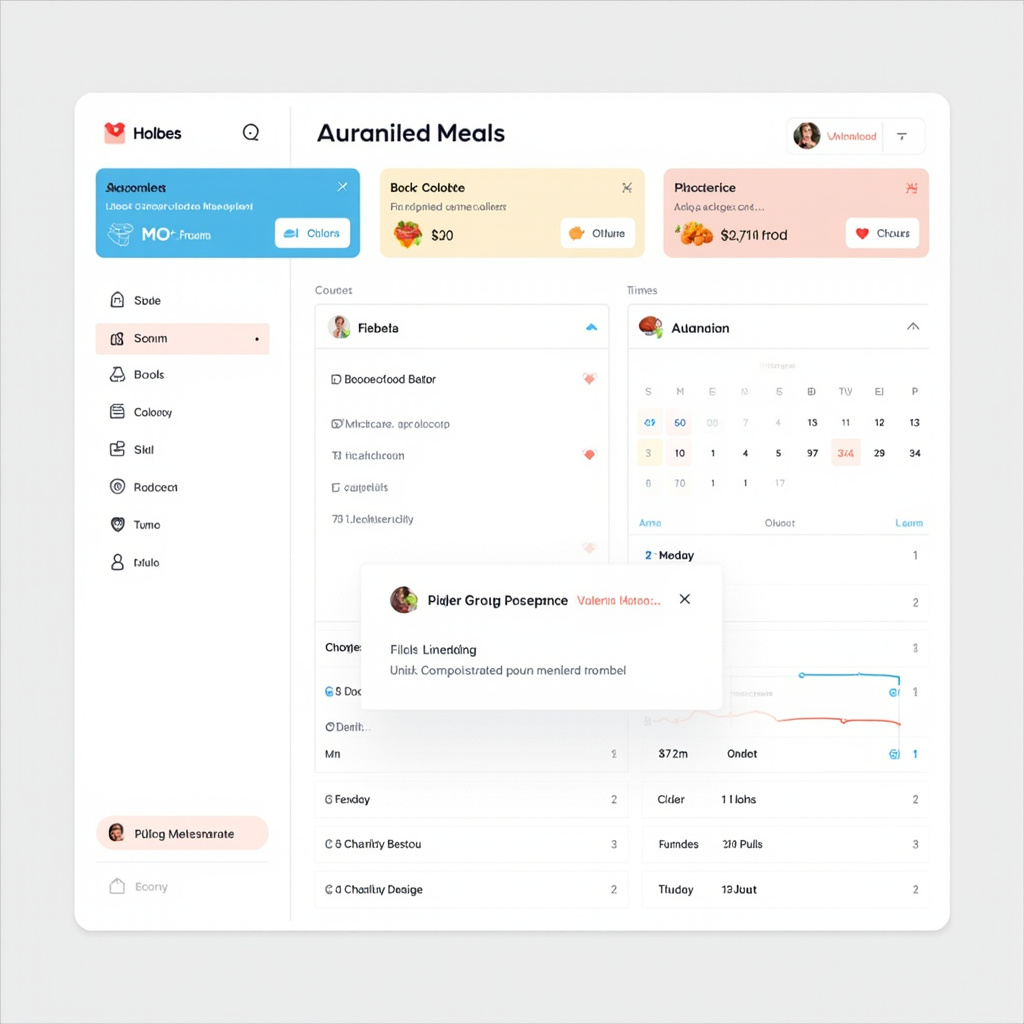
Personalized nutrition dashboard

Here is how AI nutrition coaching works differently:

  • Real-time adaptation: Your meal plan adjusts based on your actual eating patterns, not theoretical ideals
  • Context-aware suggestions: The app considers your schedule, location, and preferences when recommending meals
  • Behavioral learning: AI identifies what motivates you and what derails your progress, then adjusts coaching style accordingly
  • Continuous availability: Get instant feedback on food choices, portion sizes, and nutrition questions anytime

Top Features That Make AI Nutrition Apps Essential

Smart Food Logging

Advanced computer vision allows you to simply photograph your meals for instant nutritional analysis. No more searching through databases or measuring portions manually.

Macro and Micro Tracking

AI apps track not just calories but essential vitamins, minerals, and macronutrient ratios, providing insights that would take hours to calculate manually.

Predictive Recommendations

Based on your eating patterns, these apps can predict what you are likely craving and suggest healthier alternatives that satisfy the same nutritional or psychological need.

Integration with Health Data

Many AI nutrition apps connect with fitness trackers, blood glucose monitors, and health apps to provide holistic wellness guidance.

AI Apps vs. Traditional Nutritionists: The 2026 Reality

AI vs traditional nutrition comparison

While traditional nutritionists offer irreplaceable human insight and clinical expertise, AI apps excel in areas where humans simply cannot compete:

Accessibility and Cost

AI nutrition coaching costs $10-30 per month compared to $75-150 per session with a nutritionist. This makes professional-grade guidance accessible to millions who previously could not afford it.

Consistency and Availability

Your AI coach never has a bad day, never goes on vacation, and is always available when you are making food decisions at the grocery store or restaurant.

Data Processing Power

AI can analyze thousands of data points from your eating history, health metrics, and behavioral patterns to identify subtle trends no human could spot.

Personalization at Scale

While a nutritionist sees patterns across their client base, AI systems learn from millions of users, identifying successful strategies for people with similar profiles to yours.

Getting Started: Choosing the Right AI Nutrition App

The AI nutrition app landscape is rapidly evolving, but here are key factors to consider:

  • Evidence-based approach: Look for apps developed with registered dietitians and backed by nutritional science
  • Data privacy: Ensure the app has strong privacy protections for your health information
  • Integration capabilities: Choose apps that work with your existing health ecosystem
  • Learning style match: Some apps focus on education, others on habit formation – pick what works for you

The Future is Personalized Nutrition

As AI continues advancing, we are moving toward truly personalized nutrition based on your genetic profile, microbiome analysis, and real-time biomarkers. The AI nutrition apps launching in 2026 are just the beginning of a transformation that will make optimal nutrition accessible to everyone.

The question is not whether AI will revolutionize nutrition coaching, but how quickly you will embrace tools that can transform your relationship with food and health. Your personal AI nutrition coach is ready when you are.

Related Reading

AI Meeting Transcription Tools in 2026: Never Miss Another Action Item Again

Gone are the days of frantically scribbling notes during important meetings or struggling to remember what was decided three calls ago. AI meeting transcription tools have revolutionized how we capture, organize, and act on meeting information, turning every conversation into searchable, actionable insights.

Why AI Meeting Transcription Matters More Than Ever

In 2026, the average knowledge worker spends over 15 hours per week in meetings. That’s nearly 40% of their work time. Yet studies show that 67% of meeting participants struggle to remember key decisions and action items just 24 hours later.

AI Meeting Transcription Tools in 2026 — context image

AI meeting transcription tools solve this problem by automatically capturing every word, identifying speakers, and generating intelligent summaries with action items. They’re not just transcribing—they’re understanding context, extracting insights, and helping teams stay aligned.

The Top AI Meeting Transcription Tools Transforming Workflows

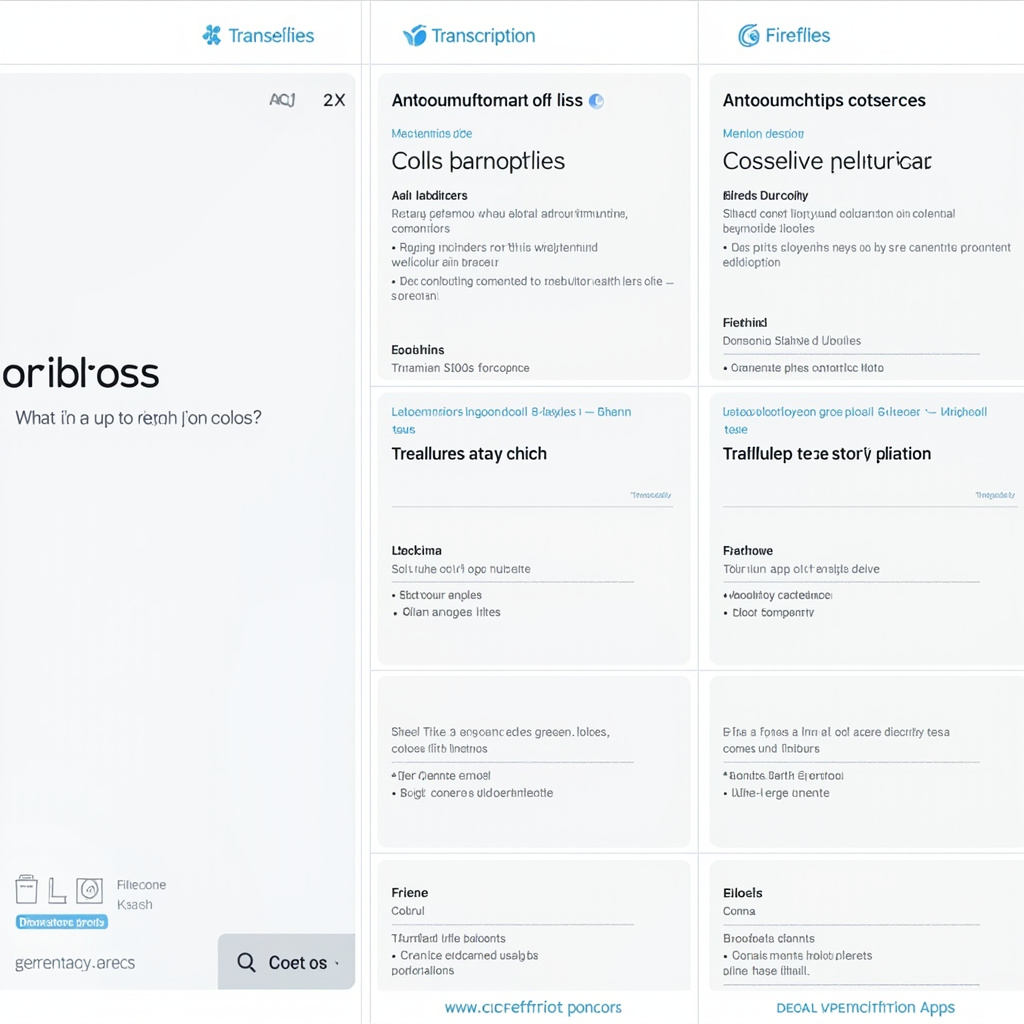
AI meeting transcription tools comparison

1. Otter.ai – The Voice-Activated Meeting Intelligence Platform

Otter.ai has evolved into more than a transcription service. Their 2026 updates include real-time question answering about past meetings and advanced speaker recognition across multiple languages. The platform integrates seamlessly with Zoom, Google Meet, and Microsoft Teams.

Key Features:

  • 98% transcription accuracy in English
  • Live transcription with speaker identification
  • AI-generated meeting summaries with action items
  • Voice-activated search across meeting history
  • Integration with popular calendar and CRM systems

Best For: Teams that need comprehensive meeting intelligence and want to query their meeting history conversationally.

2. Fireflies.ai – The Analytics-Driven Meeting Assistant

Fireflies.ai focuses on meeting analytics and insights. Beyond transcription, it tracks conversation metrics, identifies sentiment, and provides detailed analytics about meeting dynamics.

Key Features:

  • Advanced conversation analytics
  • Sentiment analysis and speaker talk time tracking
  • Custom vocabulary for industry-specific terms
  • Automated CRM updates
  • Team collaboration features

Best For: Sales teams and managers who need detailed meeting analytics and automated CRM workflows.

3. tl;dv – The Video-First Meeting Recorder

tl;dv combines video recording with AI transcription, allowing teams to capture both the conversation and visual context of presentations and demonstrations.

Key Features:

  • HD video recording with timestamp-synced transcripts
  • AI-generated video highlights
  • Multi-platform support (Zoom, Google Meet, Teams)
  • Shareable video clips with automatic transcripts
  • Integration with 50+ productivity tools

Best For: Teams conducting product demos, training sessions, or client presentations where visual context matters.

4. Notta – The Multilingual Meeting Specialist

Supporting 58 languages, Notta excels at transcribing global team meetings and automatically translating content in real-time.

Key Features:

  • Real-time transcription in 58 languages
  • Automatic translation capabilities
  • Mobile app for in-person meeting recording
  • AI-generated slides and infographics
  • Cross-meeting search and insights

Best For: International teams or organizations with multilingual meeting requirements.

Choosing the Right AI Meeting Tool for Your Needs

Person using AI meeting assistant during video call

The best AI meeting transcription tool depends on your specific workflow and requirements:

  • Small teams starting out: Otter.ai’s free tier offers excellent basic functionality
  • Sales organizations: Fireflies.ai’s CRM integration and analytics are unmatched
  • Product teams: tl;dv’s video capabilities capture demos and visual presentations perfectly
  • Global companies: Notta’s multilingual support makes it essential for international collaboration

Getting Maximum Value from AI Meeting Transcription

To maximize the impact of these tools, follow these best practices:

1. Set Clear Meeting Agendas

AI tools work best when meetings have structure. Clear agendas help the AI identify key topics and generate more accurate summaries.

2. Use Speaker Identification Features

Train the AI to recognize team members’ voices for more accurate attribution and better meeting analytics.

3. Review and Edit Transcripts

While AI accuracy is excellent, human review ensures critical details are captured correctly, especially for technical discussions.

4. Integrate with Your Workflow

Connect your meeting tool to project management platforms, CRMs, or note-taking apps to automate follow-up actions.

The Future of AI Meeting Intelligence

2026 represents a turning point for AI meeting tools. Beyond transcription, these platforms are becoming meeting intelligence systems that proactively suggest agenda items, track project progress across conversations, and even predict meeting outcomes based on discussion patterns.

The most successful teams are those that embrace these tools not just for recording meetings, but for transforming how they collaborate, make decisions, and maintain organizational memory. Whether you’re a startup founder juggling investor calls or a project manager coordinating distributed teams, AI meeting transcription tools have become essential infrastructure for modern work.

Start with a free trial of any of these platforms and experience how AI can transform your meeting productivity. The future of work isn’t just about having better meetings—it’s about never losing track of what matters most.

Related Reading

AI Handwriting Recognition Hits 99% Accuracy: The Digital Revolution That Finally Works

Handwriting recognition has been a holy grail of AI for decades, but 2026 is the year it finally delivers. New AI-powered OCR tools are achieving unprecedented 99%+ accuracy rates, transforming how we digitize everything from old notes to business forms.

Gone are the days of painstakingly typing out handwritten documents. Modern AI handwriting recognition tools can now process cursive writing, multiple languages, and even messy doctor notes with remarkable precision.

AI Handwriting Recognition Hits 99% Accuracy — context image

The Breakthrough: From 64% to 99% Accuracy

Traditional OCR systems struggled with handwriting, typically achieving only 64% accuracy on average. The latest LLM-powered solutions have shattered this barrier, with tools like iWeaver AI and HandwritingOCR.co reporting accuracy rates above 99%.

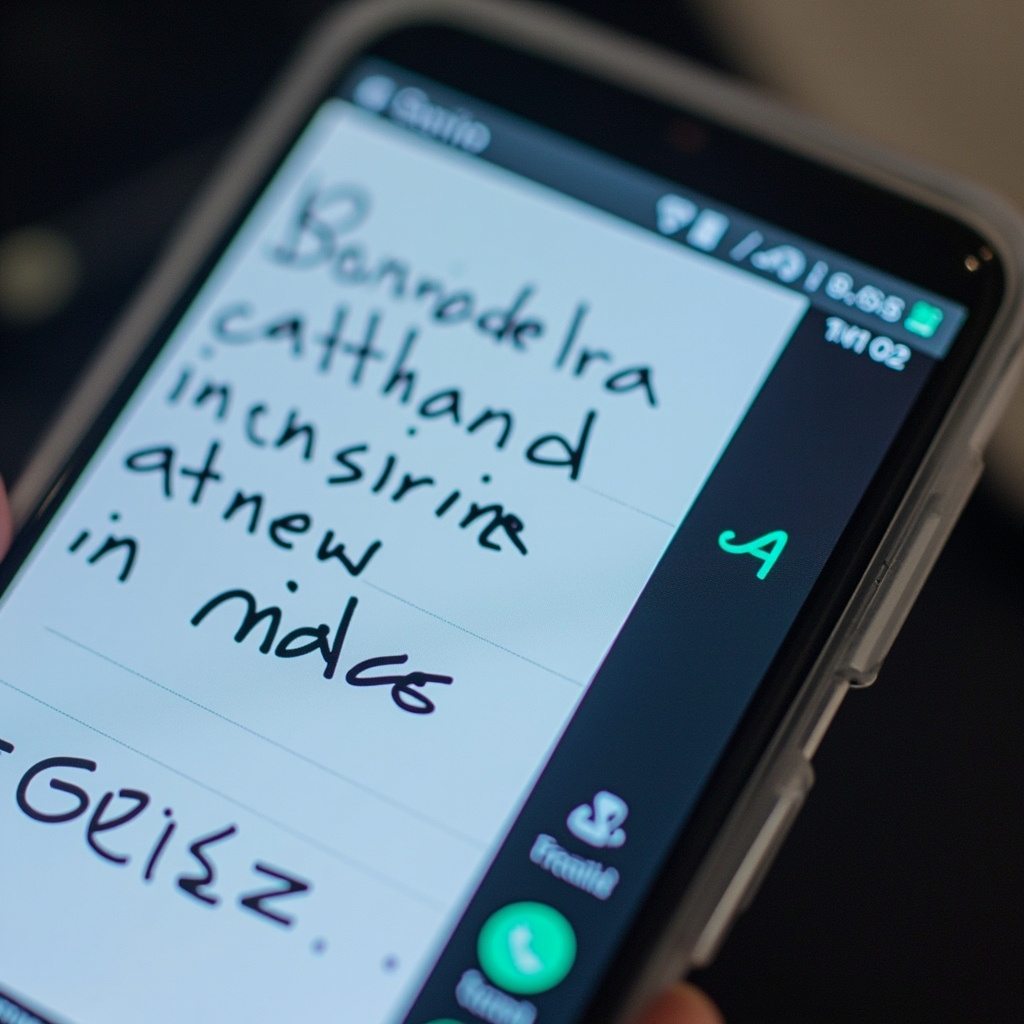
AI handwriting recognition app interface

What changed? Large language models trained on massive datasets can now understand context, predict likely words, and correct errors in real-time. They don’t just read individual letters—they understand meaning.

Top AI Handwriting Tools Transforming 2026

ChatGPT 4o and GPT-5.2

OpenAI’s latest models can analyze handwriting directly from photos. Simply snap a picture of your notes, and ChatGPT can transcribe, summarize, or even provide feedback on your writing style.

HandwritingOCR.co

Launched just days ago, this specialized platform converts handwritten documents into structured spreadsheets and searchable text. Perfect for businesses digitizing forms, surveys, and records.

iWeaver AI

Enterprise-grade handwriting recognition with unmatched accuracy and integration capabilities. Handles multiple languages and can process thousands of documents in batch.

Transkribus

Originally designed for historical documents, Transkribus has evolved into a powerful tool for modern handwriting recognition with custom model training capabilities.

Real-World Applications That Matter

The implications extend far beyond digitizing old notebooks:

  • Healthcare: Instantly digitize patient forms and doctor notes
  • Education: Convert handwritten assignments into searchable text
  • Legal: Process handwritten contracts and legal documents
  • Research: Digitize historical manuscripts and archives
  • Personal: Convert journal entries and meeting notes

Before and after comparison of handwritten document to digital text

How to Get Started Today

The barrier to entry has never been lower. Most AI handwriting tools offer free tiers or trials:

  1. Start simple: Try ChatGPT with a photo of your handwritten notes
  2. For business: Test HandwritingOCR.co with sample forms
  3. Batch processing: Consider iWeaver AI for large-scale digitization
  4. Custom needs: Explore Transkribus for specialized applications

The Future is Handwritten (and Digital)

We’re witnessing the final convergence of analog and digital workflows. AI handwriting recognition isn’t just a convenience—it’s unlocking decades of trapped information in handwritten form.

Whether you’re a student with years of lecture notes, a business with paper forms, or a researcher with historical documents, 2026 is the year to finally make that digital leap. The technology is ready, accurate, and surprisingly affordable.

The revolution in handwriting recognition is here. The only question is: what will you digitize first?

Related Reading

AI Personal Tutoring: The Smart Learning Revolution That’s Making Education Accessible to Everyone

Remember struggling with that one subject in school? The frustration of not understanding despite hours of study? Those days are rapidly becoming history. AI personal tutoring is transforming education by providing every learner with a patient, always-available teacher that adapts to their unique learning style.

The revolution is happening right now, in 2026, with breakthrough AI tutoring platforms that make personalized education accessible to anyone with a smartphone or computer.

AI Personal Tutoring — context image

The Learning Crisis AI Tutoring Solves

Traditional education faces a fundamental challenge: one teacher trying to meet the needs of 20-30 students with different learning speeds, styles, and interests. Even the best teachers cannot provide individualized attention to every student.

Comparison of traditional vs AI tutoring learning experience

Research shows that personalized 1-on-1 tutoring can improve student performance by up to 2 standard deviations – essentially moving an average student to the 98th percentile. The problem? Human tutoring costs $40-100+ per hour, making it accessible only to wealthy families.

AI tutoring changes everything by providing that same personalized experience at a fraction of the cost.

How AI Personal Tutors Actually Work

Modern AI tutors do not just provide answers – they understand learning. Here is what makes them revolutionary:

  • Adaptive Assessment: They continuously evaluate your understanding through your responses, identifying knowledge gaps in real-time
  • Socratic Method: Instead of giving direct answers, they ask guiding questions that help you discover solutions yourself
  • Multiple Learning Modalities: They can explain concepts through text, voice, images, or interactive simulations based on your preference
  • Infinite Patience: Unlike human tutors, AI never gets frustrated, tired, or judges your mistakes
  • 24/7 Availability: Learning does not stop at 3 PM – AI tutors are available whenever inspiration strikes

The Best AI Tutoring Platforms in 2026

Khanmigo (Khan Academy)

Price: Free for Khan Academy users
Best For: K-12 students and general learning
Standout Feature: Ethical AI design with robust safety measures

Khan Academy’s Khanmigo represents the gold standard for educational AI. Built by the trusted nonprofit, it uses the Socratic method to guide learning rather than just providing answers. Students report dramatic improvements in math and science comprehension.

Duolingo Max

Price: $30/month
Best For: Language learning
Standout Feature: GPT-4 powered roleplay conversations

Duolingo Max has revolutionized language learning by adding AI conversation practice. Students can roleplay scenarios like ordering food in Paris or negotiating a business deal in Spanish, with the AI providing real-time feedback and corrections.

Coursera AI-Powered Learning

Price: Free to $300+/month
Best For: Professional skills and university-level courses
Standout Feature: Integration with university curricula

Coursera’s AI enhancement transforms their course catalog into personalized learning paths. The system identifies your strengths and weaknesses, then customizes the pace and focus areas to maximize your success.

Popular AI learning app interfaces and features

TeachMap AI

Price: $20-50/month
Best For: Custom curriculum creation
Standout Feature: Creates personalized learning roadmaps

TeachMap AI excels at creating custom curricula for specific goals. Want to learn web development in 3 months? It creates a day-by-day plan adapted to your schedule and learning style.

Speak AI

Price: $20/month
Best For: English conversation practice
Standout Feature: Real-time pronunciation feedback

Speak AI focuses specifically on speaking practice for English learners. Its advanced speech recognition provides instant feedback on pronunciation, grammar, and fluency.

The Real-World Impact

Early adopters are seeing remarkable results:

  • Sarah, 16: Improved her calculus grade from D+ to A- in one semester using Khanmigo
  • Miguel, 34: Learned conversational German in 6 months with Duolingo Max for his job relocation
  • Priya, 28: Transitioned from marketing to data science using Coursera’s AI-guided learning path

These are not isolated cases. Studies show AI tutoring platforms are achieving learning outcomes comparable to expensive human tutoring at 1/10th the cost.

Getting Started: Your AI Tutoring Action Plan

Step 1: Identify Your Learning Goal
Be specific. Instead of “learn Spanish,” try “have a 10-minute conversation about travel in Spanish.”

Step 2: Start with Free Options
Try Khanmigo for academic subjects or the free tiers of other platforms to find what works for your learning style.

Step 3: Commit to Daily Practice
AI tutoring works best with consistent short sessions (15-30 minutes daily) rather than marathon study sessions.

Step 4: Track Your Progress
Most AI tutors provide detailed analytics. Use these insights to adjust your learning approach.

The Future Is Personal

We are witnessing the democratization of personalized education. For the first time in history, anyone can access the kind of individualized instruction previously available only to the elite.

The question is not whether AI tutoring will transform education – it already is. The question is whether you will take advantage of this revolutionary moment to finally master that subject you have always wanted to learn.

Start today. Your future self will thank you for seizing this opportunity while it is still new, still exciting, and still full of untapped potential.

Related Reading

AI Image Text Translation Tools: Translate Signs, Menus, and Documents While Keeping Original Fonts and Styles

Ever found yourself staring at a foreign menu, street sign, or document, wishing you could instantly understand what it says? AI image text translation tools have revolutionized how we break language barriers, going far beyond simple text translation to preserve the original fonts, colors, and styling of translated content.

These innovative tools don’t just translate words—they maintain the visual integrity of the original design, making translations feel natural and contextually appropriate. Whether you’re traveling, studying foreign documents, or working with international content, these AI-powered solutions can transform how you interact with text in images.

AI Image Text Translation Tools — context image

What Makes AI Image Text Translation Special?

Traditional translation apps require you to manually type text or use basic camera functions that output plain translated text. AI image text translation tools take a completely different approach:

  • Font Preservation: The AI analyzes and maintains the original typography, ensuring translated text matches the source material’s style
  • Color Matching: Original color schemes are preserved, creating seamless visual integration
  • Layout Respect: Text placement and formatting remain consistent with the original design
  • Context Awareness: Advanced algorithms understand visual context to provide more accurate translations

Japanese restaurant sign with AI translation overlay preserving original calligraphy

Top AI Image Text Translation Tools for 2026

Google Nano Banana Pro

Google’s latest image model has become a powerhouse for translation integration. It generates accurate text in multiple languages and can “translate” text inside existing images while preserving font and style characteristics. The tool excels at:

  • Multi-language support with over 100 languages
  • Real-time camera translation
  • Batch processing for multiple images
  • Integration with Google’s ecosystem

ChatGPT’s Conversational Image Generator

Released in March 2025 with major upgrades in December, ChatGPT’s image generator now includes sophisticated translation capabilities. What sets it apart is the conversational approach—you can refine translations using natural language without starting over.

Simply describe what you want: “make the translation more formal,” “adjust the font size,” or “change the color to match the background,” and the AI iterates naturally.

DeepL Visual Translator

Known for its exceptional translation accuracy, DeepL has expanded into visual translation with impressive results. The platform maintains its reputation for nuanced, contextually appropriate translations while adding visual preservation capabilities.

Real-World Applications

These tools are transforming various industries and daily activities:

Travel and Tourism

Tourists can instantly translate restaurant menus, street signs, and transportation information while maintaining the original visual appeal. This creates a more authentic experience compared to plain text translations.

Business and Commerce

International businesses use these tools to localize marketing materials, product packaging, and documentation while preserving brand identity and design elements.

Education and Research

Students and researchers can translate foreign academic papers, historical documents, and technical manuals while maintaining the original formatting crucial for proper understanding.

Technical Challenges and Solutions

AI image text translation faces several complex challenges that 2026’s tools are successfully addressing:

Font Matching and Recreation

Modern AI systems analyze font characteristics including weight, style, serif vs. sans-serif properties, and decorative elements. They then either match existing fonts or generate new ones that maintain visual consistency.

Color Analysis and Preservation

Advanced color analysis ensures that translated text maintains the same visual impact as the original. This includes understanding color contrast ratios for readability and matching gradients or special effects.

Layout and Spacing

Text length varies significantly between languages. AI tools now intelligently adjust spacing, line breaks, and text sizing to accommodate different language requirements while maintaining visual balance.

Modern smartphone showing AI translation interface with original fonts preserved

Privacy and Security Considerations

When using AI image text translation tools, consider these privacy aspects:

  • Data Processing: Some tools process images locally, while others require cloud processing
  • Image Storage: Understand whether your translated images are stored or processed temporarily
  • Sensitive Content: Be cautious when translating documents containing personal or confidential information
  • Offline Capabilities: Some tools offer offline translation for enhanced privacy

Future Developments

The field continues to evolve rapidly with several exciting developments on the horizon:

Real-Time Augmented Reality

Integration with AR glasses and smartphones will enable real-time overlay translations in your field of view, making foreign text instantly understandable without disrupting your natural vision.

Voice Integration

Future tools will combine image translation with text-to-speech capabilities, allowing translated text to be read aloud in natural-sounding voices.

Cultural Context Understanding

Advanced AI will better understand cultural nuances, idioms, and context-specific meanings to provide more accurate and appropriate translations.

Getting Started

Ready to try AI image text translation? Here’s how to begin:

  1. Choose Your Tool: Start with free options like Google Translate’s camera feature or explore premium tools for professional use
  2. Test with Simple Images: Begin with clear, well-lit text to understand the tool’s capabilities
  3. Experiment with Different Languages: Try various language pairs to see which work best for your needs
  4. Adjust Settings: Most tools offer customization options for translation style, formality, and visual preferences

AI image text translation tools represent a significant leap forward in breaking down language barriers while preserving the visual integrity of original content. As these technologies continue to improve, we can expect even more sophisticated solutions that make cross-language communication seamless and natural.

Whether you’re a traveler exploring foreign destinations, a student researching international sources, or a business professional working with global content, these tools offer unprecedented capabilities for understanding and working with text in any language—while keeping it looking exactly as intended.

Related Reading

Baidu DuClaw: The Zero-Setup AI Agent Platform That Lets Anyone Build Automated Assistants in Minutes

Building AI agents used to require technical expertise, server setup, and API configurations. Not anymore. Baidu launched DuClaw in March 2026, a revolutionary zero-deployment platform that brings the power of OpenClaw AI agents to your web browser—no setup, no servers, no API keys required.

What Makes DuClaw Different?

Traditional AI agent platforms force you through a maze of technical hurdles. You need cloud accounts, server configurations, API key management, and often substantial technical knowledge. DuClaw eliminates all of that.

Baidu DuClaw — context image

DuClaw dashboard showing AI agent workflow builder

With DuClaw, you simply:

  • Open your web browser
  • Navigate to the DuClaw platform
  • Start building agents immediately

No installations. No configurations. No technical barriers.

How DuClaw Works

DuClaw runs on Baidu AI Cloud, leveraging the complete OpenClaw framework through a web interface. The platform provides pre-configured access to:

  • Baidu Search – Real-time web information gathering
  • Baidu Baike – Encyclopedic knowledge base access
  • Baidu Scholar – Academic research capabilities
  • Multiple AI models – Supporting various reasoning and language tasks

The genius lies in the “zero-deployment” architecture. Instead of spinning up individual servers for each user, DuClaw uses containerized agent environments that launch instantly when needed.

Who Benefits Most?

DuClaw targets three main groups:

Non-Technical Users

Business professionals, content creators, and everyday users who want AI automation without learning cloud platforms or coding.

Developers Prototyping

Software developers who need to test AI agent concepts quickly before investing in full deployments.

Enterprise Teams

Organizations wanting to experiment with AI agents for specific workflows without IT department involvement.

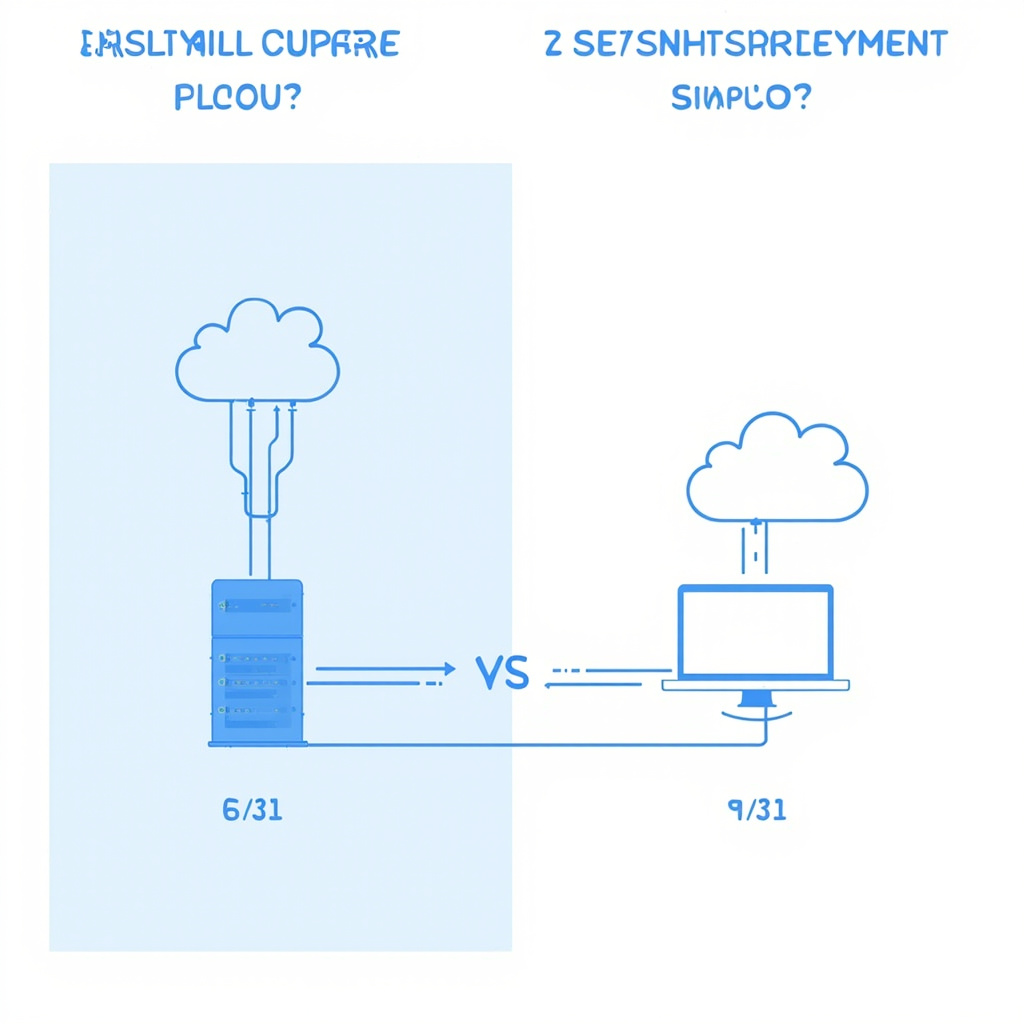
Comparison between traditional server setup and DuClaw instant deployment

Real-World Applications

Early DuClaw users are building agents for:

  • Research automation – Gathering information on specific topics
  • Content monitoring – Tracking mentions and industry news
  • Data analysis – Processing spreadsheets and generating insights
  • Customer support – Handling routine inquiries
  • Social media management – Scheduling and responding to posts

Limitations to Consider

DuClaw isn’t perfect. The zero-setup convenience comes with trade-offs:

  • Limited customization – You’re restricted to Baidu’s pre-configured tools
  • Data residency – Your agent data lives on Baidu’s Chinese servers
  • Integration constraints – Fewer third-party service connections than full OpenClaw deployments
  • Performance limits – Shared infrastructure may impact response times during peak usage

Pricing and Availability

Baidu offers DuClaw through a tiered model:

  • Free tier – 100 agent interactions per month
  • Pro tier – $29/month for 2,000 interactions
  • Enterprise – Custom pricing for unlimited usage

The platform is currently available globally, with English language support rolling out throughout 2026.

The Bigger Picture

DuClaw represents a significant shift in AI accessibility. By removing technical barriers, Baidu is democratizing AI agent technology in a way that could accelerate mainstream adoption.

This move also intensifies competition with Western AI platforms. While OpenAI, Anthropic, and Google focus on model capabilities, Baidu is optimizing for user experience and deployment simplicity.

Should You Try DuClaw?

If you’ve been curious about AI agents but intimidated by the technical requirements, DuClaw offers an excellent entry point. The free tier provides enough interactions to test meaningful automations.

For businesses, DuClaw enables rapid AI experimentation without IT overhead. You can prototype agent workflows, evaluate their impact, and then decide whether to migrate to more robust platforms.

Just remember: convenience often means compromise. DuClaw excels at getting you started quickly, but you may eventually need more flexibility than the platform provides.

Ready to try zero-setup AI agents? DuClaw proves that powerful AI tools don’t always require technical expertise—sometimes they just require smart platform design.

Related Reading

Talk to Your PDFs: 5 AI Chat Tools That Transform How You Read Documents

Reading through long PDFs, research papers, and complex documents doesn’t have to be a slog anymore. AI chat tools now let you have actual conversations with your documents, asking questions and getting instant answers without scrolling through hundreds of pages.

Whether you’re a student tackling research papers, a professional reviewing contracts, or anyone dealing with lengthy documents daily, these AI PDF chat tools can save hours of manual reading time.

Talk to Your PDFs — context image

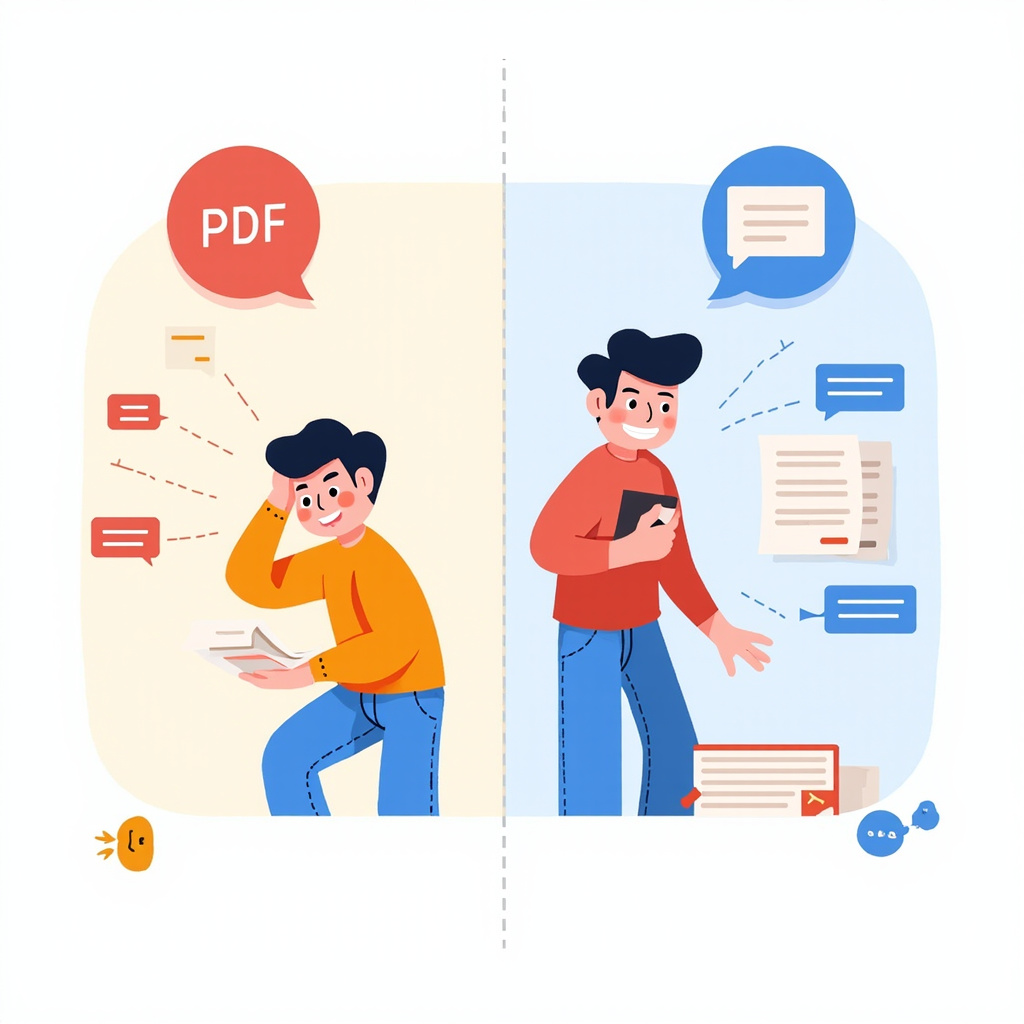
Traditional PDF reading vs AI chat interface comparison

Why AI PDF Chat Tools Matter

Traditional PDF reading forces you to manually scan through pages, trying to find specific information or understand complex concepts. AI chat tools flip this process: instead of you searching the document, you ask the AI specific questions and it finds the answers for you.

Key benefits include:

  • Instant answers: Get specific information without scrolling through pages
  • Smart summarization: Understand key points quickly
  • Cross-referencing: Ask about connections between different sections
  • Language simplification: Get complex concepts explained in plain English
  • Multi-document analysis: Compare information across multiple PDFs

Top 5 AI PDF Chat Tools for 2026

1. ChatPDF – The Original Pioneer

ChatPDF started the PDF conversation revolution and remains one of the most reliable options. Upload any PDF and immediately start asking questions about its content.

Best for: Academic research, quick document analysis
Free plan: 2 documents per day
Paid plan: Unlimited documents with ChatPDF Plus

2. PDF.ai – Enterprise-Grade Features

PDF.ai offers more advanced features including document comparison, batch processing, and detailed citation tracking. Perfect for professional use cases.

Best for: Business documents, legal contracts, technical manuals
Free plan: Limited queries per month
Pricing: Starts at $9/month for unlimited access

3. AskYourPDF – Multi-Format Support

Beyond PDFs, AskYourPDF handles Word documents, PowerPoint presentations, and even web pages. Great for users working with diverse document types.

Best for: Mixed document workflows, content creators
Free plan: 5 documents per day
Features: Browser extension, mobile app available

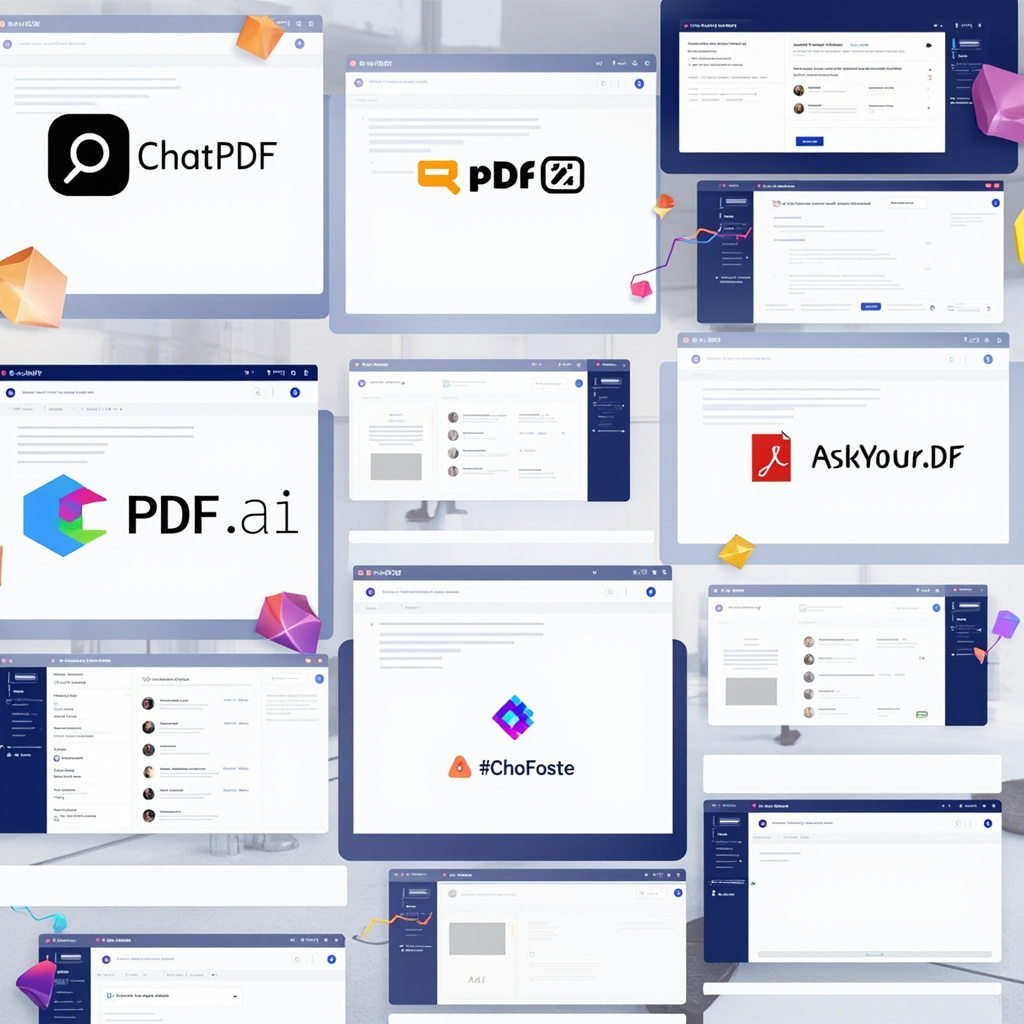
Collection of AI PDF chat tool interfaces

4. Smallpdf AI Chat – Swiss Precision

From the makers of the popular Smallpdf toolkit, this AI chat feature integrates seamlessly with their existing PDF editing and management tools.

Best for: Users already in the Smallpdf ecosystem
Free plan: Basic chat features included
Integration: Works with Smallpdf’s editing and conversion tools

5. Humata AI – Research-Focused

Specifically designed for researchers and academics, Humata AI excels at analyzing research papers, generating citations, and connecting ideas across multiple documents.

Best for: Academic research, literature reviews
Features: Citation generation, research summaries
Pricing: Free tier with usage limits, paid plans for heavy users

Choosing the Right Tool for You

Your best choice depends on your specific needs:

  • Students and researchers: ChatPDF or Humata AI for academic work
  • Business professionals: PDF.ai for advanced features and security
  • Casual users: AskYourPDF for its versatility and free tier
  • Existing Smallpdf users: Smallpdf AI Chat for seamless integration

Getting Started Tips

To get the most out of AI PDF chat tools:

  1. Start with specific questions: Instead of asking “What is this document about?”, try “What are the main conclusions about climate change impacts?”
  2. Use follow-up questions: Build on previous answers to dive deeper into topics
  3. Ask for summaries: Request bullet-point summaries of complex sections
  4. Cross-reference information: Ask the AI to find connections between different parts of the document
  5. Request clarification: If something isn’t clear, ask the AI to explain it in simpler terms

The Future of Document Reading

AI PDF chat tools represent a fundamental shift in how we interact with written information. Instead of passive reading, we can now have active conversations with our documents, making research and analysis more efficient and engaging.

As these tools continue improving with better AI models and more features, they’ll become essential for anyone who regularly works with documents. The question isn’t whether to adopt them, but which one fits your workflow best.

Try one of these tools with your next lengthy document – you might be surprised how much time you save and how much more you understand.

Related Reading

Voice Cloning Revolution: 7 AI Tools That Let Anyone Clone Voices in Under 10 Minutes

Voice cloning technology has exploded in 2026, transforming from a complex, expensive process into something anyone can do with just a few minutes of audio. Whether you’re a content creator, business owner, or just curious about AI, these cutting-edge voice synthesis tools are making personalized audio more accessible than ever.

The Voice Cloning Revolution

Just a year ago, creating a convincing voice clone required hours of professional recording and thousands of dollars. Now, breakthrough models like Fish Speech V1.5 and XTTS-v2 can clone your voice with as little as 6 seconds of audio across 17 languages. This isn’t science fiction—it’s happening right now, and the results are remarkably convincing.

Voice Cloning Revolution — context image

Person recording voice sample with professional microphone and laptop showing voice cloning interface

The technology behind modern voice cloning uses advanced neural networks that analyze unique vocal characteristics including tone, pitch, accent, speaking patterns, and emotional inflection. These AI models then generate new speech that maintains the speaker’s distinctive voice while saying completely new words and sentences.

Top Voice Cloning Tools for Everyday Users

ElevenLabs

Leading the consumer market, ElevenLabs offers studio-quality voice cloning with remarkable emotion control. Their platform supports over 70 languages and provides both instant voice cloning and professional voice design tools. The free tier gives you enough credits to experiment, while paid plans unlock commercial usage rights.

Fish Audio

Fish Audio has become the go-to platform for creators seeking professional-grade text-to-speech with voice cloning capabilities. Their Fish Speech V1.5 model delivers exceptional quality with minimal input requirements, supporting 8 languages with over 2 million pre-built voices in their library.

Uberduck

Known for making voice synthesis accessible to everyone, Uberduck offers free AI voice cloning alongside their extensive library of celebrity and character voices. Their user-friendly interface makes it perfect for beginners who want to experiment without technical complexity.

Open Source Powerhouses

The open-source community has made tremendous strides in 2026, with several models now rivaling commercial offerings:

  • XTTS-v2: Supports voice cloning across 17 languages using just 6 seconds of reference audio
  • CosyVoice2-0.5B: Delivers exceptional quality with efficient computational requirements
  • IndexTTS-2: Offers real-time voice generation with impressive naturalness
  • Qwen3-TTS: Gaining attention for multilingual support and minimal reference audio needs

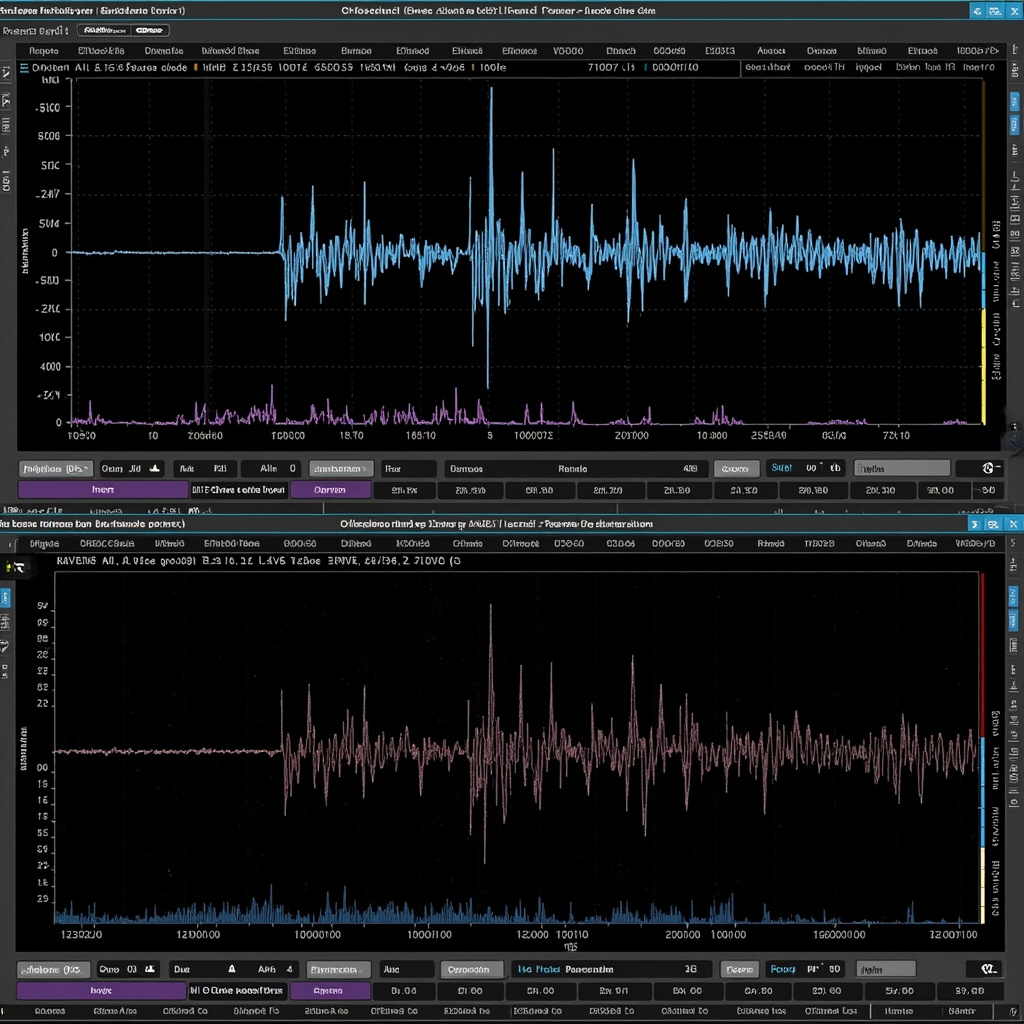
Side-by-side comparison of original voice waveform and AI-generated voice clone waveform

Real-World Applications

Voice cloning isn’t just a novelty—it’s solving real problems across industries. Content creators use it for consistent narration across long-form content. Businesses leverage it for personalized customer communications at scale. Individuals with speech disabilities can preserve their natural voice even as their condition progresses.

Podcast producers are using voice cloning for multilingual versions of their shows, while audiobook publishers can maintain narrator consistency even when recording sessions are months apart. The technology is also enabling new forms of accessibility, helping people communicate in their own voice even when they can’t physically speak.

Ethical Considerations and Best Practices

With great power comes great responsibility. The same technology that enables amazing creative possibilities also raises important ethical questions. Always obtain explicit consent before cloning someone’s voice, clearly disclose when synthetic voices are being used, and respect intellectual property rights.

Most reputable platforms now include built-in safeguards against misuse, requiring voice verification for cloning and implementing detection mechanisms for unauthorized usage. As users, we must use these tools responsibly and transparently.

Getting Started Today

Ready to try voice cloning yourself? Start with a free platform like Uberduck or ElevenLabs to understand the basics. Record 30-60 seconds of clear, varied speech in a quiet environment. Most tools work best with conversational tone rather than monotone reading.

For professional applications, consider Fish Audio or investing in ElevenLabs’ paid tiers for higher quality and commercial licensing. If you’re technically inclined, explore open-source options like XTTS-v2 for complete control over your voice models.

The voice cloning revolution is just beginning. As these tools continue improving and becoming more accessible, we’re entering an era where personalized, high-quality synthetic speech will become as common as written text. The question isn’t whether voice cloning will change how we communicate—it’s how quickly you’ll adapt to this new reality.

Related Reading

Google Personal Intelligence Now Free: How to Turn Gemini Into Your Personal AI Assistant

Google just made its most powerful AI feature available to everyone. Personal Intelligence, which connects Gemini to your Gmail, Google Photos, YouTube history, and Search data, became free for all US users on March 17, 2026. This isn’t just another AI update—it’s the transformation of Gemini from a generic chatbot into a truly personal assistant.

What Is Google Personal Intelligence?

Personal Intelligence is Google’s answer to making AI assistants actually useful in your daily life. Instead of giving you generic responses, Gemini can now access your personal data across Google’s ecosystem to provide personalized, contextual answers.

Google Personal Intelligence Now Free — context image

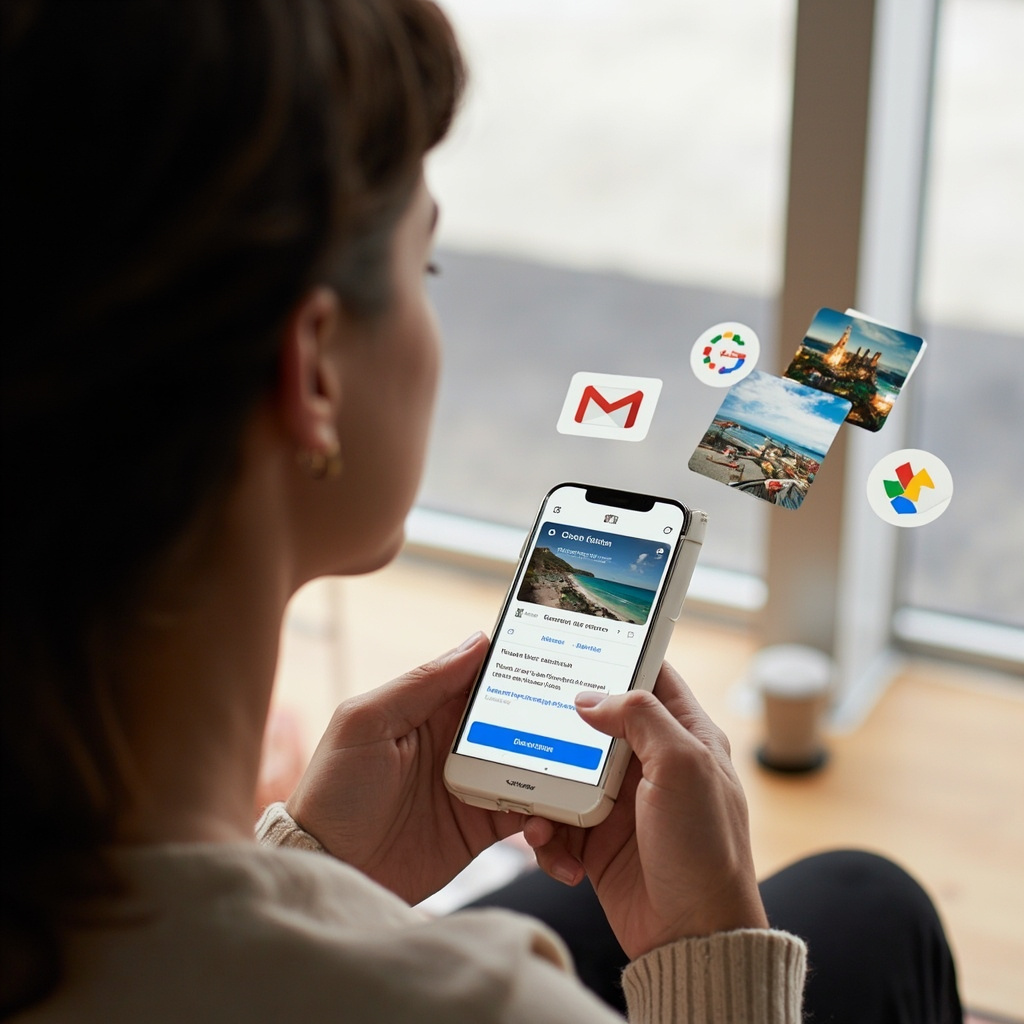
Person using Gemini with connected Google apps

The feature connects four key Google services:

  • Gmail – Access your emails for travel confirmations, receipts, and important information
  • Google Photos – Find specific images and use visual context from your photo library
  • YouTube – Reference your watch history and preferences
  • Search – Build on your previous searches and interests

Real-World Examples That Actually Matter

Google’s own example perfectly illustrates the power: A parent needed new tires for their 2019 Honda minivan while standing at the tire shop. Instead of searching for generic tire specifications, Gemini:

  • Pulled the exact tire size for their specific vehicle
  • Suggested options based on their family road trips found in Google Photos
  • Provided ratings and prices for different tire types
  • Retrieved their license plate number from a photo when needed at the counter

This isn’t about showing off—it’s about saving time and reducing friction in everyday situations.

Privacy: What You Need to Know

Google built Personal Intelligence with privacy controls at the center:

  • Opt-in only – The feature is off by default and requires your explicit permission
  • Selective connections – Choose which apps to connect (you can link Photos but not Gmail, for example)
  • Data stays with Google – Your information doesn’t get sent to third-party services
  • Training limitations – Gemini doesn’t train directly on your personal emails or photos
  • Easy controls – Turn off connections or delete chat history anytime

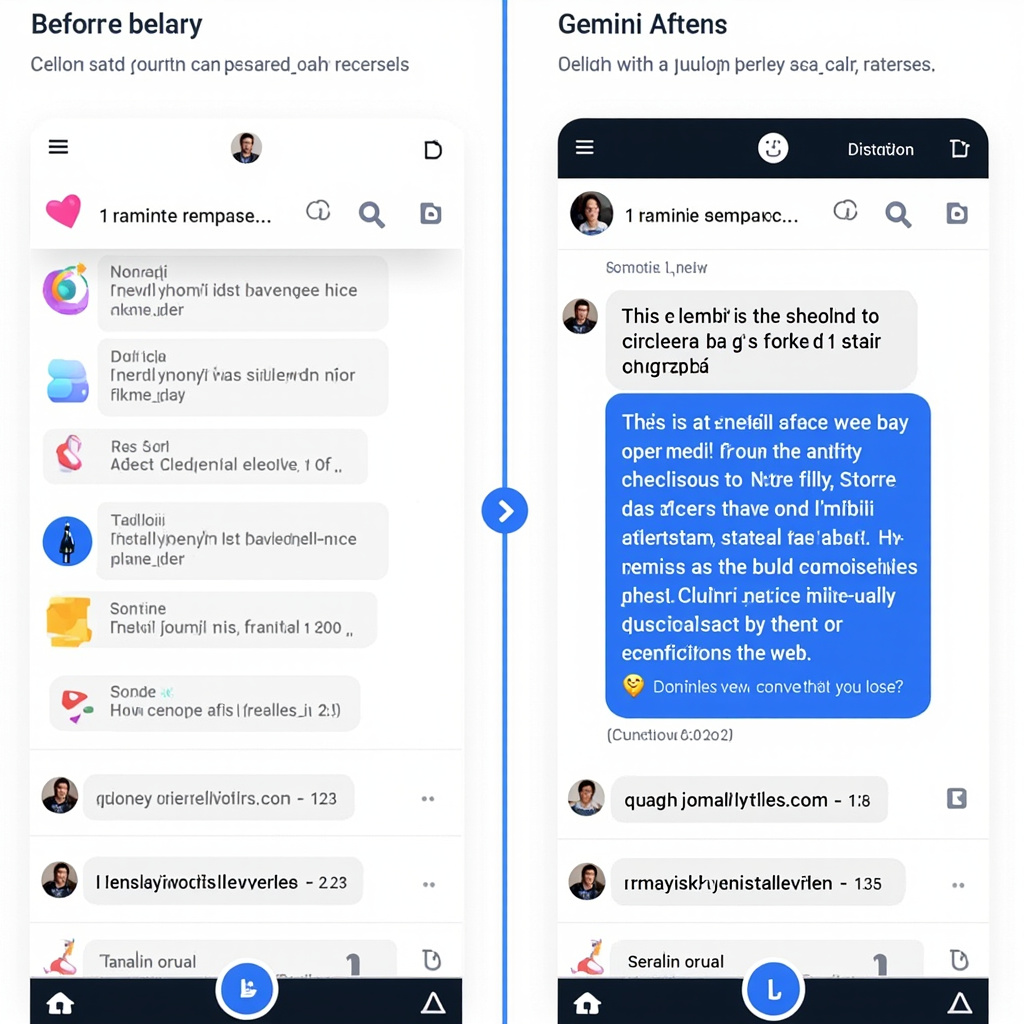
Comparison of generic vs personalized AI responses

How to Enable Personal Intelligence

Setting up Personal Intelligence takes less than a minute:

  1. Open the Gemini app or visit gemini.google.com
  2. Look for the Personal Intelligence invitation on the home screen, or go to Settings
  3. Tap “Personal Intelligence”
  4. Select “Connected Apps”
  5. Choose which Google services to connect (Gmail, Photos, YouTube, Search)
  6. Confirm your choices

The feature works across web, Android, and iOS, and with all Gemini models in the model picker.

Current Limitations and Future Potential

Personal Intelligence is still in beta, and Google acknowledges some current issues:

  • Over-personalization – Sometimes makes connections between unrelated topics
  • Timing confusion – May struggle with relationship changes or life updates
  • Nuance gaps – Might miss subtle context (like why you’re at a golf course regularly)

But the potential is enormous. This represents the shift from AI as a search tool to AI as a genuine personal assistant that understands your context, preferences, and needs.

Why This Matters for Everyday Users

Personal Intelligence addresses the biggest complaint about AI assistants: they don’t know you. Generic responses are fine for general questions, but they fall short when you need help with your specific situation, preferences, or context.

With Personal Intelligence enabled, Gemini becomes the AI assistant that can:

  • Help plan trips based on your actual interests and past experiences
  • Find specific information buried in your emails
  • Suggest content based on what you’ve actually enjoyed
  • Remember your preferences and apply them consistently

Google Personal Intelligence represents a major step toward AI that’s genuinely useful in daily life. It’s not perfect yet, but for the first time, we have an AI assistant that can access the context it needs to actually help you—not just provide generic information you could have Googled yourself.

The feature is rolling out to all US users over the next week. If you don’t see it yet, check back in a few days. When it arrives, take five minutes to set it up—it might just change how you think about AI assistants.

Related Reading