What Is RAG? How AI Assistants Look Things Up Before They Answer

You have almost certainly caught an AI chatbot making something up — a confident, well-worded answer that turns out to be flat wrong. There’s a name for the fix that most serious AI tools now use to stop that from happening, and if you understand it, you’ll understand why some AI answers can be trusted and others can’t. It’s called RAG.
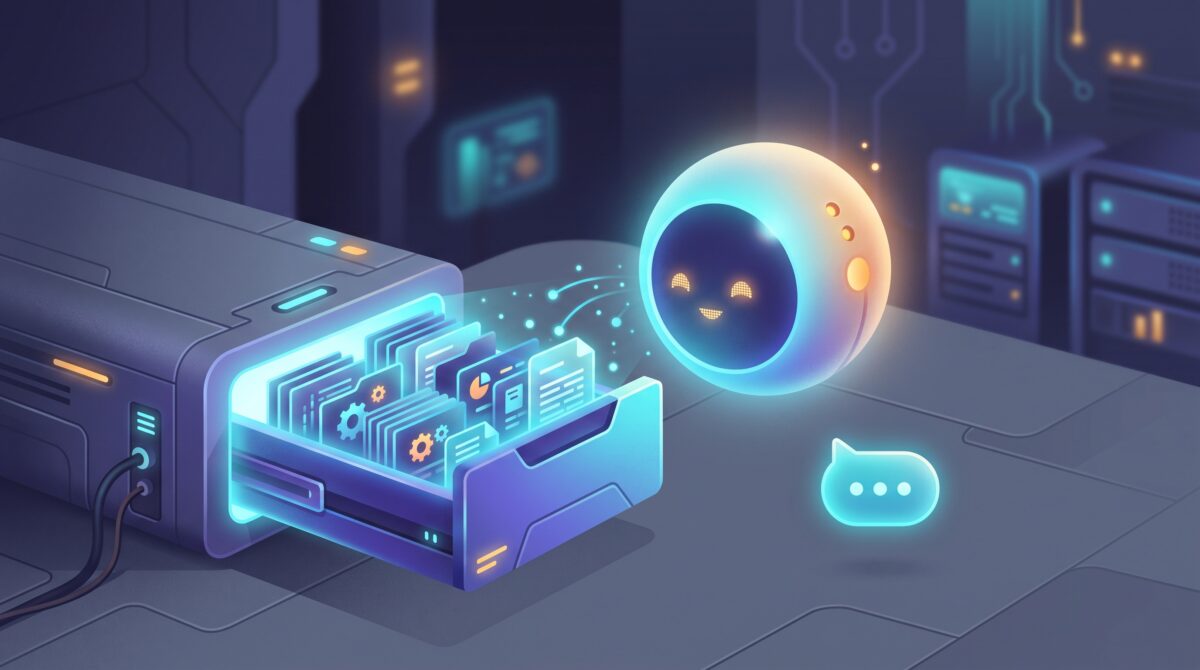
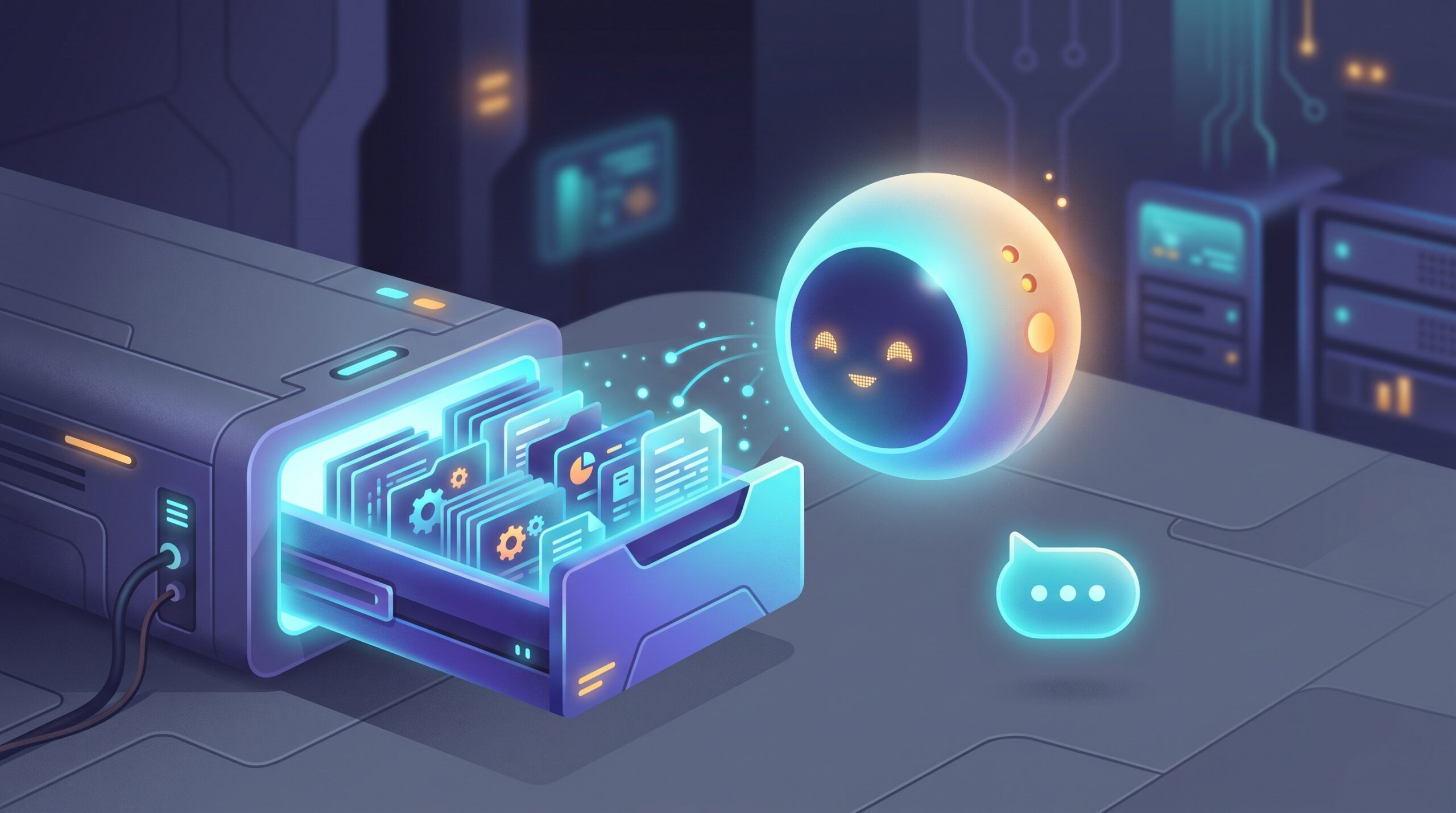
Here’s the direct answer: RAG stands for Retrieval-Augmented Generation, and it’s the technique of having an AI look things up in a real set of documents before it writes its reply — instead of answering purely from what it happens to remember. Think of the difference between a student answering an exam question from memory versus one who’s allowed to open the textbook, find the right page, and answer from that. RAG is the open-book version, and it’s quietly running behind a huge amount of the AI you already use.
Why a Chatbot Needs to Look Things Up
A large language model like the one inside ChatGPT or Claude is, at heart, a very sophisticated pattern-completer. It learned from a giant snapshot of text, and then that snapshot froze. That creates two everyday problems.
First, its knowledge has a cutoff date, so it doesn’t know what happened last week — or what’s in the report you finished this morning. Second, when it doesn’t actually know something, it will often produce a fluent, plausible guess rather than admit the gap. That’s the behavior people call a “hallucination,” and it’s not a bug you can scold out of the model — it’s baked into how it works.
RAG sidesteps both problems by changing the question. Instead of asking the model “what do you remember about this?”, it asks “here are the relevant documents — now answer using these.” Suddenly the AI isn’t relying on frozen memory; it’s reading from a live, specific source.
How RAG Actually Works, in Four Steps
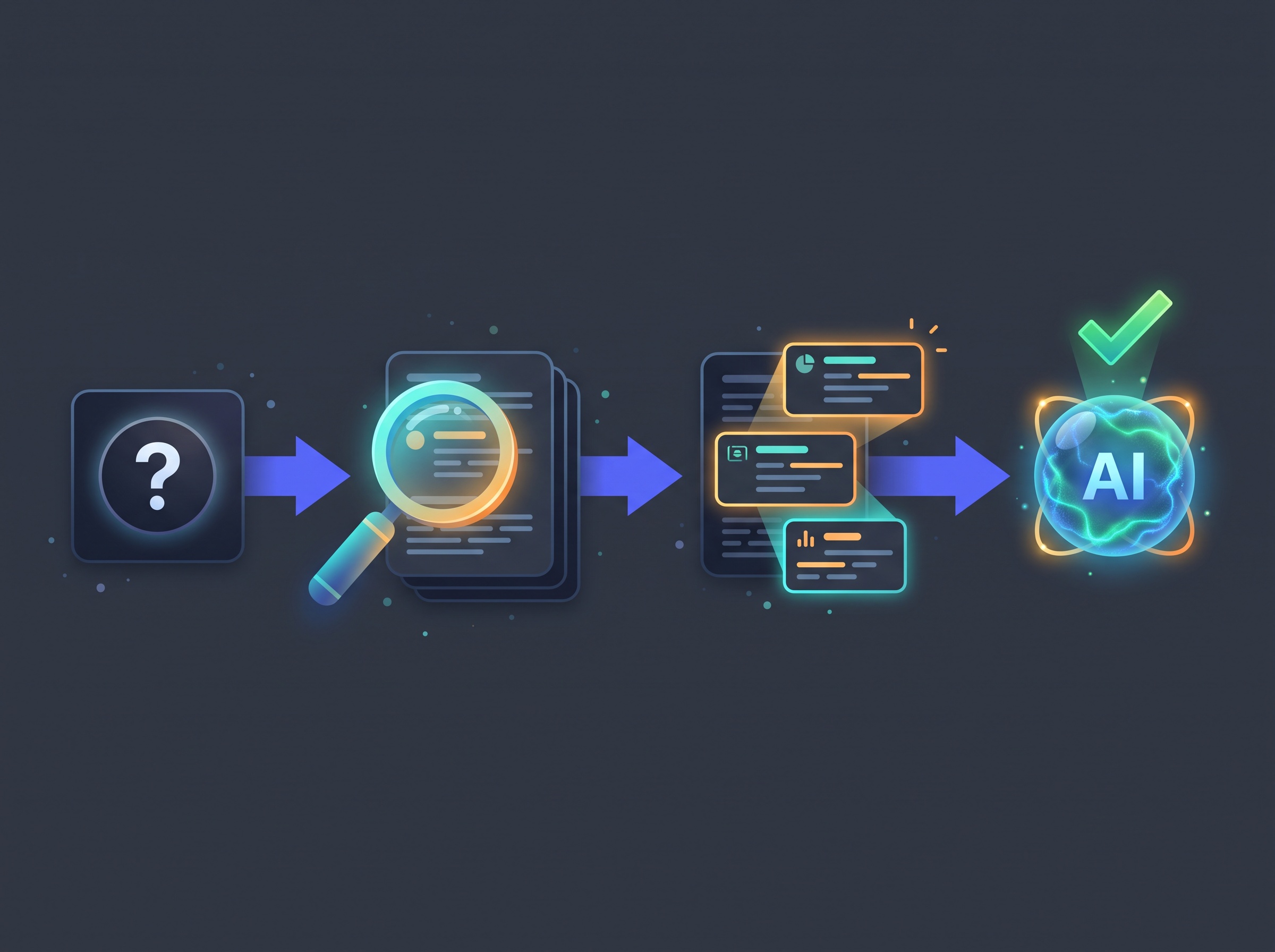
Under the hood it sounds technical, but the shape of it is simple. When you ask a RAG-powered assistant a question, this happens in the second or two before you get an answer:
- 1. Your question becomes a search. The system takes what you asked and uses it to search a collection of documents — a company’s help articles, your personal files, a knowledge base, whatever it’s connected to.
- 2. It finds the most relevant chunks. Those documents were sliced into bite-sized passages ahead of time and indexed by meaning, not just keywords. So a question about “time off” can surface a passage titled “vacation policy” even if your exact words never appear in it.
- 3. It pulls those snippets into the prompt. The handful of most relevant passages get quietly attached to your question, out of sight.
- 4. The model answers using them. Now the AI writes its reply grounded in that real, retrieved text — and good implementations will even cite which passage each claim came from.
That step-two magic — matching by meaning rather than exact words — is called semantic search, and it relies on turning text into numerical “embeddings.” You don’t need to know the math; you just need to know that it’s why RAG can find the right paragraph even when you phrase things loosely.
Where You’ve Already Used RAG Without Knowing It
This isn’t a lab concept — it’s in the tools on your phone right now. When ChatGPT browses the web to answer a current-events question, that’s RAG: search, retrieve, then answer. When a company’s support bot answers from that company’s own help docs, that’s RAG. When Microsoft Copilot answers a question about a document in your own OneDrive, or Notion AI answers from your workspace, that’s RAG too.
The tell is always the same: the AI is suddenly accurate about something specific and recent that no general-purpose model could possibly have memorized. That’s not a smarter brain — it’s a brain that was handed the right page.
RAG is also the natural partner to the other big shift in AI assistants: letting them act, not just talk. We broke down that side of the story in our plain-English explainer on MCP, the standard that lets AI assistants actually do things. RAG is how an assistant knows things; MCP is how it does things. Together they turn a chatbot into something genuinely useful.
Pointing RAG at Your Own Stuff
Here’s where it gets personal. The documents RAG searches don’t have to be someone else’s — they can be yours. Your notes, your contracts, the manual for the machine in your garage, three years of meeting minutes. Feed those in, and you get an assistant that answers from your world instead of the internet’s.
Even better, you can do this privately. Running a model on your own computer means your files never leave your desk — the approach we walked through in our beginner’s guide to running your own private AI offline with Ollama and LM Studio. Bolt RAG onto a local model and you’ve built a genuinely private research assistant for your own documents, with no meter running and nothing shipped to a cloud.
It’s worth clearing up one point of confusion: RAG is not the same as an AI “remembering” you across chats. That memory feature — which we covered in our guide to how ChatGPT, Claude, and Gemini remember you — stores a few facts about your preferences. RAG is a much bigger, on-demand lookup into a whole library. Different jobs, often used together.

The Honest Limits
RAG is powerful, not magic, and it’s worth knowing where it strains. The biggest one: it can only be as good as what it retrieves. If the right document isn’t in the collection, or the search grabs the wrong passage, the AI will confidently answer from bad material. Garbage in, garbage out — just faster and more articulate.
There’s also a security wrinkle. Because RAG feeds retrieved text straight into the model, a booby-trapped document can smuggle in hidden instructions the AI then obeys — a trick we explained in our piece on the hidden text that can hijack your AI assistant. If you’re pointing RAG at documents from strangers, treat what comes back with the same caution you’d give any untrusted source.
And it’s not a substitute for judgment. A RAG answer with citations is easier to verify — but you still have to click through and check, especially when the stakes are real.
Why This Matters for How You Use AI
Once you know RAG exists, you start using AI more wisely. When an answer really matters, reach for a tool that can look things up and show its sources — a browsing chatbot, a docs-connected assistant, a RAG setup over your own files — rather than one answering from frozen memory. And when an AI cites a source, actually glance at it; that link is the whole point.
The trajectory here is clear and genuinely good for regular people: AI is shifting from a confident know-it-all to a diligent researcher that opens the book before it speaks. That’s the version worth trusting with your work — and now you know the three letters that make the difference.

Sources & further reading:
Related Reading
- Your AI Chats Can End Up on Google: How to Share Links Safely and Keep Conversations Private
- The Hidden Text That Can Hijack Your AI Assistant — And How to Stay Safe
- AI Agents for Everyday Users: How to Set Up Your First Automated Assistant in 2026