Make AI Actually Remember You: A 2026 Guide to Memory in ChatGPT, Claude, and Gemini

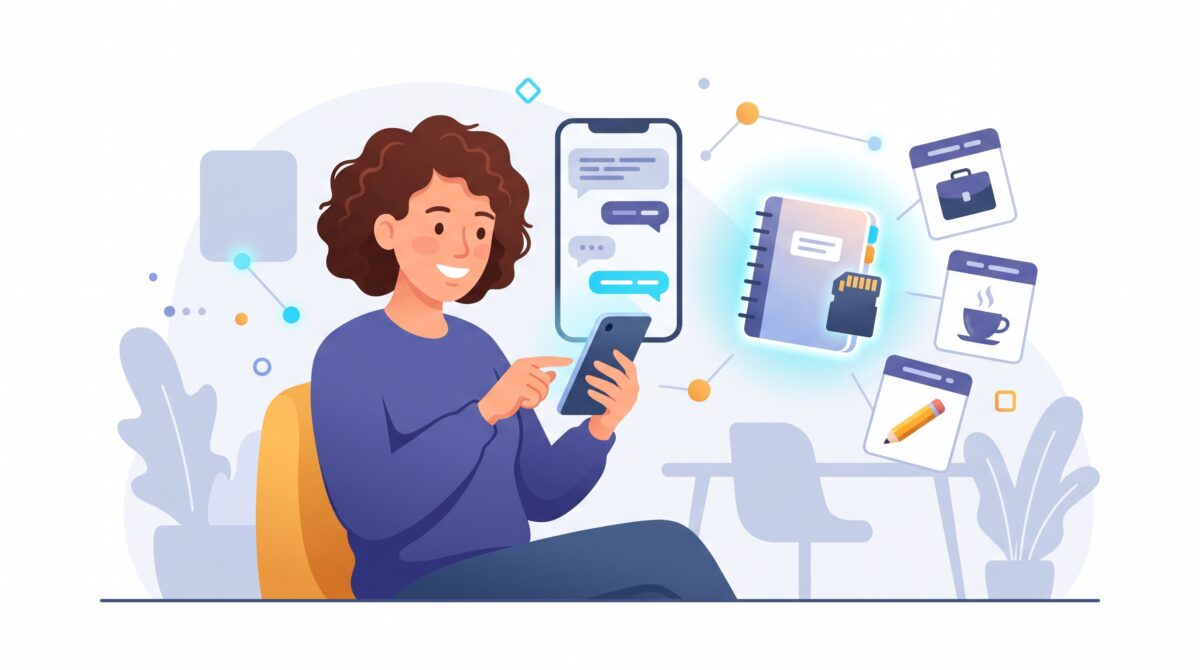
For years, talking to an AI chatbot was a bit like meeting a very smart colleague with amnesia. Every conversation started from a blank page. You re-explained your job, your project, the tone you wanted, the fact that you hate corporate jargon, and then you did it all again the next morning. Helpful, but exhausting.
That era quietly ended in 2026. ChatGPT, Claude, and Gemini all learned to remember you between chats: your name, what you do, the projects you keep coming back to, and how you like your answers. Used well, it turns a generic tool into something closer to an assistant who already knows how you work. Used carelessly, it turns into a cluttered notebook full of half-true facts about your life. Here is how to get the good version.
What “AI memory” actually means (and what it does not)
Memory is simply a short set of facts the assistant stores about you, separate from any single conversation, and reuses later. Tell it once that you want brief answers with no fluff, or that you run a small bakery, and it will fold that in next week without being reminded. It does not save every word you have ever typed. It keeps condensed notes: your role, your preferences, your ongoing work.
It helps to keep three things straight, because people constantly mix them up:
- The context window is the assistant’s working memory inside one chat. It is everything said so far in that conversation. It is limited, so in a very long thread the earliest details can fall off the back and get forgotten.
- Memory is the layer that survives across chats. When something matters beyond a single conversation, it gets saved as a short note and carried forward.
- Training is a different thing entirely. Whether your chats are used to improve the underlying model is a separate setting from whether the assistant remembers you, and every provider handles the two differently. Turning memory on does not automatically hand your life over to the training pipeline.
Why this quietly changes how the tools feel
The difference is not flashy, which is exactly why it is easy to underrate. One engineering write-up early in 2026 estimated that people were burning something like 15 to 25 percent of their time with AI just re-establishing context, restating who they are and what they are working on. Memory hands that time back.
In practice it means you can say “draft the usual weekly update” and the assistant already knows what “the usual” looks like. You can ask for “an email in my voice” without pasting three old emails as examples first. The gains are mundane in the best way: less repetition, fewer preambles, more just getting to the point.
How to switch it on and steer it in ChatGPT
ChatGPT works with two moving parts. There are saved memories, the facts you explicitly ask it to remember, and a broader ability to reference your past chats. You will find both under Settings, in the Personalization section, where you can toggle memory on or off and open a plain list of everything it currently believes about you.
Two habits make it sing. First, be deliberate: say “remember that I prefer metric units” or “remember I am allergic to shellfish,” and it files that as a durable note. Second, tidy up occasionally. OpenAI added a background feature (nicknamed “Dreaming”) that curates your memory over time and updates entries as your life moves on, quietly revising “planning a trip to Singapore” into “went to Singapore” after the fact. It is clever, but it is not a mind reader, so it pays to open that list yourself now and then and delete anything wrong or outdated.
Claude and Gemini: same idea, different personalities
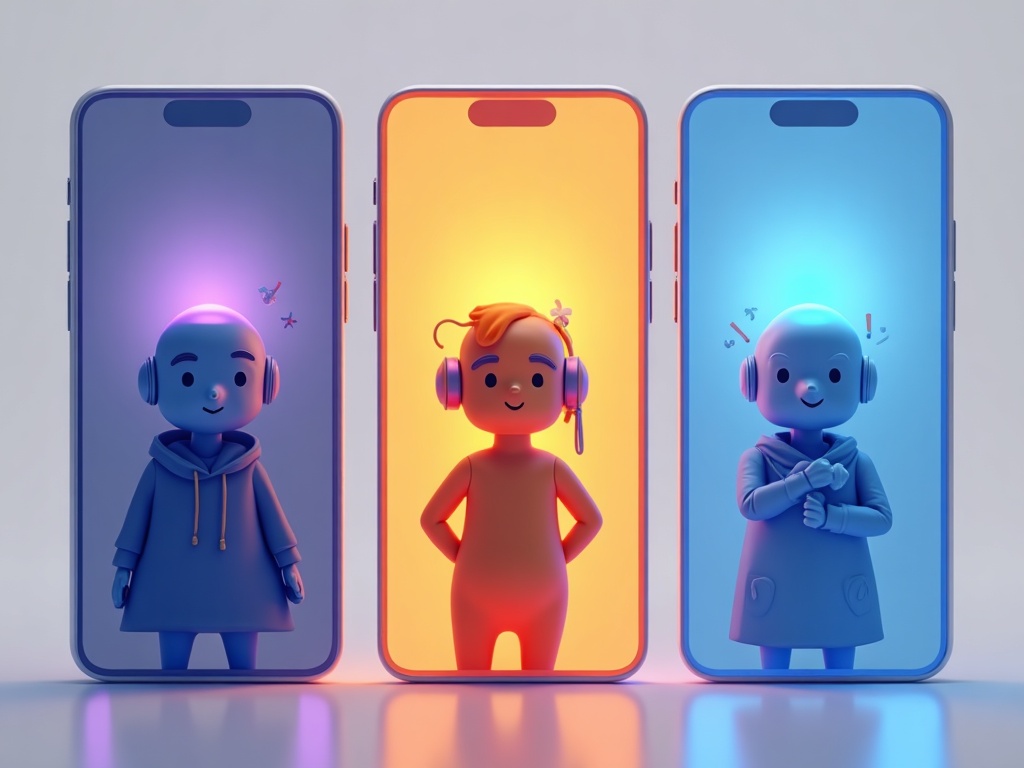
Claude reached memory a little later than some rivals but rolled it out widely, including to free users, earlier in 2026. Anthropic’s flavor leans cautious by design: it errs toward remembering less and keeping you in the driver’s seat, which many people actually prefer for anything sensitive. If you want an assistant that only holds what you clearly told it to hold, Claude’s approach will feel comfortable.
Gemini goes the other direction, toward breadth. Google renamed its “past chats” feature to memories and layered a deeper “Personal Intelligence” system on top that can draw on your wider Google world, your Gmail and other Google data, to personalize answers. That is powerful if you live inside Google’s apps, and more than some people want. One caveat worth knowing: for users in Europe, Gemini can remember your stated preferences but is restricted from reaching into that broader Google data, so the experience is deliberately narrower there.
The move nobody tells you about: carry your memory between tools
Here is the trick that saves an afternoon. Because each assistant keeps its memory locked in its own product, none of them automatically knows what the others know about you. But you can move it by hand. Ask one assistant, in plain language, to “summarize everything you know about me, my work, my preferences, and my writing style, as a portable profile I can paste elsewhere.” Copy that summary, open the new assistant, and paste it in with “remember this about me.”
Gemini even leans into this, offering an import flow built around exactly that copy-and-paste idea: pull a summary out of ChatGPT or Claude, drop it into Gemini, and your preferences and project details ride along. It takes two minutes and spares you from re-teaching a brand-new tool from scratch.

Keep it clean: the stale-memory and privacy traps
Memory is a convenience feature, not a diary you should feed blindly. Two failure modes are worth guarding against. The first is stale facts: an assistant that still thinks you work at a job you left, or that a finished project is ongoing, will confidently build wrong answers on top of the wrong assumption. The fix is a two-minute review every few weeks, deleting anything out of date.
The second is oversharing. Anything you save as a memory can resurface later, sometimes in a context you did not expect, so think twice before storing health details, financial specifics, or anyone else’s private information. Security researchers have also flagged subtler risks, like memory being nudged by content the assistant reads, so on shared or work accounts it is worth being conservative about what stays. A good rule: if you would not write it on a sticky note left on your desk, do not park it in AI memory.
A ten-minute setup you can do today
You do not need a system. You need about ten minutes:
- Turn it on in whichever assistant you use most, from the personalization or memory settings.
- Seed the essentials: your role, your main projects, the tone and length you like (“short, direct, no jargon”), and any hard constraints like units or accessibility needs.
- Test it: start a fresh chat and ask for something routine. If it already sounds like you, it is working.
- Open the memory list and skim what it saved. Delete anything wrong.
- Port it over if you use more than one tool, using the summarize-and-paste trick above.
Then just live with it for a week and prune as you go.
The whole promise of these tools was always an assistant that adapts to you, instead of you adapting to it. Memory is the first time that promise stops being a slogan and starts being a setting you can switch on. Spend the ten minutes, keep it tidy, and let the AI carry the boring context so you can spend your attention on the work only you can do.
Sources & further reading:
- AI that remembers: ChatGPT, Gemini and Claude compared (Notebookcheck)
- The AI memory problem in 2026: risks in ChatGPT, Claude, Gemini (Mayhemcode)
Related Reading
- Google Personal Intelligence Now Free: How to Turn Gemini Into Your Personal AI Assistant
- Stop Repeating Yourself: How to Use ChatGPT Projects and Memory to Save Hours
- Claude Gets Memory: How Anthropics New Feature Changes Everything for AI Users