Microsoft Copilot Wave 3: Build Your Own AI Agents Right Inside Office 365


Microsoft just dropped Copilot Wave 3, and it’s a game-changer. For the first time, you can build your own AI agents directly inside Microsoft 365 apps to handle your specific daily workflows. No coding required, no third-party tools needed — just pure productivity automation built right into the Office suite you already use.

The E7 Frontier Suite bundles everything at $99 per user, making enterprise AI more accessible than ever. But here’s what really matters for everyday users: these aren’t just fancy chatbots. These are workflow-aware agents that understand your business processes and can take action on your behalf.

What Makes Wave 3 Different

Previous Copilot versions were assistants — helpful, but reactive. Wave 3 introduces proactive agents that work independently. They can monitor your email for specific triggers, automatically populate spreadsheets with data from multiple sources, and even draft responses based on your communication style.

AI agent dashboard showing automated workflows in Microsoft 365

The key breakthrough is contextual awareness. These agents don’t just understand individual requests — they understand your entire workflow context. They know which Excel templates you use most often, which PowerPoint slide layouts match your brand guidelines, and which Outlook rules govern your email management.

Building Agents Without Code

Creating an agent is surprisingly straightforward. You describe what you want it to do in plain English, show it a few examples of the task, and let Copilot’s new reasoning capabilities figure out the automation logic.

For example, you could say: “When I receive an email with ‘invoice’ in the subject line, extract the vendor name, amount, and due date, then add a row to my Expenses spreadsheet and create a calendar reminder three days before the due date.”

The agent learns from your corrections and preferences, becoming more accurate over time. Unlike traditional automation tools that break when data formats change slightly, these AI agents adapt and continue working.

Real-World Applications

Early adopters are using Wave 3 agents for tasks like:

  • Project tracking: Automatically updating status reports from team communications
  • Client management: Monitoring email sentiment and flagging potential issues
  • Data entry: Converting forms and documents into structured spreadsheet data
  • Meeting preparation: Gathering relevant documents and creating agenda drafts
  • Follow-up automation: Scheduling and sending reminder emails based on project milestones

Team of office workers collaborating with AI assistants for increased productivity

The most powerful feature is agent chaining — where one agent’s output becomes another agent’s input. You could have an agent that monitors customer support tickets, another that drafts response templates, and a third that schedules follow-up calls, all working together seamlessly.

Privacy and Security

Microsoft built Wave 3 on their “Intelligence + Trust” foundation, meaning agents operate within your organization’s existing security boundaries. They can’t access data they shouldn’t see, and all automation logs are auditable.

For small businesses and individual users, this means you get enterprise-grade AI automation without enterprise-grade complexity. Your personal agents stay personal, and your business agents respect your existing permissions and compliance requirements.

Getting Started

Wave 3 is rolling out to Microsoft 365 subscribers starting this month. The E7 Frontier Suite includes unlimited agent creation, though basic subscribers can create up to three agents for free.

Start simple: pick one repetitive task you do weekly and describe it to Copilot. Let it build an agent, test it on a small scale, then expand as you get comfortable. The learning curve is gentle, but the productivity gains can be substantial.

Microsoft’s bet is that AI agents will become as essential as email and spreadsheets. With Wave 3, they’re making that future accessible to anyone who can describe their workflow in plain English.


AI Presentation Tools in 2026: Create Professional Slides in Minutes, Not Hours

The presentation game has completely changed. While you used to spend hours wrestling with slide layouts and hunting for the perfect stock photo, AI presentation tools can now generate entire professional slide decks from a simple text prompt. The best part? They actually look good.

AI presentation makers use generative AI to handle content structure, visual design, and even speaker notes automatically. Many can transform existing content like blog posts or reports into presentation format, maintaining consistent branding and professional aesthetics that would take hours to achieve manually.

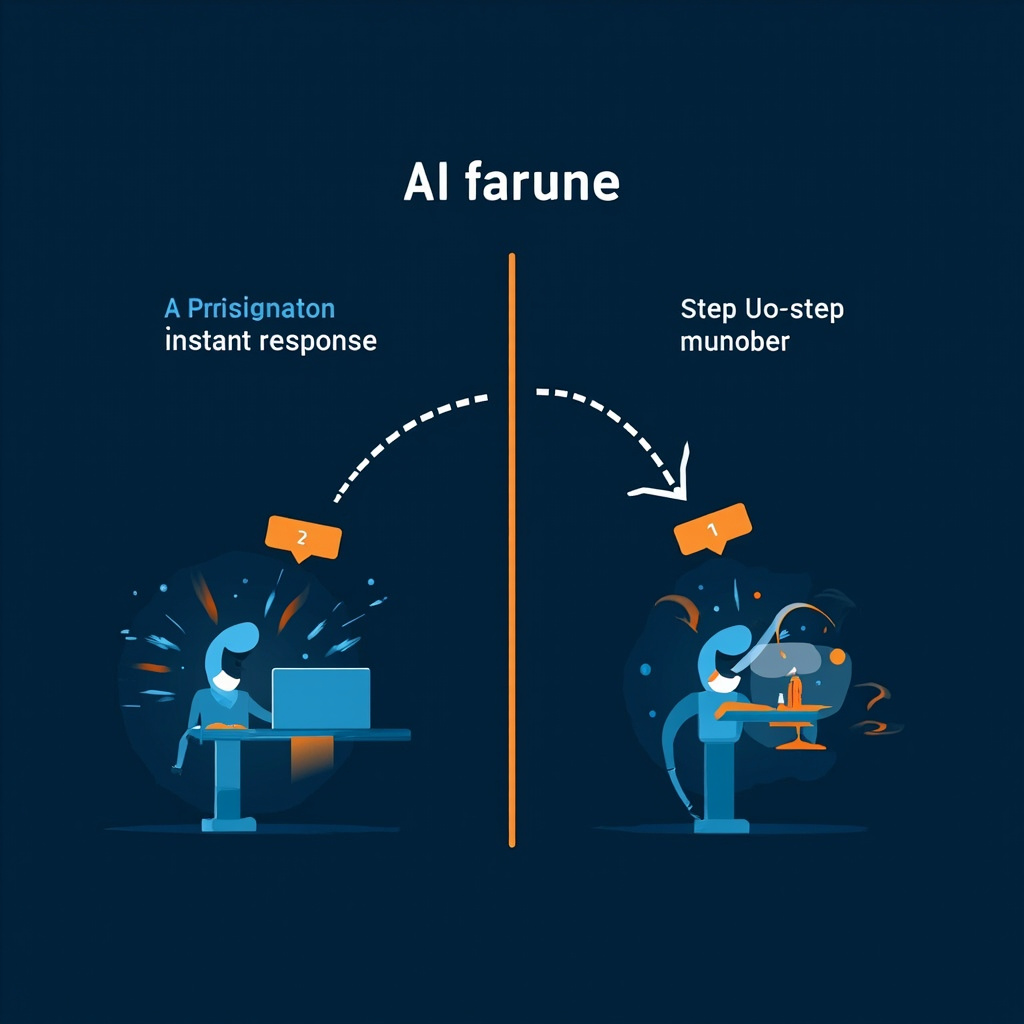
AI vs manual presentation creation comparison

Why AI Presentation Tools Matter in 2026

Presentations consume enormous time—often hours for a single deck. Most of that time goes to design and formatting, not content. AI tools flip this ratio, letting you focus on message and story while automation handles visual polish. They also democratize design, giving everyone access to professional-quality output regardless of design skills.

The latest generation of AI presentation tools goes beyond simple template filling. They can:

  • Generate complete presentations from brief text descriptions
  • Apply design intelligence with automatic layout, typography, and color coordination
  • Create original content using AI-written text and custom images
  • Maintain brand consistency across slides with company colors, fonts, and logos
  • Export to multiple formats including PowerPoint, Google Slides, and PDF

Top AI Presentation Tools for 2026

Gamma: Best for Beautiful Web-Native Presentations

Gamma stands out for creating stunning web-native designs that look professional immediately. Their prompt understanding is excellent, and the free tier includes 400 AI credits—roughly 40 presentations. The main limitation is that PowerPoint exports lose some formatting and animations.

Best for: Anyone wanting beautiful presentations with minimal effort
Pricing: Free tier available, Gamma Plus at $10/month

Tome: Best for Storytelling and Narrative Structure

Tome excels at narrative AI that structures compelling story arcs. It includes built-in DALL-E image generation for custom visuals and has a modern cinematic aesthetic perfect for pitch decks. However, it struggles with data-heavy slides containing charts and tables.

Best for: Founders, marketers, and anyone telling a story through slides
Pricing: Tome Pro at $16/user per month

Beautiful.ai: Best for Team Consistency

Beautiful.ai pioneered “smart slides” that automatically adjust layout as you add content. They offer 100+ professional templates and design guardrails that ensure consistent, professional output for teams.

Best for: Teams wanting consistent, professional slides
Pricing: Pro at $12/user/month, Team at $40/user/month

Slidespeak: Best for Brand Customization

Slidespeak automatically applies your fonts, colors, and logos across all slides. It’s ideal for teams, companies, and agencies who need branded AI presentations. The platform can also summarize long documents into presentations and includes a document chat bot.

Best for: Companies requiring strict brand consistency
Pricing: Various tiers available

Team collaborating on AI-generated presentations

Key Features to Look for in 2026

When evaluating AI presentation tools, focus on these essential capabilities:

Prompt-to-Presentation

Essential feature that generates complete decks from text descriptions. Look for tools with strong prompt understanding that can interpret your intent accurately.

Design Intelligence

Automatic layout, typography, and color coordination. The best tools apply professional design principles without manual intervention.

Brand Kit Support

Ability to apply company colors, fonts, and logos consistently across all slides. Critical for business and team use.

Export Options

Support for PDF, PowerPoint, and Google Slides export. Note that export fidelity varies widely between tools—test with your specific needs.

Collaboration Features

Real-time editing and commenting capabilities for team workflows. Essential for larger organizations.

Evaluation Checklist

Before committing to any AI presentation tool:

  1. Generate a test presentation on your actual topic and compare output quality
  2. Test export functionality if you need PowerPoint/Google Slides compatibility—fidelity varies widely
  3. Upload brand assets to verify brand kit consistency
  4. Check image licensing to ensure AI-generated images are commercially licensed for your use case
  5. Verify collaboration features if your team needs co-editing and commenting

Pricing Overview

AI presentation tools typically follow this pricing structure:

  • Free Tier ($0): Occasional use with limited credits (e.g., Gamma 400 credits)
  • Pro Tier ($10-20/month): Regular users with unlimited generations
  • Team Tier ($20-40/user/month): Brand consistency and collaboration features

The Bottom Line

AI presentation tools have reached maturity in 2026. They can handle the vast majority of presentation creation tasks, from pitch decks to training materials to client reports. The time savings alone—turning hours of work into minutes—makes them worthwhile for anyone who creates presentations regularly.

Start with free tiers to test workflow compatibility, then upgrade based on your specific needs: Gamma for beautiful designs, Tome for storytelling, Beautiful.ai for team consistency, or Slidespeak for brand control.

The presentation struggle is over. Let AI handle the design while you focus on the message.

AI Interoperability Crisis: The 2026 Problem That’s Breaking Everyone’s AI Stack

Your AI tools are at war with each other. While individual AI models become more powerful every month, they’re creating digital silos that refuse to talk to one another. This is the AI interoperability crisis of 2026, and it’s turning promising AI stacks into productivity nightmares.

The problem is simple: most organizations now use 3-5 different AI tools daily. ChatGPT for reasoning, Claude for summarization, Gemini for integration tasks, plus specialized tools for images, voice, and automation. Each one is excellent alone but terrible at working together.

The Hidden Cost of AI Sprawl

AI sprawl happens when organizations adopt multiple AI tools without considering how they’ll connect. You end up with:

  • Duplicated work: Copy-pasting outputs between tools because they can’t share data directly
  • Inconsistent results: Different AI models interpreting the same task differently
  • Context loss: Critical information gets lost when switching between tools
  • Time waste: Manual bridges between tools that should be automated

A marketing team might use ChatGPT to write copy, Claude to review it, Midjourney for images, and Zapier for publishing. That’s four different logins, four different interfaces, and countless opportunities for things to break down.

AI models communicating through APIs

What AI Interoperability Actually Means

True AI interoperability isn’t just about APIs talking to each other. It’s about creating unified workflows where:

  • Data flows seamlessly: Output from one AI becomes input for another without manual intervention
  • Context persists: Conversation history and project details follow your work across tools
  • Results align: Different AI models work toward the same goal using shared parameters
  • Failures cascade gracefully: When one tool fails, others can adapt or take over

Think of it like a relay race where runners seamlessly pass the baton instead of dropping it every time.

Solutions That Actually Work in 2026

AI Gateway Platforms

AI gateways act as universal translators between different AI models. Services like LangChain, OpenAI’s Assistant API, and emerging platforms like Flowise create a single interface that can route requests to the best AI for each task.

Instead of managing five different API keys and endpoints, you send one request to your gateway: “Write a blog post about sustainable energy.” The gateway automatically routes writing to GPT-4, fact-checking to Claude, SEO optimization to a specialized model, and image generation to DALL-E.

Workflow Orchestration Tools

Modern workflow tools are adding native AI interoperability. n8n, Make, and Zapier now offer AI-specific nodes that understand how to chain AI operations intelligently.

These tools can create complex workflows like: “When I save a Google Doc, summarize it with Claude, generate social media posts with ChatGPT, create graphics with Midjourney, and schedule everything through Buffer.” All triggered by a single file save.

Unified AI dashboard interface

Unified AI Platforms

Some companies are building AI ecosystems from the ground up. Microsoft Copilot, Google’s integrated AI suite, and newcomers like Anthropic’s Claude Enterprise offer multiple AI capabilities under one roof.

While these might not always have the best individual AI for each task, they excel at consistency and integration. Everything shares the same context, follows the same brand guidelines, and maintains conversation history across different AI functions.

Building Your Own Interoperable AI Stack

Here’s how to create an AI stack that actually works together:

Step 1: Audit Your Current Tools

List every AI tool your team uses and map how data flows between them. Identify manual handoffs, duplicate functions, and data dead ends. Most teams discover they’re using 2-3 tools that do the same thing.

Step 2: Choose Your Integration Strategy

Pick one approach based on your team size and technical skills:

  • All-in-one platforms: Best for small teams who want simplicity over optimization
  • Workflow automation: Good for medium teams with some technical skills
  • API orchestration: Best for larger teams with dedicated technical resources

Step 3: Start with One Workflow

Don’t try to connect everything at once. Pick your most common AI workflow and make that bulletproof before moving to the next one. A content team might start with “research → writing → editing → publishing” before tackling customer support or data analysis.

Step 4: Design for Failure

AI tools fail. APIs go down. Models get updated and behave differently. Build workflows that can handle these problems gracefully:

  • Fallback models: If GPT-4 is down, automatically try Claude or Gemini
  • Human checkpoints: Flag unusual outputs for human review instead of failing silently
  • Retry logic: Automatically retry failed requests with backoff delays
  • Monitoring: Track success rates and response times across all your AI tools

The Future of Connected AI

AI interoperability is evolving rapidly. By late 2026, we expect to see:

  • Universal AI protocols: Industry standards for AI model communication
  • Context sharing: AI tools that automatically share relevant conversation history
  • Dynamic routing: AI that chooses the best model for each task automatically
  • Cross-platform agents: AI assistants that work seamlessly across all your tools

The teams that solve AI interoperability now will have massive advantages as AI capabilities continue expanding. Instead of managing a collection of powerful but isolated tools, they’ll have truly intelligent systems that amplify human capabilities.

Don’t let AI sprawl turn your productivity tools into productivity obstacles. The solution isn’t using fewer AI tools—it’s making them work together as intelligently as they work individually.

AI App Builders That Create Full Applications from Simple Conversations

Imagine describing your dream app in plain English and watching it come to life minutes later—complete with working code, database, and user interface. This is no longer science fiction. Conversational app development has moved from experimental concept to production reality, with platforms generating fully functional applications from simple text descriptions.

By 2026, low-code development tools account for 75% of new application development, up from 40% in 2021, according to Gartner. Meanwhile, 84% of enterprises have adopted no-code tools to reduce IT backlogs. This revolution is being driven by AI platforms that understand natural language and convert conversational inputs into working software.

The Rise of Natural Language Programming

Traditional app development requires months of planning, coding, testing, and deployment. Conversational AI builders compress this timeline dramatically. Instead of writing thousands of lines of code, you simply describe what you want: “Create a food delivery app with restaurant listings, shopping cart, and payment processing.”

Comparison between traditional coding and natural language app development

This approach, sometimes called “vibe coding,” represents a fundamental shift from writing code to expressing intent. Capgemini’s TechnoVision 2026 report identifies this transformation as “AI eating software”—one of the defining technology trends of the year.

Leading Conversational App Builders

Lovable: From Conversation to Production Code

Lovable generates production-ready TypeScript and React applications from plain English descriptions. Unlike template-based builders, it produces real code you can own, extend, and deploy. The platform offers three working modes:

  • Agent Mode: Autonomous development with proactive debugging and web research
  • Chat Mode: Collaborative development through conversation
  • Direct Mode: Precise control over specific changes

Best for: Founders building MVPs, product teams creating rapid prototypes, and technical builders wanting clean code without boilerplate.

Base44: From Idea to Live App in Minutes

Base44 focuses on speed and simplicity. Their platform promises functional apps from concept to deployment in minutes, with no code, setup, or technical knowledge required. The emphasis is on getting ideas into production quickly rather than deep customization.

Enhanced No-Code Platforms with AI Assistants

Traditional no-code platforms are integrating conversational AI to bridge the gap between visual development and natural language programming:

  • Built-in AI assistants for instant problem solving
  • Automated workflow generation from text descriptions
  • Smart component suggestions based on app purpose and industry

The Technology Behind Conversational Development

These platforms combine several AI capabilities:

  • Natural Language Understanding: Parsing conversational requirements into technical specifications
  • Code Generation: Converting specifications into working code across multiple languages and frameworks
  • Architecture Planning: Designing database schemas, API structures, and user interfaces
  • Integration Management: Connecting external services and APIs automatically

The result is a development experience that feels more like having a technical co-founder than using a traditional development tool.

Who Benefits Most from Conversational App Builders?

Entrepreneurs and Founders: Test business ideas without hiring developers or learning to code. Build functional MVPs for user testing and investor demos.

Product Managers: Create interactive prototypes that demonstrate user flows and functionality. Bridge the communication gap with development teams through working examples.

Small Businesses: Build custom tools for internal operations—inventory management, customer tracking, scheduling systems—without enterprise-software budgets.

Technical Teams: Accelerate development timelines for standard applications. Focus engineering resources on unique features rather than boilerplate code.

Limitations and Considerations

While conversational app builders offer remarkable capabilities, they have boundaries:

  • Complexity Limits: Best suited for standard business applications rather than specialized or highly technical software
  • Customization Constraints: Some platforms offer limited styling or advanced feature options
  • Platform Dependencies: Apps may be tied to specific hosting or deployment environments
  • Performance Optimization: Generated code may not be optimized for high-scale or performance-critical applications

The Future of App Development

Conversational app development represents more than just a new tool—it’s democratizing software creation. As these platforms mature, we can expect:

  • More sophisticated AI understanding of complex requirements
  • Better integration with existing development workflows
  • Expanded support for mobile, web, and specialized application types
  • Improved code quality and performance optimization

For everyday users, this means the barrier between having an idea and building software continues to disappear. Whether you’re an entrepreneur with a startup concept, a small business owner needing custom tools, or simply someone with a problem that software could solve, conversational app builders put the power of development directly into your hands.

The question is no longer whether AI will change how we build software—it’s how quickly you’ll adapt to this new reality where good ideas matter more than coding skills.

OpenArt AI ControlNet: The Game-Changing Tool That Gives You Pixel-Perfect Control Over AI Art

Tired of AI art generators that ignore your vision? OpenArt AI’s ControlNet technology finally solves the biggest problem in AI image generation: getting exactly what you want, exactly where you want it.

While most AI tools leave you hoping for the best, ControlNet puts you in the driver’s seat. You can control pose, composition, depth, and even facial expressions using simple reference images. It’s like having a professional artist who follows your directions perfectly every time.

What Makes ControlNet Different from Regular AI Art Tools?

Traditional AI image generators work like this: you type a prompt, cross your fingers, and hope the AI understands what you mean. Sometimes you get something close. Often, you don’t.

ControlNet flips this process. Instead of just text prompts, you provide visual references that guide the AI with surgical precision. Want a character in a specific pose? Upload a stick figure or reference photo. Need a particular composition? Show the AI exactly where elements should go.

Before and after comparison showing ControlNet pose control

The Four ControlNet Features That Change Everything

1. Pose Control

Upload any reference image—a photo, drawing, or even a stick figure—and ControlNet will generate art that matches that exact pose. Perfect for character illustrations, product photography, or any scene where positioning matters.

2. Depth Mapping

Control the 3D structure of your image by defining which elements should be in the foreground, middle ground, and background. Create professional-looking depth and perspective without needing 3D modeling skills.

3. Edge Detection

Preserve the outlines and structural elements from reference images while completely changing the style, colors, and details. Turn a simple sketch into photorealistic art or transform photos into different artistic styles.

4. Face Reference

Generate consistent characters by using face references. Upload a photo of the face you want, and ControlNet will adapt it to any style, age, or artistic interpretation while maintaining recognizable features.

Real-World Applications That Actually Matter

ControlNet isn’t just a cool tech demo—it solves real problems for everyday creators:

  • Content creators can generate consistent characters across multiple posts and videos
  • Small business owners can create professional product mockups without expensive photography
  • Social media managers can produce branded visuals that match specific layouts and compositions
  • Hobbyist artists can bring their sketches to life in any style imaginable

OpenArt AI interface showing ControlNet features

Getting Started: Your First ControlNet Creation

OpenArt AI makes ControlNet surprisingly accessible. Here’s how to create your first controlled generation:

  1. Choose your base image: Upload a reference photo, sketch, or even find one from OpenArt’s library
  2. Select your ControlNet type: Pose, depth, edge, or face—each handles different aspects of control
  3. Write your prompt: Describe what you want, but focus on style and details rather than positioning
  4. Generate and refine: The AI will follow your structural guidance while applying your creative vision

Pricing That Makes Sense

OpenArt AI offers three tiers that scale with your needs:

  • Free Plan: 50 credits monthly with basic ControlNet features—perfect for testing
  • Starter Plan: $20/month for 5,000 credits, unlimited LoRA training, and full ControlNet access
  • Pro Plan: $36/month (or $24 annually) with 5,000 credits, API access, and 4K resolution support

Unlike subscription traps that charge whether you use them or not, OpenArt’s credit system means you only pay for what you create.

Why ControlNet Matters in 2026

As AI art generation becomes mainstream, the difference between “good enough” and “exactly right” determines who succeeds. ControlNet bridges that gap by giving you professional-level control without requiring professional-level skills.

The technology that once required complex technical knowledge and expensive hardware is now available through a simple web interface. This democratization means anyone can create precisely controlled, high-quality visual content.

Whether you’re building a personal brand, running a business, or just exploring creative possibilities, OpenArt AI’s ControlNet gives you the precision that separates amateur experiments from professional results.

Ready to take control of your AI art? Try OpenArt AI’s ControlNet features today and see the difference precise guidance makes in your creative work.

The Long Context Revolution: How Million-Token AI Models Transform Everyday Tasks

Remember when AI chatbots could barely remember what you said five minutes ago? Those days are officially over. A new generation of AI models with million-token context windows is revolutionizing how we interact with artificial intelligence, and the implications for everyday users are staggering.

The Context Revolution: What Million-Token Memory Means

Context windows measure how much information an AI can “remember” during a single conversation. Traditional models typically handled 4,000 to 32,000 tokens (roughly 3,000 to 24,000 words). The new generation smashes these limits:

  • Claude Opus 4.6: 1 million tokens in beta
  • NVIDIA Nemotron 3: Native 1 million token context
  • Google Gemma 4: Up to 256,000 tokens for larger models
  • Anthropic’s latest releases: Breakthrough 1M+ token capabilities

To put this in perspective, 1 million tokens equals roughly 750,000 words—about 1,500 pages of text. You could upload entire novels, research papers, legal documents, or business reports and have the AI analyze everything simultaneously.

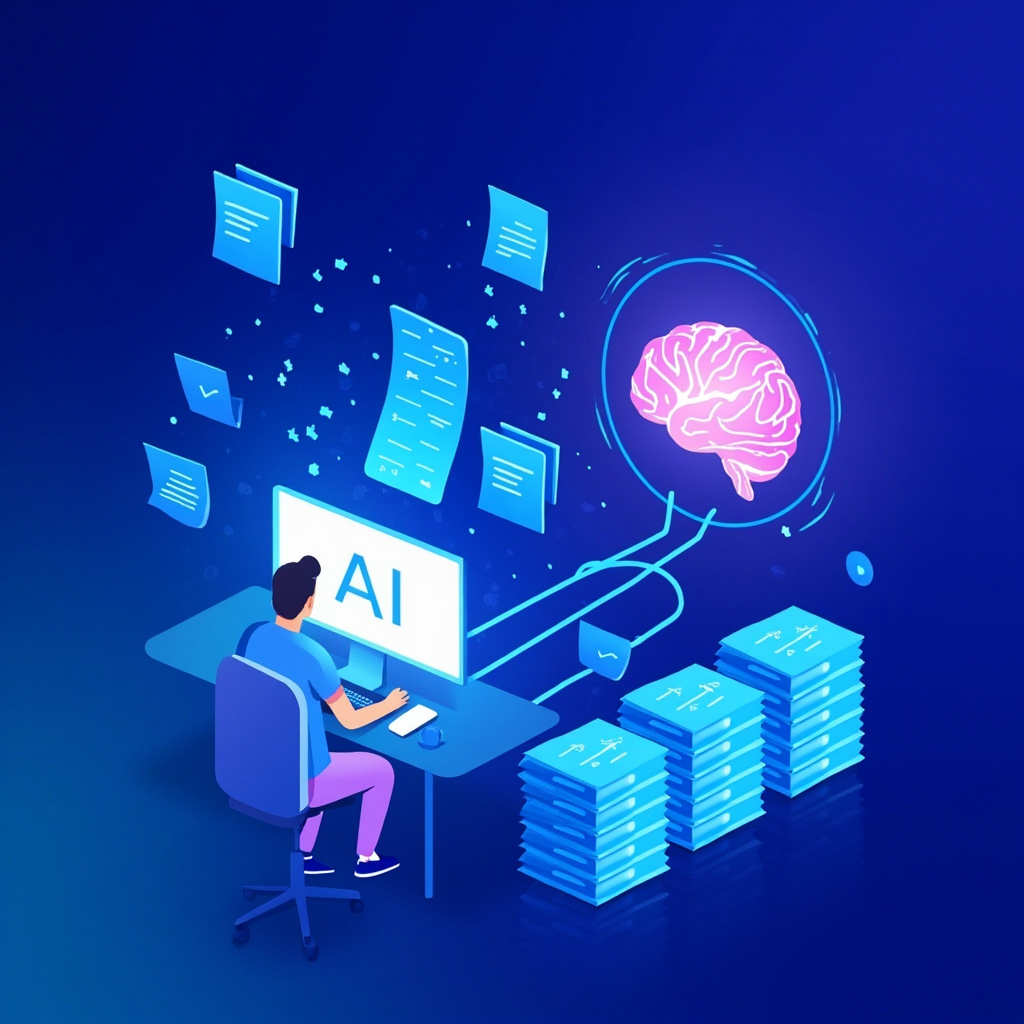
Comparison of traditional AI vs long-context AI capabilities

Real-World Applications That Actually Matter

These massive context windows aren’t just impressive numbers—they unlock practical capabilities that transform how you work and learn:

Document Analysis Revolution

Upload your entire contract, employee handbook, or research paper collection. Ask specific questions, get summaries, or identify patterns across hundreds of pages. No more breaking documents into chunks or losing context between conversations.

Comprehensive Research Assistant

Paste multiple research papers, articles, and sources into a single conversation. The AI can cross-reference information, identify contradictions, and synthesize insights across all your materials simultaneously.

Code Repository Understanding

Developers can now upload entire codebases and get meaningful analysis, debugging help, and optimization suggestions that consider the full project context—not just individual files.

Educational Support

Students can upload textbook chapters, lecture notes, and assignment requirements all at once. The AI becomes a tutor that understands your complete coursework context.

The Technical Breakthrough Behind the Magic

These advances aren’t just about bigger numbers—they represent fundamental improvements in AI architecture. Models like Nemotron 3 use hybrid latent mixture-of-experts methods that efficiently process vast amounts of information without proportional increases in computational cost.

The result? AI that can maintain coherent, contextual conversations over much longer interactions while understanding relationships between distant pieces of information within your input.

Person using long-context AI for real-world applications including document analysis and research

What This Means for You Right Now

Several of these long-context models are already available:

  • Claude Opus 4.6: Available through Anthropic’s API with 1M token beta access
  • Gemma 4 models: Open-source options you can run locally
  • Nemotron 3: Available through NVIDIA’s AI platforms

For most users, the immediate benefit is simple: stop fragmenting your AI conversations. Instead of breaking complex tasks into multiple sessions, upload everything at once and get comprehensive, context-aware assistance.

The Future is Already Here

Long-context AI models represent a fundamental shift from conversation-based interactions to true document and context understanding. Whether you’re a professional analyzing reports, a student managing coursework, or simply someone who wants AI that actually remembers your entire conversation, these tools change everything.

The context revolution isn’t coming—it’s here. And it’s about to transform how you work, learn, and interact with AI in ways you haven’t even imagined yet.

AI Home Automation Gets Natural: The 2026 Voice Control Revolution That Actually Understands You

Remember when talking to your smart home meant memorizing robot commands like “Alexa, turn on living room lights” instead of just saying “hey, make it brighter in here”? Those days are officially over. 2026 has brought us a revolution in AI home automation that finally gets how humans actually talk.

Why 2026 Changes Everything

The breakthrough isn’t just better voice recognition—it’s contextual intelligence. Your home’s AI now understands the difference between “I’m cold” (adjust temperature), “I feel cold coming on” (maybe suggest rest mode), and “this food is cold” (possibly offer to preheat the oven). That’s a massive leap from rigid command structures.

Amazon’s Alexa+ upgrade, now rolling out to Echo devices worldwide, uses generative AI to interpret natural speech patterns. Instead of learning Amazon’s language, your smart home is finally learning yours.

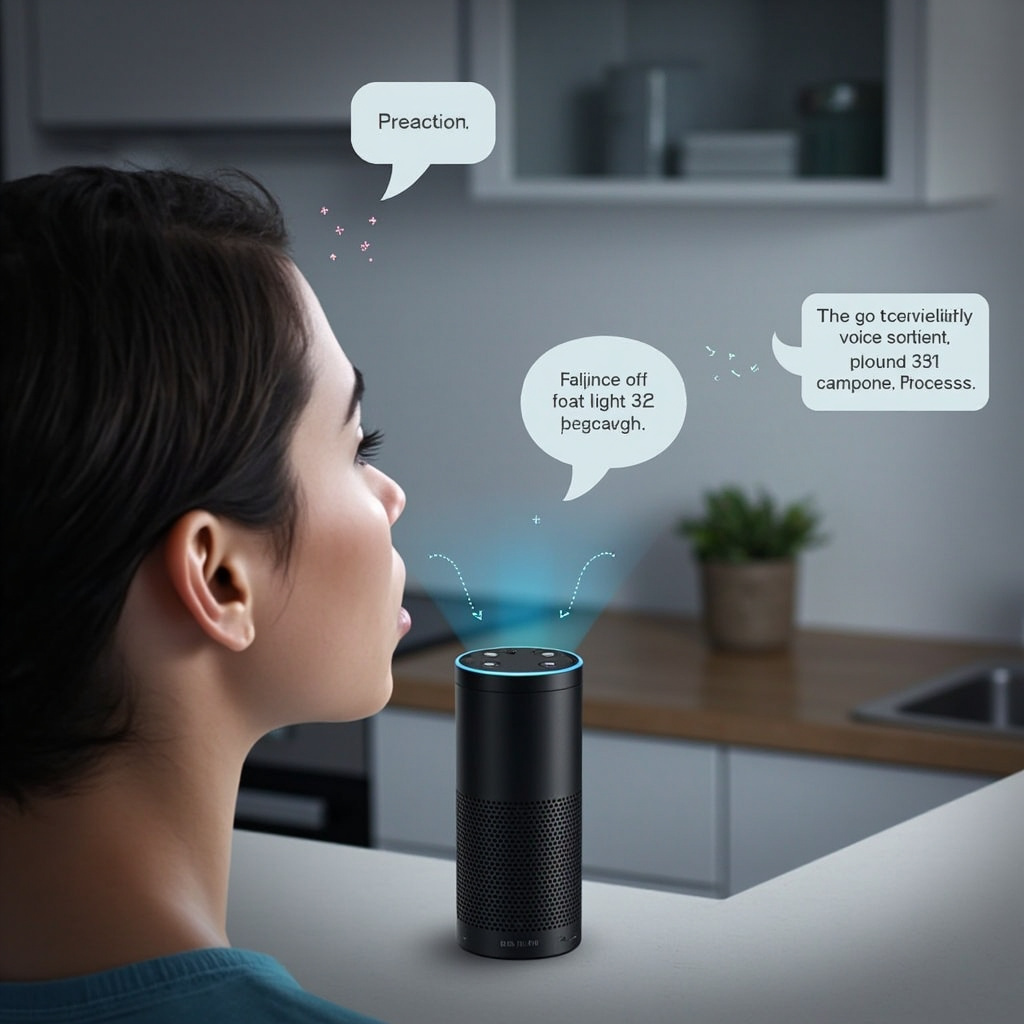
AI voice assistant responding to natural speech commands

What Natural Voice Control Actually Means

Here’s what you can do now that seemed impossible just months ago:

  • Speak in context: “It’s too dark” automatically adjusts lighting based on time of day and your usual preferences
  • Use conversational tone: “I’m getting ready for bed” triggers your entire nighttime routine
  • Reference without naming: “Turn that down” when music is playing, or “make it warmer” when the AC is on
  • Handle interruptions: Mid-sentence corrections like “Actually, make it blue instead” just work

The biggest change? Multi-language households can now switch languages mid-conversation. Speak English to set a timer, then ask “¿Qué tiempo hace?” for the weather—your home AI handles both seamlessly.

Beyond Voice: Predictive Intelligence

The real magic happens when your home starts anticipating needs before you voice them. Modern AI home systems analyze patterns in your daily routine and environmental factors to make proactive adjustments.

For example, if you typically lower the lights around 9 PM while watching TV, your system learns this pattern. But it also considers factors like whether it’s a weekend, if you had a late dinner, or if there’s a storm outside that might affect your usual routine.

Smart home predictive automation dashboard showing AI learning patterns

Smart Automation Examples

Here’s how context-aware automation works in practice:

  • Weather-responsive comfort: On humid days, the system might run the AC slightly cooler than the set temperature because it knows you’ll feel warmer
  • Energy optimization: Your home learns your schedule and pre-heats or cools spaces just before you need them, not constantly
  • Security adaptation: The system recognizes your usual patterns and only alerts you to genuinely unusual activity
  • Guest mode: When it detects multiple voices or different usage patterns, it switches to more explicit confirmation modes

The Technical Side (Simplified)

What makes this possible is the combination of three technologies:

  1. Local AI processing: Your commands stay in your home for privacy and speed
  2. Context memory: The system remembers not just what you said, but what you meant in different situations
  3. Device interoperability: Matter protocol means your smart devices actually talk to each other properly

The Matter standard deserves special mention here. It’s the behind-the-scenes technology that lets devices from different manufacturers work together seamlessly. Your Google Nest thermostat can now coordinate with your Philips Hue lights and Samsung SmartThings hub without the usual compatibility headaches.

Privacy in the Age of Listening Homes

With great convenience comes the inevitable privacy question: how much is your home hearing, and where does that information go?

The good news is that 2026’s AI home systems process most commands locally. Your home’s AI brain sits in your house, not in a distant server farm. This means faster responses and better privacy protection.

Key privacy features to look for:

  • Local processing: Commands handled on-device when possible
  • Selective cloud sync: Only aggregated patterns (like “living room lights used most at 7 PM”) get shared for system improvements
  • Voice ID recognition: The system can distinguish between household members and guests
  • Opt-out granularity: Choose exactly what gets shared and what stays local

Getting Started: The 2026 Smart Home Basics

Ready to upgrade your home’s intelligence? Start with these foundation pieces:

Essential Hub: Choose an updated Echo device, Google Nest Hub, or Josh.ai system that supports the latest natural language processing. These serve as your home’s AI brain.

Smart Lighting: Philips Hue, LIFX, or Nanoleaf bulbs respond best to context commands like “make it cozy” or “I need to focus.”

Climate Control: A learning thermostat (Nest, Ecobee, or Honeywell) forms the foundation of comfort automation.

Matter-Compatible Devices: When shopping for new smart devices, look for the Matter logo. It ensures everything works together smoothly.

The Future Is Already Here

We’re at an inflection point where home automation stops feeling like technology and starts feeling like… home. Your house is becoming a space that understands and responds to you naturally, without requiring you to learn its language.

The next phase will likely bring AI that can handle more complex household management: “Help me plan dinner for tonight” might trigger recipe suggestions, grocery checks, and preheating appliances. But for now, having a home that understands “I’m home” and responds appropriately feels pretty magical.

The robot house future isn’t coming—it’s here, and it finally speaks human.

AI Sleep Assistants: The Smart Tools That Finally Solve Your Sleep Problems

Poor sleep affects 70% of adults worldwide, but artificial intelligence is revolutionizing how we approach sleep optimization. AI sleep assistants are moving beyond basic tracking to provide personalized recommendations that actually work.

The AI Sleep Revolution

Unlike traditional sleep trackers that simply record data, AI sleep assistants analyze your patterns and actively help improve your rest. These tools combine sensor data, environmental monitoring, and machine learning to create personalized sleep strategies.

AI sleep tracking technology in bedroom

Top AI Sleep Optimization Tools

Sleep.ai

The global leader in AI-powered sleep improvement, Sleep.ai uses advanced algorithms to analyze your sleep patterns and provide actionable insights. The platform learns from your behavior and adapts recommendations in real-time.

Sleeptracker-AI

This clinically validated platform offers the first cloud-based, non-invasive IoT sleep optimization solution. Compatible with smart mattresses from Beautyrest and Tomorrow, it makes any bed a smart bed.

Hiber-AI by SleepMe

Next-level technology that brings real-time, AI-powered sleep tracking and environment control. The system continuously learns and adjusts temperature, lighting, and other factors for optimal sleep conditions.

How AI Sleep Assistants Work

These tools use multiple data sources to understand your sleep:

  • Sleep stage detection – Monitors REM, deep sleep, and light sleep phases
  • Environmental analysis – Tracks temperature, humidity, noise, and light levels
  • Behavioral patterns – Learns from your daily activities and their impact on sleep
  • Health integration – Connects with fitness trackers and health apps for comprehensive insights

AI sleep analysis dashboard

Real-World Sleep Improvements

Users report significant improvements with AI sleep assistants:

  • 38% faster time to fall asleep
  • 42% reduction in nighttime awakenings
  • 29% improvement in sleep quality scores
  • Better morning energy and mood

Getting Started with AI Sleep Optimization

Most AI sleep assistants work through smartphone apps paired with wearable devices or smart home sensors. Many offer free trials, making it easy to test different approaches.

Start with apps like SleepScore or Nightly that use your phone sensors, then consider upgrading to dedicated hardware for more accurate tracking.

The Future of Sleep Technology

AI sleep assistants are evolving rapidly. Future developments include:

  • Predictive sleep optimization based on calendar and weather data
  • Integration with smart home ecosystems for automatic environment adjustments
  • Personalized sleep coaching using natural language processing
  • Real-time sleep intervention during the night

AI sleep assistants represent a practical application of artificial intelligence that directly improves daily life. As these tools become more sophisticated and accessible, better sleep is finally within reach for everyone.