Gemini Spark: Google’s New 24/7 Personal AI Agent — What It Does and How to Use It


For years, using an AI assistant meant the same loop: you type a question, it types an answer, and nothing happens until you ask again. Google just tried to break that loop. Its new Gemini Spark is pitched as a personal AI agent — something that doesn’t just reply, but can take multi-step action across your apps on your behalf, under your direction. Think less “smart search box” and more “a capable assistant you can hand a goal to.”
It’s a genuinely different way to work with AI, and like any early agent it comes with real caveats. Here’s what Gemini Spark actually is, what it can do for you day to day, how it differs from the business-focused Gemini Agent people keep confusing it with, how to switch it on, and what to check before you let it loose on your inbox.

What Gemini Spark actually is
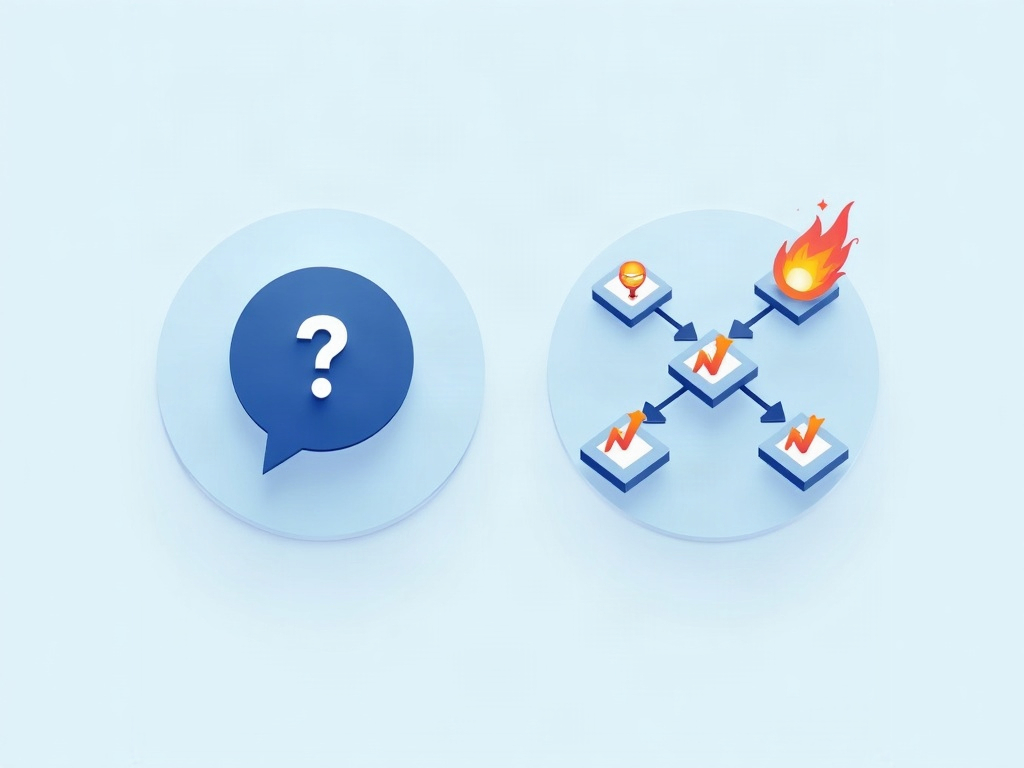
Gemini Spark is a personal agent built into the Gemini app. Google’s own description is blunt about the distinction: “while standard chatbots wait for a prompt, Gemini Spark can take proactive action on your behalf.” Instead of answering one question, it’s designed to complete multi-step tasks across your applications and keep ongoing tasks and schedules running in the background.
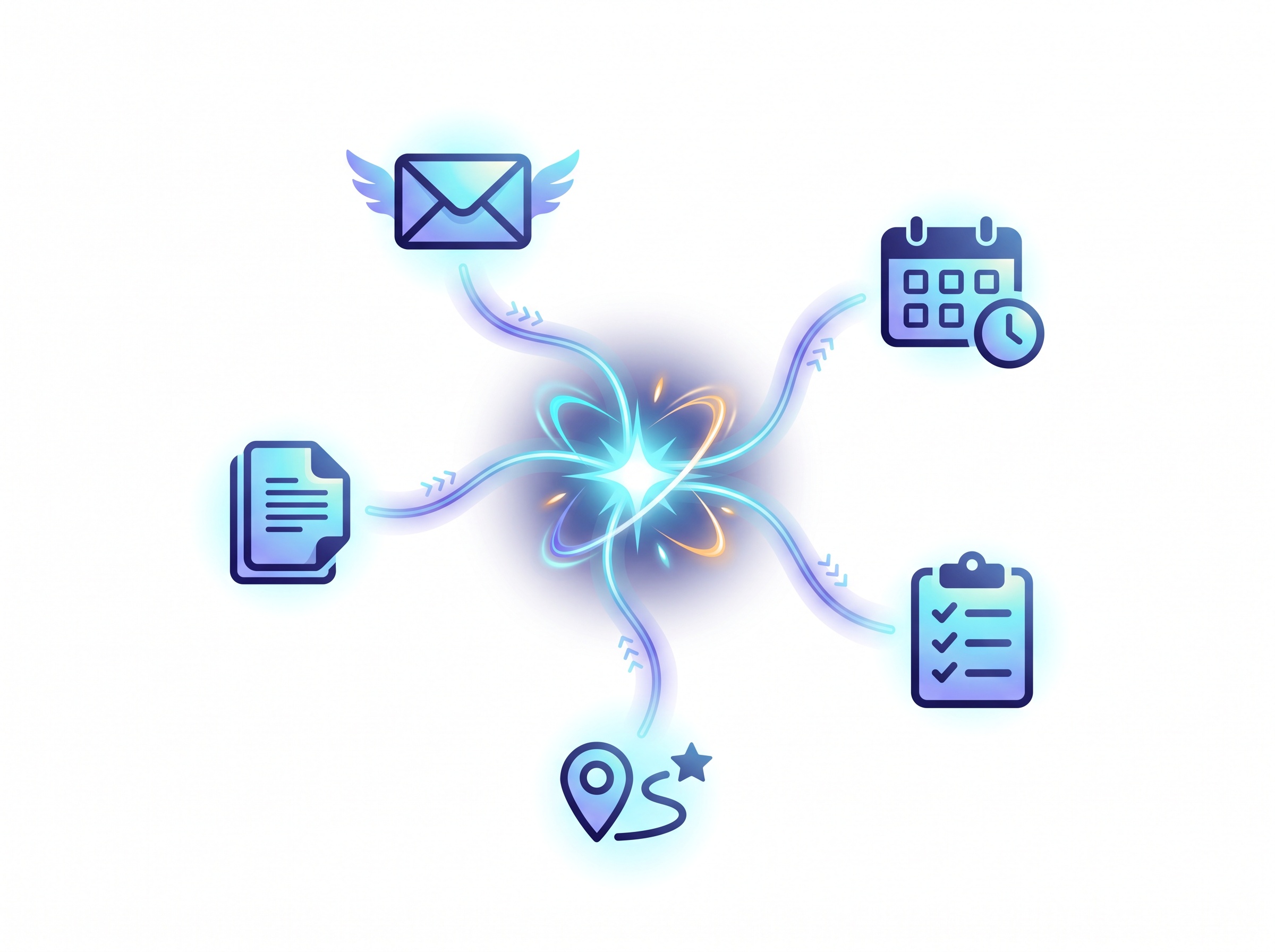
To do that, it pulls context from more than just your current chat. According to Google’s support documentation, Spark can draw on your Connected Apps, your reusable Skills, past chats, websites you’re signed into, your location, and Google’s “Personal Intelligence” layer. The idea is an assistant that already knows enough about your world to act without you re-explaining everything each time.
As of its October 2026 rollout, Spark is available to eligible Google AI Pro and Ultra subscribers (18+, in select countries), with Google saying access is expanding. And it’s not staying tucked away in a corner — 9to5Google reports that a “Task” redesign is folding Spark directly into the main Gemini chat experience, so the agent and the everyday chatbot increasingly live in one place.
What it can actually do for you
The headline shift is from answering to doing. A regular chatbot can tell you how to plan a trip; an agent can start assembling the pieces. In practice, the kinds of jobs Spark is built for look like this:
- Break a big goal into steps. Hand it something fuzzy like “help me get ready for next week’s client visit” and it drafts the sequence — gather the docs, block the calendar, prep an agenda — rather than making you spell out each move.
- Coordinate your everyday apps. By connecting mail, calendar, and other tools, it can pull the relevant thread, find an open slot, and set up the reminder as one flow instead of five separate asks.
- Run things on a schedule. Because it can manage ongoing tasks, you can point it at something recurring — a weekly summary, a standing prep routine — and let it keep that going.
- Reuse your Skills. Spark leans on the same custom, repeatable workflows Google rolled out earlier. If you’ve already taught Gemini a routine, Spark can trigger it. (New to that idea? See our walkthrough of how Gemini Skills let you automate repetitive tasks.)
The practical promise is simple: fewer tiny chores that each take two minutes and collectively eat your afternoon.
Spark vs. Gemini Agent — don’t mix them up
This is the part tripping people up, because Google launched two agent products close together. Gemini Spark is the personal one — it manages your digital life: one person’s tasks, schedules, and connected apps inside the Gemini app.
Gemini Agent is the work/enterprise one. As CBS News reported, that broader “universal agent” is built to handle tasks across a business — it can write and run code, create media, and integrate with Google products like Gmail, Docs, Drive, and Sheets as well as third-party tools like Slack and Microsoft 365. Both carry out multistep tasks for you, but Spark is aimed at individuals and Agent at teams. If you’re a regular person trying to tame your own inbox and calendar, Spark is the one you want.
Spark also isn’t the first always-on assistant to land this autumn. If you want to see how the rival approach compares, our breakdown of what OpenAI’s always-on “Dots” agents actually do is a useful side-by-side.
How to start using Gemini Spark
Getting going doesn’t take a manual. The flow looks like this:
- Check your plan. Spark is rolling out to Google AI Pro and Ultra subscribers first. If you don’t see it yet, you may be outside the current rollout — Google says it’s widening access over time.
- Open the Gemini app and find Spark. With the Task redesign, it’s increasingly surfaced inside the main chat rather than hidden in a separate tab.
- Connect your apps. Link the tools you actually want it to act on — typically mail and calendar first. Spark can only help with what it’s allowed to see, so start narrow.
- Give it a goal, not a sentence. Instead of “what’s a good agenda format,” try “put together a prep checklist for my Thursday meeting and block 30 minutes to review it.” Agents shine when you describe the outcome you want.
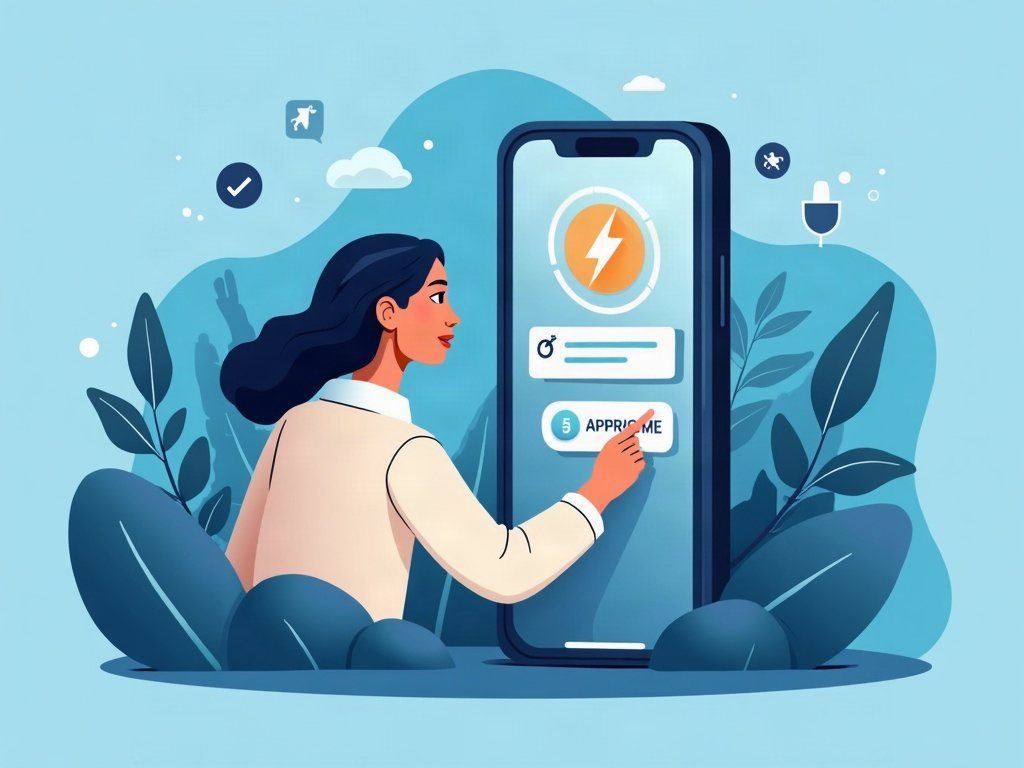
- Review before you approve. When it proposes a plan or an action, read it. Treat the first runs like training a new assistant — correct it, and it gets more useful.
The catch: what to check before you hand over the keys
An agent that can act for you is powerful precisely because it can act for you — which is also exactly why you should set it up deliberately. A few ground rules keep the convenience from turning into a headache:
- Grant access gradually. You don’t have to connect every app on day one. Start with one or two, see how it behaves, and expand only when you trust it.
- Keep a human in the loop for anything consequential. Sending messages, moving money, or changing shared calendars deserve a review step. The calmest agent users aren’t the most trusting — they’re the most deliberate.
- Mind what it can see. Because Spark draws on signed-in sites, location, and personal context, it’s worth knowing what you’ve connected. The same care applies to anything you let AI touch — see our guide to AI agent guardrails that actually work for the habits that matter most.
None of this is a reason to avoid Spark. It’s the difference between an assistant that saves you hours and one that confidently does the wrong thing in the background.

Is Gemini Spark worth trying?
If you already live in Google’s ecosystem and you’re on a Pro or Ultra plan, Spark is an easy experiment — especially if a chunk of your day is small, repeatable coordination work. If you’re on the free tier, or your life runs mostly outside Gmail and Calendar, you can wait; the agent idea isn’t going anywhere, and every major assistant is racing in the same direction.
Either way, the shift is the real story. AI is moving from a thing you ask to a thing you delegate to. The winners won’t be the people who trust it blindly or refuse it entirely — they’ll be the ones who learn to hand off the busywork while keeping their hand firmly on the wheel.
Frequently asked questions
What is Gemini Spark?
Gemini Spark is Google’s personal AI agent inside the Gemini app. Unlike a standard chatbot that only replies to prompts, it can take proactive, multi-step action across your connected apps — managing tasks and schedules on your behalf, under your direction.
How is Gemini Spark different from Gemini Agent?
Spark is the personal agent built to manage one individual’s digital life (tasks, schedules, connected apps). Gemini Agent is the broader enterprise “universal agent” aimed at business work — it can write and run code, create media, and integrate with tools like Gmail, Docs, Slack, and Microsoft 365 across an organization.
Who can use Gemini Spark?
At its October 2026 rollout, Spark is available to eligible Google AI Pro and Ultra subscribers (18+) in select countries, with Google saying access is expanding to more users over time.
Is Gemini Spark safe to use?
It can be, if you set it up carefully. Because an agent can act for you, connect apps gradually, keep a review step for consequential actions like sending messages or changing shared calendars, and be aware of what context it can access.
Sources & further reading:
- Gemini Spark — Your personal AI agent (Google)
- Use Gemini Spark to manage your tasks & workflows (Gemini Apps Help)
- Google launches Gemini AI workplace agent that can write code and run tasks (CBS News)
- Gemini ‘Task’ redesign integrates Spark into the main chat app (9to5Google)
Related Reading
- Google Personal Intelligence Now Free: How to Turn Gemini Into Your Personal AI Assistant
- Google Personal Intelligence: How Gemini AI Mode Changes Everything
- Google Gemini 3.1 Pro: The AI Game-Changer with 1 Million Token Context Window