Your AI Chats Can End Up on Google: How to Share Links Safely and Keep Conversations Private


You asked your AI chatbot something useful, got a great answer, and wanted to pass it along. So you hit Share, copied the link, and dropped it into a message to a coworker or a forum. Simple. Here’s the part most people never think about: that link usually points to a real, public web page — and public web pages can be found, crawled, and listed in Google.
This isn’t hypothetical. In mid-2026, people discovered that conversations and Artifacts they’d made “shareable” in Anthropic’s Claude were turning up directly in Google Search results, readable by anyone who stumbled onto them. Claude wasn’t alone — the same “share a chat as a public link” feature in other assistants has sprung the same leak before. Let’s walk through why it happens and, more importantly, exactly how to keep your own conversations from ending up where you never meant them to go.
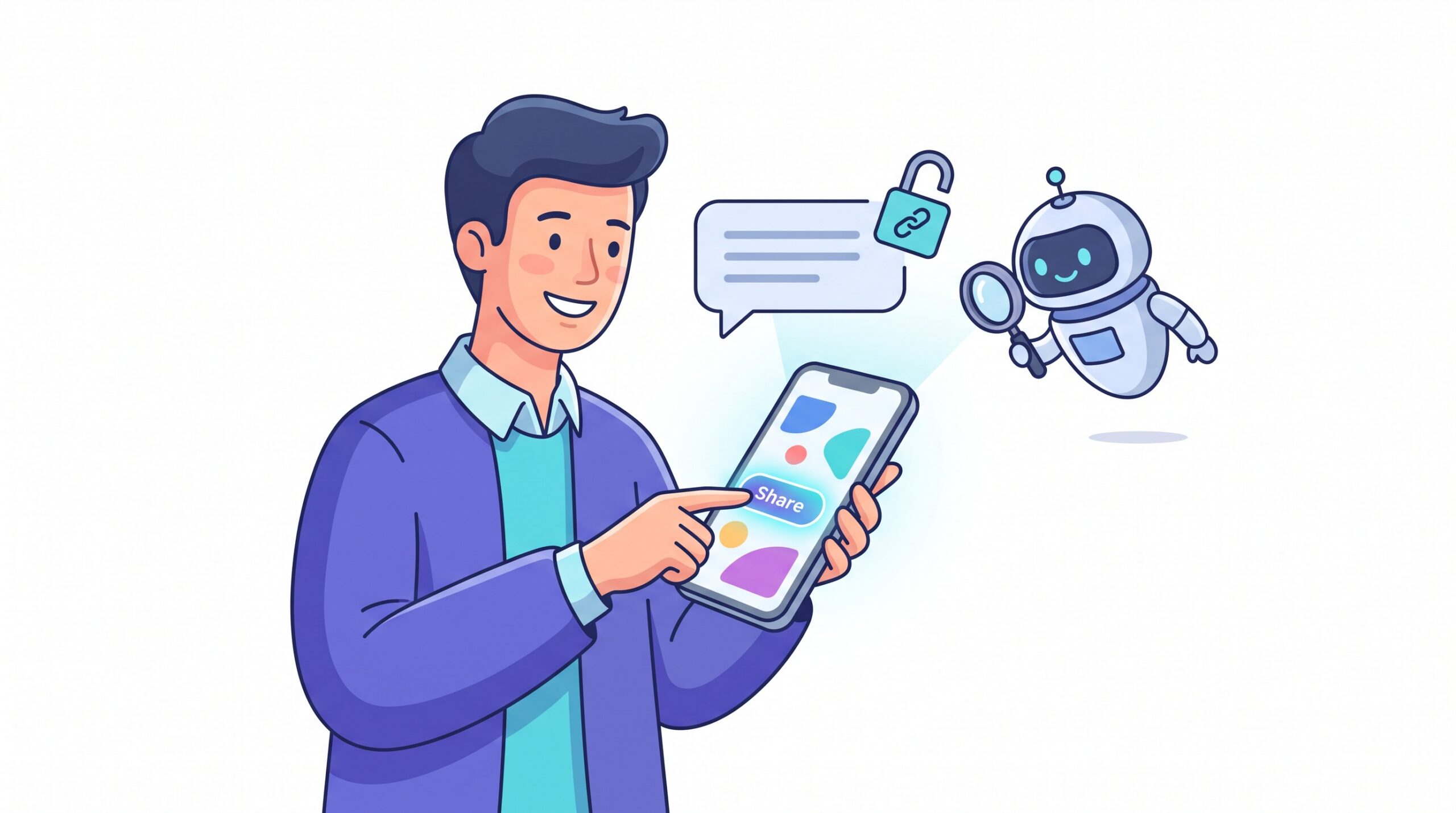
What actually happened
When the Claude story broke, the detail that rattled people was how ordinary the mistake was. Nobody hacked anything. Users simply clicked “share,” which generated a public link to their conversation or an Artifact they’d built. Those pages lived on the open web, so search engines did what search engines do: they crawled and indexed them. Anthropic clarified that shared chats only become findable in search after the link has been posted somewhere a crawler can see it — a public forum, a social post, a comment thread.
And that’s the catch. You might paste a “private” share link into what feels like a closed space, not realizing a crawler can reach it. As Google itself noted during the episode, no search engine decides which pages are made public on the web — that’s determined by how the page is set up and where its link ends up. The lesson isn’t “Claude is dangerous.” It’s that shareable and private are not the same thing, on any platform.
Why a “shareable link” isn’t private
A share link is best thought of as an unlocked door with a very long, random-looking address. There’s no password on it. The only thing protecting it is that the URL is hard to guess. That’s fine right up until the address leaks — and addresses leak constantly: a link gets forwarded, pasted into a public Slack or Discord, quoted in a blog, or saved somewhere that’s itself crawlable. The moment a bot finds that URL, the page is fair game for indexing.
So the mental model to adopt is simple: if you created a public share link, assume it could become searchable. Not because the AI company is careless, but because that’s how the public web works. This is the same instinct behind good data hygiene everywhere else in your AI stack — the same reason it’s worth stopping your AI coding assistant from leaking your secrets before they ever hit a log or a repo.

How to check whether your chats are exposed
Good news: you can audit yourself in about two minutes. Do both of these:
- Search for your own content. Open Google and try a
site:search for your chatbot’s share domain plus a distinctive phrase you remember using — for example,site:claude.ai "your unusual phrase here". If a shared conversation of yours is indexed, this is how you’ll spot it. Repeat for whichever assistants you use. - Review your shared-links list inside the app. Most assistants keep a record of every link you’ve generated. In the app, look under Settings for an entry like “Shared links,” “Your shared conversations,” or a share/history panel. That list is the real source of truth for what you’ve made public.
Don’t assume you’ve never shared anything. Share buttons are easy to tap by reflex, and a link you created months ago is still live until you say otherwise.
How to lock it down
If you find a shared link you’d rather not have floating around, deleting it is usually one tap:
- Revoke the link in the app. In your shared-links list, delete or “unshare” the conversation. That disables the public page so the URL stops resolving.
- Give search a nudge. Removing the page is the fix, but a cached copy can linger in search results for a while. If something sensitive was exposed, use Google’s “Remove outdated content” tool to request that the dead page be dropped from the index faster.
- Turn off any “make discoverable” option. Some apps have a separate toggle that actively invites search engines to index shared chats. Leave it off unless you genuinely want the world reading that conversation.
While you’re in there, treat it like a quick account-security pass. The same five minutes is a good moment to sanity-check how you log in and what’s connected — the kind of thinking behind deciding whether to use “Sign in with ChatGPT” in the first place.

Smarter sharing habits going forward
You don’t need to swear off sharing — you just need to share deliberately. A few habits keep you out of trouble:
- Prefer a direct export over a public link. If you only need one person to see a conversation, send them a screenshot, a copied-and-pasted excerpt, or an exported PDF. There’s no public URL to leak because there’s no public page at all.
- Scrub before you share. Before generating any link, reread the conversation for names, addresses, account numbers, client details, internal code, or anything you’d hate to see on a search results page. Delete those lines from the chat or start a clean one.
- Use workspace or team sharing when it exists. Many business tiers let you share inside your organization instead of to the open internet. That keeps access behind a login rather than a guessable URL.
- Set a cleanup reminder. Every month or two, open your shared-links list and delete the ones you no longer need. Old links are the ones most likely to resurface.
These are the same guardrails-first instincts that make AI genuinely useful rather than risky — the human version of keeping your AI tools on a short leash. A little intentionality up front saves a lot of cleanup later.

The real takeaway
The shared-chat scare wasn’t really about one company. It was a reminder that the AI apps we treat like a private notebook are, under the hood, ordinary web software — and the moment you create a public link, you’ve published to the internet, full stop. That’s not a reason to stop using these tools. It’s a reason to use the Share button the way you’d use a megaphone: on purpose, and only when you’re fine with strangers hearing it.
So do the two-minute audit today, revoke anything that shouldn’t be public, and default to direct exports for the stuff that’s just between you and one other person. Your AI assistant is at its best when it amplifies what you can do — not when it quietly amplifies what you meant to keep to yourself.

Sources & further reading:
- PSA: Your Claude shared chats and Artifacts may have ended up on Google
- Google search is indexing public Claude artifacts
- Uh-oh: Some Claude shared conversations and Artifacts appear to be indexed and publicly accessible on Google Search
Related Reading
- AI Is Training on Your Data by Default — Here’s How to Turn It Off, Platform by Platform
- Firefox’s Smart Window Now Runs on Mistral: A Private, Multilingual AI Built Into Your Browser
- How to Use AI to Spot Scams Before They Get You: A Practical Guide