AI Is Training on Your Data by Default — Here’s How to Turn It Off, Platform by Platform


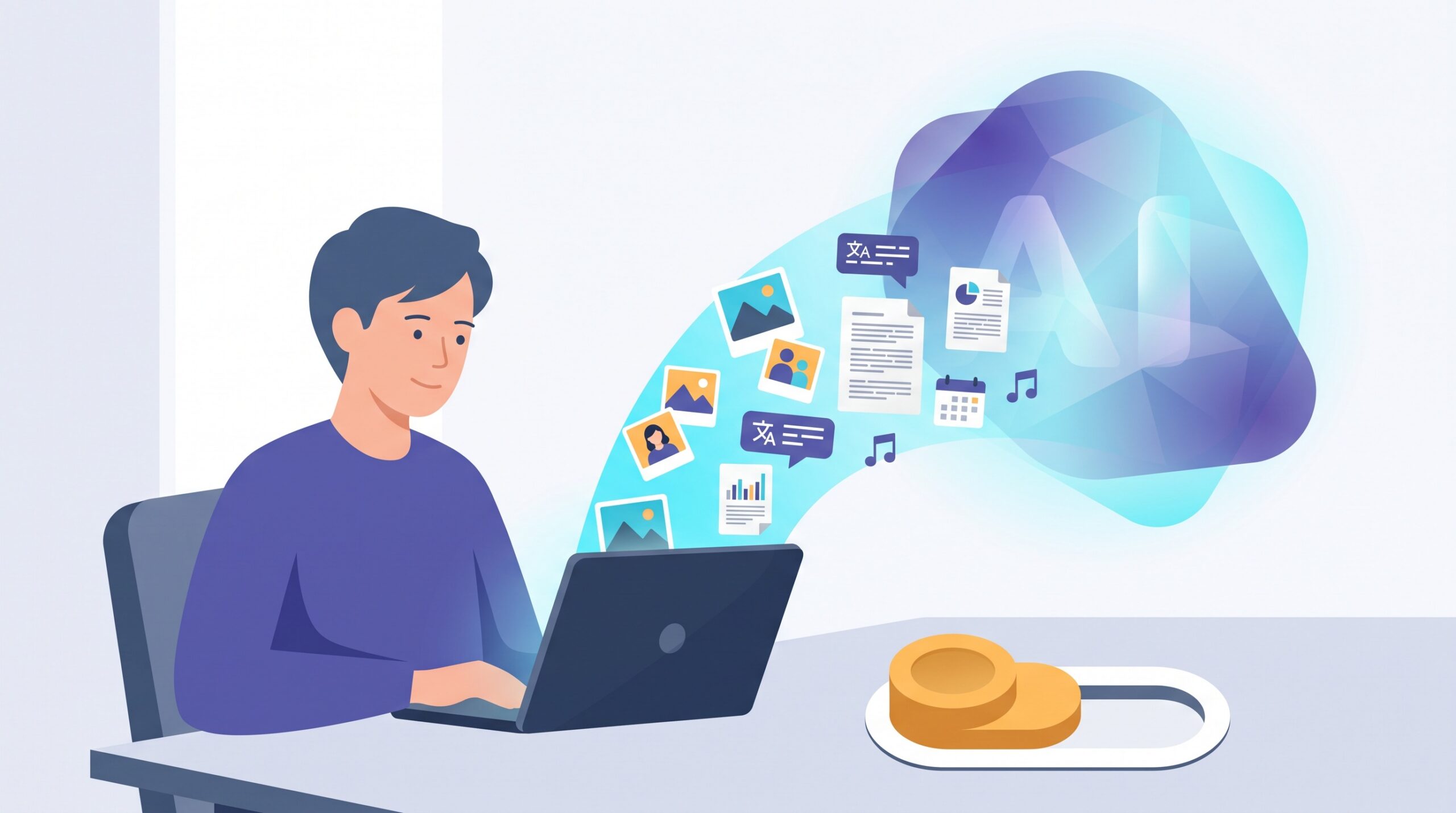
On August 12, 2026, Twitch quietly flipped a switch for millions of streamers: their videos and channel content are now fair game for training Amazon’s AI models — by default, with everyone opted in until they say otherwise. If that makes you uneasy, here is the part that should really get your attention: Twitch is not the exception. It is the rule. Almost every major platform you use — the place you post, the assistant you chat with, the network where you job-hunt — now assumes it can learn from your data unless you explicitly tell it no.
The short version: yes, your posts, photos and chats are probably being used to train AI right now, and yes, most services let you opt out — but the off switch is deliberately buried, and it almost never applies retroactively. Below is exactly where to find it on the seven platforms most people actually use, followed by what opting out really does (and the honest limits of it).
The 60-second reality check
Three things are true at once in 2026, and holding all three in your head is the whole game:
- Default-on is now normal. Companies default you into training because more data makes better models, and most people never touch the setting. The Twitch move is simply the latest to make headlines.
- An off switch usually exists. Thanks in large part to European privacy law rippling worldwide, nearly every major service now offers some way to opt out — a toggle, an objection form, or a private mode.
- Opting out is forward-looking. It stops future use of your data. It rarely un-trains a model that already learned from what you posted years ago. That is exactly why doing it sooner beats doing it later.
Where the off switch hides, platform by platform
Settings menus change, so treat these as the current path and look for the nearest matching wording if a label has moved. Every one of these was live as of this writing.
| Platform | Where to go | What to do |
|---|---|---|
| Twitch / Amazon | Settings → your channel/privacy settings | Turn off the new “use my content to train generative AI” option Twitch just added. |
| ChatGPT (OpenAI) | Profile → Settings → Data Controls | Switch off “Improve the model for everyone.” Your history stays; training stops. |
| Google Gemini | myactivity.google.com/product/gemini | Turn off the Gemini Apps Activity (“Keep Activity”) toggle so future chats aren’t saved or human-reviewed. |
| Claude (Anthropic) | Settings → Privacy | Turn off the model-training toggle. (Applies to consumer Free/Pro/Max; enterprise and API were never used for training.) |
| Settings & Privacy → Data privacy | Turn off “Data for Generative AI Improvement.” | |
| X (Grok) | Settings and privacy → Privacy and safety → Grok & Third-party Collaborators | Uncheck the option allowing your public data to be used for training. |
| Meta (Facebook / Instagram) | Settings → Privacy Center → “AI at Meta” | There is no simple toggle — submit the “Right to object” form. In the EU/UK it must be honored; elsewhere it’s more limited. |
A few minutes of clicking covers the platforms where most of your digital life actually happens. If you use others — Slack, Adobe, Pinterest, a note-taking app — search “[service] opt out AI training” and you’ll usually find a similar setting or an objection form.

The catch: opting out is not a delete button
Here is the honest limitation nobody selling you a “privacy fix” wants to dwell on. Turning off the training setting stops a company from learning from your data going forward. It does not:
- Erase what’s already been learned. If a model trained on your 2019 photos, that knowledge is baked in. There’s no realistic way to surgically remove one person’s contribution from a finished model.
- Cover data that’s truly public. Anything you posted openly may have already been scraped by third parties who never asked — a problem no single toggle solves.
- Always mean “never reviewed.” Some services still let staff or contractors look at a sample of conversations for safety and quality, separately from model training. Read what each toggle actually promises.
None of that makes opting out pointless — far from it. It means the value is in doing it early and treating it as ongoing hygiene, not a one-time cure.
The bigger move: don’t hand over the data in the first place
Toggles are damage control. The stronger play is to be deliberate about what you feed these tools at all. Two habits matter most.
Use private or temporary modes for anything sensitive. ChatGPT’s temporary chat, Grok’s private chat, and similar “incognito” modes keep a conversation out of your history and out of training. If you’re pasting in something you’d hate to see resurface — medical details, a client’s numbers, your own unpublished work — that’s the mode to use.
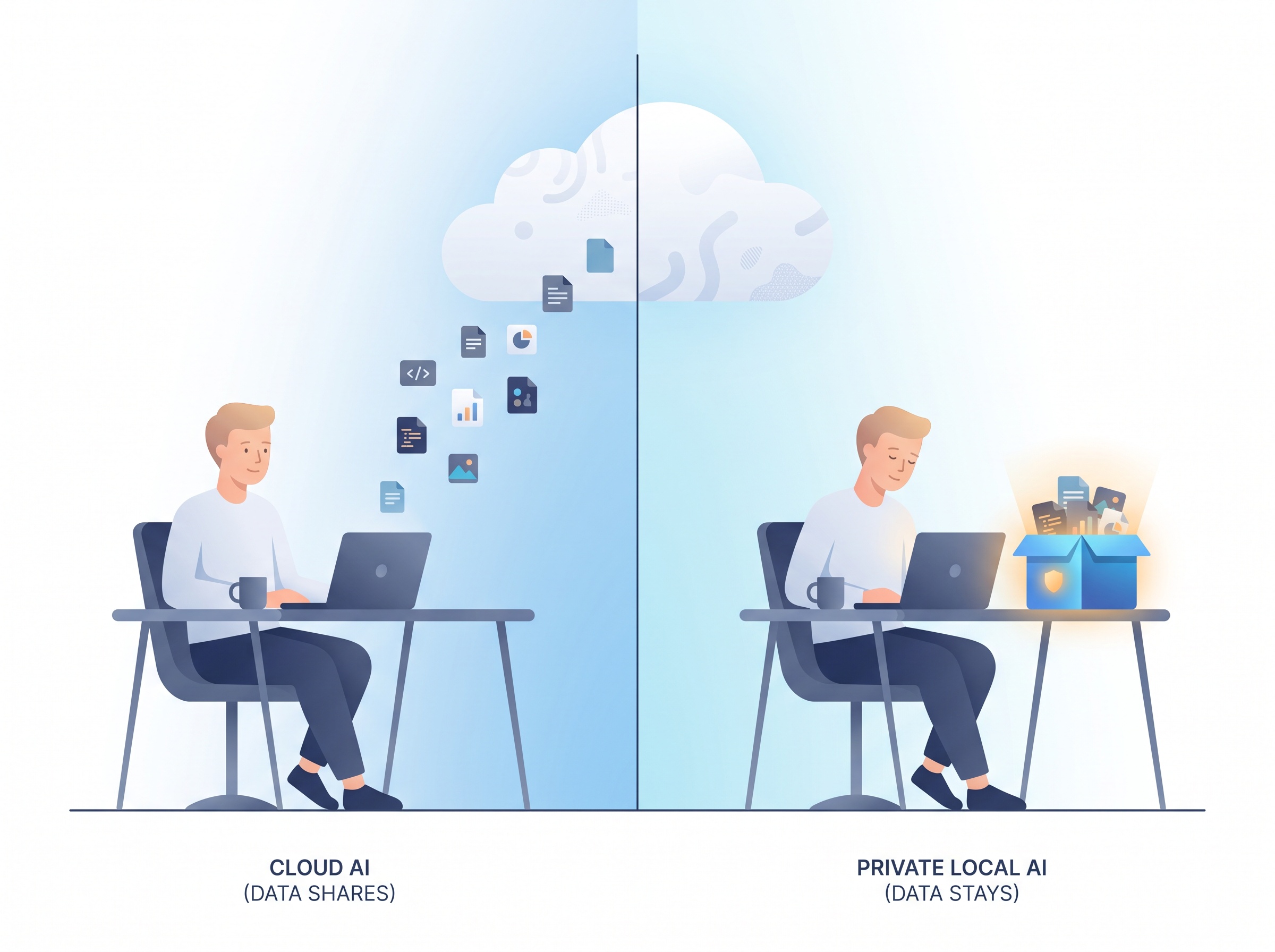
For the truly private stuff, keep it on your own machine. The only data that can’t be trained on is the data that never leaves your device. That’s the whole appeal of running a model locally — as we found when we put AI on our own computer with Ollama, a private, offline setup answers questions about your files without a single byte going to anyone’s cloud. The same logic is why on-device “AI PC” features are worth understanding: processing that stays local is inherently opt-out by design.
Quick answers to the questions people actually ask
Is my data being used to train AI right now? On most big platforms, if you’ve never changed the setting, assume yes. Default-on is the industry norm in 2026.
Does opting out make the AI worse for me? Generally no. You keep using the tool exactly as before. On some services you lose a bit of personalization tied to saved history — a fair trade for most people.
If I opt out, is my old data deleted? No. Opting out is forward-looking; it stops future training, not past learning. Delete your history separately if the service allows it.
Do I have to do this on every device? The account-level toggles (ChatGPT, LinkedIn, Claude) follow your account everywhere. A few platforms tie settings to each profile, so if you run multiple accounts, repeat it on each.
What about work accounts? Enterprise, education and API tiers usually don’t train on your data by default — that’s a key difference from the free consumer versions. When in doubt, ask your admin or check the business terms.

The takeaway
The Twitch story landed the way these always do: a quiet policy change, a wave of surprise, a scramble to find the setting. But the surprise is the real problem — not the toggle. Once you accept that default-on training is simply how the modern internet works, the fix stops being a panic and becomes a checklist. Spend fifteen minutes flipping the switches above, lean on private modes for anything sensitive, and keep your most personal work on your own machine.
You don’t have to abandon the AI tools that genuinely make your life easier — and you shouldn’t. The goal was never to hide from technology. It’s to use it on your terms: getting the amplified capability these tools offer while keeping a firm hand on what they’re allowed to keep. The switch is there. Now you know where to find it.
Sources & further reading:
- Amazon will train on Twitch streamers’ content by default, unless they opt out — TechCrunch
- Twitch streamers can now opt out from training Amazon’s AI — The Verge
- What if I want to keep my history on but disable model training? — OpenAI Help Center
- How do I change my model improvement privacy settings? — Anthropic Privacy Center
Related Reading
- Your AI Chats Can End Up on Google: How to Share Links Safely and Keep Conversations Private
- OpenAI Dots: What These New Always-On AI Agents Actually Do for You
- AI Slop Is Taking Over Your Feed: How to Spot It, and the New Tools Fighting Back