84% of Developers Use AI Coding Tools — But Only 29% Trust Them. Here’s How to Close That Gap


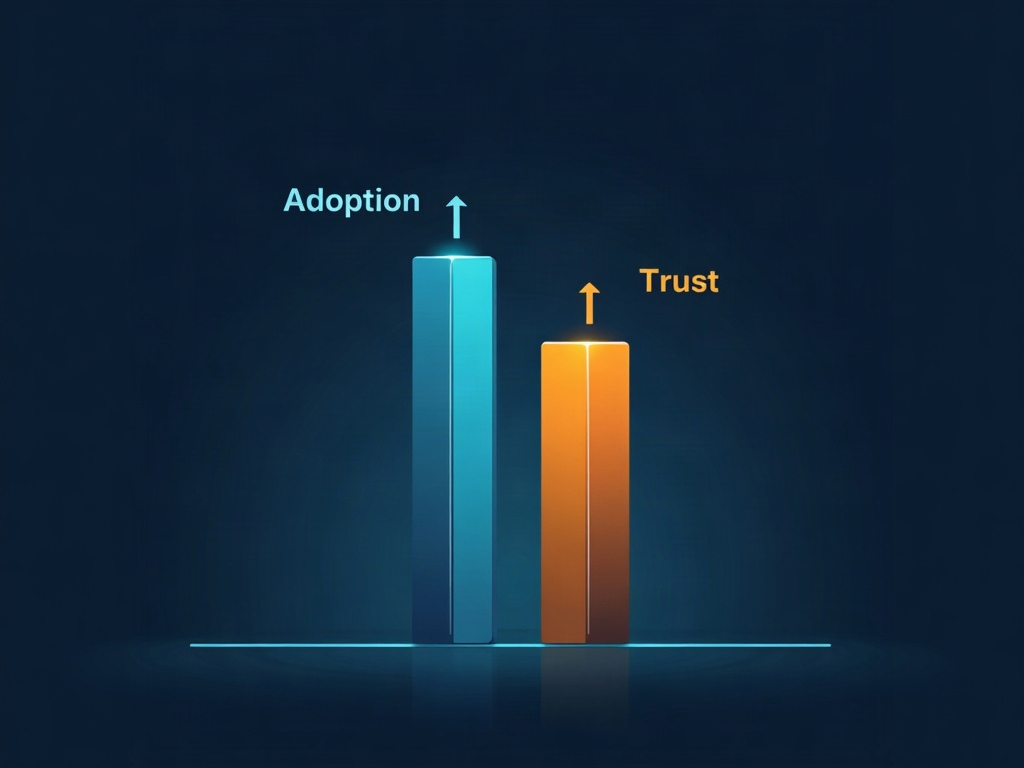
Here’s a number that captures where software development sits in 2026: 84% of developers now use AI coding tools, but only 29% actually trust the code those tools produce. Read that twice. Almost everyone is using the technology, and almost nobody fully believes it.
If you feel that tension in your own work — leaning on Copilot, Cursor, or Claude to move faster while quietly double-checking everything it hands you — you’re not being paranoid. You’re being a good engineer. The real mistake would be treating that gap as a reason to either abandon AI or, worse, to stop checking its output. This article is about the third path: a practical workflow that lets you keep the speed and earn the trust.

Why the Trust Gap Exists (And Why It’s Healthy)
The trust gap isn’t a sign the tools are broken. It’s a sign developers are paying attention. AI coding assistants are extraordinary at pattern completion — they produce plausible, well-structured code fast. But “plausible” and “correct” are not the same thing, and every experienced developer has been burned by the difference.
Three failure modes drive the skepticism:
- Confident hallucinations. The model invents a function, flag, or library method that looks real but doesn’t exist. It compiles in your head and fails in your terminal.
- Subtle logic drift. The code does almost what you asked — off-by-one errors, a missed edge case, an inverted condition buried in an otherwise clean block.
- Silent security holes. Unsanitized input, a hardcoded fallback, an overly permissive default. It runs fine until someone finds it.
None of these are reasons to quit. They’re reasons to have a process. The developers who trust their AI output aren’t the ones who check less — they’re the ones who’ve built a review loop so reliable that trust becomes the natural result.
Step 1: Treat AI as a Draft, Not a Delivery
The single biggest mindset shift is refusing to copy-paste AI output straight into production. The model is your fast, tireless junior pair-programmer — brilliant at first drafts, terrible at accountability. You are the editor-in-chief.
Practically, that means reading every line the AI generates before you accept it. Not skimming — reading. If a block is too long or too dense to review in one pass, that’s your signal to ask for something smaller. Prompt for a single function, not an entire module. Smaller diffs are reviewable diffs, and reviewable diffs are trustworthy diffs.
Step 2: Make the AI Explain Itself
One of the most underused trust-building moves is simply asking the model why. After it generates code, ask: “Walk me through what this does and where it could break.” Two things happen. First, you get a plain-language spec you can check against your actual intent. Second, the model frequently catches its own mistakes mid-explanation — the act of reasoning out loud surfaces the edge case it skipped.
Follow it up with the adversarial question: “What input would make this fail?” A model that can’t name a failure mode for its own code is a model you should review even harder.
Step 3: Let Tests Be the Referee
Trust doesn’t come from staring at code — it comes from evidence. And nothing produces evidence faster than tests. The good news: AI is genuinely excellent at generating them.
Flip the workflow around. Have the assistant write tests first, including the ugly edge cases (empty inputs, nulls, huge numbers, malformed data). Then have it write the implementation. Now you’re not trusting the AI’s word — you’re trusting a passing test suite that you reviewed. When the implementation and the tests were reasoned about separately, a bug has to survive both to reach you.

Step 4: Keep a Human in the Security Loop
This is the one area where you should never fully delegate. Run AI-generated code through the same guardrails you’d apply to any pull request: a linter, a static-analysis pass, and a dependency check for anything the model wants to import. If it suggests a package, verify the package actually exists and is maintained — hallucinated dependencies are a real and growing supply-chain attack surface.
For anything touching authentication, user input, payments, or data access, treat the AI’s output as a suggestion to be earned, not accepted. A thirty-second manual read of a security-sensitive block is the cheapest insurance you’ll ever buy.
Step 5: Build a Feedback Loop You Actually Keep
Trust compounds. Every time the AI gets something wrong and you catch it, note the pattern. Maybe your model is weak on a specific framework, or it consistently forgets a project convention. Feed that back — many assistants now support project-level instructions or rules files where you can encode “always use our logging wrapper” or “never disable type checks.”
Over a few weeks, this turns a generic assistant into one tuned to your codebase. The output gets more trustworthy not because the model changed, but because you taught it your standards.

The Real Takeaway: Trust Is a Workflow, Not a Feeling
The 29% figure isn’t a verdict on AI coding tools — it’s a snapshot of an industry that hasn’t finished building its review muscles yet. The developers who close the gap aren’t more trusting by nature. They’ve just replaced blind faith with a repeatable loop: draft small, demand explanations, let tests referee, guard security by hand, and feed lessons back.
Do that, and the question stops being “can I trust the AI?” It becomes “is my process good enough to make trust irrelevant?” — and that’s a question you’re fully in control of. Used this way, AI coding tools don’t replace your judgment. They amplify it, handing you the speed of a tireless collaborator while you stay firmly in the seat that matters most: the one deciding what’s actually good enough to ship.
Sources & further reading:
Related Reading
- Your AI Coding Assistant Can Be Tricked: The GhostApproval Flaw and How to Code Safely with AI
- The No-Code Revolution: How AI Tools Are Making Everyone a Developer in 2026
- Even Daily AI Users Are Worried: What the Numbers Say — and How to Use AI Without the Dread