Almost every developer now reaches for an AI coding assistant, yet fewer than a third trust the code it produces. That gap isn’t a reason to quit AI — it’s a workflow problem you can fix.
Reading through long PDFs, research papers, and complex documents doesn’t have to be a slog anymore. AI chat tools now let you have actual conversations with your documents, asking questions and getting instant answers without scrolling through hundreds of pages.
Whether you’re a student tackling research papers, a professional reviewing contracts, or anyone dealing with lengthy documents daily, these AI PDF chat tools can save hours of manual reading time.
Why AI PDF Chat Tools Matter
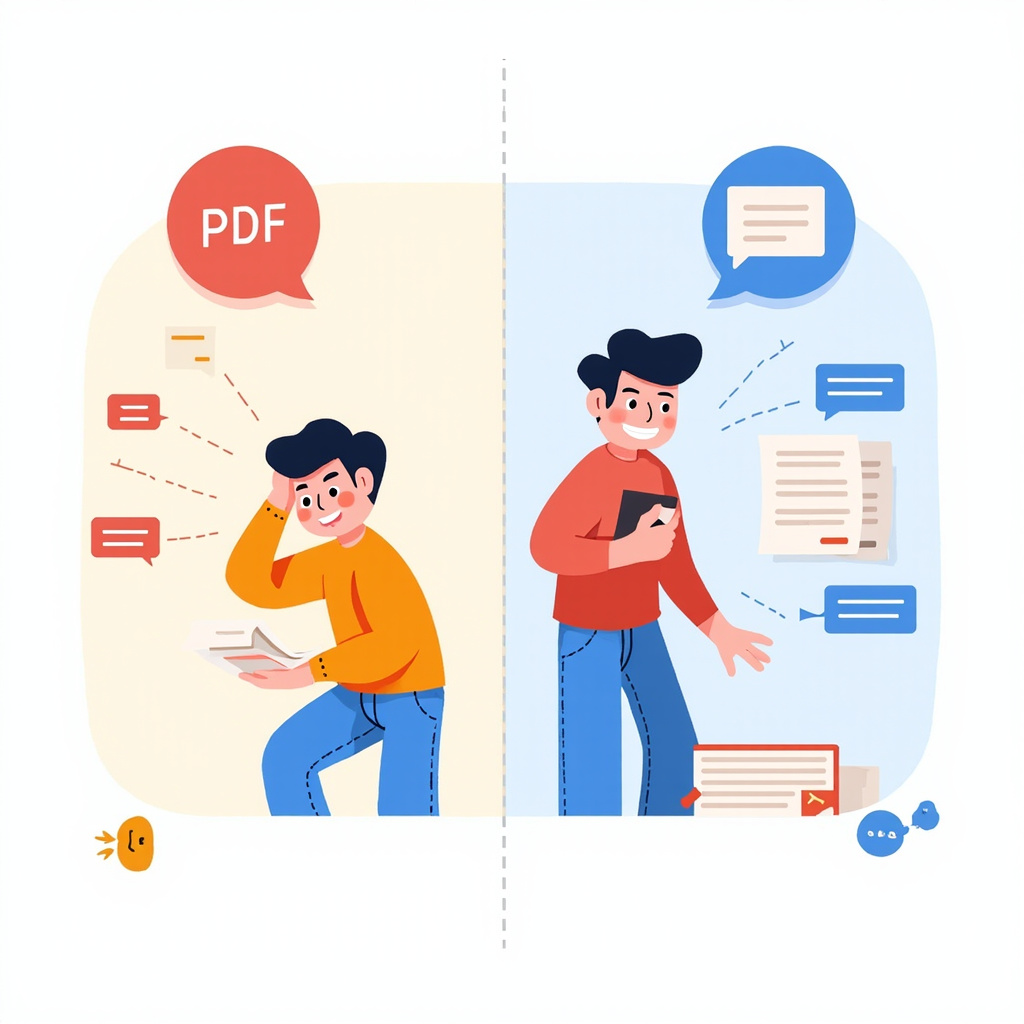
Traditional PDF reading forces you to manually scan through pages, trying to find specific information or understand complex concepts. AI chat tools flip this process: instead of you searching the document, you ask the AI specific questions and it finds the answers for you.
Key benefits include:
Instant answers: Get specific information without scrolling through pages
Cross-referencing: Ask about connections between different sections
Language simplification: Get complex concepts explained in plain English
Multi-document analysis: Compare information across multiple PDFs
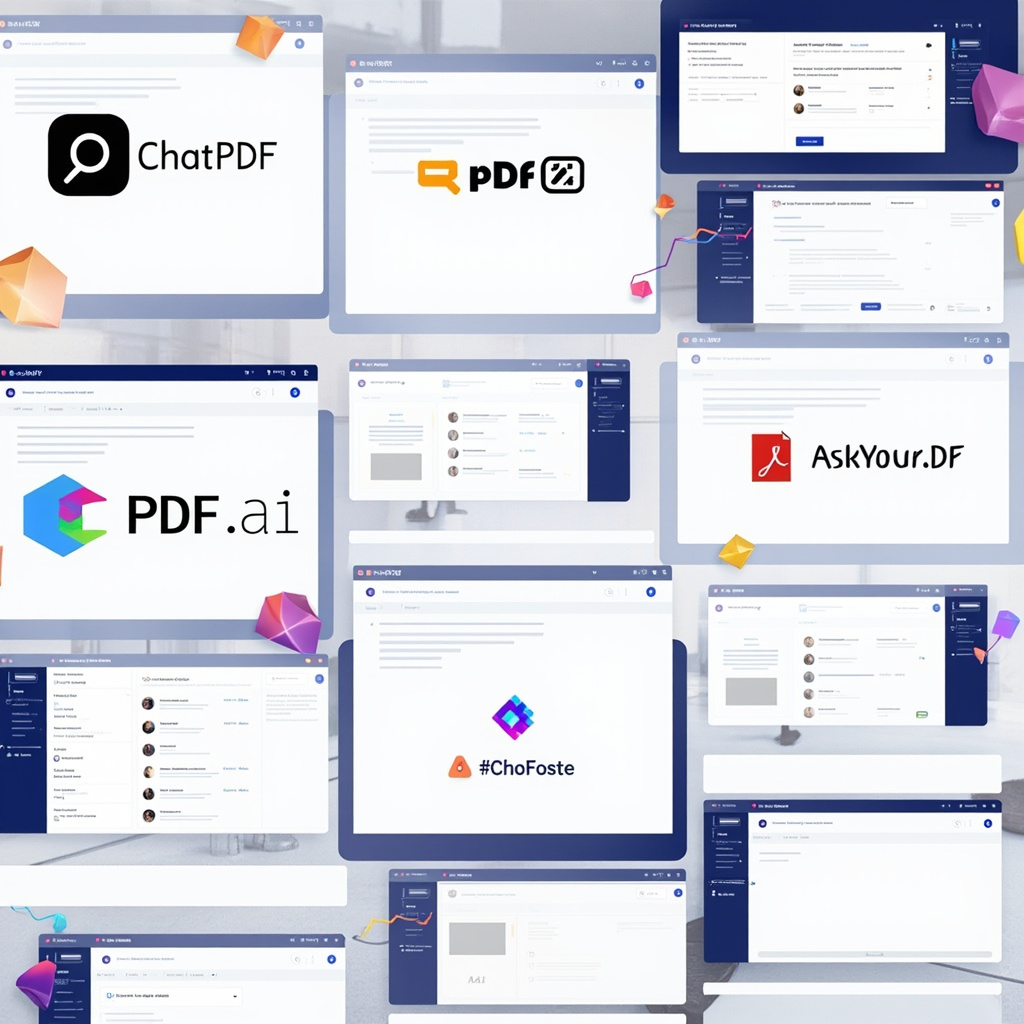
Top 5 AI PDF Chat Tools for 2026
1. ChatPDF – The Original Pioneer
ChatPDF started the PDF conversation revolution and remains one of the most reliable options. Upload any PDF and immediately start asking questions about its content.
Best for: Academic research, quick document analysis Free plan: 2 documents per day Paid plan: Unlimited documents with ChatPDF Plus
2. PDF.ai – Enterprise-Grade Features
PDF.ai offers more advanced features including document comparison, batch processing, and detailed citation tracking. Perfect for professional use cases.
Best for: Business documents, legal contracts, technical manuals Free plan: Limited queries per month Pricing: Starts at $9/month for unlimited access
3. AskYourPDF – Multi-Format Support
Beyond PDFs, AskYourPDF handles Word documents, PowerPoint presentations, and even web pages. Great for users working with diverse document types.
Best for: Mixed document workflows, content creators Free plan: 5 documents per day Features: Browser extension, mobile app available
4. Smallpdf AI Chat – Swiss Precision
From the makers of the popular Smallpdf toolkit, this AI chat feature integrates seamlessly with their existing PDF editing and management tools.
Best for: Users already in the Smallpdf ecosystem Free plan: Basic chat features included Integration: Works with Smallpdf’s editing and conversion tools
5. Humata AI – Research-Focused
Specifically designed for researchers and academics, Humata AI excels at analyzing research papers, generating citations, and connecting ideas across multiple documents.
Best for: Academic research, literature reviews Features: Citation generation, research summaries Pricing: Free tier with usage limits, paid plans for heavy users
Choosing the Right Tool for You
Your best choice depends on your specific needs:
Students and researchers: ChatPDF or Humata AI for academic work
Business professionals: PDF.ai for advanced features and security
Casual users: AskYourPDF for its versatility and free tier
Existing Smallpdf users: Smallpdf AI Chat for seamless integration
Getting Started Tips
To get the most out of AI PDF chat tools:
Start with specific questions: Instead of asking “What is this document about?”, try “What are the main conclusions about climate change impacts?”
Use follow-up questions: Build on previous answers to dive deeper into topics
Ask for summaries: Request bullet-point summaries of complex sections
Cross-reference information: Ask the AI to find connections between different parts of the document
Request clarification: If something isn’t clear, ask the AI to explain it in simpler terms
The Future of Document Reading
AI PDF chat tools represent a fundamental shift in how we interact with written information. Instead of passive reading, we can now have active conversations with our documents, making research and analysis more efficient and engaging.
As these tools continue improving with better AI models and more features, they’ll become essential for anyone who regularly works with documents. The question isn’t whether to adopt them, but which one fits your workflow best.
Try one of these tools with your next lengthy document – you might be surprised how much time you save and how much more you understand.
AI-generated code is flooding pull requests. GitHub reports that 41% of new code is now AI-assisted, and monthly merged PRs hit 43 million. The bottleneck has shifted from writing code to reviewing it. Enter AI code review tools — but not all of them are worth your time.
Modern AI-powered code review workflows help developers identify bugs and architectural issues across complex codebases
In 2026, the AI code review space has split into two distinct categories: diff-aware tools that analyze changed lines in isolation, and system-aware tools that understand how changes affect your entire architecture. The difference matters enormously.
The Problem With “Smart Linters”
Most early AI code review tools were essentially smart linters. They looked at the diff, applied pattern-based checks, and flagged style issues. Useful? Somewhat. But they missed the bugs that actually break production.
Consider this scenario: a developer adds a required field to a shared request schema. The PR looks small and clean. A diff-aware tool sees well-structured code and approves. But that change silently breaks 23 downstream services. Only a system-aware reviewer catches this.
As one senior engineer put it: “I’ve been ignoring CodeRabbit comments for weeks. They’re usually about style, not substance.” That’s the danger of tools that lack architectural understanding.
The Best AI Code Review Tools in 2026
Qodo Merge (formerly PR-Agent): The System-Aware Reviewer
Qodo Merge has emerged as the most sophisticated AI code review tool available. It maintains persistent context about your codebase’s architecture, understands service dependencies, and can trace the impact of changes across repository boundaries.
When it flags a breaking change, it doesn’t just say “this might be a problem” — it tells you exactly which services are affected and what migration steps are needed. For enterprise teams managing microservices, this level of awareness is transformative.
The open-source PR-Agent version provides unlimited PR reviews for self-hosted setups, making it accessible for teams with privacy requirements.
GitHub Copilot Code Review
GitHub’s native AI review integration offers the lowest-friction experience. It provides inline feedback directly in pull requests, catches common issues, and integrates seamlessly with existing GitHub workflows.
It’s not as architecturally aware as Qodo, but for teams already on GitHub, the zero-setup experience and tight integration make it a solid first line of defense. Combined with Copilot’s coding assistance, it creates a complete AI-assisted development loop.
CodeRabbit: Quick Summaries, Limited Depth
CodeRabbit excels at generating clear PR summaries and catching obvious runtime issues. It’s fast and produces readable output. However, enterprise teams report that it lacks merge gating capabilities and struggles with complex architectural changes.
It’s solid for simple PRs but shouldn’t be your only reviewer for critical code paths.
Cubic: The Analytics-Focused Reviewer
Cubic differentiates itself with comprehensive analytics and issue tracker integration. Beyond just reviewing code, it tracks review quality metrics over time, helping engineering leaders understand whether their AI review investment is paying off.
OpenAI Codex Cloud
OpenAI’s Codex Cloud offers on-demand reviews focused on correctness and behavior. It’s particularly good at identifying logical errors and suggesting test cases for edge cases the original developer might have missed.
Comparison between diff-aware tools (left) that focus on individual changes vs system-aware tools (right) that analyze architectural impact
What to Look For in an AI Code Reviewer
Based on our evaluation, here’s what separates useful AI review tools from noisy ones:
Breaking change detection: Does it understand how your change affects the broader system, or just the changed files?
Signal-to-noise ratio: Does it flag real issues or drown you in style nits?
Integration depth: Does it work within your existing PR workflow or require a separate tool?
Learning capability: Does it adapt to your team’s patterns and conventions over time?
Actionable feedback: Does it suggest specific fixes, or just point out problems?
Our Recommendation
For most teams, a layered approach works best: GitHub Copilot Review for baseline coverage, plus Qodo Merge for architectural awareness on critical services. This combination catches both common issues and subtle breaking changes without overwhelming developers with noise.
The teams seeing the best results aren’t replacing human reviewers — they’re using AI to handle the routine checks so human reviewers can focus on design decisions, business logic, and mentoring. That’s where AI code review delivers real value in 2026.