• About
  • AI Developer Tools
  • AI Model Quality Leaderboard
  • AI Model Usage Tracker
  • Blog
  • Contact
  • Disclaimer
  • Home
  • Hot AI Media Models
  • Privacy Policy
  • Trending Open Models

AIToolsForHumans

Real Humans Working With AI Tools

Tag: ChatGPT

ChatGPT Can Now Build You a Tool Mid-Conversation: How GPT-6’s Intelligent UI Works


Raymond on October 9, 2026

A chat bubble on a phone expanding from plain text into a small chart, a button, a map pin and a slider

ChatGPT just stopped answering only in paragraphs. With GPT-6’s new Intelligent UI, it can reply with maps, charts, buttons, and little tools it builds on the spot — a calculator, a bill splitter, a game. Here’s what changed and how to actually use it.

ChatGPT Is About to Watermark Its Writing: What OpenAI’s Invisible Text Watermark Means for You

Raymond on October 6, 2026

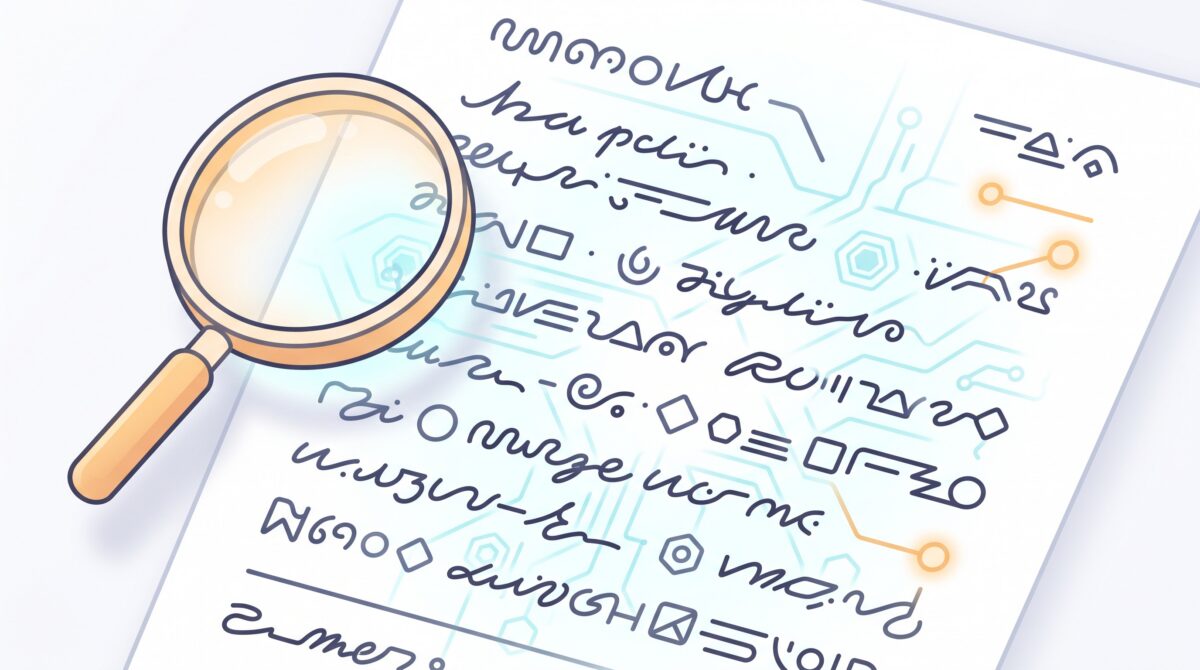
A page of writing with a hidden glowing watermark pattern woven through it, revealed by a soft lens

OpenAI says it will start embedding an invisible watermark in text generated by ChatGPT and Codex — starting in the EU, to comply with the EU AI Act. Here’s what that actually means, who it affects, what it can and can’t do, and the practical takeaways if you write with AI.

ChatGPT Is Becoming an App Platform: What OpenAI’s New Plugin Extensions Mean for You

Raymond on October 3, 2026

A ChatGPT chat window with several app panels running inside it

At DevDay 2026, OpenAI announced plugin extensions that turn whole apps into experiences you run inside ChatGPT. Here’s what that actually changes for everyday users.

ChatGPT Can Now Try On Clothes For You: Here’s How to Use It

Raymond on October 2, 2026

A person previewing an outfit on their phone using ChatGPT virtual try-on

OpenAI just gave ChatGPT a Try On button that shows how clothes look on your own body before you buy. Here’s exactly how it works and how to get useful results.

Stop Accepting the First AI Answer: Simple Ways to Get a Better Response Every Time

Raymond on October 1, 2026

A person refining an AI answer by asking a follow-up question

The first answer an AI gives you is rarely its best. Here are seven quick, no-jargon moves that turn a mediocre AI response into exactly what you needed.

OpenAI Dots: What These New Always-On AI Agents Actually Do for You

Raymond on September 30, 2026

A friendly always-on AI agent avatar working alongside a person at a desk

OpenAI just launched Dots, always-on AI agents that chase your goals in the background across Slack, email, and Codex. Here’s what they really do and how to use them.

How to Use AI to Spot Scams Before They Get You: A Practical Guide

Raymond on September 26, 2026

A person using an AI assistant to check a suspicious message on their phone

The same AI that writes your emails is now writing scammers’ scripts, cloning voices, and faking faces. Here’s how to flip it around and use AI as your own scam-detector — plus the low-tech habits no deepfake can beat.

How to Plan Your Week With AI: A 20-Minute Sunday System That Actually Sticks

Raymond on September 25, 2026

A person planning their week with an AI assistant on a laptop on Sunday morning

Most planning apps fail because they need you to be organized before you start. Here’s a 20-minute Sunday ritual that hands the organizing to AI — with copy-paste prompts you can steal today.

Stop Repeating Yourself: How to Use ChatGPT Projects and Memory to Save Hours

Raymond on September 24, 2026

Illustration of a person chatting with an AI that saves context into an organized memory folder

If you find yourself pasting the same background into ChatGPT every single time — who you are, what you’re working on, how you like answers — you’re doing unpaid setup work the tool is built to remember. Here’s how Projects and Memory kill the repetition.

ChatGPT Images 2.5 Is Here: What’s New and How to Actually Use It

Raymond on September 23, 2026

Illustration of a person generating an image on a laptop with ChatGPT

OpenAI just shipped ChatGPT Images 2.5, and it fixes the two things that made AI images frustrating: garbled text and edits that wrecked the rest of the picture. Here is what changed and a practical playbook for using it on real, everyday tasks.

Posts pagination

Previous 1 2 3 4 Next

Footer

Archives

  • November 2026
  • October 2026
  • September 2026
  • August 2026
  • July 2026
  • May 2026
  • April 2026
  • March 2026
  • February 2026

Categories

  • AI
  • AI Coding
  • AI Productivity
  • AI Tools
  • Content Moderation
  • Developer Tools
  • Open Source
  • Productivity
  • Security
  • Uncategorized
Copyright © 1998-2026 AIToolsForHumans.com. All rights reserved.
  • About
  • Contact
  • Privacy Policy
  • Disclaimer