ChatGPT Can Now Try On Clothes For You: Here’s How to Use It


Online clothes shopping has always come with a guessing game: will that jacket actually look right on you, or just on the model? On October 1, OpenAI rolled out a feature that takes a real swing at that problem. ChatGPT can now virtually try clothes on your own body before you spend a cent — and it launched globally, not as a limited test.
Here’s exactly what it does, how to use it, and where it still falls short.

What ChatGPT’s virtual try-on actually does
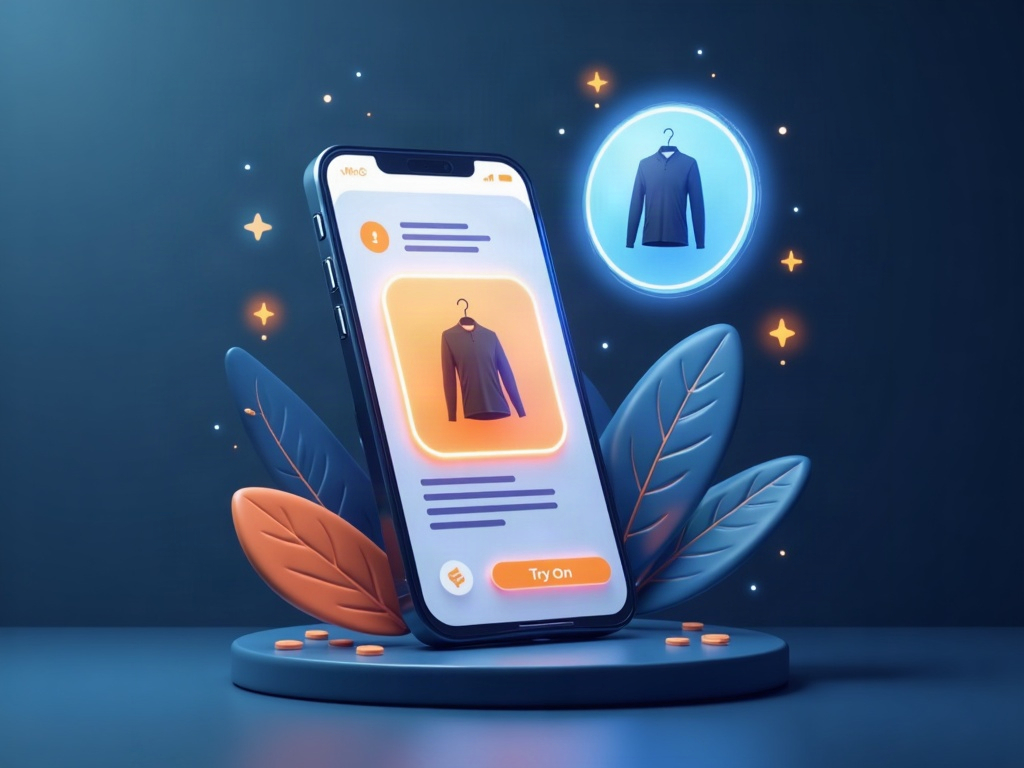
OpenAI announced two new shopping features. The headline one is virtual try-on: you upload a selfie or a full-body photo, and ChatGPT shows you how a specific piece of clothing or an accessory might look on you. A new Try On button now appears next to clothing items in ChatGPT’s shopping results.
The second feature is Favorites — a way to save products you like to a Library in the app so you can come back to them later. Your try-on images get saved there too, so you can compare looks side by side instead of scrolling back through the chat.
Under the hood, this runs on OpenAI’s newer ChatGPT Images 2.5 model, which the company says produces more natural lighting, richer fabric textures, and follows editing instructions more reliably than before. In plain terms: the previews are meant to look less like an obvious paste-job and more like a real photo of you.
How to use it, step by step
You don’t need to hunt through settings. The feature lives wherever a clothing product shows up in a chat:
- Ask ChatGPT to shop. Start a normal shopping conversation — something like “find me a lightweight rain jacket for fall” — and let it pull up product results.
- Tap the item, then tap Try On. When a clothing result appears, the Try On button sits right there on the listing.
- Upload your photo. It asks for a selfie or, better, a full-body photo. ChatGPT uses that to render the item on you.
- Review and tweak. If the look is promising, save it to Favorites. If not, try a different item or a different photo.
There’s a handy shortcut, too: you can upload an image of something you spotted elsewhere — a web screenshot, say — and ask ChatGPT to try that on, even if you didn’t find it through its own shopping results.

The clever part: shop by vibe, not just by item
Try-on is the demo-friendly feature, but the more interesting everyday use is how you describe what you want. Instead of searching for one product, you can describe a whole aesthetic — “relaxed smart-casual for a fall wedding” — and ask ChatGPT to find the pieces that recreate it.
You can also upload a photo of an outfit you admire, including a celebrity’s look, and ask it to find similar items you can actually buy. That’s the kind of fashion-inspiration-to-cart move that Pinterest and Google have owned for years, now folded into a chat you’re already having.
How to get a preview that’s actually useful
AI image generation is only as good as what you feed it. A few habits make the difference between a convincing preview and an uncanny one:
- Use a full-body photo in good light. A clear, front-facing shot with your whole body visible gives the model far more to work with than a cramped selfie.
- Keep the background simple. A plain wall beats a busy room — it’s easier for the model to separate you from the scene.
- Wear fitted clothes in the source photo. Baggy layers hide your actual shape, which is the whole thing you’re trying to preview.
- Treat it as a guide, not a mirror. It’s great for color, cut, and overall vibe. It will not tell you whether a size medium fits your shoulders. Check the retailer’s size chart for that.
The honest limitations
This is genuinely useful, but keep your expectations grounded. A rendered preview is an approximation — fabric drape, true color under your lighting, and fit are all things a generated image can get subtly wrong. Use it to narrow a shortlist, not to skip the return policy.
There’s also the privacy angle worth naming out loud: you’re uploading photos of yourself to be processed. If that’s something you’d rather not do with a full-body shot, you don’t have to — a clear upper-body photo still works for tops and accessories.
And ChatGPT is late to this particular party. Google launched its own virtual try-on more than a year ago, and OpenAI’s earlier attempt at an instant-checkout feature didn’t take off. Whether people make ChatGPT their first stop for shopping — rather than just asking it questions — is still an open question.

Should you bother?
If you shop online with any regularity, yes — it’s worth a few minutes to try. The real win isn’t the novelty of seeing yourself in a virtual jacket. It’s cutting down the quiet tax of online shopping: the orders you place unsure, the boxes you ship back, the hours lost to “will this work on me?”
That’s the sweet spot for AI in everyday life — not replacing your judgment, but handing you a better look before you commit. Open a shopping chat, upload one good photo, and let it show you. Worst case, you’ve saved yourself a return.
Sources & further reading:
Related Reading
- ChatGPT Images 2.5 Is Here: What’s New and How to Actually Use It
- ChatGPT Can Now Build You a Tool Mid-Conversation: How GPT-6’s Intelligent UI Works
- ChatGPT Just Went Unlimited for Free Users: What You Can Actually Do With It Now