NotebookLM: How to Use Google’s Most Underrated AI Tool Better Than 99% of People


Everyone reaches for ChatGPT. Almost nobody reaches for the one AI tool Google built specifically for working through your own documents. It is called NotebookLM, it is free, and once you understand what makes it different, it quietly becomes the tool you open for real work — the dense report, the stack of PDFs, the research you actually have to get right.
The trick is that NotebookLM is not trying to be a know-it-all. It is trying to be an expert on your stuff. Here is what it does, why that matters, and how to use it better than almost anyone around you.

What NotebookLM actually is
A normal chatbot answers from everything it absorbed during training, which is why it can confidently invent a citation that does not exist. NotebookLM flips that: it only answers from sources you give it. Upload a set of documents, and it becomes a research assistant that has read every word — and refuses to wander off them.
That grounding is the whole point. Ask a question and it responds using only your material, with inline citations you can click to jump straight to the sentence it pulled from. If the answer is not in your sources, it tells you so instead of making something up. It is the same source-first approach we explained in our primer on how AI assistants look things up before they answer — except here you control exactly what it is allowed to look at.
Feeding it sources: the part that matters most
NotebookLM is only as good as what you put in, so this is where the work pays off. You can add a wide range of material to a single notebook:
- PDFs — reports, papers, manuals, contracts, textbooks.
- Google Docs and Slides straight from your Drive.
- Web pages by pasting a link.
- YouTube videos — it pulls the transcript so you can query a talk without watching it.
- Pasted text for anything that does not fit the boxes above.
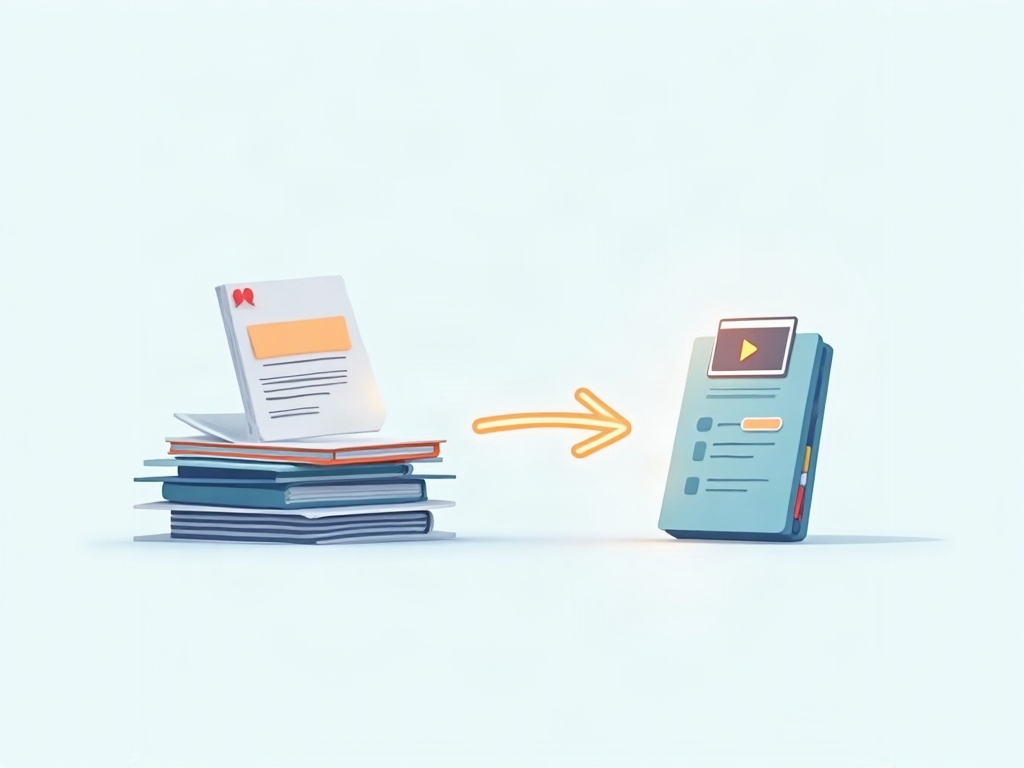
A single notebook holds dozens of sources, and NotebookLM reasons across all of them at once. That is the unlock: it can find the thread connecting page 3 of one PDF to a throwaway line in a video transcript — the kind of cross-referencing that eats an afternoon by hand.
The killer feature: Audio Overviews
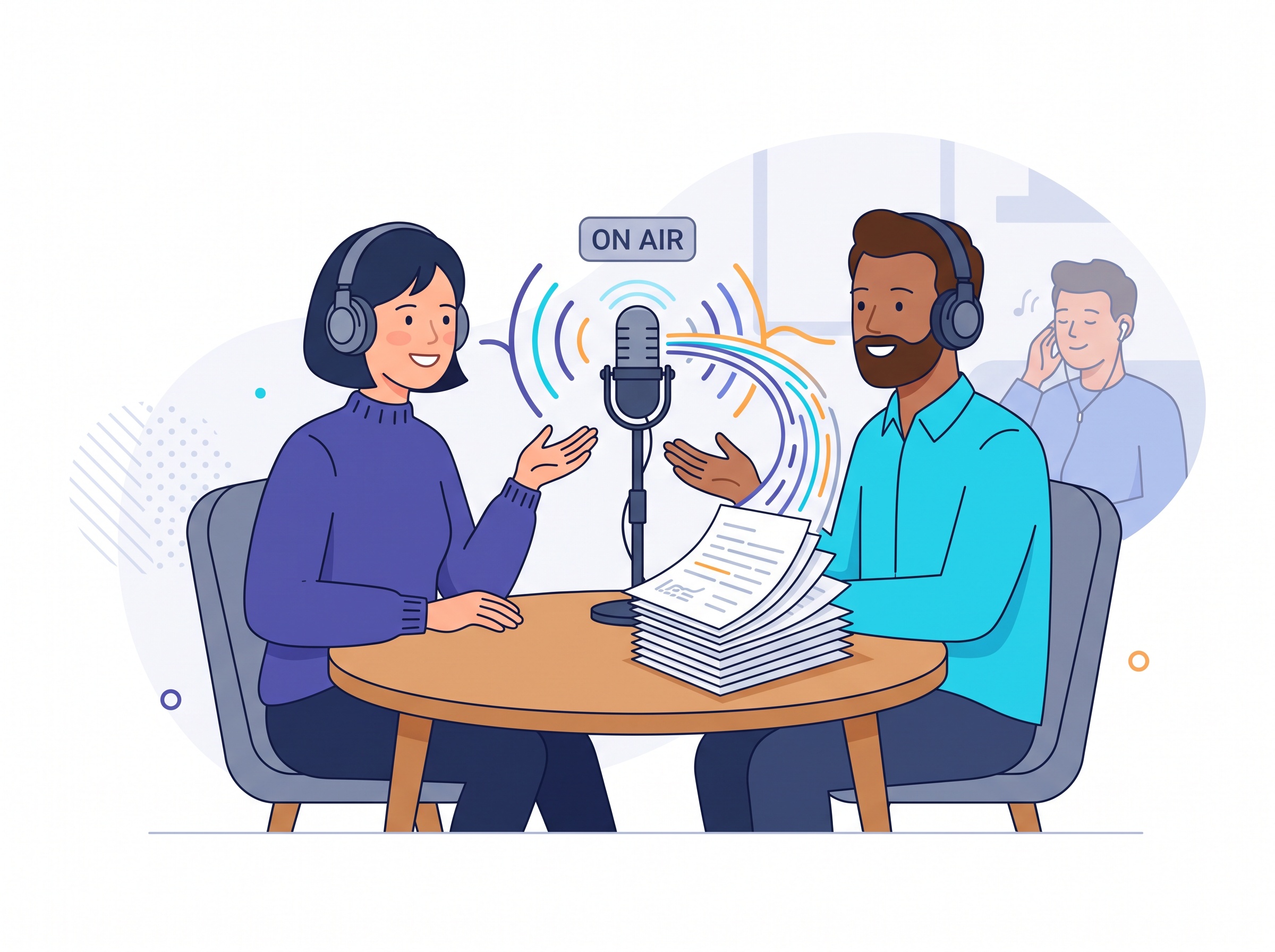
Here is the feature that made NotebookLM go viral, and it is genuinely clever. Click Audio Overview and it generates a podcast-style conversation — two AI hosts who discuss your sources back and forth, explaining the material, drawing connections, and surfacing the interesting bits, like a briefing made just for you.
It sounds gimmicky until you try it on something you have been avoiding. A forty-page report becomes a ten-minute drive-time listen. And you can now interrupt the hosts and ask questions mid-conversation — “wait, explain that part again” — and they respond, still grounded in your documents. For anyone who absorbs information better by ear, it is a legitimately new way to get through a reading pile.
Beyond audio: the tools most people never open
The podcast gets the attention, but the same Studio panel quietly builds several other things from your sources:
- Mind maps that lay out how the ideas in your material connect — great for seeing the shape of a big topic fast.
- Video overviews that turn key points into a narrated visual summary.
- Study guides, briefing docs, timelines and FAQs generated on demand — the same kind of learn-it-faster help we covered in Google’s new AI study tools, but built strictly from the documents you chose.
These are one click each, and most people never scroll down far enough to find them.
How to use it better than 99% of people
The difference between casual and power users comes down to a handful of habits:
- Curate ruthlessly. One tight notebook per project beats a junk drawer of everything. Better sources in, better answers out — garbage in still means garbage out.
- Always click the citations. The inline source links are your fact-check. Trust the answer only after you have glanced at where it came from.
- Ask it to synthesize, not just retrieve. The real power is in prompts like “where do these three reports disagree?” or “summarize the argument against X across all sources.” That is work a plain search cannot do.
- Save the good answers as notes. Convert a strong response into a saved note, and it becomes part of the notebook you can build on later.
- Use audio for review, chat for precision. Listen to get the lay of the land, then switch to the chat when you need an exact figure or quote.
What about privacy and cost?
Two practical questions people always ask. First, cost: NotebookLM is free with generous limits, and a paid NotebookLM Plus tier (bundled with Google’s AI Pro/Ultra plans and Workspace) raises the source and notebook caps for heavy users.
Second, and more important: Google states it does not use your uploaded sources or chats to train its models. Your documents stay yours. That matters, because the reason to use a source-grounded tool is often that the material is sensitive — and if privacy is your priority, it is worth knowing the same instinct is driving the rise of small AI models you can run entirely on your own machine. Different tools, same principle: keep control of your data.

Who should actually use this
If your work involves reading — students with a semester of material, professionals drowning in reports, writers wrangling research, anyone learning something dense — NotebookLM is built for you in a way a general chatbot is not. It will not brainstorm a poem or write your code. It does one thing: make you master a specific pile of material faster and with fewer mistakes.

That is the quiet lesson in the best AI tools right now. The flashiest model is rarely the one that changes your week. Often it is the focused tool that does a single job extraordinarily well — and here, that job is turning a mountain of your own documents into something you can actually understand, question, and trust. Open a notebook, drop in the thing you have been putting off, and let it do the reading with you.
Sources & further reading:
Related Reading
- Google’s New AI Study Tools: How Students Can Actually Learn With Gemini and Search This Semester
- ChatGPT Skills: Teach the AI a Job Once, Get the Same Result Every Time
- The Everyday AI Prompts That Actually Save You Time