Attackers’ AI Agents Are Now Hunting Your API Keys — Here’s How to Lock Down the AI Tools You Self-Host


One of the quiet pleasures of getting deeper into AI is running your own tools. A local Ollama model so you’re not pinging the cloud for everything. Open WebUI for a nice chat front-end. LiteLLM as a tidy gateway so one setup can talk to OpenAI, Anthropic, and Google without rewiring. Dify or Langflow to wire up a little agent. It feels like graduating from AI tourist to AI local. It also, it turns out, paints a target on your back.
In mid-November 2026, Amazon disclosed something that should make every self-hoster sit up: attackers are now using their own AI agents to roam the internet hunting for exactly these tools — and quietly stealing the API keys stored inside them. Amazon’s security team caught the campaign using decoy systems, and the agents’ own logs spelled out what they were after.

What actually happened
Amazon runs a network of decoy systems — fake, internet-exposed machines designed to lure attackers so their behaviour can be studied. Between early October and early November 2026, those decoys captured activity from a campaign researchers are calling ARTEX, in which attackers handed the grunt work to autonomous AI agents.
The agents weren’t breaking into banks. They were doing something far more mundane and scalable: scanning the open internet for self-hosted AI apps left exposed, then checking each one for a weak or unprotected admin page. Their shopping list, pulled straight from their own records, named the usual self-hosting favourites — LLM gateways and proxies like LiteLLM, One API, New API, Veloera and Sub2API, and AI builders like Dify, FastGPT, Langflow, RAGFlow, Open WebUI, LobeChat and Ollama.
Why those? Because a gateway or builder is where the keys live. One poorly protected admin dashboard on a LiteLLM box can hold the provider keys for many accounts at once. Crack one, and you don’t get a single key — you get a drawer full of them. And here’s the nasty twist: the agents used the keys they stole to keep funding the hunt, turning your credits into the fuel for finding the next victim.
Why this is your problem, not just a corporate one
It’s tempting to file this under “enterprise security news” and move on. Don’t. The tools in that target list aren’t enterprise software — they’re the exact things hobbyists and small teams spin up on a cheap cloud box or a home server on a rainy weekend. If you’ve ever followed a “deploy your own AI gateway in 10 minutes” tutorial, there’s a real chance you left a dashboard reachable from the public internet without thinking twice.
And the stakes are concrete. The keys stored in these tools are tied to your billing. A stolen OpenAI or Anthropic key doesn’t just leak data — it runs up a bill in your name, potentially a large one, before you notice. This is the same underlying lesson we’ve flagged before about AI coding assistants leaking secrets: the dangerous credentials aren’t always in your code, they’re in the convenient tools you wrapped around it. Convenience and exposure are the same coin.
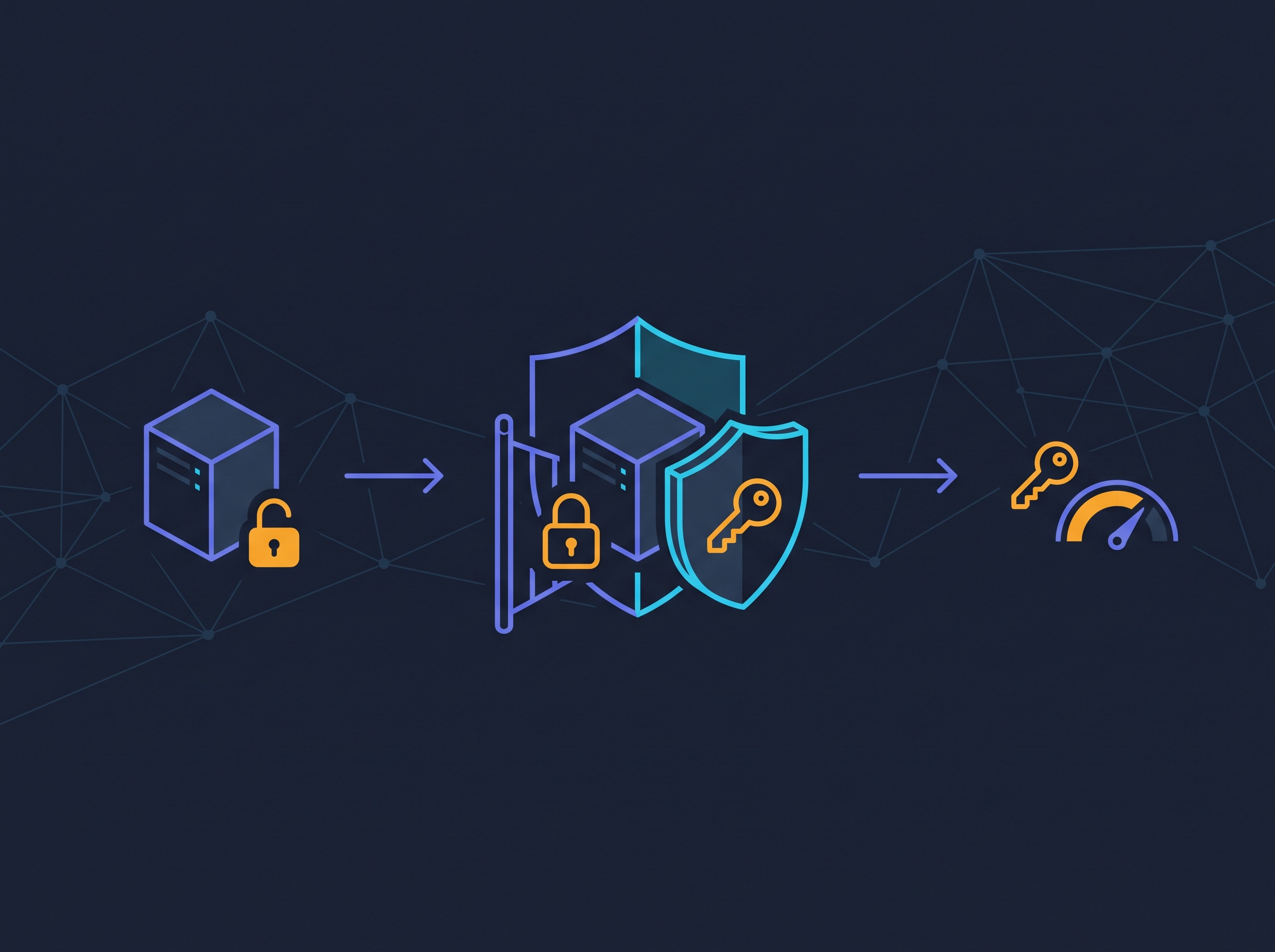
The lock-down checklist
The good news is that defending against an automated scanner is mostly about not being the easy target. These agents chase low-hanging fruit at scale; a few basic locks move you out of their path entirely. Here’s the short version you can do today.
- Don’t expose it to the public internet at all. This is the big one. A self-hosted AI tool almost never needs to be reachable by the whole world. Bind it to localhost, keep it on your private network, or put it behind a VPN or a tunnel (something like Tailscale makes this genuinely easy). If a scanner can’t see your box, it can’t rob it.
- Put a real login in front of everything. If it must be reachable, never leave the admin page open. Enable the tool’s authentication, set a strong unique password, and turn on multi-factor if it’s offered. Many of these breaches came down to a dashboard with no password at all.
- Scope and cap your keys. Treat every provider key like cash. Give each tool its own key rather than reusing one everywhere, restrict what that key can do, and — crucially — set a hard spending limit in your provider’s billing console. A capped key is a stolen key that can’t ruin your month.
- Rotate keys the instant anything feels off. Keys aren’t forever. Rotate them periodically, and immediately if you suspect exposure. Rotating is a two-minute job; cleaning up after a drained account is not.
- Patch and update. These tools move fast and fix security holes often. An outdated LiteLLM or Dify is a known-vulnerable one. Keep them current.
- Watch your billing. Set up usage alerts with your AI providers. A sudden spike is often the first — and cheapest — sign that a key has walked.
The bigger shift: you’re the security team now
What makes this campaign a signpost rather than just another breach is who did the work. Attackers didn’t manually probe thousands of servers; they pointed an AI agent at the internet and let it grind through the tedium of finding and emptying exposed tools. That’s the same leverage the rest of us love about AI, turned around and aimed at us. The cost of scanning everything just dropped to roughly zero, which means “nobody will bother finding my little box” is no longer a strategy. Something will find it, and it won’t get bored.
This is also why the old advice to keep AI agents on a short leash keeps getting more relevant — whether they’re yours or someone else’s. We dug into that from the defender’s side in our guide to AI agent guardrails that actually work, and the same instinct that makes you cautious about credential-hungry agents is the one that helps you spot AI-driven scams before they land.
None of this should scare you off self-hosting. Running your own AI stack is one of the most rewarding ways to actually understand these tools, and it’s worth doing. But the moment you host it yourself, you quietly become its security team — and that job is now a 20-minute checklist, not an afterthought. Lock the door, cap the key, watch the bill. Do that, and you get all the fun of running your own AI with none of the part where a bot on the other side of the world spends your money while you sleep.
Sources & further reading:
Related Reading
- The Web Is Starting to Fence Out AI Shopping Agents: What Amazon Blocking Meta’s Muse Means for You
- Hackers Are Draining AI Accounts Without Your Password: How Stolen Session Tokens Work — and How to Stop Them
- How to Keep Your AI Agents From Going Rogue: Guardrails That Actually Work