Make Your Local AI Actually Reliable: Ollama Structured Outputs for Agents That Don’t Break


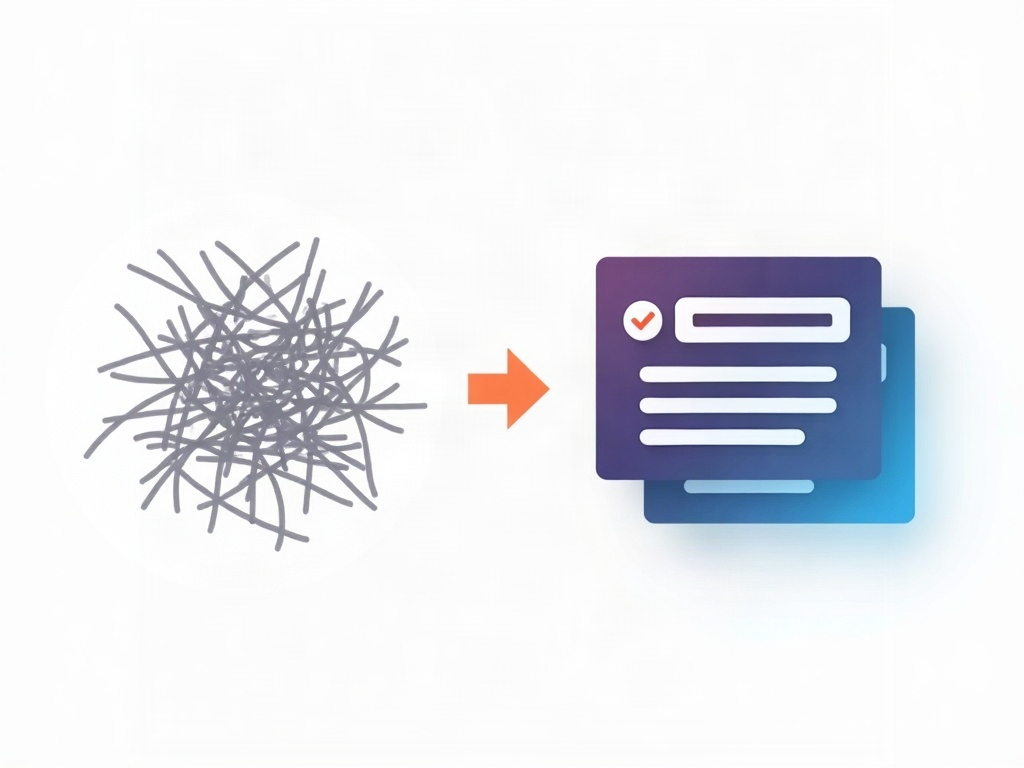
Here’s the dirty secret behind half the local-AI automations that quietly fall apart: the model was never the problem. You asked it for “just the JSON,” it gave you a lovely paragraph that starts with Sure! Here's the JSON you asked for:, and your script choked on the first character. Multiply that by a few hundred runs and your clever little agent becomes a coin flip.
The fix isn’t a bigger model or a cleverer prompt. It’s a feature that’s now baked right into Ollama: structured outputs. You hand the model a schema, and it is constrained to return data that matches – every time, no pep talk, no markdown fences, no apologies. If you’ve been running models on your own machine for privacy or cost, this is the upgrade that turns them from fun toys into dependable building blocks.

What “structured outputs” actually means
A normal language model predicts the next most likely word. That’s great for conversation and terrible for automation, because “most likely” includes all the friendly fluff humans wrote on the internet. Structured outputs flip the control: instead of hoping the model formats things correctly, you give it a JSON schema – a blueprint that says exactly which fields must exist and what type each one is – and the generation is forced to stay inside those lines.
Technically, the model’s next-token choices get masked so only tokens that keep the output valid against your schema are allowed. You don’t need to understand the internals. You just need to know the payoff: if it comes back, it’s valid. No regex scraping, no “strip everything before the first curly brace,” no retry loops praying the second attempt behaves.
Why this is the real unlock for local agents
An “agent” is just a loop: the model looks at a situation, decides what to do, and that decision triggers something in your code – a database write, an API call, a file move. That loop only works if the decision comes back in a shape your code can read. One stray sentence and the whole chain snaps.
Cloud providers solved this a while ago with their own structured-output modes. The news that matters for the self-hosted crowd is that you now get the same guarantee on a model running entirely on your own hardware – no data leaving your machine, no per-token bill, no rate limits. For anyone automating around private information (client records, personal finances, internal docs), that combination of reliable and local is the whole ballgame.
Setting it up with Ollama
If you already run Ollama, you’re about 90 seconds from using this. The magic lives in a single format parameter that accepts a JSON schema. Here’s the shape of a raw API call:
curl http://localhost:11434/api/chat -d '{
  "model": "llama3.2",
  "messages": [{ "role": "user", "content": "Canada became a country in 1867. Return year and country." }],
  "stream": false,
  "format": {
    "type": "object",
    "properties": {
      "country": { "type": "string" },
      "year":    { "type": "integer" }
    },
    "required": ["country", "year"]
  }
}'
That format block is the schema. The response’s content now comes back as clean JSON you can parse directly – {"country":"Canada","year":1867} – with nothing wrapped around it.
In Python it’s even friendlier, because you can describe the schema with a Pydantic model and let the library generate the JSON schema for you:
from ollama import chat
from pydantic import BaseModel

class Fact(BaseModel):
    country: str
    year: int

resp = chat(
    model='llama3.2',
    messages=[{'role': 'user', 'content': 'Canada became a country in 1867.'}],
    format=Fact.model_json_schema(),
)
fact = Fact.model_validate_json(resp.message.content)
print(fact.year)  # 1867
Notice the last two lines: the model returns schema-valid JSON, and Pydantic validates it again on the way in. Belt and suspenders – and you end up with a real typed object instead of a string you have to babysit.
A real example: messy email in, clean task out
Abstract schemas are boring, so let’s do something you’d actually use. Say you want a little assistant that reads an email and turns it into a to-do item. Define what a task looks like:
class Task(BaseModel):
    title: str
    due_date: str | None
    priority: str   # 'low' | 'medium' | 'high'
    action_needed: bool
Feed it a rambling email – “Hey, circling back on the Henderson proposal, can we get the revised numbers over before Friday? Not urgent urgent but the client’s asking…” – with that schema attached, and you reliably get back something like:
{
  "title": "Send revised numbers for Henderson proposal",
  "due_date": "Friday",
  "priority": "medium",
  "action_needed": true
}
That object drops straight into your task manager, calendar, or spreadsheet. No human in the loop deciding whether “not urgent urgent” means high or medium – the schema forced a choice from your allowed set, and your code can trust it.
Wiring it into a tool-calling loop
Once outputs are trustworthy, a genuine agent is within reach. The pattern is simple: ask the model to choose an action from a fixed menu, constrained by a schema.
class Decision(BaseModel):
    tool: str        # 'search_files' | 'send_reply' | 'do_nothing'
    query: str | None
    reason: str
Your code reads decision.tool, runs the matching function, feeds the result back into the next turn, and repeats. Because tool can only ever be one of the names you listed, you never hit the classic failure where the model invents a tool that doesn’t exist or wraps its answer in three paragraphs of reasoning. The decision is always actionable. That single property – actionable every time – is the line between a demo and something you’d leave running unattended.
Gotchas worth knowing before you ship
- Pick a capable instruct model. Tiny models will happily return valid JSON that’s semantically wrong. Schema validity guarantees shape, not truth. A mid-size instruct model (think 7-8B and up) is the sweet spot for local work.
- Always validate anyway. Constrained decoding is excellent, but re-validating with Pydantic or a schema library costs nothing and catches edge cases. Treat it as a safety net, not an insult.
- Keep schemas tight. Use enums (fixed string choices) and
requiredfields aggressively. The more you constrain, the less room there is for the model to drift. - Watch the first-call latency. Constraining generation adds a little overhead and models load into memory on first use. Warm the model up once and subsequent calls fly.
- Still write a clear prompt. The schema controls the container; your instructions still shape what goes inside it. Ask for what you want in plain language and give it the schema.
Where this fits in your stack
If you’ve already followed one of the countless “run your own private AI” guides and got Ollama humming on your machine, structured outputs are the natural next step – the thing that moves you from chatting with a model to building with one. Combine it with a bit of local vector search for memory, a handful of Python functions as tools, and a simple loop, and you’ve got a private, free, dependable assistant doing real work on your own hardware.
The headline here isn’t a flashy new model. It’s something quieter and more useful: predictability. AI gets genuinely powerful the moment you can trust what comes out of it enough to let it act on your behalf. Structured outputs are how you earn that trust – and they turn the model on your own computer from a clever conversationalist into a reliable extension of what you can get done.
Sources & further reading:
Related Reading
- We Put AI on Our Own Computer With Ollama – Here’s What Running Private, Offline AI Is Actually Like
- OpenAI Dots: What These New Always-On AI Agents Actually Do for You
- Run Your Own Private AI: A Beginner’s Guide to Offline LLMs with Ollama and LM Studio