Claude Is a Full Office Suite Now: What Sheets, Whiteboards, and Data Actually Let You Do


For a while, Claude was the thing you talked to when you needed words — draft this, explain that, summarize the other. As of November 10, 2026, it’s quietly become something bigger: a place where you also build spreadsheets, map out plans on a board, and turn raw numbers into a dashboard. Anthropic rolled out three new tools — Claude Sheets, Claude Whiteboards, and Claude Data — and together they push Claude a long way toward being a full office suite that lives inside your chat.
If you already use Claude for writing or coding, you don’t have to learn a new app to get value here. You just ask for different things. Here’s what each tool actually does, and how to start using it today.

The big shift: everything is a living artifact
The idea tying all three together is the artifact — an editable document that you and Claude develop together in the same conversation. That’s the real change. Instead of Claude handing you a one-shot block of text or a table you then copy into another app, it opens a working document beside the chat that both of you can keep editing. You say “add a column for the running total,” and the spreadsheet updates. You say “move that step earlier,” and the board rearranges. It feels less like prompting a chatbot and more like working alongside a very fast colleague.
Claude Sheets: spreadsheets you actually build with it
Claude Sheets is the headline. It creates and edits real spreadsheets — formulas, data structures, and multiple tabs — not a flat table pasted into the chat. You can ask it to build a budget, a content calendar, an inventory tracker, or a simple model, and then refine it in plain English: “sum these by month,” “flag anything over budget in a new column,” “split this into a second tab for next quarter.”
Where this shines is the awkward middle ground most people avoid: you know what you want the sheet to do, but you don’t want to hand-write the formulas or wrestle with the layout. Describe the outcome, let Claude build the structure, then tweak. A good starting move is to take one annoying manual tracker you keep in your head — expenses, a reading list, a small project’s tasks — and just ask Claude to build the first version. You’ll refine it faster than you’d build it from scratch.

Claude Whiteboards: think the plan through visually
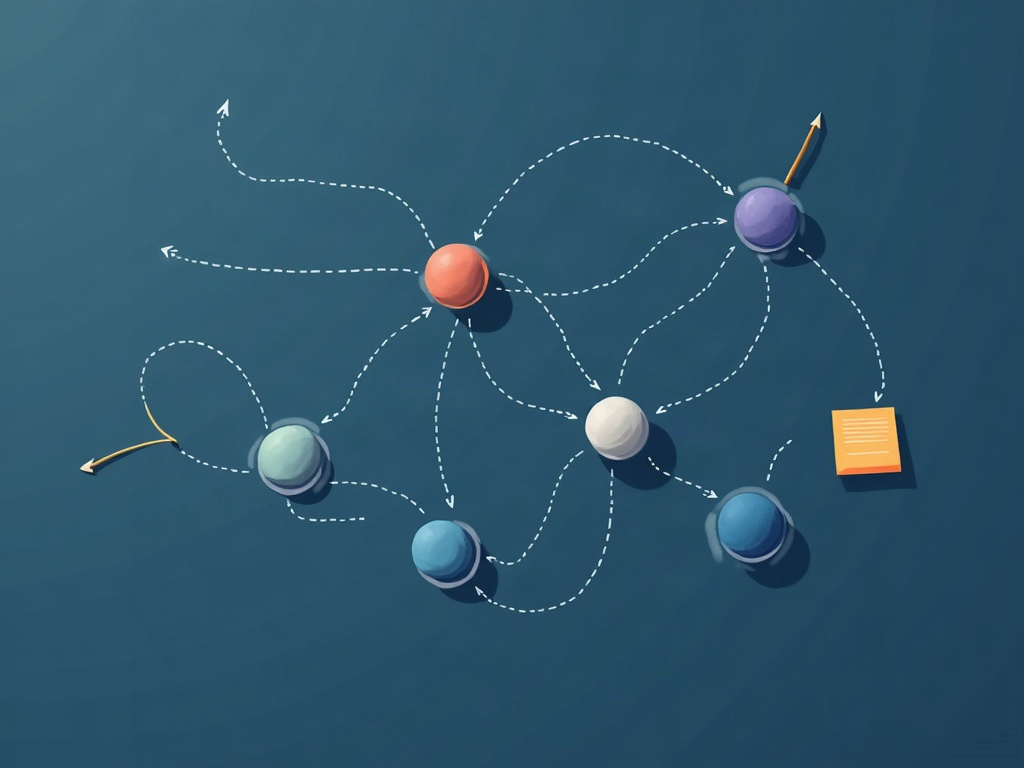
Not everything belongs in rows and columns. Whiteboards give you a visual board to lay out a plan, a process, or an idea as connected nodes and notes — the way you’d sketch a project on an actual whiteboard, except Claude can help you fill it in and reorganize it. Anthropic’s own framing is simple: think a plan through on a board.
This is the tool to reach for when a problem is still fuzzy. Launch planning, a content workflow, the steps in a hiring process, the architecture of a side project — anything where seeing the shape helps more than a list. You can talk through it: “break this phase into three steps,” “what am I missing before launch?” and watch the board take form. It pairs naturally with the idea of not leaning on a single tool for everything — something we dug into in how to build a multi-tool AI stack that actually works.
Claude Data: turn numbers into a story
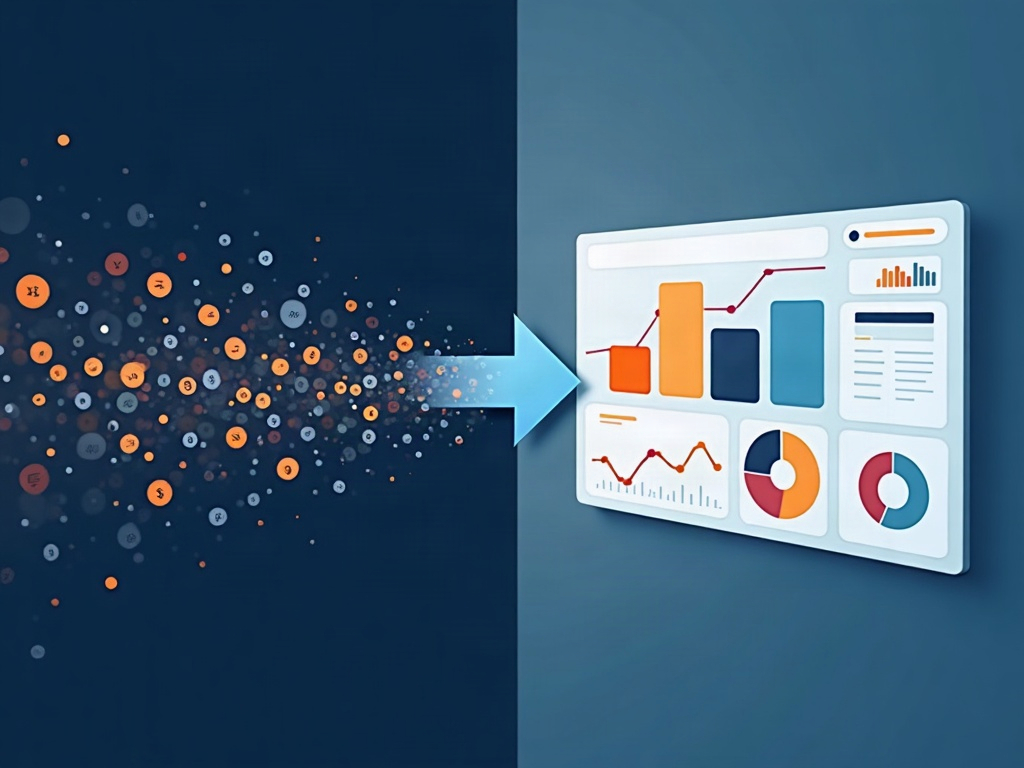
Claude Data is the grown-up version of what used to be called Claude Dashboards, and unlike the other two, it’s already out of beta and generally available. The job here is storytelling with data: hand it a messy pile of numbers and get back a clear dashboard — charts, trends, the one or two things that actually matter — plus the narrative to explain them.
If you’ve ever stared at an export of sales figures, survey responses, or website metrics and thought “I know there’s a story in here somewhere,” this is built for that moment. Ask it what’s trending, what’s an outlier, and what a non-expert should take away, and you get both the visual and the plain-language explanation to put in front of your team.
What you get, and on which plan
A quick reality check on access, because it matters. Claude Sheets and Whiteboards are in beta on paid plans; Claude Data is out of beta and available more broadly. If you manage a team, the defaults are worth knowing: on Team plans, all three are on by default. On Enterprise plans, Whiteboards and Sheets are off by default, and Claude Data switched on by default on November 20, 2026 — so an admin may need to flip the first two on before your colleagues see them.
Anthropic also pre-announced a fourth piece: Claude Meetings, which joins Google Meet calls, is coming next. Put the pieces together — documents, spreadsheets, boards, dashboards, and soon meetings — and the direction is obvious. Claude is aiming squarely at the territory held by the big office suites.
The honest caveats
A dose of realism keeps this useful. These are assistant-first tools, not a one-for-one replacement for Excel or Google Sheets on every power-user task — if you live in pivot tables and hundred-tab workbooks, your existing spreadsheet app isn’t going anywhere yet. Sheets and Whiteboards are also still in beta, which means they’ll change, occasionally surprise you, and improve quickly. And as always with AI-built work, you’re the editor: check the formulas, sanity-check the chart, and don’t ship a number you haven’t glanced at.
The smart way in isn’t to migrate your whole workflow on day one. It’s to grab the next small task that would normally mean opening a spreadsheet, a planning doc, or a chart tool, and try doing it in Claude instead. The same “describe it, then refine it” habit that makes AI writing fast — the one behind tricks like turning handwritten notes into a polished PDF — is exactly what makes these new tools click.
Why this matters for the way you work
The quiet significance here isn’t “Claude can make spreadsheets now.” It’s that the spreadsheet, the board, and the dashboard now live in the same conversation where you’re already thinking out loud. You’re not context-switching between five apps and copy-pasting between them; you’re describing what you want and shaping it in place. That’s the same consolidation trend pushing AI everywhere — the same reason it’s suddenly easy to run powerful open-weight models without a data-center setup: capability keeps collapsing into fewer, friendlier surfaces.
Used well, that’s a genuine multiplier. One capable person with Claude Sheets, Whiteboards, and Data can plan, model, and present work that used to need a small stack of tools and a chunk of someone else’s time. Start with one real task this week, keep your editor’s eye on, and let the suite do the heavy lifting — the point isn’t to replace your judgment, it’s to give it more room to work.
Sources & further reading:
- Claude Whiteboards, Claude Sheets, and Claude Data (Anthropic)
- Anthropic Turns Claude Into a Full Office Suite With Sheets and Whiteboards (AlphaSignal)
Related Reading
- Claude Opus 5 Is Here — What Anthropic’s New Model Means for You
- Claude Now Builds Your Docs and Slides in the Same Chat: What Anthropic’s New One-Window Setup Means for You
- Claude Skills: How to Turn a General AI Into Your Custom Power Tool