What Is MCP? The Simple Standard Letting Your AI Assistant Actually Do Things

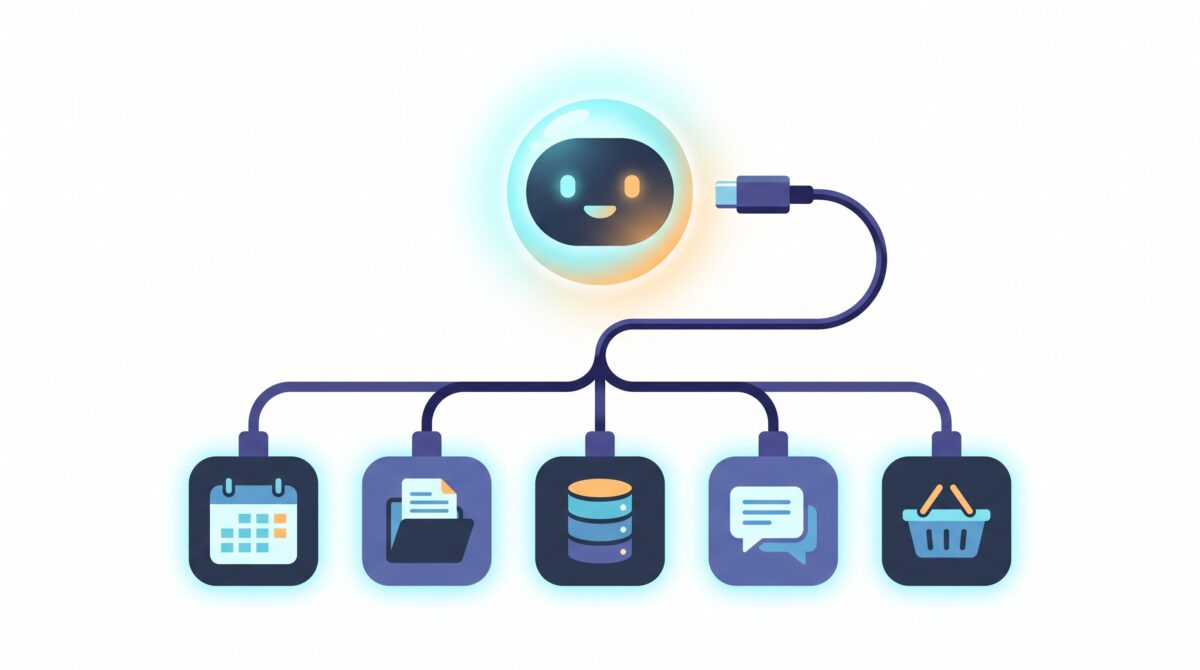
MCP, the Model Context Protocol, is an open standard that lets AI assistants like ChatGPT, Claude, and Gemini connect to the apps, files, and tools you already use — so they can actually do things instead of only talking about them. Think of it as a universal plug for AI: one shared connector that any app can support, and any assistant can use. If you have ever wished your chatbot could just check your calendar, pull the right file, or place the order rather than telling you how, MCP is the quiet piece of plumbing that makes that possible. Here is what it is, why it suddenly matters, and how to start using it — no coding required.
What MCP actually is, in plain English
An AI model on its own is a brain in a jar. It is astonishingly good at language, but it lives inside a chat window with no hands. It cannot open your documents, read your calendar, or touch your accounts — it can only work with the words you paste in.
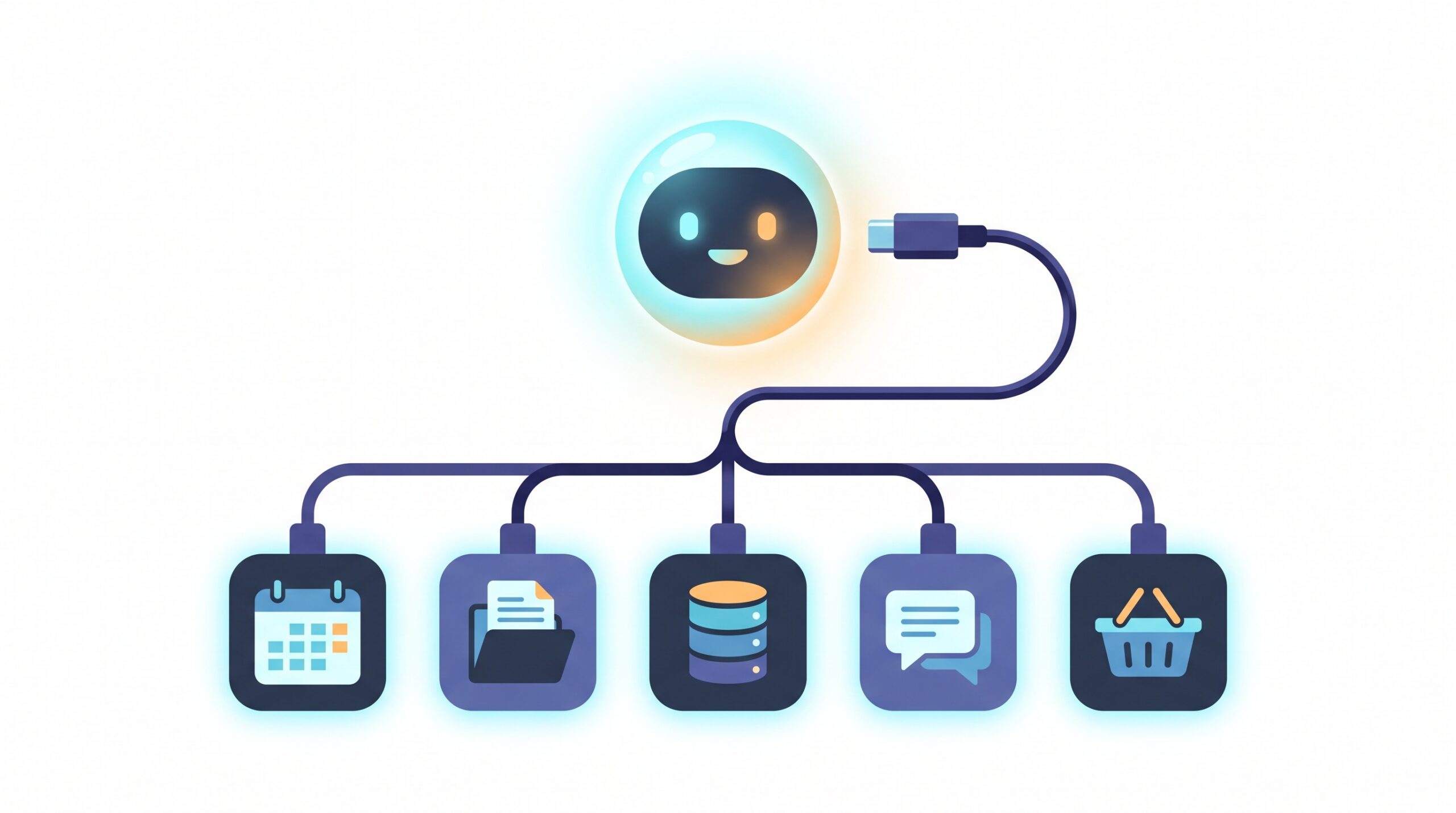
MCP fixes that by giving the model a standard way to reach outside the chat box. Introduced by Anthropic in late 2024 and now adopted across the industry, it is an open-source standard for connecting AI applications to external systems — your files, databases, search tools, calendars, and web services. The comparison people reach for is USB-C: before it, every device needed its own special cable; after it, one connector fit everything. MCP is trying to be that one connector for AI.
The mechanics, if you are curious, are simple. The app you are chatting in (Claude, ChatGPT, and others) acts as an MCP client. Each tool or data source you want to plug in runs as an MCP server. The client asks, the server answers, and because they both speak the same protocol, they just work together — no custom wiring per app.
The messy problem it quietly solves
Before a shared standard existed, every single AI-to-app connection had to be built by hand. If you had a handful of AI apps and a handful of services you wanted them to reach, someone had to build a custom bridge for each pairing. That is a tangle that grows fast and breaks often — developers call it the “M times N” problem, and it is exactly why AI assistants stayed stuck as clever talkers for so long.
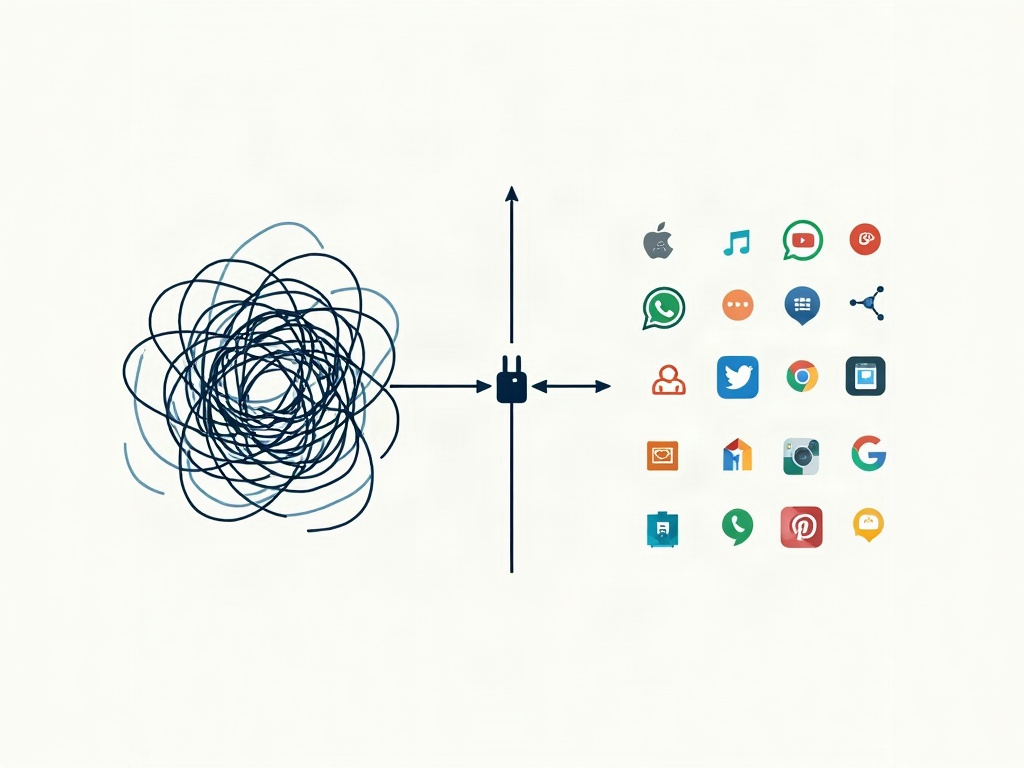
MCP collapses that mess. An app builds one MCP server, and now every assistant that speaks the protocol can use it. Build one client, and it can reach every server out there. The tangle of custom cables becomes a single, tidy standard. That is why this went from a niche developer idea to something backed by OpenAI, Anthropic, Microsoft, and Google in barely a year — it solves a problem everyone had.
What it looks like in real life
You have probably already used MCP without knowing it. A few examples that are live today:
Search that runs errands. When Google AI Mode connects to apps like Instacart and Canva to turn a question into an actual grocery order or design, MCP is the shared language underneath making it expandable to dozens of services rather than a few one-off deals.
Assistants that touch your real stuff. The desktop versions of Claude and ChatGPT can connect to MCP servers for your local files, your calendar, or a company database — so “summarize the contract in my Documents folder” becomes something the assistant can genuinely do.
One tool, thousands of actions. Services like Zapier now offer an MCP connection that exposes tens of thousands of app actions — sending an email, updating a spreadsheet, posting a message — to any assistant that plugs in. It is the same idea behind giving AI agents a set of real tools to work with: MCP is often how those tools get handed over.
How to actually use MCP today
You do not need to understand a line of the protocol to benefit from it. Here is the practical path for a normal human:
Start with the app you already have. If you use the Claude or ChatGPT desktop app, look in settings for “connectors,” “MCP servers,” or “connected apps.” Turning on an official connector — for something like Google Drive, GitHub, or your calendar — is usually a click-and-approve affair, no setup files involved.
Use a hub instead of wiring things yourself. If you want breadth without fuss, a service like Zapier’s MCP connection lets one approval unlock a huge library of app actions, rather than adding servers one at a time.
Then just ask in plain language. Once a connection is live, you talk to your assistant exactly as before — “pull up last month’s invoice and draft a reminder email” — and it uses the connected tool behind the scenes. The magic is that nothing about how you ask changes; the assistant simply gained hands. This pairs naturally with letting your assistant remember your context across chats, so it knows which file and which calendar you mean.
The honest limits — and staying in control
Giving an AI hands is powerful and slightly nerve-wracking, and both feelings are correct. A few habits keep the upside without the anxiety:
Every connection is a door you open. Each MCP server you enable grants the assistant some access to that tool or account. Connect the services you genuinely use and skip the rest — the fewer doors you open, the smaller your exposure if anything goes wrong.

Watch out for what it reads. Because assistants act on the content they are given, a booby-trapped document or web page can, in theory, try to trick a connected assistant into doing something you did not intend — researchers have already demonstrated one-click data-leak flaws in mainstream AI assistants. Only connect tools from sources you trust, and be cautious about pointing a connected assistant at random files or links.
Keep your thumb on the final step. Letting an assistant assemble a draft or a cart is a huge time-saver; letting it silently send, buy, or delete is a different level of trust. Favour setups that show you the action before it happens, and while you are handing over more access, it is a good moment to check what these tools do with your data.
Expect rough edges. This is a young standard moving fast. Connectors can be flaky, permissions can be confusing, and not every app has a good server yet. If something does not work smoothly, you are not doing it wrong — it is early.

Quick answers to common questions
Do I need to be a developer to use MCP? No. For most people it shows up as a “connect an app” toggle inside an assistant you already use. The protocol is for the people building the connectors; you just flip them on.
Is MCP tied to one company? No. Anthropic created it, but it is open, and OpenAI, Microsoft, and Google have all adopted it. That is the whole point — a connector nobody owns is a connector everybody can use.
Is it safe? It is as safe as what you connect and how carefully you review actions. Treat each connection like granting an app access to your account: deliberate, minimal, and reviewed.
The bottom line
MCP is not a flashy new chatbot or a model you will see advertised — it is the boring, essential plumbing that turns an AI from a talker into a doer. For years, the gap between “my assistant is brilliant” and “my assistant is useful” came down to one thing: it could not touch anything real. A shared standard for connecting AI to your tools closes that gap, and it is why the assistants of 2026 are quietly starting to book, fetch, draft, and order instead of just explaining how. You do not need to master it. You just need to know it is there, connect the handful of tools that genuinely help, keep your thumb on the important buttons, and let the box start doing more of the work while you spend the saved time on something that isn’t busywork.
Sources & further reading:
- What is the Model Context Protocol (MCP)? — Model Context Protocol docs
- Introducing the Model Context Protocol — Anthropic
- Model Context Protocol — Wikipedia
Related Reading
- Google AI Mode Can Now Do Things For You: How Connected Apps Turn Search Into Action
- AI Agents for Everyday Users: How to Set Up Your First Automated Assistant in 2026
- AI PCs Explained: The Everyday Tasks That Run Faster, and Private, on Your Own Device