Google AI Mode Can Now Do Things For You: How Connected Apps Turn Search Into Action

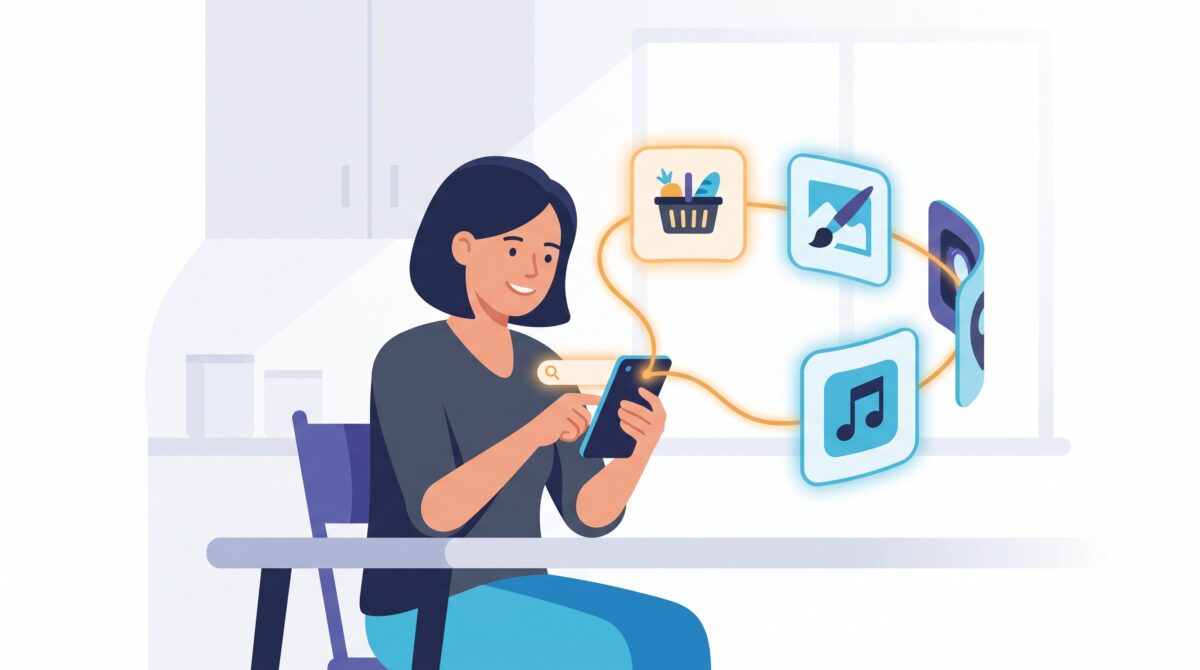
For its entire life, a Google search has done exactly one thing: hand you a list of links and let you take it from there. That is starting to change. Google is rolling out connected apps in AI Mode, which let its search assistant reach into real third-party services and actually do the task instead of just describing it. Ask about a recipe and it can start building the grocery order. Ask for a playlist and it can spin one up. This is the moment search quietly turns from a librarian into an assistant — and it is worth understanding what it can do, what it can’t, and how to use it without handing over the keys.
What “connected apps” actually means
AI Mode is Google’s conversational, chat-style way of searching, powered by its Gemini models. Until now it answered questions. Connected apps add a new trick: with your permission, AI Mode can link to services you already use and hand tasks off to them. The first wave rolling out in the U.S. includes Instacart for groceries, Canva for quick designs, and YouTube Music for playlists, with Google signalling that many more are on the way.
The difference is subtle but big. Old search: “here are ten pages about weeknight dinners.” New search: “here’s a meal plan, and I’ve lined up the ingredients in your grocery cart — want me to add them?” The answer and the action live in the same place.
The plumbing behind it: a shared language for apps
What makes this expandable rather than a handful of one-off deals is the standard underneath it. Google is wiring these integrations through the Model Context Protocol (MCP), an open way for AI assistants to talk to outside tools and services. Because it’s a shared standard, the list doesn’t stop at three apps — Google has pointed to dozens of services, from Uber and Lyft to OpenTable and Zillow, plugging in over time.
You don’t need to know a thing about MCP to use it. But it’s the reason this feels less like a gimmick and more like the start of an ecosystem: any app that speaks the protocol can, in principle, become a hand that your search assistant can use.
What you can actually get done
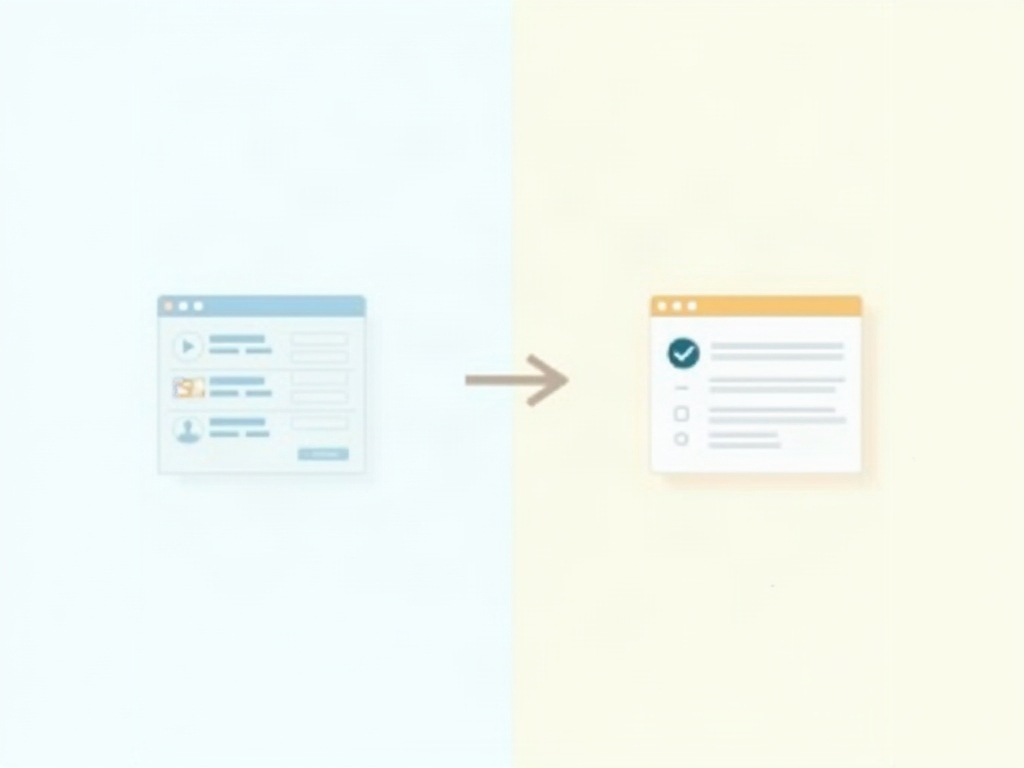
Strip away the hype and here’s the everyday version of what connected apps unlock:
Plan and shop in one breath. Ask for a week of dinners for a family of four on a budget, and AI Mode can turn the plan into an Instacart order you review and place — skipping the copy-paste dance of reading a recipe, then hunting for each ingredient.
Make something, not just read about it. Ask for a birthday invite or a simple social graphic and it can hand the brief to Canva, so you land on an editable design instead of a tutorial on how to make one.
Set the mood on command. Ask for “upbeat focus music from the 90s” and it can build a YouTube Music playlist rather than listing songs for you to add by hand.
The through-line: these are the small, multi-step chores where the answer was never the hard part — the doing was. That’s exactly what connected apps compress.

Why Google is doing this now
This isn’t happening in isolation. The whole industry is racing from AI that talks to AI that acts. A new crop of AI-first browsers like ChatGPT Atlas and Perplexity Comet are trying to make the address bar do your errands, and assistants everywhere are learning to book, order, and schedule. It’s the same trend that gave us a rebuilt Siri that finally does real tasks instead of just setting timers.
Google is also fresh off redesigning its homepage around AI Mode, retiring the classic Search button in favour of AI shortcuts. Connected apps are the natural next chapter: once search is a conversation, the obvious question is “can it just handle this for me?” For a company whose entire business depends on being the place you go first, turning search into the place things get done is how it stays there.
The honest limits — and how to stay in control
A search that can act on your behalf is powerful and slightly nerve-wracking, and both feelings are correct. A few habits keep the benefit without the anxiety:
Nothing connects until you say so. Each app is opt-in — you grant permission to link it, and you can unlink it later. Treat that permission screen the way you’d treat any “allow this app to access your account” prompt: connect the services you genuinely use, skip the rest.

Keep your thumb on the final step. Letting an assistant assemble a grocery cart is a huge time-saver; letting it silently charge your card is a different level of trust. Review the order, the design, or the playlist before you confirm. The goal is to offload the legwork, not the decision.
Expect a rollout, not a finished product. This is arriving gradually, largely in the U.S. to start, and the roster of apps is still small. If you don’t see it yet, you’re not doing anything wrong. And because it’s early, expect the occasional wrong ingredient or literal-minded playlist — the same growing pains that come with any assistant that juggles multiple tools at once.
Mind what you’re linking. Connecting an app means sharing some account access with Google’s assistant. That’s a fair trade for genuine convenience, but it’s worth being deliberate: the fewer, more useful connections you make, the smaller your exposure if anything ever goes sideways.
The bottom line
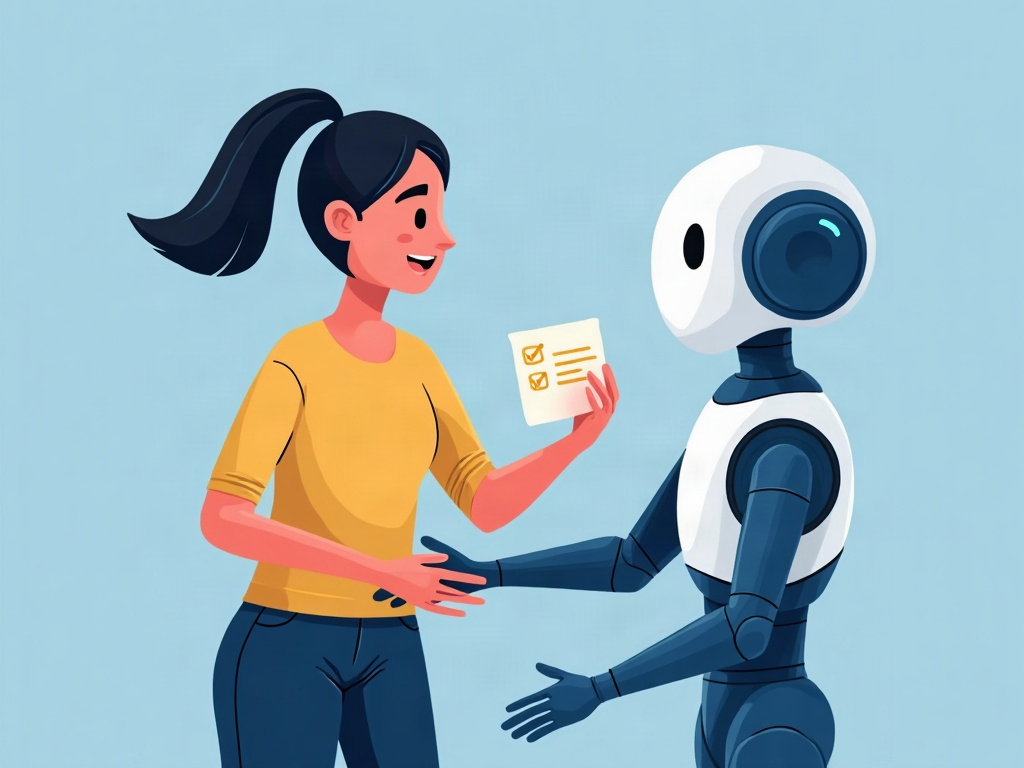
Connected apps are a small feature with a large implication. For twenty-five years, search’s job ended the moment it showed you results; the work of actually ordering, making, or booking was always yours. AI Mode with connected apps quietly moves that line — search can now carry a task across the finish line, at least for the everyday chores where the answer was never the hard part. It won’t replace opening your favourite apps for anything that really matters, and you shouldn’t want it to. But for the small, tedious, multi-step stuff that eats your afternoon, having a search box that can just handle it is the kind of upgrade you feel immediately. The trick, as always, is to let the assistant do the running while you keep the deciding — connect what’s useful, review what it produces, and let the box do more of your errands so you can spend the saved minutes on something that isn’t a grocery list.
Sources & further reading:
- Google Brings Third-Party Apps Into Search AI Mode for Everyday Tasks — eWeek
- Google Search AI Mode Connected Apps Now Hand Off Tasks to Third-Party Services — Gadget Hacks
- Google AI Mode Now Supports More Connected Apps Including YouTube Music for Everyday Tasks — Gadgets360
Related Reading
- Google Search Can Now Do Things For You: A Practical Guide to AI Mode Connected Apps
- Gemini Spark: Google’s New 24/7 Personal AI Agent — What It Does and How to Use It
- Your Phone Is About to Do Your Chores: What Android’s New AI Agents Actually Do