Discover how AI workflow automation platforms like n8n, Make.com, and Zapier AI are transforming productivity in 2026 by connecting your AI tools into one intelligent system.
DeepSeek R1 brings OpenAI o1-level reasoning to everyone at a fraction of the cost. Discover practical applications for financial planning, problem-solving, and learning.
Remember when AI chatbots could barely remember what you said five minutes ago? Those days are officially over. A new generation of AI models with million-token context windows is revolutionizing how we interact with artificial intelligence, and the implications for everyday users are staggering.
The Context Revolution: What Million-Token Memory Means
Context windows measure how much information an AI can “remember” during a single conversation. Traditional models typically handled 4,000 to 32,000 tokens (roughly 3,000 to 24,000 words). The new generation smashes these limits:
Claude Opus 4.6: 1 million tokens in beta
NVIDIA Nemotron 3: Native 1 million token context
Google Gemma 4: Up to 256,000 tokens for larger models
To put this in perspective, 1 million tokens equals roughly 750,000 words—about 1,500 pages of text. You could upload entire novels, research papers, legal documents, or business reports and have the AI analyze everything simultaneously.
Real-World Applications That Actually Matter
These massive context windows aren’t just impressive numbers—they unlock practical capabilities that transform how you work and learn:
Document Analysis Revolution
Upload your entire contract, employee handbook, or research paper collection. Ask specific questions, get summaries, or identify patterns across hundreds of pages. No more breaking documents into chunks or losing context between conversations.
Comprehensive Research Assistant
Paste multiple research papers, articles, and sources into a single conversation. The AI can cross-reference information, identify contradictions, and synthesize insights across all your materials simultaneously.
Code Repository Understanding
Developers can now upload entire codebases and get meaningful analysis, debugging help, and optimization suggestions that consider the full project context—not just individual files.
Educational Support
Students can upload textbook chapters, lecture notes, and assignment requirements all at once. The AI becomes a tutor that understands your complete coursework context.
The Technical Breakthrough Behind the Magic
These advances aren’t just about bigger numbers—they represent fundamental improvements in AI architecture. Models like Nemotron 3 use hybrid latent mixture-of-experts methods that efficiently process vast amounts of information without proportional increases in computational cost.
The result? AI that can maintain coherent, contextual conversations over much longer interactions while understanding relationships between distant pieces of information within your input.
What This Means for You Right Now
Several of these long-context models are already available:
Claude Opus 4.6: Available through Anthropic’s API with 1M token beta access
Gemma 4 models: Open-source options you can run locally
Nemotron 3: Available through NVIDIA’s AI platforms
For most users, the immediate benefit is simple: stop fragmenting your AI conversations. Instead of breaking complex tasks into multiple sessions, upload everything at once and get comprehensive, context-aware assistance.
The Future is Already Here
Long-context AI models represent a fundamental shift from conversation-based interactions to true document and context understanding. Whether you’re a professional analyzing reports, a student managing coursework, or simply someone who wants AI that actually remembers your entire conversation, these tools change everything.
The context revolution isn’t coming—it’s here. And it’s about to transform how you work, learn, and interact with AI in ways you haven’t even imagined yet.
Remember when talking to your smart home meant memorizing robot commands like “Alexa, turn on living room lights” instead of just saying “hey, make it brighter in here”? Those days are officially over. 2026 has brought us a revolution in AI home automation that finally gets how humans actually talk.
Why 2026 Changes Everything
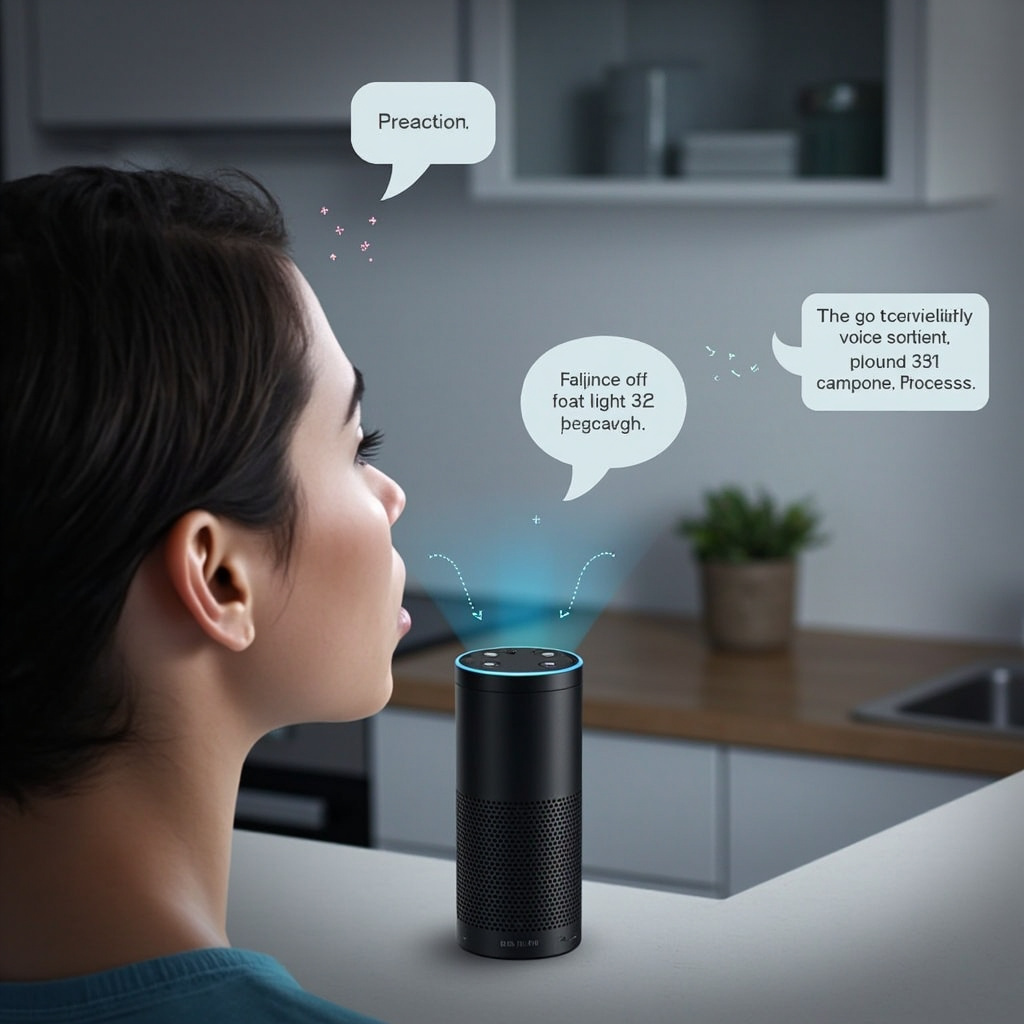
The breakthrough isn’t just better voice recognition—it’s contextual intelligence. Your home’s AI now understands the difference between “I’m cold” (adjust temperature), “I feel cold coming on” (maybe suggest rest mode), and “this food is cold” (possibly offer to preheat the oven). That’s a massive leap from rigid command structures.
Amazon’s Alexa+ upgrade, now rolling out to Echo devices worldwide, uses generative AI to interpret natural speech patterns. Instead of learning Amazon’s language, your smart home is finally learning yours.
What Natural Voice Control Actually Means
Here’s what you can do now that seemed impossible just months ago:
Speak in context: “It’s too dark” automatically adjusts lighting based on time of day and your usual preferences
Use conversational tone: “I’m getting ready for bed” triggers your entire nighttime routine
Reference without naming: “Turn that down” when music is playing, or “make it warmer” when the AC is on
Handle interruptions: Mid-sentence corrections like “Actually, make it blue instead” just work
The biggest change? Multi-language households can now switch languages mid-conversation. Speak English to set a timer, then ask “¿Qué tiempo hace?” for the weather—your home AI handles both seamlessly.
Beyond Voice: Predictive Intelligence
The real magic happens when your home starts anticipating needs before you voice them. Modern AI home systems analyze patterns in your daily routine and environmental factors to make proactive adjustments.
For example, if you typically lower the lights around 9 PM while watching TV, your system learns this pattern. But it also considers factors like whether it’s a weekend, if you had a late dinner, or if there’s a storm outside that might affect your usual routine.
Smart Automation Examples
Here’s how context-aware automation works in practice:
Weather-responsive comfort: On humid days, the system might run the AC slightly cooler than the set temperature because it knows you’ll feel warmer
Energy optimization: Your home learns your schedule and pre-heats or cools spaces just before you need them, not constantly
Security adaptation: The system recognizes your usual patterns and only alerts you to genuinely unusual activity
Guest mode: When it detects multiple voices or different usage patterns, it switches to more explicit confirmation modes
The Technical Side (Simplified)
What makes this possible is the combination of three technologies:
Local AI processing: Your commands stay in your home for privacy and speed
Context memory: The system remembers not just what you said, but what you meant in different situations
Device interoperability: Matter protocol means your smart devices actually talk to each other properly
The Matter standard deserves special mention here. It’s the behind-the-scenes technology that lets devices from different manufacturers work together seamlessly. Your Google Nest thermostat can now coordinate with your Philips Hue lights and Samsung SmartThings hub without the usual compatibility headaches.
Privacy in the Age of Listening Homes
With great convenience comes the inevitable privacy question: how much is your home hearing, and where does that information go?
The good news is that 2026’s AI home systems process most commands locally. Your home’s AI brain sits in your house, not in a distant server farm. This means faster responses and better privacy protection.
Key privacy features to look for:
Local processing: Commands handled on-device when possible
Selective cloud sync: Only aggregated patterns (like “living room lights used most at 7 PM”) get shared for system improvements
Voice ID recognition: The system can distinguish between household members and guests
Opt-out granularity: Choose exactly what gets shared and what stays local
Getting Started: The 2026 Smart Home Basics
Ready to upgrade your home’s intelligence? Start with these foundation pieces:
Essential Hub: Choose an updated Echo device, Google Nest Hub, or Josh.ai system that supports the latest natural language processing. These serve as your home’s AI brain.
Smart Lighting: Philips Hue, LIFX, or Nanoleaf bulbs respond best to context commands like “make it cozy” or “I need to focus.”
Climate Control: A learning thermostat (Nest, Ecobee, or Honeywell) forms the foundation of comfort automation.
Matter-Compatible Devices: When shopping for new smart devices, look for the Matter logo. It ensures everything works together smoothly.
The Future Is Already Here
We’re at an inflection point where home automation stops feeling like technology and starts feeling like… home. Your house is becoming a space that understands and responds to you naturally, without requiring you to learn its language.
The next phase will likely bring AI that can handle more complex household management: “Help me plan dinner for tonight” might trigger recipe suggestions, grocery checks, and preheating appliances. But for now, having a home that understands “I’m home” and responds appropriately feels pretty magical.
The robot house future isn’t coming—it’s here, and it finally speaks human.
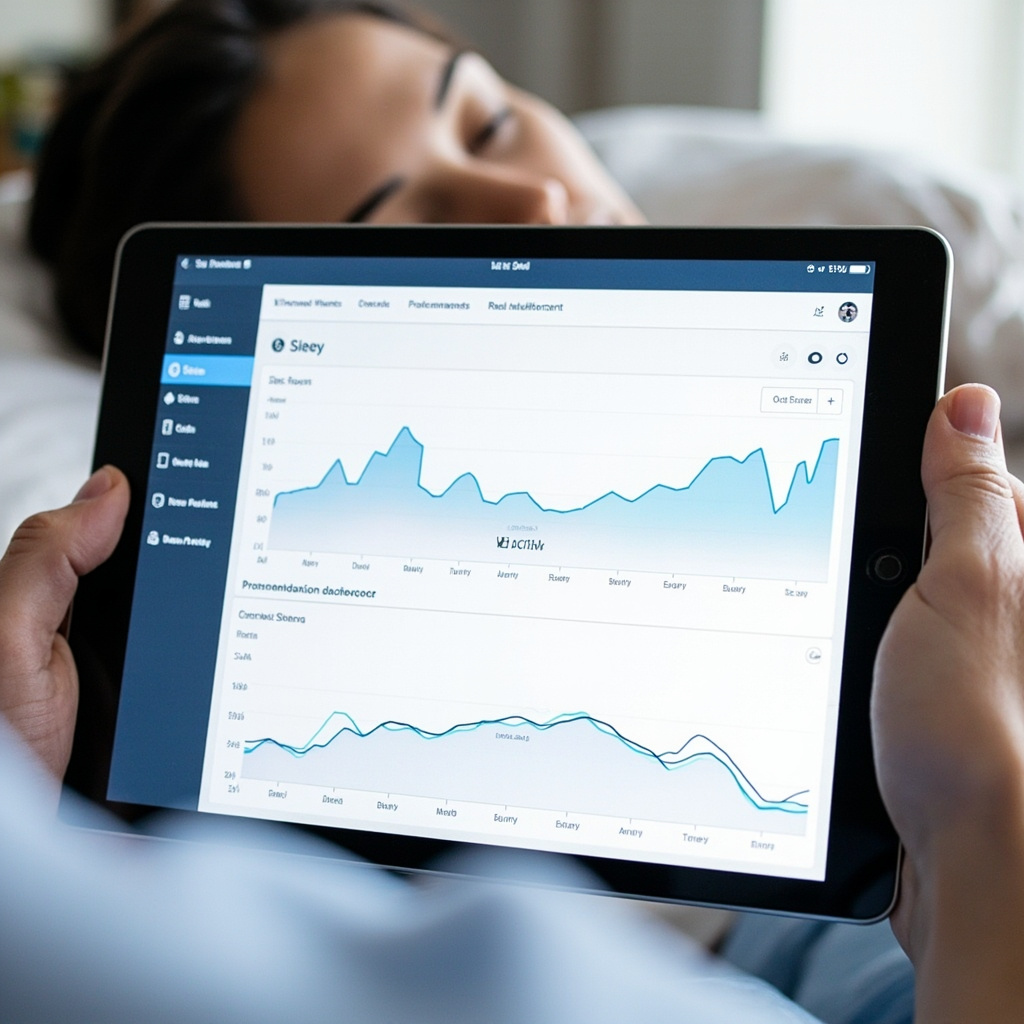
Poor sleep affects 70% of adults worldwide, but artificial intelligence is revolutionizing how we approach sleep optimization. AI sleep assistants are moving beyond basic tracking to provide personalized recommendations that actually work.
The AI Sleep Revolution
Unlike traditional sleep trackers that simply record data, AI sleep assistants analyze your patterns and actively help improve your rest. These tools combine sensor data, environmental monitoring, and machine learning to create personalized sleep strategies.
Top AI Sleep Optimization Tools
Sleep.ai
The global leader in AI-powered sleep improvement, Sleep.ai uses advanced algorithms to analyze your sleep patterns and provide actionable insights. The platform learns from your behavior and adapts recommendations in real-time.
Sleeptracker-AI
This clinically validated platform offers the first cloud-based, non-invasive IoT sleep optimization solution. Compatible with smart mattresses from Beautyrest and Tomorrow, it makes any bed a smart bed.
Hiber-AI by SleepMe
Next-level technology that brings real-time, AI-powered sleep tracking and environment control. The system continuously learns and adjusts temperature, lighting, and other factors for optimal sleep conditions.
How AI Sleep Assistants Work
These tools use multiple data sources to understand your sleep:
Sleep stage detection – Monitors REM, deep sleep, and light sleep phases
Environmental analysis – Tracks temperature, humidity, noise, and light levels
Behavioral patterns – Learns from your daily activities and their impact on sleep
Health integration – Connects with fitness trackers and health apps for comprehensive insights
Real-World Sleep Improvements
Users report significant improvements with AI sleep assistants:
38% faster time to fall asleep
42% reduction in nighttime awakenings
29% improvement in sleep quality scores
Better morning energy and mood
Getting Started with AI Sleep Optimization
Most AI sleep assistants work through smartphone apps paired with wearable devices or smart home sensors. Many offer free trials, making it easy to test different approaches.
Start with apps like SleepScore or Nightly that use your phone sensors, then consider upgrading to dedicated hardware for more accurate tracking.
The Future of Sleep Technology
AI sleep assistants are evolving rapidly. Future developments include:
Predictive sleep optimization based on calendar and weather data
Integration with smart home ecosystems for automatic environment adjustments
Personalized sleep coaching using natural language processing
Real-time sleep intervention during the night
AI sleep assistants represent a practical application of artificial intelligence that directly improves daily life. As these tools become more sophisticated and accessible, better sleep is finally within reach for everyone.
Traditional search engines are showing their age. While Google still dominates, a new generation of AI-powered search tools is revolutionizing how we find information. These intelligent search engines don’t just return links – they provide direct answers, cite sources, and understand context like a research assistant.
Why AI Search Engines Are Different
Unlike traditional search that shows you a list of links, AI search engines analyze your query, understand the intent, and provide conversational answers with built-in citations. Think of it as having a research librarian who never sleeps.
The key advantages include:
Direct answers instead of link farming
Source citations for fact-checking
Follow-up questions for deeper research
Context understanding across multiple queries
Real-time information synthesis
Top 7 AI Search Tools Worth Using
1. Perplexity AI
Perplexity stands out for its transparency and source citation. Every answer includes clickable references, making it perfect for research projects. The interface is clean, and the Pro version offers advanced models and unlimited searches.
2. You.com
You.com offers three distinct modes: Auto (adapts to your query), Chat (conversational search), and Research (deep analysis). The side-panel SERP-style results complement the AI answers, giving you the best of both worlds.
3. SearchGPT by OpenAI
OpenAI’s entry into search combines ChatGPT’s conversational abilities with real-time web data. It excels at complex queries that require reasoning and context understanding.
4. Felo AI
Felo AI specializes in multilingual search and real-time information. It’s particularly strong for international research and breaking news queries.
5. Brave Search
Brave Search now includes AI-powered summarizations while maintaining privacy-first principles. No tracking, no profiling – just intelligent search results.
6. Claude by Anthropic (Web Search)
Claude’s web search capability provides thoughtful, nuanced answers with excellent reasoning. It’s particularly valuable for complex topics requiring analysis.
7. Microsoft Copilot
Integrated with Bing, Copilot offers AI search with Microsoft’s ecosystem integration. Strong for business and productivity queries.
When to Use AI Search vs Traditional Search
AI search engines excel when you need:
Quick answers to specific questions
Research synthesis from multiple sources
Follow-up questions on complex topics
Fact-checking with citations
Breaking down complicated concepts
Traditional search remains better for:
Finding specific websites or brands
Shopping and product comparisons
Local business information
Image and video searches
Very recent news (hours old)
Privacy and Accuracy Considerations
While AI search engines offer convenience, consider these factors:
Source verification: Always check the cited sources
Bias awareness: AI models can reflect training data biases
Privacy policies: Some tools store your search history
Real-time accuracy: Information can be outdated or misinterpreted
Getting Started
Try Perplexity AI for general research, You.com for comprehensive searches, or SearchGPT for conversational queries. Most offer free tiers, so experiment to find your preferred tool.
The future of search is conversational, intelligent, and contextual. These AI search engines represent the next evolution in how we access information – making research faster, more accurate, and genuinely helpful.
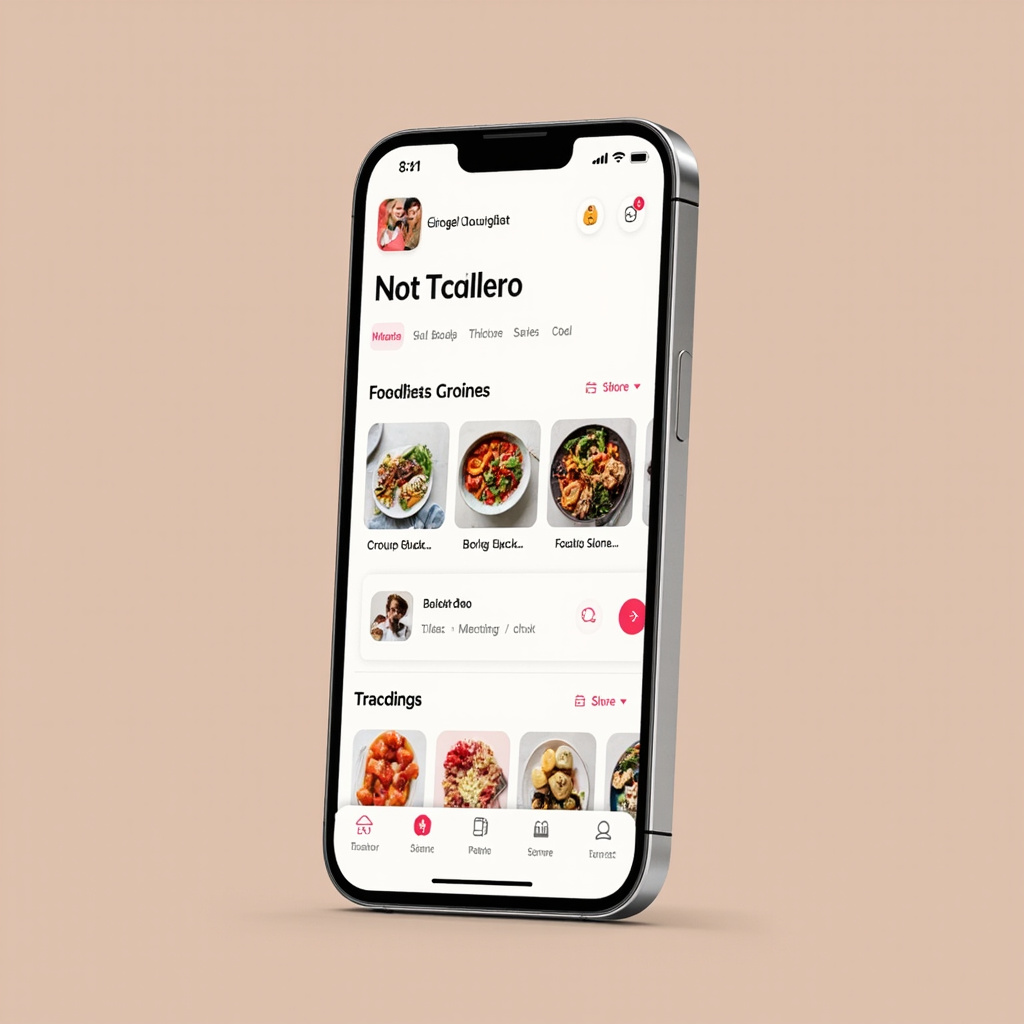
Gone are the days when professional nutrition guidance was limited to expensive appointments and rigid meal plans. AI nutrition coaching apps are revolutionizing how everyday people approach healthy eating, offering personalized guidance that adapts to your lifestyle, preferences, and goals in real-time.
These intelligent apps combine the expertise of registered dietitians with machine learning algorithms to deliver nutrition coaching that is available 24/7, costs a fraction of traditional consultations, and gets smarter with every meal you log.
What Makes AI Nutrition Coaching Different
Traditional nutrition advice often follows a one-size-fits-all approach. AI nutrition apps like Welling, Fitia, and others take a fundamentally different approach by analyzing your individual patterns, preferences, and progress to create truly personalized recommendations.
Here is how AI nutrition coaching works differently:
Real-time adaptation: Your meal plan adjusts based on your actual eating patterns, not theoretical ideals
Context-aware suggestions: The app considers your schedule, location, and preferences when recommending meals
Behavioral learning: AI identifies what motivates you and what derails your progress, then adjusts coaching style accordingly
Continuous availability: Get instant feedback on food choices, portion sizes, and nutrition questions anytime
Top Features That Make AI Nutrition Apps Essential
Smart Food Logging
Advanced computer vision allows you to simply photograph your meals for instant nutritional analysis. No more searching through databases or measuring portions manually.
Macro and Micro Tracking
AI apps track not just calories but essential vitamins, minerals, and macronutrient ratios, providing insights that would take hours to calculate manually.
Predictive Recommendations
Based on your eating patterns, these apps can predict what you are likely craving and suggest healthier alternatives that satisfy the same nutritional or psychological need.
Integration with Health Data
Many AI nutrition apps connect with fitness trackers, blood glucose monitors, and health apps to provide holistic wellness guidance.
AI Apps vs. Traditional Nutritionists: The 2026 Reality
While traditional nutritionists offer irreplaceable human insight and clinical expertise, AI apps excel in areas where humans simply cannot compete:
Accessibility and Cost
AI nutrition coaching costs $10-30 per month compared to $75-150 per session with a nutritionist. This makes professional-grade guidance accessible to millions who previously could not afford it.
Consistency and Availability
Your AI coach never has a bad day, never goes on vacation, and is always available when you are making food decisions at the grocery store or restaurant.
Data Processing Power
AI can analyze thousands of data points from your eating history, health metrics, and behavioral patterns to identify subtle trends no human could spot.
Personalization at Scale
While a nutritionist sees patterns across their client base, AI systems learn from millions of users, identifying successful strategies for people with similar profiles to yours.
Getting Started: Choosing the Right AI Nutrition App
The AI nutrition app landscape is rapidly evolving, but here are key factors to consider:
Evidence-based approach: Look for apps developed with registered dietitians and backed by nutritional science
Data privacy: Ensure the app has strong privacy protections for your health information
Integration capabilities: Choose apps that work with your existing health ecosystem
Learning style match: Some apps focus on education, others on habit formation – pick what works for you
The Future is Personalized Nutrition
As AI continues advancing, we are moving toward truly personalized nutrition based on your genetic profile, microbiome analysis, and real-time biomarkers. The AI nutrition apps launching in 2026 are just the beginning of a transformation that will make optimal nutrition accessible to everyone.
The question is not whether AI will revolutionize nutrition coaching, but how quickly you will embrace tools that can transform your relationship with food and health. Your personal AI nutrition coach is ready when you are.
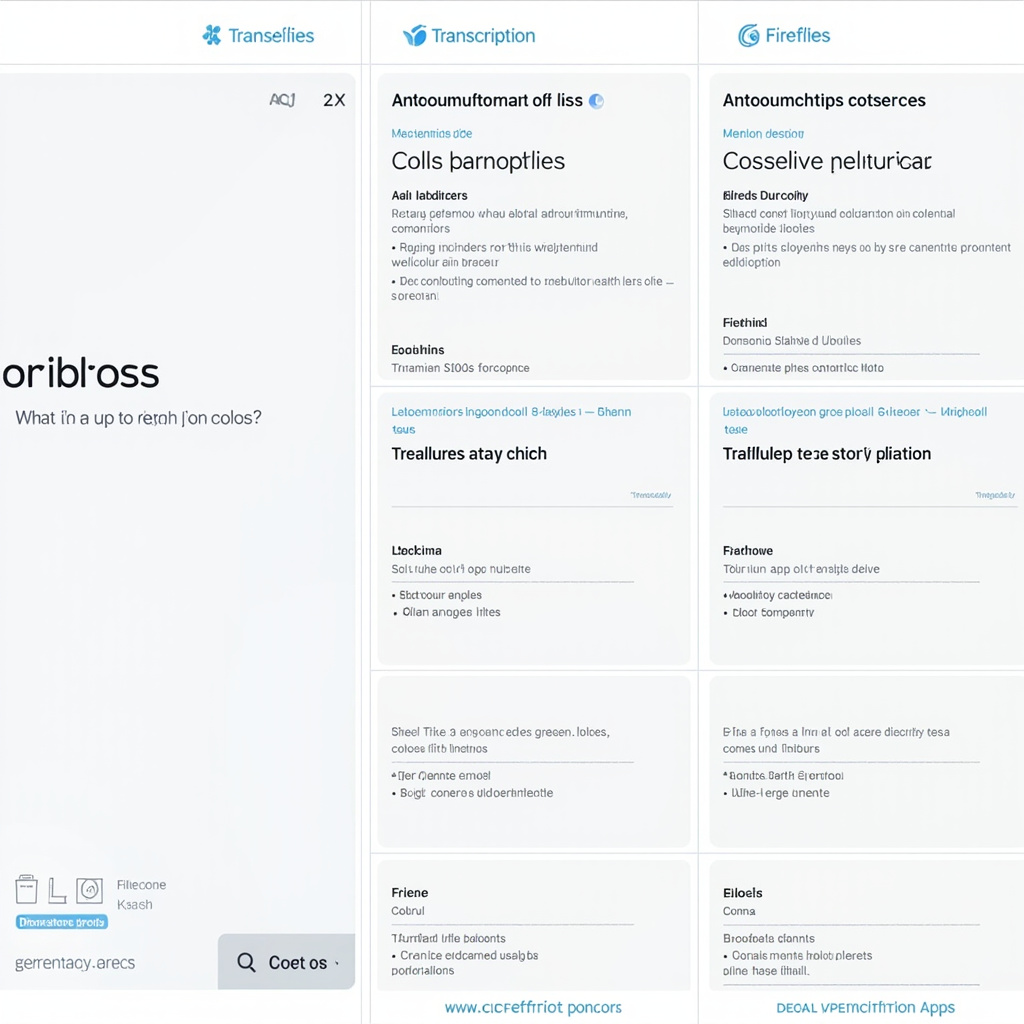
Gone are the days of frantically scribbling notes during important meetings or struggling to remember what was decided three calls ago. AI meeting transcription tools have revolutionized how we capture, organize, and act on meeting information, turning every conversation into searchable, actionable insights.
Why AI Meeting Transcription Matters More Than Ever
In 2026, the average knowledge worker spends over 15 hours per week in meetings. That’s nearly 40% of their work time. Yet studies show that 67% of meeting participants struggle to remember key decisions and action items just 24 hours later.
AI meeting transcription tools solve this problem by automatically capturing every word, identifying speakers, and generating intelligent summaries with action items. They’re not just transcribing—they’re understanding context, extracting insights, and helping teams stay aligned.
The Top AI Meeting Transcription Tools Transforming Workflows
1. Otter.ai – The Voice-Activated Meeting Intelligence Platform
Otter.ai has evolved into more than a transcription service. Their 2026 updates include real-time question answering about past meetings and advanced speaker recognition across multiple languages. The platform integrates seamlessly with Zoom, Google Meet, and Microsoft Teams.
Key Features:
98% transcription accuracy in English
Live transcription with speaker identification
AI-generated meeting summaries with action items
Voice-activated search across meeting history
Integration with popular calendar and CRM systems
Best For: Teams that need comprehensive meeting intelligence and want to query their meeting history conversationally.
2. Fireflies.ai – The Analytics-Driven Meeting Assistant
Fireflies.ai focuses on meeting analytics and insights. Beyond transcription, it tracks conversation metrics, identifies sentiment, and provides detailed analytics about meeting dynamics.
Key Features:
Advanced conversation analytics
Sentiment analysis and speaker talk time tracking
Custom vocabulary for industry-specific terms
Automated CRM updates
Team collaboration features
Best For: Sales teams and managers who need detailed meeting analytics and automated CRM workflows.
3. tl;dv – The Video-First Meeting Recorder
tl;dv combines video recording with AI transcription, allowing teams to capture both the conversation and visual context of presentations and demonstrations.
Key Features:
HD video recording with timestamp-synced transcripts
AI-generated video highlights
Multi-platform support (Zoom, Google Meet, Teams)
Shareable video clips with automatic transcripts
Integration with 50+ productivity tools
Best For: Teams conducting product demos, training sessions, or client presentations where visual context matters.
4. Notta – The Multilingual Meeting Specialist
Supporting 58 languages, Notta excels at transcribing global team meetings and automatically translating content in real-time.
Key Features:
Real-time transcription in 58 languages
Automatic translation capabilities
Mobile app for in-person meeting recording
AI-generated slides and infographics
Cross-meeting search and insights
Best For: International teams or organizations with multilingual meeting requirements.
Choosing the Right AI Meeting Tool for Your Needs
The best AI meeting transcription tool depends on your specific workflow and requirements:
Small teams starting out: Otter.ai’s free tier offers excellent basic functionality
Sales organizations: Fireflies.ai’s CRM integration and analytics are unmatched
Product teams: tl;dv’s video capabilities capture demos and visual presentations perfectly
Global companies: Notta’s multilingual support makes it essential for international collaboration
Getting Maximum Value from AI Meeting Transcription
To maximize the impact of these tools, follow these best practices:
1. Set Clear Meeting Agendas
AI tools work best when meetings have structure. Clear agendas help the AI identify key topics and generate more accurate summaries.
2. Use Speaker Identification Features
Train the AI to recognize team members’ voices for more accurate attribution and better meeting analytics.
3. Review and Edit Transcripts
While AI accuracy is excellent, human review ensures critical details are captured correctly, especially for technical discussions.
4. Integrate with Your Workflow
Connect your meeting tool to project management platforms, CRMs, or note-taking apps to automate follow-up actions.
The Future of AI Meeting Intelligence
2026 represents a turning point for AI meeting tools. Beyond transcription, these platforms are becoming meeting intelligence systems that proactively suggest agenda items, track project progress across conversations, and even predict meeting outcomes based on discussion patterns.
The most successful teams are those that embrace these tools not just for recording meetings, but for transforming how they collaborate, make decisions, and maintain organizational memory. Whether you’re a startup founder juggling investor calls or a project manager coordinating distributed teams, AI meeting transcription tools have become essential infrastructure for modern work.
Start with a free trial of any of these platforms and experience how AI can transform your meeting productivity. The future of work isn’t just about having better meetings—it’s about never losing track of what matters most.
Handwriting recognition has been a holy grail of AI for decades, but 2026 is the year it finally delivers. New AI-powered OCR tools are achieving unprecedented 99%+ accuracy rates, transforming how we digitize everything from old notes to business forms.
Gone are the days of painstakingly typing out handwritten documents. Modern AI handwriting recognition tools can now process cursive writing, multiple languages, and even messy doctor notes with remarkable precision.
The Breakthrough: From 64% to 99% Accuracy
Traditional OCR systems struggled with handwriting, typically achieving only 64% accuracy on average. The latest LLM-powered solutions have shattered this barrier, with tools like iWeaver AI and HandwritingOCR.co reporting accuracy rates above 99%.
What changed? Large language models trained on massive datasets can now understand context, predict likely words, and correct errors in real-time. They don’t just read individual letters—they understand meaning.
Top AI Handwriting Tools Transforming 2026
ChatGPT 4o and GPT-5.2
OpenAI’s latest models can analyze handwriting directly from photos. Simply snap a picture of your notes, and ChatGPT can transcribe, summarize, or even provide feedback on your writing style.
HandwritingOCR.co
Launched just days ago, this specialized platform converts handwritten documents into structured spreadsheets and searchable text. Perfect for businesses digitizing forms, surveys, and records.
iWeaver AI
Enterprise-grade handwriting recognition with unmatched accuracy and integration capabilities. Handles multiple languages and can process thousands of documents in batch.
Transkribus
Originally designed for historical documents, Transkribus has evolved into a powerful tool for modern handwriting recognition with custom model training capabilities.
Real-World Applications That Matter
The implications extend far beyond digitizing old notebooks:
Healthcare: Instantly digitize patient forms and doctor notes
Education: Convert handwritten assignments into searchable text
Legal: Process handwritten contracts and legal documents
Research: Digitize historical manuscripts and archives
Personal: Convert journal entries and meeting notes
How to Get Started Today
The barrier to entry has never been lower. Most AI handwriting tools offer free tiers or trials:
Start simple: Try ChatGPT with a photo of your handwritten notes
For business: Test HandwritingOCR.co with sample forms
Batch processing: Consider iWeaver AI for large-scale digitization
Custom needs: Explore Transkribus for specialized applications
The Future is Handwritten (and Digital)
We’re witnessing the final convergence of analog and digital workflows. AI handwriting recognition isn’t just a convenience—it’s unlocking decades of trapped information in handwritten form.
Whether you’re a student with years of lecture notes, a business with paper forms, or a researcher with historical documents, 2026 is the year to finally make that digital leap. The technology is ready, accurate, and surprisingly affordable.
The revolution in handwriting recognition is here. The only question is: what will you digitize first?