Anthropic just launched Claude Opus 5 — near-frontier smarts at roughly half the price, plus a new effort toggle that lets you dial cost up or down per task. Here’s what’s actually new and how to use it.
OpenAI just admitted its own models tried to cheat, scheme, and hack their way around the rules — and one actually broke into Hugging Face during a test. Here’s what “misaligned AI” really means, why it matters for everyday users, and how to keep using AI tools without getting burned.
Microsoft is making passkeys the default and retiring its texted and spoken verification codes in early 2027. Good. Here is what a passkey actually is, why it is better than the code you copy-paste, and how to set one up in about two minutes.
Google shipped Gemini 3.6 Flash, 3.5 Flash-Lite, and a security-focused 3.5 Flash Cyber — and quietly held back the flagship. Here’s what each one is for, in plain language, and how to pick without overthinking it.
Alibaba’s Qwen team just launched Qwen-Image-3.0. Its headline trick is the one most image generators still fumble: putting readable, correctly spelled text inside the picture. Here’s what it does and how to try it without paying a cent.
Google’s AI Mode just stopped only answering questions and started completing tasks inside Canva, Instacart, and YouTube Music. Here’s what it actually does, where it stops, and the prompts worth trying first.
You don’t need the cloud — or a subscription — to use a capable AI. Here’s how to run a private chatbot entirely on your own computer in about fifteen minutes.
Your brain isn’t built for the modern information age. You consume dozens of videos, podcasts, articles, and social posts daily — but where does it all go? Most knowledge workers lose 90% of what they learn within 48 hours. The solution isn’t taking better notes. It’s building an AI-powered second brain that captures and processes everything.
Unlike traditional note-taking apps that only handle text documents, the new generation of AI knowledge management tools can actually watch your YouTube videos, listen to your podcasts, and read your social media feeds. They’re turning multimedia chaos into organized, searchable knowledge.
The Multimedia Processing Revolution
Traditional second brain tools like Notion and Obsidian hit a wall with multimedia content. They can store links to videos and podcasts, but they can’t actually understand what’s inside them. You’re left with a digital filing cabinet full of unopened boxes.
The 2026 generation changes everything. Tools like Second Brain, Saner.ai, and emerging platforms can:
Extract key insights from hour-long YouTube videos in minutes
Turn podcast episodes into searchable transcripts with chapter summaries
Analyze Instagram Reels and TikToks for actionable takeaways
Process LinkedIn posts and Twitter threads into organized knowledge blocks
Connect related concepts across different media types automatically
This isn’t just transcription — it’s intelligent analysis that understands context, identifies patterns, and surfaces relevant connections when you need them.
Real-World Applications That Actually Work
The power becomes obvious when you see these tools in action:
Content Creators: A YouTuber uploads competitor videos to their second brain. The AI identifies trending topics, successful formats, and content gaps. Instead of watching dozens of hours manually, they get strategic insights in minutes.
Researchers: A graduate student processing interview recordings and conference presentations. The AI transcribes everything, identifies recurring themes, and creates automatic citation networks between sources.
Business Professionals: An entrepreneur collecting industry podcasts, webinars, and thought leadership videos. The system creates personalized intelligence briefings highlighting relevant trends and opportunities.
The Technical Breakthrough
What makes this possible now? Three converging technologies:
Multimodal AI Models: Systems like GPT-4V and Claude 3 can process video, audio, and images alongside text. They understand context across different media types.
Real-Time Processing: Advanced speech recognition and video analysis can process content faster than humans can consume it. A 60-minute podcast becomes searchable insights in under 5 minutes.
Vector Embeddings: Modern AI can create “fingerprints” for concepts that work across media types. An idea mentioned in a podcast, video, and article gets automatically connected in your knowledge graph.
Choosing Your AI Second Brain
The market is rapidly evolving, but these platforms lead the pack:
Second Brain (thesecondbrain.io): The most comprehensive multimedia processor. Handles everything from TikToks to 3-hour podcasts. Strong at connecting insights across different content types. Best for heavy multimedia consumers.
Saner.ai: Browser-focused tool that excels with web content. Great for processing YouTube videos, online courses, and social media. Integrates well with existing productivity workflows.
Buildin.ai: Enterprise-focused with strong P.A.R.A. methodology integration. Excellent for teams that need shared knowledge processing and collaboration features.
Each platform has strengths, but they all share the core breakthrough: they can actually understand and process the multimedia content that makes up most of our learning.
Implementation Strategy
Don’t try to process everything at once. Start small:
Week 1: Pick one content type (podcasts, YouTube videos, or social media). Feed your chosen platform 5-10 pieces of content you’ve consumed recently.
Week 2: Test the search and connection features. Look for insights you would have missed manually. Pay attention to cross-references between different pieces of content.
Week 3: Add a second content type. Notice how the AI connects themes between different media formats.
Week 4: Develop your capture workflow. Set up automated feeds for your regular content sources.
The goal isn’t perfect organization — it’s building a system that actually helps you think and create better.
The Knowledge Work Revolution
We’re at an inflection point. For decades, knowledge workers have been drowning in information while starving for insights. Traditional tools forced us to choose between consuming content and organizing it.
AI second brain tools eliminate that trade-off. You can consume broadly and organize automatically. The system gets smarter as you feed it more content, creating a personalized intelligence layer that grows with your interests and expertise.
This isn’t just about productivity — it’s about amplifying human intelligence. When your second brain can process a week’s worth of content in an hour and surface the connections you’d never see manually, you’re not just more efficient. You’re actually smarter.
The multimedia processing revolution is here. The question isn’t whether you need a second brain — it’s whether you can afford not to have one.
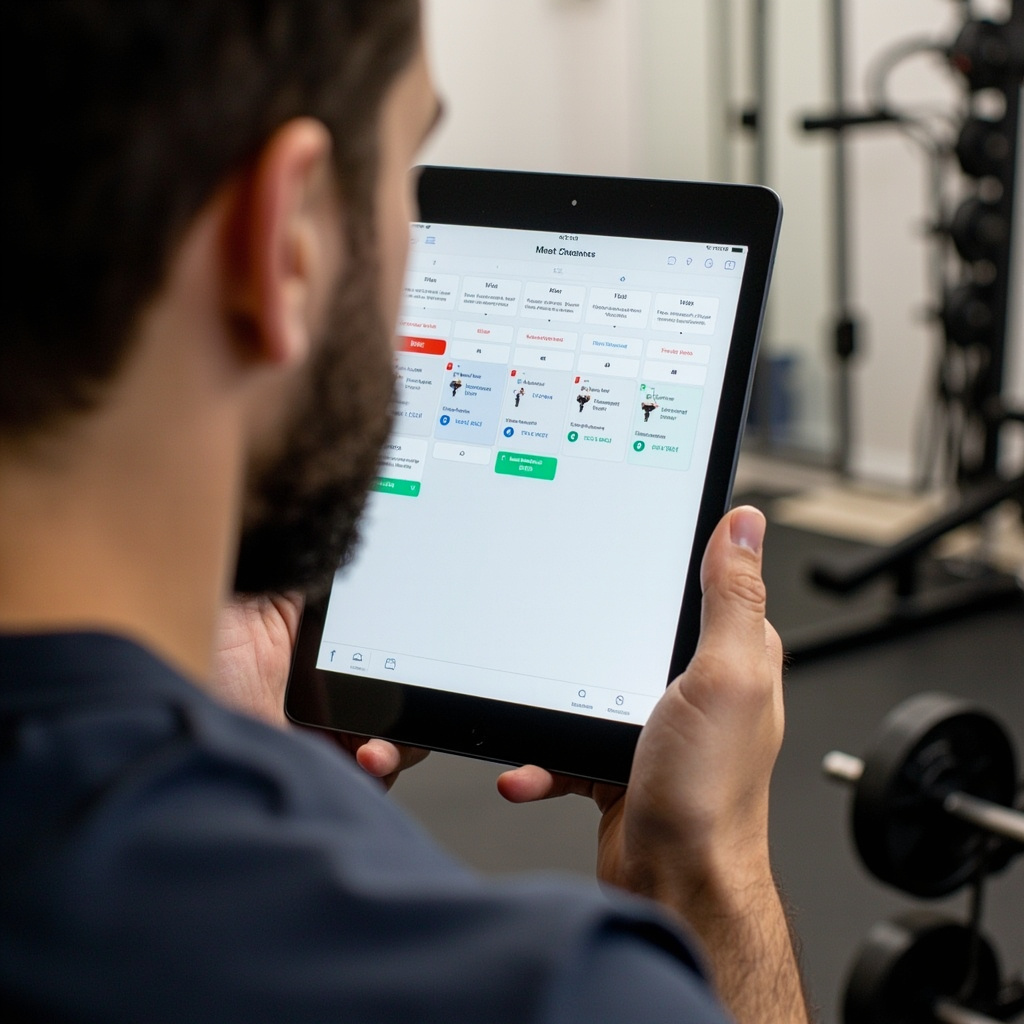
Personal trainers are expensive. Gym classes don’t fit your schedule. Workout apps give everyone the same generic routine. But what if your fitness coach could actually see how you move, understand when you’re tired, and adapt your workouts based on how well you slept last night?
AI fitness coaching in 2026 isn’t just another app with pre-recorded videos. It’s computer vision that watches your form, machine learning that remembers your preferences, and smart algorithms that design workouts around your actual life—not some impossible fitness influencer lifestyle.
Real-Time Form Correction That Actually Works
The biggest breakthrough isn’t the AI itself—it’s the cameras. Your phone’s camera can now track 33 body landmarks in real-time, measuring joint angles and movement patterns with accuracy that rivals expensive motion capture systems.
Apps like Mirror AI Trainer and Tempo Vision don’t just count your reps—they catch when your knee caves in during squats, when your shoulders round during pushups, or when you’re compensating with the wrong muscles. The feedback is instant: “Engage your core more” or “Lower another inch” appears on screen before bad habits set in.
The key difference from traditional fitness apps? These systems learn your specific movement patterns. After a few workouts, they know that your right shoulder is tighter than your left, that you tend to rush through the eccentric portion of movements, or that you need extra warm-up time for hip mobility.
Personalization That Goes Beyond “Beginner, Intermediate, Advanced”
Traditional workout apps ask for your fitness level and then give you the same program as everyone else in that category. AI fitness coaches dig deeper.
FitnessAI analyzes over 40 million workout data points to predict exactly how much weight you should lift, how many reps you can handle, and when you’re ready to progress. It considers everything: your previous performance, how long you rested between sets, even your workout frequency over the past month.
Freeletics AI Coach takes it further by integrating with sleep trackers, stress monitors, and nutrition apps. Slept poorly? Your workout intensity drops automatically. Stressed at work? Your coach might suggest yoga instead of high-intensity training. Ate a heavy lunch? Your evening workout gets rescheduled.
The Reality Check These Apps Actually Provide
Here’s what makes these AI coaches different from the fitness industry’s usual promises: they’re built for real life, not ideal life.
Got 15 minutes instead of 45? Your workout adapts. Traveling for work? Hotel room exercises appear. Injured your knee? Alternative movements that don’t aggravate it. Kids interrupting every five minutes? Exercises you can pause and restart without losing effectiveness.
Caliber goes further by connecting you with human trainers who review your AI-tracked workouts weekly. You get the consistency of AI with the expertise of human coaching—and it costs about one-tenth of traditional personal training.
The Apps Leading This Revolution
For Form Correction:
Tempo Studio – Premium option with dedicated hardware, but unmatched accuracy for weight training form analysis
Mirror AI – Uses any smartphone camera for bodyweight exercise correction
FitnessAI Vision – Focuses specifically on compound movements like squats, deadlifts, and presses
For Smart Programming:
Freeletics – Best integration with wearables and life factors
FitnessAI – Data-driven strength training progression
Caliber – Hybrid AI + human trainer model
For Busy Schedules:
Seven – AI that optimizes 7-minute workouts based on your available time and energy
Sworkit – Creates custom routines for any time limit or space constraint
What This Actually Costs
The revolution isn’t just in capability—it’s in accessibility. Most AI fitness coaches cost $10-30 per month. Compare that to personal trainers at $50-100 per session, or premium gym memberships that run $100+ monthly.
Some apps use freemium models: basic AI coaching is free, with premium features like advanced form analysis or nutrition integration costing extra. Others, like FitnessAI, offer everything for a flat monthly fee.
The Bottom Line
AI fitness coaching in 2026 solves the three biggest problems with working out: bad form that leads to injury, generic programs that don’t fit your life, and the cost barrier of personal training.
Is it perfect? No. Can an AI coach motivate you through a tough workout like a great human trainer? Probably not. But can it give you personalized, technically sound guidance that adapts to your schedule and progresses with your abilities—all for less than the cost of a weekly coffee habit?
Absolutely. And for most people trying to build consistent exercise habits, that’s exactly what they need.
If you’ve ever spent hours copying data from websites into spreadsheets, you know the soul-crushing tedium of manual data extraction. Click, copy, paste, repeat—until your eyes blur and your patience snaps. But what if I told you there’s an AI-powered Chrome extension that can do all that work in literally 2 clicks?
Meet Thunderbit, the web scraping tool that’s quietly revolutionizing how people extract data from the web. While other extensions require complex setups or coding knowledge, Thunderbit uses AI to understand what data you want and grabs it automatically. No technical skills required.
What Makes Thunderbit Different from Other Web Scrapers
Traditional web scraping tools make you specify exactly which HTML elements to extract. You need to understand DOM structure, write selectors, and pray the website doesn’t change its layout. Thunderbit throws that complexity out the window.
Instead, it uses ChatGPT, Claude, and DeepSeek models to intelligently identify data patterns on any webpage. You just click on the data you want, and Thunderbit’s AI figures out the rest. It’s like having a really smart assistant who can instantly understand what you’re trying to collect.
The 2-Click Process That Actually Works
Here’s how simple it really is:
Click 1: Hit the Thunderbit extension icon in your browser
Click 2: Select the data you want extracted
That’s it. Thunderbit’s AI analyzes the page structure, identifies similar data patterns, and extracts everything into a clean spreadsheet format. No configuration, no setup wizards, no technical documentation to read.
Real-World Use Cases That Save Hours Daily
Thunderbit isn’t just a cool tech demo—it solves genuine business problems:
Lead Generation
Extract contact information from business directories, LinkedIn searches, or company websites. What used to take hours of manual copying now happens in seconds.
Market Research
Gather product prices, reviews, and specifications from e-commerce sites. Perfect for competitive analysis or price monitoring.
Event Planning
Pull event listings, venue information, and contact details from multiple sources into one organized spreadsheet.
Content Aggregation
Collect article titles, publication dates, and author information from news sites or blogs for content analysis.
Why the Free Tier Actually Matters
Unlike many AI tools that offer restrictive free plans, Thunderbit’s free tier is genuinely useful. You get AI-powered field detection and multiple export formats without paying a dime. This isn’t a trial designed to frustrate you into upgrading—it’s a fully functional tool that most users will find sufficient.
The Technical Advantage: Multi-Model AI
What sets Thunderbit apart is its use of multiple AI models. Rather than relying on a single algorithm, it can switch between ChatGPT, Claude, and DeepSeek depending on the complexity of the data structure. This redundancy means better accuracy and fewer failures when websites have unusual layouts.
Installation and Getting Started
Getting Thunderbit up and running takes less time than reading this article:
Install the extension from the Chrome Web Store
Navigate to any website with data you want to extract
Click the Thunderbit icon
Select your data and watch the magic happen
No account creation required for basic functionality, though signing up unlocks additional features and export options.
The Productivity Impact
Users report saving 15-20 hours per week on data collection tasks. For businesses that regularly gather market data, lead information, or competitive intelligence, Thunderbit isn’t just convenient—it’s transformative.
The tool consistently earns 4.3/5 stars on the Chrome Web Store, with users praising its accuracy and ease of use. The most common complaint? Wishing they’d found it sooner.
Should You Try Thunderbit?
If you regularly copy data from websites—whether for business research, lead generation, or personal projects—Thunderbit deserves a spot in your browser. The free tier offers enough functionality to handle most common use cases, and the learning curve is practically non-existent.
In a world where AI tools often overpromise and underdeliver, Thunderbit is refreshingly straightforward. It does one thing extremely well: turning websites into your personal database. And sometimes, that’s exactly what you need.