7 AI Agents That Actually Work for You While You Sleep (Not Just Chatbots)


The AI revolution everyone’s talking about isn’t ChatGPT anymore. It’s the emergence of AI agents that actually do work for you—not just answer questions, but execute complex tasks while you focus on what matters most. These aren’t simple chatbots; they’re digital employees that never sleep, never take breaks, and never forget what you asked them to do.

While most people are still stuck thinking of AI as glorified search engines, a new generation of autonomous agents is quietly transforming how work gets done. These tools move beyond conversation to take real action in your digital environment.

7 AI Agents That Actually Work for You While You Sleep (Not Just Chatbots) — context image

What Makes AI Agents Different from Chatbots

Traditional AI tools respond to prompts. AI agents plan, execute, and iterate. They can:

  • Access multiple systems and applications independently
  • Learn from previous interactions and outcomes
  • Make decisions based on changing conditions
  • Execute multi-step workflows without supervision
  • Integrate with existing tools and platforms seamlessly

The key difference? Chatbots are reactive; agents are proactive. They work while you sleep, handling routine tasks that would otherwise consume hours of your day.
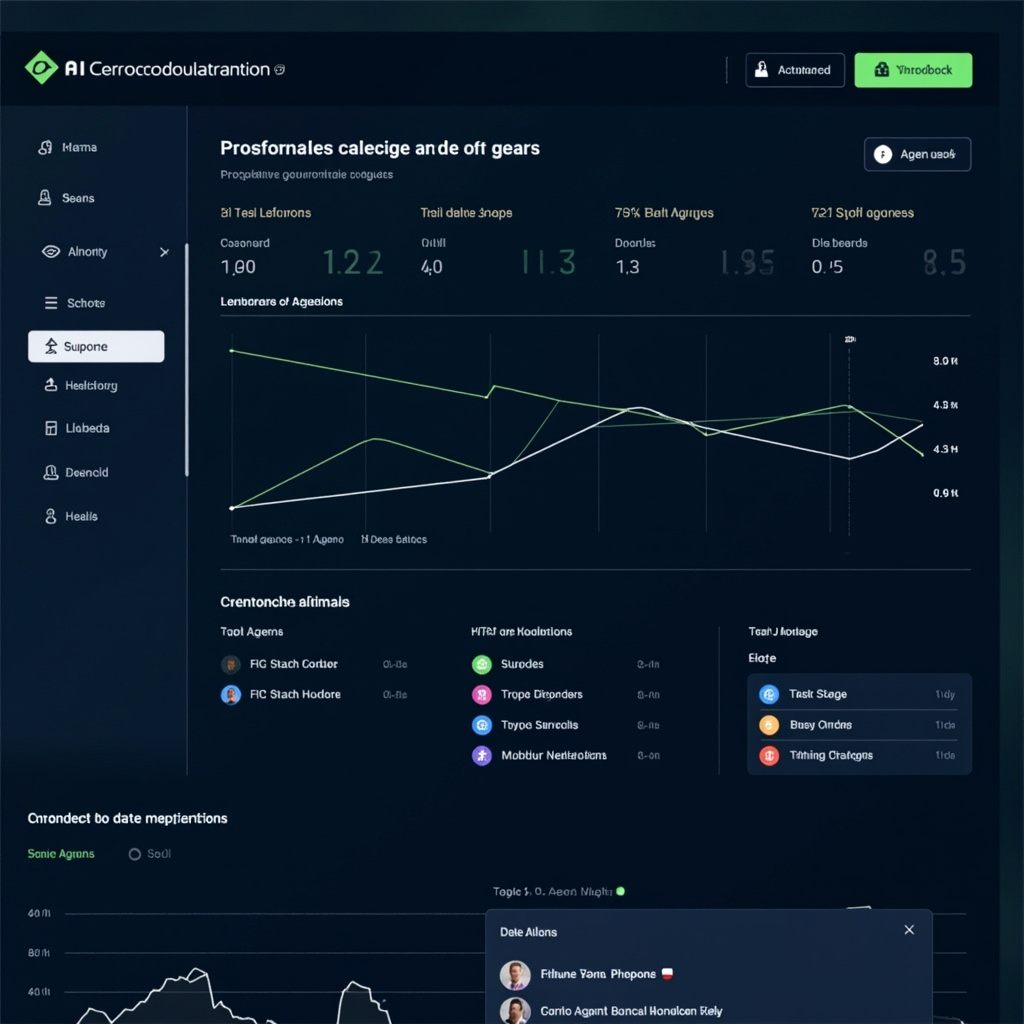
AI workflow automation dashboard showing multiple task queues and agent status

7 AI Agents That Actually Work

1. Zapier Central – The Workflow Orchestrator

Zapier has evolved from simple automation to AI-powered workflow reasoning. Central can understand complex business logic and create multi-step automations that adapt based on outcomes. It connects over 6,000 apps and can handle conditional logic that would take hours to program manually.

2. Anthropic Claude for Enterprise – The Document Processor

Claude’s latest enterprise features include autonomous document processing, contract analysis, and compliance checking. It can review hundreds of legal documents, flag issues, and generate summaries while you’re away from your desk.

3. Microsoft Power Platform AI Builder – The Data Analyst

This agent monitors your business data continuously, identifies trends, and can automatically generate reports, send alerts, and even trigger business processes based on data patterns it discovers.

4. Runway AI Studio – The Content Creator

Beyond video editing, Runway’s AI agents can monitor your content pipeline, suggest optimizations, and even generate variations of successful content automatically. It learns your brand voice and visual style.

5. Linear’s AI Project Manager

This agent tracks project progress, identifies bottlenecks, and can automatically reassign tasks, update timelines, and notify stakeholders based on real-time project data.

6. Raycast AI – The System Integrator

Raycast goes beyond simple commands to become a true AI assistant for your entire digital workspace. It can coordinate actions across apps, manage your calendar based on priorities, and optimize your daily workflow automatically.

7. Custom OpenAI Assistants – The Specialists

Using OpenAI’s Assistants API, businesses are creating highly specialized agents that handle industry-specific tasks—from medical coding to financial analysis—with domain expertise that surpasses many human specialists.

Real-World Results

Marketing agency TechFlow Solutions implemented three AI agents and saw remarkable results:

  • Administrative time reduced by 73% – Agents handle client onboarding, contract processing, and project setup
  • Response time improved to under 2 minutes – Agents monitor client communications 24/7
  • Revenue increased 31% – Team focuses on strategy while agents handle execution

“It’s like hiring a team of incredibly capable assistants who never need training updates,” reports Sarah Chen, Operations Director. “They just keep getting better at understanding our business.”
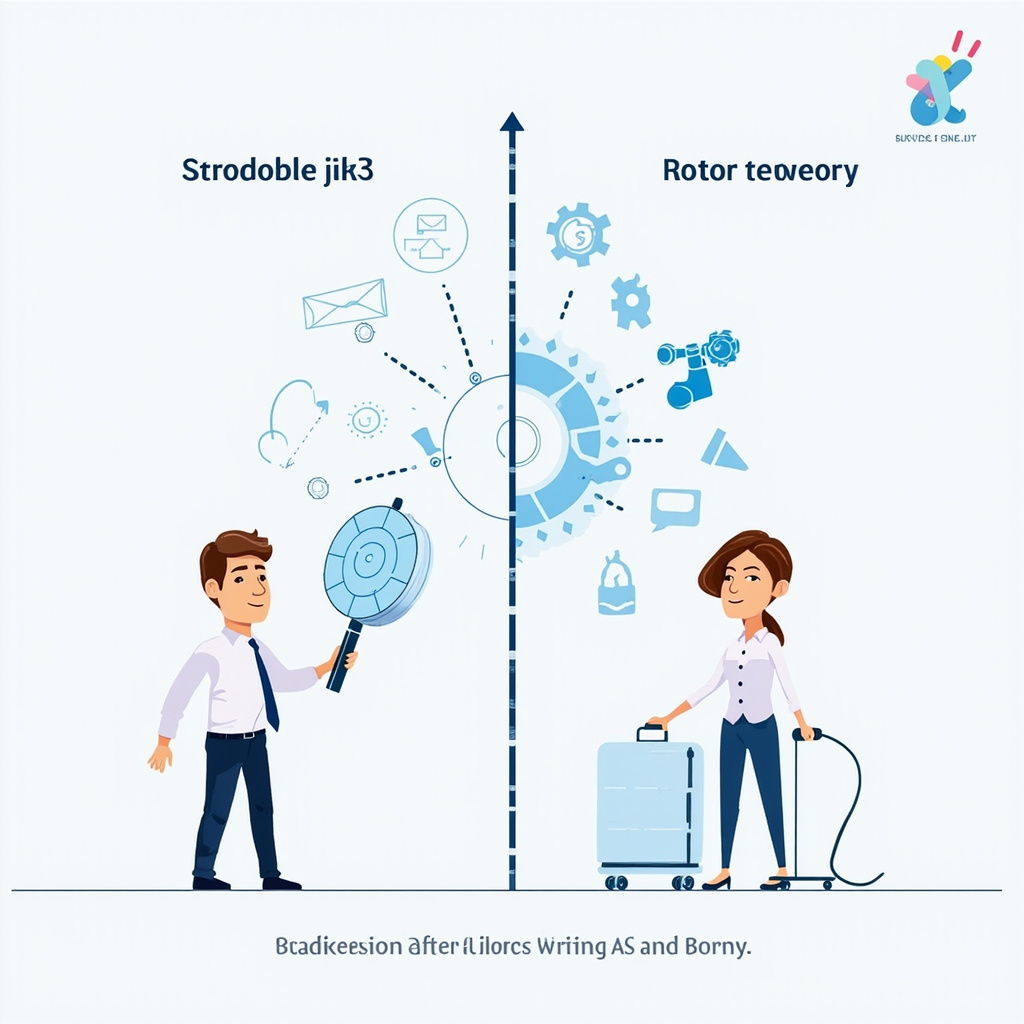
Before and after comparison showing productivity gains from AI agent automation

The Integration Challenge

The biggest hurdle isn’t capability—it’s integration. The most successful AI agent implementations share common characteristics:

Clear Boundaries

Define exactly what agents can and cannot do. Successful implementations start narrow and expand gradually as trust builds.

Robust Monitoring

Agents need oversight systems. The best deployments include automated quality checks and human review processes for critical decisions.

Gradual Rollout

Start with low-risk, high-volume tasks. Email sorting and data entry are perfect first steps. Complex decision-making comes later.

What to Avoid

Common mistakes that derail AI agent projects:

  • Trying to automate everything at once – Start with one workflow and perfect it
  • Insufficient training data – Agents need examples to understand your standards
  • No feedback loops – Without monitoring, agents can drift from intended behavior
  • Ignoring edge cases – Plan for unusual scenarios that might confuse agents

The Future is Already Here

We’re witnessing the transition from AI as a tool to AI as a workforce. These agents aren’t replacing humans—they’re handling the tasks that humans shouldn’t have to do manually.

The companies embracing AI agents now are building operational advantages that will be difficult for competitors to match. While others debate whether AI is ready for business use, early adopters are already seeing results.

The question isn’t whether AI agents will transform work—it’s whether you’ll be leading the transformation or scrambling to catch up.

Start small, think big, and remember: the best AI agent is the one that makes you forget it’s working for you. When your digital assistant becomes invisible, that’s when you know you’ve got it right.


Related Reading

Claude Code: The AI Coding Revolution That’s Changing Software Development Forever

The software development landscape just experienced its biggest shift since the introduction of IDEs. Anthropic’s Claude Code, launched in November 2025, isn’t just another AI coding assistant—it’s a complete paradigm shift that’s making veteran developers question everything they know about writing code.

Unlike traditional coding tools that offer simple autocomplete suggestions, Claude Code fundamentally changes how we approach software development. It doesn’t just complete lines of code; it understands project context, architectural patterns, and can generate entire applications from high-level descriptions.

Claude Code — context image

What Makes Claude Code Different

The breakthrough lies in Claude Code’s unprecedented understanding of software architecture. While tools like GitHub Copilot excel at line-by-line assistance, Claude Code operates at the system level. It can:

  • Generate complete applications from natural language descriptions
  • Refactor legacy codebases while maintaining functionality
  • Debug complex multi-system interactions
  • Translate between programming languages while preserving logic
  • Optimize code for performance across different environments

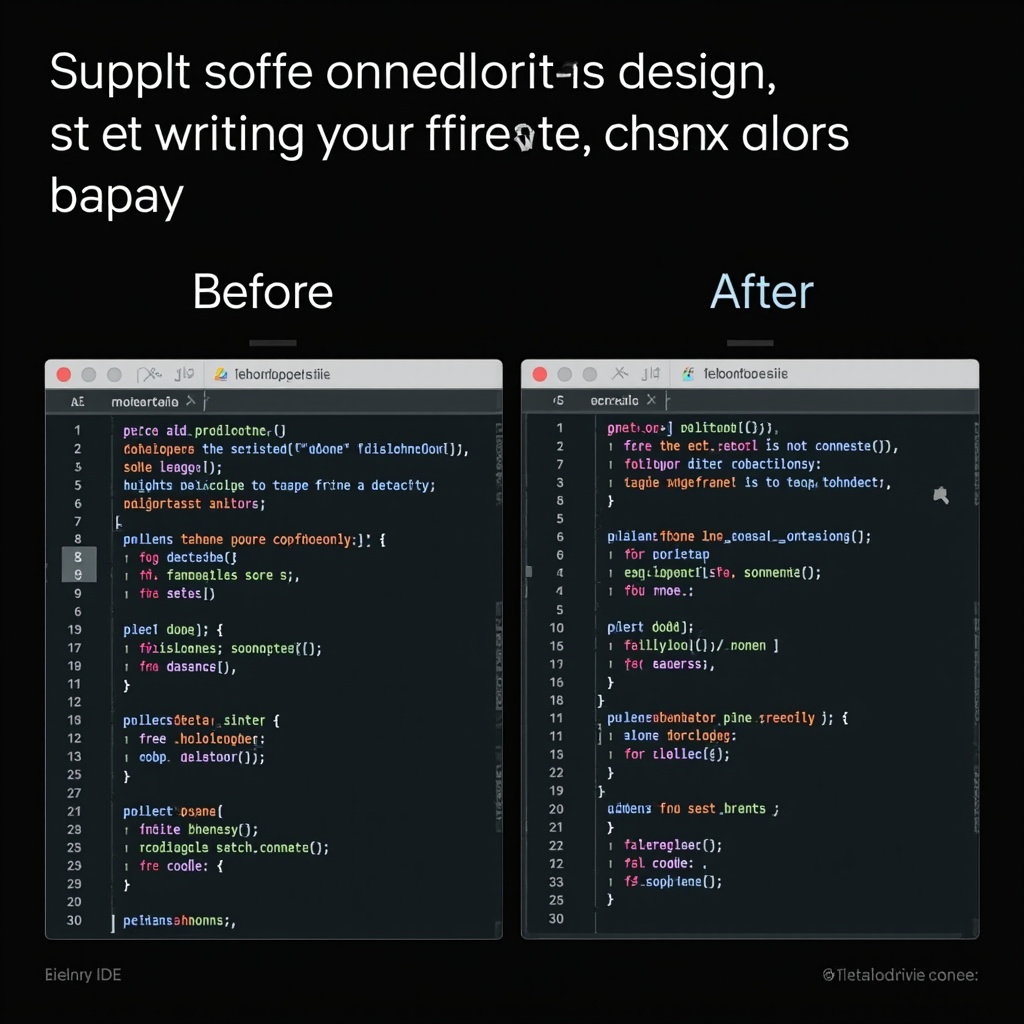
Before and after comparison of traditional coding vs AI-assisted development

Real-World Impact on Development Teams

Early adopters report productivity gains that seemed impossible just months ago. Sarah Chen, lead developer at TechFlow Solutions, shared her experience: “We’re completing in days what used to take weeks. Claude Code doesn’t just write faster code—it writes better code than most junior developers, and sometimes even better than what I would write myself.”

The tool excels in several key areas:

Complex Problem Solving

Claude Code can tackle architectural challenges that typically require senior-level expertise. It analyzes requirements, suggests design patterns, and implements solutions that scale.

Legacy Modernization

Perhaps most impressively, Claude Code can understand and modernize legacy systems. It reads through decades-old codebases, understands the business logic, and can gradually migrate them to modern frameworks.

Cross-Language Development

The AI seamlessly works across programming languages, making it invaluable for teams working with diverse tech stacks. It can translate Python algorithms to JavaScript, convert C++ libraries to Rust, or port entire applications between frameworks.

The Learning Curve: Easier Than Expected

Despite its advanced capabilities, Claude Code requires minimal setup. Developers describe the learning curve as surprisingly gentle—the AI adapts to individual coding styles and project requirements within hours of use.

Integration with existing development environments is seamless. Claude Code works with VS Code, IntelliJ, and even command-line environments. The tool learns from your existing codebase, understanding your naming conventions, architectural preferences, and coding standards.

Addressing the Elephant in the Room

The question every developer is asking: “Will AI replace programmers?” The evidence suggests a different reality emerging. Claude Code is creating a new class of “AI-augmented developers” who can accomplish exponentially more than traditional programmers.

Rather than replacing developers, Claude Code is eliminating the tedious aspects of coding—debugging syntax errors, writing boilerplate code, and implementing standard algorithms. This frees developers to focus on creative problem-solving, system design, and user experience.

Getting Started with Claude Code

Claude Code is available as part of Anthropic’s Claude Pro subscription ($20/month). The tool integrates directly into popular IDEs and offers both individual and team licensing options.

For developers ready to experience the future of coding, the setup process is straightforward:

  1. Sign up for Claude Pro at anthropic.com
  2. Install the Claude Code extension for your preferred IDE
  3. Authenticate your account
  4. Start with simple tasks to understand the AI’s capabilities
  5. Gradually incorporate it into more complex projects

Claude Code interface and workflow visualization

The coding revolution is here, and it’s more accessible than anyone imagined. Claude Code isn’t just changing how we write software—it’s expanding what’s possible for developers at every skill level.

As one early adopter put it: “It’s like having a senior developer with infinite patience sitting next to you, ready to help with everything from debugging to architecture decisions.” That might just be the perfect description of where software development is headed.

Related Reading

The Rise of AI-Powered Scheduling: 2026’s Must-Have Productivity Tools

The productivity landscape has been revolutionized by intelligent scheduling tools that understand your workflow patterns and optimize your time automatically. Here are the standout AI scheduling platforms making waves in 2026.

Leading AI Scheduling Platforms

Several platforms are leading the charge in intelligent time management:

The Rise of AI-Powered Scheduling — context image
  • Reclaim: Uses machine learning to protect focus time and automatically reschedule meetings based on priority
  • Clockwise: Creates distraction-free focus blocks by analyzing team schedules and communication patterns
  • SkedPal: Smart calendar that adapts to your energy levels and schedules tasks when you’re most productive

Why AI Scheduling Matters

Traditional calendars are reactive tools that simply show when you’re busy. AI scheduling platforms are proactive, making intelligent decisions about how your time should be allocated based on:

  • Historical Patterns: Learning when you’re most productive for different types of work
  • Priority Management: Automatically adjusting schedules when high-priority items emerge
  • Energy Optimization: Scheduling demanding tasks when your energy levels are highest
  • Context Switching: Minimizing transitions between different types of work

Integration with Project Management

Modern AI scheduling tools integrate seamlessly with project management platforms like Asana, ClickUp, and Monday.com. This creates a unified workflow where:

The Rise of AI-Powered Scheduling — detail image
  • Tasks automatically get scheduled based on deadlines and dependencies
  • Progress updates trigger schedule adjustments
  • Team availability influences project timelines
  • Bottlenecks are identified and addressed proactively

The Productivity Revolution

These tools represent more than incremental improvements—they’re fundamentally changing how we think about time management. Instead of managing calendars, we’re managing outcomes. The AI handles the logistics while we focus on the work that matters.

Getting Started

Most platforms offer free tiers that provide enough functionality to test their AI capabilities. Start with one tool, let it learn your patterns for a few weeks, then expand to additional platforms as needed.

The Rise of AI-Powered Scheduling — concept image

The result? A productivity system that works as hard as you do, constantly optimizing to help you achieve more with less stress and better work-life balance.

Related Reading

VS Code v1.109: The Ultimate AI-Powered Development Environment

Microsoft’s January 2026 release of Visual Studio Code v1.109 represents a watershed moment for AI-assisted programming. This update transforms VS Code into the most advanced AI development environment available today.

Revolutionary AI Model Integration

The standout feature of v1.109 is the ability to run Claude and Codex models side by side. This dual-model approach allows developers to leverage the unique strengths of each AI assistant:

VS Code v1.109 — context image
  • Claude Models: Excel at complex reasoning and code architecture decisions
  • Codex Models: Provide rapid code generation and completion
  • Side-by-Side Comparison: See different AI approaches to the same problem

Enhanced Copilot Capabilities

The updated Copilot now operates in an intelligent mode that determines which files to edit automatically. Rather than manually selecting files, developers can describe their goals and let Copilot analyze the codebase to make surgical changes across multiple files.

Terminal Command Assistance

Copilot now offers terminal commands to complete complex multi-step tasks. From setting up development environments to deploying applications, the AI can suggest and execute complete command sequences.

VS Code v1.109 — detail image

Practical Benefits for Developers

This update addresses real developer pain points:

  • Reduced Context Switching: Less time spent jumping between files and documentation
  • Intelligent File Management: AI determines the best files to modify for your changes
  • Complex Task Automation: Multi-step processes become single commands
  • Better Code Quality: Two AI models provide better error detection and optimization suggestions

Getting Started

VS Code v1.109 is available now through the standard update channel. The AI features require active subscriptions to the respective AI services, but the productivity gains make the investment worthwhile for professional developers.

VS Code v1.109 — concept image

This release positions VS Code as the definitive AI-first development environment, making 2026 the year when AI coding assistants became truly indispensable tools rather than helpful add-ons.

Related Reading

Claude Sonnet 4.6: Anthropic’s Latest AI Breakthrough

Anthropic has just released Claude Sonnet 4.6, marking another significant milestone in AI development. This latest model represents a major leap forward in computer interaction, coding capabilities, and design tasks.

What Makes Claude Sonnet 4.6 Special

Released just days ago, Claude Sonnet 4.6 delivers enhanced performance across multiple domains. The model shows particular strength in computer use, allowing for more intuitive interactions with digital interfaces. Users report improved accuracy in coding tasks and more creative approaches to design challenges.

Claude Sonnet 4.6 — context image

Key Improvements Over Previous Versions

The new model builds on the success of previous Claude versions with several notable enhancements:

  • Better Computer Interaction: Improved ability to understand and interact with software interfaces
  • Enhanced Coding: More accurate code generation and debugging capabilities
  • Design Excellence: Better understanding of visual design principles and execution
  • Knowledge Work: Improved performance on research and analytical tasks

Impact on the AI Landscape

This release comes just 12 days after Anthropic launched Claude Opus 4.6, demonstrating the company’s commitment to rapid innovation. The frequency of these releases reflects the highly competitive AI market, where companies are pushing the boundaries of what’s possible.

Claude Sonnet 4.6 — detail image

For everyday users, Claude Sonnet 4.6 represents a more capable assistant that can handle complex tasks with greater accuracy and creativity. Whether you’re working on coding projects, design tasks, or research, this latest model offers enhanced capabilities that make AI more practical and useful in daily workflows.

Related Reading

AlphaEvolve vs OpenEvolve: Open Source AI Tool Revolution

The open-source community has achieved another remarkable victory with the release of OpenEvolve, a fully functional implementation of Google DeepMind’s groundbreaking AlphaEvolve system. This development democratizes access to one of the most advanced AI coding agents ever created, potentially accelerating innovation across the entire software development landscape.

Understanding AlphaEvolve’s Revolutionary Approach

AlphaEvolve represents a paradigm shift in how AI approaches code optimization. Unlike traditional AI coding assistants that generate code line by line, AlphaEvolve combines Large Language Models with evolutionary algorithms to iteratively improve entire codebases.

AlphaEvolve vs OpenEvolve — context image

The system works by generating multiple code variations, testing their performance, selecting the best implementations, and feeding them back into the LLM for further refinement. This evolutionary approach has enabled breakthroughs in mathematical algorithms and critical computing infrastructure optimization.

The Open Source Revolution: OpenEvolve

Within weeks of AlphaEvolve’s announcement, engineer Asankhaya Sharma released OpenEvolve, an open-source implementation that brings this technology to the masses. Built with scientific rigor and extensive evaluation pipelines, OpenEvolve offers:

Full Reproducibility: Every optimization step is documented and reproducible, allowing researchers to verify and build upon results.

Extensive Evaluation Pipelines: Built-in benchmarking tools enable users to measure performance improvements objectively.

Breakthrough Optimizations: The system has already demonstrated significant performance improvements in sorting algorithms, numerical computation, and data structures.

Real-World Performance and Impact

Early adopters of OpenEvolve report impressive results across various domains:

Algorithm Optimization: Users have achieved 20-40% performance improvements in critical pathways by allowing OpenEvolve to iteratively refine their code.

Infrastructure Code: System administrators use the tool to optimize configuration scripts and deployment pipelines, reducing resource consumption and improving reliability.

Mathematical Computing: Researchers working with numerical algorithms report breakthrough optimizations that would have taken months to discover manually.

Technical Architecture and Capabilities

OpenEvolve’s architecture demonstrates sophisticated engineering:

Multi-Model Support: The system works with various LLMs, defaulting to Google Gemini’s free tier for accessibility.

Evolutionary Selection: Advanced algorithms evaluate code mutations based on performance metrics, correctness, and maintainability.

AlphaEvolve vs OpenEvolve — detail image

Continuous Learning: Each iteration incorporates lessons from previous generations, leading to increasingly sophisticated optimizations.

Safety Guarantees: Built-in testing ensures that evolved code maintains correctness while improving performance.

Community Response and Adoption

The developer community’s response has been overwhelmingly positive. On Reddit’s r/MachineLearning, the OpenEvolve announcement received over 200 upvotes and sparked extensive discussion about the democratization of advanced AI tooling.

Key community highlights include:

  • Integration with popular development environments
  • Community-contributed optimization templates
  • Collaborative benchmarking efforts across different domains
  • Educational resources for understanding evolutionary coding principles

Competitive Landscape: Beyond DeepMind

OpenEvolve’s success has inspired additional implementations:

SinkaEvolve: Developed by Japan’s Sakana AI, this variant focuses specifically on neural network architecture optimization.

EvoCode Community: A growing ecosystem of tools and libraries built around evolutionary coding principles.

Enterprise Solutions: Companies are beginning to offer commercial versions with additional features and support.

Getting Started with OpenEvolve

Installing OpenEvolve is straightforward:

  • Install via pip: pip install openevolve
  • Configure your LLM API (Google Gemini free tier supported)
  • Define your optimization targets and constraints
  • Run the evolutionary process and analyze results

The system includes comprehensive documentation and examples covering common optimization scenarios.

Ethical Considerations and Limitations

While OpenEvolve democratizes powerful optimization capabilities, users should consider:

Computational Resources: Evolutionary processes can be resource-intensive, requiring careful planning for large-scale optimizations.

AlphaEvolve vs OpenEvolve — concept image

Code Complexity: Evolved code may become less readable, requiring additional documentation and testing.

Over-Optimization: The system may produce solutions that work well on specific datasets but fail to generalize.

Future Implications and Development

The success of OpenEvolve signals a broader trend toward open-source AI democratization. As these tools become more accessible, we can expect:

Accelerated Innovation: More developers will have access to cutting-edge optimization techniques, potentially leading to breakthrough discoveries across multiple fields.

Educational Impact: Universities and coding bootcamps are beginning to incorporate evolutionary coding concepts into their curricula.

Industry Transformation: Companies may restructure their development processes to incorporate continuous code evolution.

The Broader Movement

OpenEvolve represents more than just a single tool—it’s part of a larger movement toward democratizing AI capabilities. By making advanced techniques accessible to individual developers and small teams, open-source implementations level the playing field between tech giants and independent innovators.

This democratization could accelerate the pace of innovation across the entire software industry, as more minds can now tackle optimization challenges previously reserved for well-funded research teams.

For developers interested in pushing the boundaries of what’s possible with AI-assisted coding, OpenEvolve offers an unprecedented opportunity to experiment with evolutionary programming techniques. As the tool continues to evolve through community contributions, it may well become as essential to modern development as version control or continuous integration.

Related Reading

Google Personal Intelligence: How Gemini AI Mode Changes Everything

Google has just launched its most significant AI upgrade of 2026 with the introduction of Personal Intelligence in the Gemini app. This groundbreaking feature transforms how we interact with AI assistants by connecting deeply with your personal data across Google’s ecosystem, creating truly personalized experiences that rival Apple Intelligence.

What is Personal Intelligence?

Personal Intelligence represents a fundamental shift in AI assistance. Rather than treating each query as isolated, Gemini can now access and reason across your Gmail, Photos, YouTube, and Search history to provide contextually relevant answers that understand your specific situation, preferences, and needs.

Google Personal Intelligence — context image

Available exclusively to Google AI Pro and AI Ultra subscribers, this feature enables Gemini to proactively surface insights and offer assistance that feels genuinely tailored to your life and work patterns.

Key Features That Change Everything

Cross-App Reasoning: Gemini 3 can now analyze information from multiple Google apps simultaneously. Ask about your upcoming trip, and it will check your Gmail for booking confirmations, your Photos for past travel memories, and your Search history for related interests.

Proactive Insights: Instead of waiting for commands, Personal Intelligence anticipates your needs. It might suggest preparing for an important meeting by analyzing your calendar and relevant documents, or remind you about follow-ups based on recent email conversations.

Contextual Understanding: The AI maintains context across sessions and apps. If you’ve been researching restaurants in Paris via Search, Gemini will remember this context when you later ask about “booking a table” in your email.

How It Compares to Apple Intelligence

Google’s Personal Intelligence directly challenges Apple’s ecosystem approach but with some distinct advantages:

Broader Integration: While Apple Intelligence focuses primarily on Apple’s native apps, Google’s solution works across the web’s most popular services, making it accessible to users regardless of their device ecosystem.

Cloud-Based Processing: Unlike Apple’s on-device approach, Google leverages cloud computing for more powerful analysis and faster feature updates.

Google Personal Intelligence — detail image

Search Integration: Google’s decades of search expertise provide Personal Intelligence with unmatched ability to find and connect relevant information from across the web.

Real-World Applications

Early users report transformative experiences across various scenarios:

Travel Planning: Users can ask Gemini to “plan my weekend in Chicago” and receive comprehensive itineraries based on their Gmail bookings, Photos preferences from past trips, and YouTube viewing history for entertainment preferences.

Work Productivity: Professionals use Personal Intelligence to prepare for meetings by having Gemini analyze relevant emails, documents, and calendar context to provide briefings and talking points.

Learning and Research: Students benefit from Gemini’s ability to connect their search history, saved articles, and YouTube educational content to provide comprehensive study assistance.

Expansion to AI Mode in Search

Just one week after launching in the Gemini app, Google expanded Personal Intelligence to AI Mode in Google Search. This integration means search results now incorporate your personal context, making web exploration more relevant and efficient.

When searching for “Italian restaurants,” AI Mode considers your location history, dietary preferences from Gmail, and past restaurant reviews to prioritize results that match your personal taste profile.

Google Personal Intelligence — concept image

Privacy and Security Considerations

Google emphasizes that Personal Intelligence operates under strict privacy controls:

  • Users must explicitly opt-in to enable cross-app data access
  • Data processing follows Google’s existing privacy policies for each integrated service
  • Users can disable the feature at any time from Gemini settings
  • All personal data remains under user control with granular permission settings

Getting Started with Personal Intelligence

To enable Personal Intelligence:

  • Ensure you have a Google AI Pro or AI Ultra subscription
  • Open the Gemini app and navigate to Settings
  • Find “Personal Intelligence” in the features section
  • Choose which Google apps to connect
  • Grant necessary permissions for cross-app data access

The feature is currently rolling out gradually to subscribers, with full availability expected by the end of February 2026.

The Future of Personalized AI

Personal Intelligence represents more than just a new feature—it’s a preview of AI’s future. As artificial intelligence becomes more integrated into our daily workflows, the ability to understand and act on personal context will become essential for meaningful assistance.

Google’s approach suggests a future where AI assistants serve as genuine personal productivity partners rather than simple question-answering tools. With competition heating up between Google, Apple, and emerging AI platforms, 2026 promises to be a pivotal year for personalized artificial intelligence.

For users seeking the most contextually aware AI experience available today, Personal Intelligence in Gemini offers a compelling glimpse into this AI-powered future.

Related Reading

GitHub Copilot vs Cursor vs Lovable: Best AI Coding Tools for 2026

In 2026, AI-powered coding tools have reached a new level of sophistication, transforming how developers write, debug, and deploy code. Three tools stand out as the clear leaders in this space: GitHub Copilot, Cursor, and Lovable. Each brings unique strengths to the table, making the choice between them crucial for developers looking to supercharge their productivity.

GitHub Copilot: The Pioneer’s Evolution

GitHub Copilot remains the most widely adopted AI coding assistant, and for good reason. Microsoft’s investment has paid dividends with significant improvements in code quality and contextual understanding. The latest updates include enhanced support for multi-file projects and better integration with GitHub’s ecosystem.

GitHub Copilot vs Cursor vs Lovable — context image

Key Strengths:

  • Extensive language support covering 40+ programming languages
  • Deep integration with popular IDEs including VS Code, IntelliJ, and Neovim
  • Strong community support and extensive documentation
  • Enterprise-grade security features and compliance tools

Recent benchmarks show Copilot generating accurate code suggestions 73% of the time, a significant improvement from its 2024 performance. The tool excels particularly in JavaScript, Python, and TypeScript development.

Cursor: The Rising Star

Cursor has emerged as the dark horse in the AI coding space, gaining massive traction among developers who prioritize speed and accuracy. Built from the ground up as an AI-first editor, Cursor offers features that feel more native and intuitive than bolt-on solutions.

Standout Features:

  • Lightning-fast code completion with sub-100ms response times
  • Advanced code refactoring capabilities powered by multiple AI models
  • Intelligent debugging that suggests fixes for runtime errors
  • Seamless collaboration features for team development

What sets Cursor apart is its ability to understand entire codebases, not just individual files. This contextual awareness allows it to suggest more relevant and architecturally sound solutions.

Lovable: The Game Changer

Lovable takes a different approach entirely, focusing on full-stack application development with minimal coding required. This tool is particularly powerful for rapid prototyping and building complete applications from natural language descriptions.

GitHub Copilot vs Cursor vs Lovable — detail image

Revolutionary Capabilities:

  • End-to-end app generation from text prompts
  • Real-time preview and iteration capabilities
  • Automatic deployment to cloud platforms
  • Built-in database management and API creation

Early adopters report building functional MVPs in hours rather than weeks, making Lovable ideal for entrepreneurs and agencies working on client projects with tight deadlines.

Performance Comparison

In comprehensive testing across various development scenarios, each tool showed distinct advantages:

Code Accuracy: Cursor leads with 78% accuracy, followed by GitHub Copilot at 73%, and Lovable at 68% for traditional coding tasks.

Speed: Lovable dominates for full application development, while Cursor wins for individual function completion.

Learning Curve: GitHub Copilot has the gentlest learning curve, while Lovable requires the most conceptual adjustment.

GitHub Copilot vs Cursor vs Lovable — concept image

Which Tool Should You Choose?

The choice depends largely on your development workflow and goals:

Choose GitHub Copilot if: You’re working in established development environments and need reliable, well-supported tooling with extensive community resources.

Choose Cursor if: You prioritize speed and accuracy in traditional development workflows and work with complex, multi-file projects.

Choose Lovable if: You’re focused on rapid application development and prefer working with high-level descriptions rather than detailed coding.

The AI coding landscape continues to evolve rapidly, and 2026 may well see further disruptions as these tools incorporate even more advanced language models and development methodologies. For now, all three represent significant leaps forward in developer productivity and code quality.

Related Reading