AI Music Generation Tools for Content Creators in 2026: Create Professional Soundtracks in Minutes

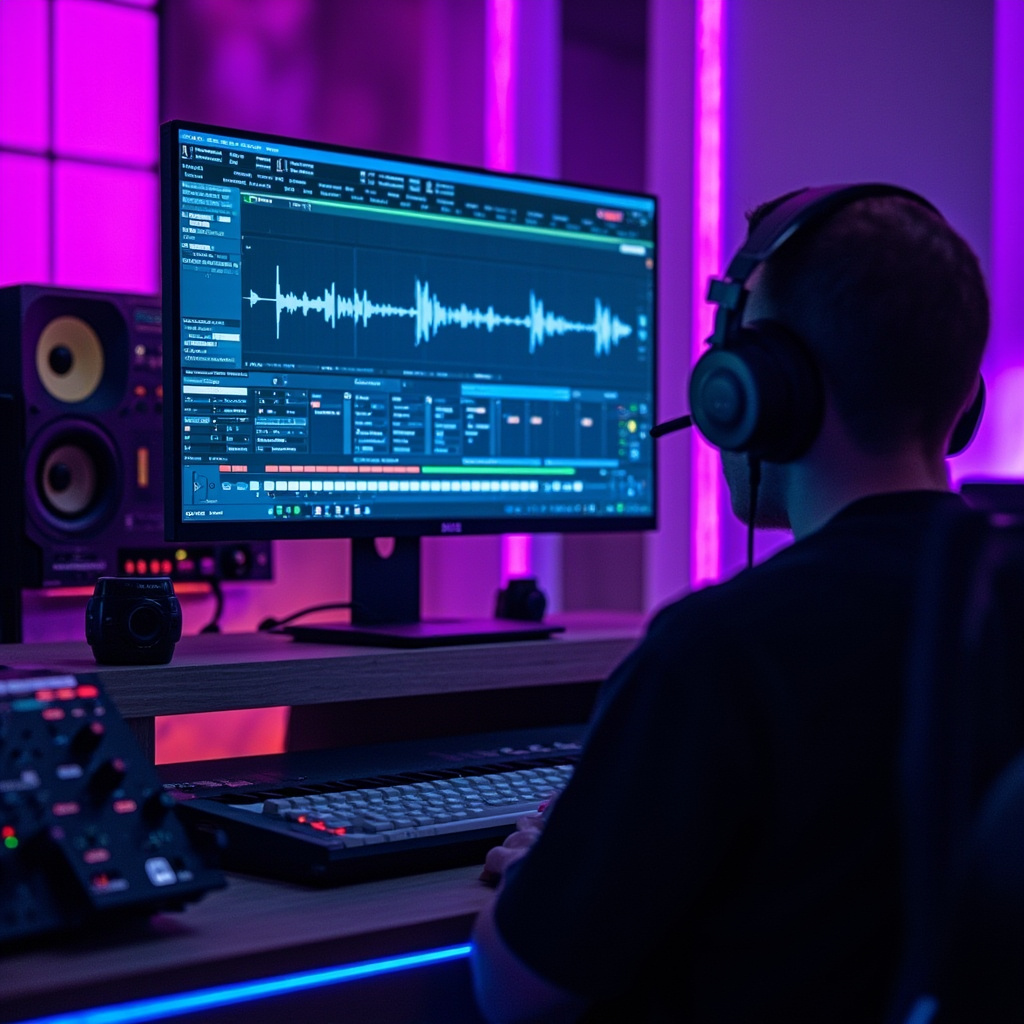
Content creators no longer need expensive studio equipment or years of music training to produce professional-quality soundtracks. AI music generation tools have revolutionized how we create audio content, making it possible to generate custom music, sound effects, and even full compositions from simple text prompts.

Whether you’re a YouTuber, podcaster, social media creator, or filmmaker, these AI music tools can save you thousands of dollars in licensing fees while giving you complete creative control over your audio.

AI Music Generation Tools for Content Creators in 2026 — context image

The Rise of AI Music Creation

The music industry has been transformed by artificial intelligence. What once required a full production team can now be accomplished by anyone with a computer and an internet connection. AI music generators use machine learning models trained on millions of songs to understand musical patterns, genres, and styles.
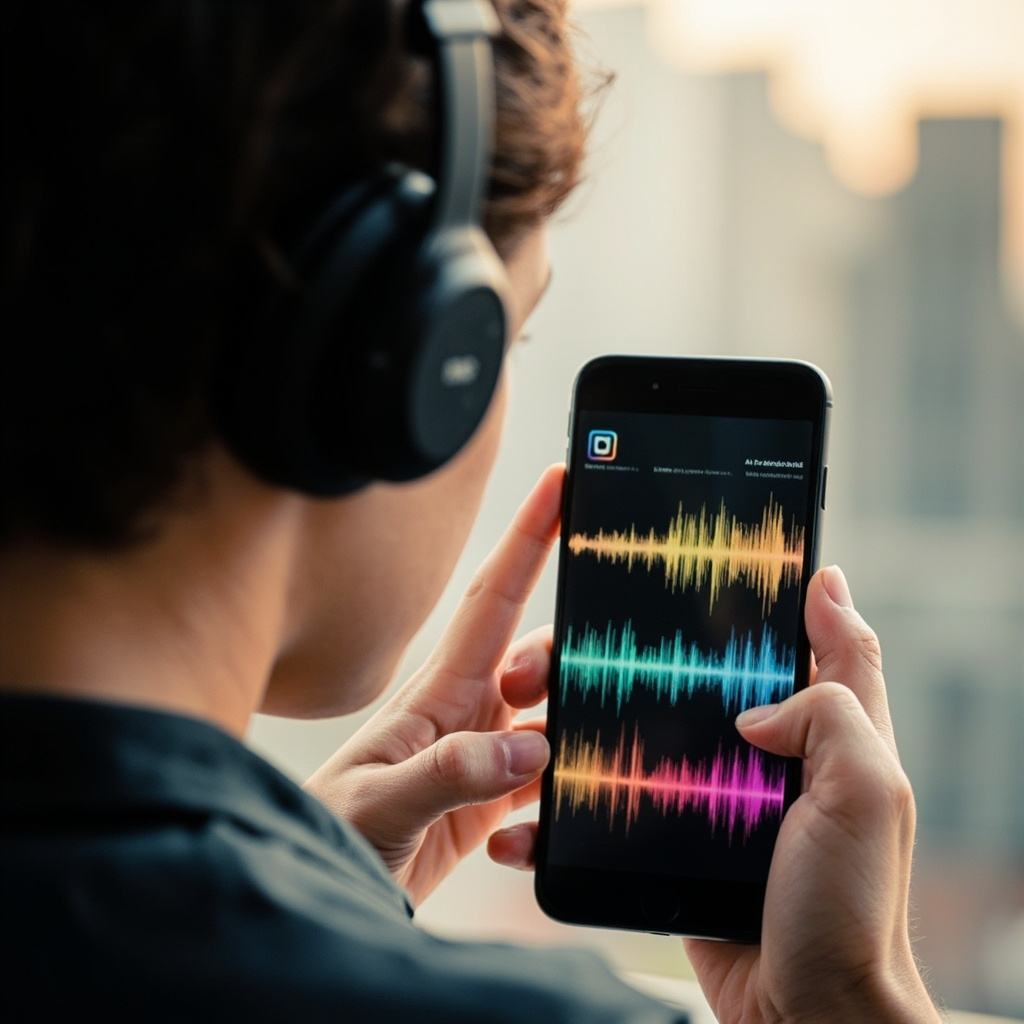
AI music generation on mobile device

These tools analyze everything from chord progressions to instrumentation, allowing them to create original compositions that sound professionally produced. The best part? You don’t need any musical knowledge to use them effectively.

Top AI Music Tools for 2026

Suno: The Complete Music Creation Suite

Suno stands out as the most comprehensive AI music generator available in 2026. It can create full songs with vocals, lyrics, and instrumentation from simple text descriptions. The platform excels at understanding genre-specific requests and can produce everything from pop hits to classical compositions.

  • Generates complete songs with vocals and instruments
  • Supports multiple genres and styles
  • Fast generation times (under 2 minutes per song)
  • High-quality audio output suitable for commercial use

Udio: Professional-Grade Audio Production

Udio focuses on creating studio-quality instrumental tracks perfect for background music. It’s particularly strong with electronic music, ambient soundscapes, and cinematic scores that content creators love.

AIVA: Classical and Orchestral Specialist

For creators who need sophisticated orchestral arrangements or classical-style compositions, AIVA (Artificial Intelligence Virtual Artist) delivers exceptional results. It’s perfect for documentary soundtracks, educational content, and premium video productions.

Content creator using AI music tools

Practical Applications for Content Creators

YouTube Videos

Replace expensive royalty-free music with custom tracks that perfectly match your content’s mood and pacing. Generate intro music, background tracks, and outros that are uniquely yours.

Podcasts

Create branded intro and outro music, segment transitions, and background ambience that gives your podcast a professional sound without the licensing headaches.

Social Media

TikTok, Instagram Reels, and YouTube Shorts perform better with engaging audio. Generate trending-style beats and background music that complement your visual content.

Commercial Projects

For client work, AI-generated music eliminates copyright concerns while providing custom soundtracks that align perfectly with brand messaging.

Getting Started: Best Practices

Success with AI music generation comes down to effective prompting and understanding each tool’s strengths:

  • Be specific with genre and mood: Instead of “upbeat music,” try “energetic electronic dance music with heavy bass and synthesizers.”
  • Reference existing styles: Many tools work well when you mention specific artists or songs as style references.
  • Experiment with length: Start with shorter clips (30-60 seconds) before generating full-length tracks.
  • Layer and edit: Combine AI-generated elements with traditional editing software for polished results.

Cost Comparison: AI vs Traditional Music

The economics are compelling. Premium royalty-free music can cost $50-200 per track for commercial use. Most AI music platforms offer unlimited generation for $10-30 monthly, making them incredibly cost-effective for regular content creators.

The Future of AI Music

2026 has seen remarkable improvements in AI music quality and accessibility. Tools now generate music that’s indistinguishable from human-composed tracks, and we’re seeing integration with video editing software and live streaming platforms.

Expect to see more specialized tools for specific genres, better collaboration features for teams, and improved integration with existing content creation workflows.

AI music generation isn’t just a cost-saving measure—it’s a creative catalyst that democratizes music production. Whether you’re creating content for millions of followers or just starting your creative journey, these tools put professional-quality music creation at your fingertips.

Related Reading

ChatGPT Health Is Here: The AI Medical Assistant That Could Save Your Life

In an era where long wait times for medical appointments have become the norm, AI is stepping in to fill the healthcare gap. With 59% of people now using artificial intelligence to self-diagnose and check medical symptoms, the landscape of healthcare is rapidly evolving.

The driving force behind this shift? OpenAI's revolutionary ChatGPT Health – a specialized AI tool that's transforming how we approach personal healthcare management.

ChatGPT Health Is Here — context image

What Is ChatGPT Health?

ChatGPT Health represents a significant leap forward in AI-powered healthcare assistance. This dedicated feature allows users to securely connect their medical records and wellness apps – including Apple Health, Function, and MyFitnessPal – creating a comprehensive health profile that ChatGPT can analyze and interpret.

AI Symptoms Checker Interface

Unlike generic symptom checkers, ChatGPT Health provides personalized insights based on your actual health data, recent test results, and medical history. The system is designed to support – not replace – professional medical care, offering a bridge between doctor visits and health concerns.

Real-World Impact: When AI Saves Lives

The potential of AI in healthcare isn't just theoretical. Stories are emerging of patients who credit AI with helping identify serious conditions that might otherwise have been missed. As one cancer survivor notes, "Unlike doctors, ChatGPT has nearly unlimited time to engage in exhaustive inquiry with patients."

This unlimited availability addresses a critical gap in healthcare: the time constraint that often prevents thorough exploration of symptoms. While doctors are pressed for time, AI can spend hours analyzing patterns, asking follow-up questions, and exploring possibilities.

Key Features of ChatGPT Health:

  • Medical Record Integration: Securely connects to your existing health data
  • Test Result Analysis: Helps interpret lab results and medical reports
  • Appointment Preparation: Generates relevant questions for your doctor
  • Diet and Exercise Guidance: Personalized recommendations based on health goals
  • Insurance Navigation: Helps understand coverage options based on your healthcare patterns

The Rise of AI Self-Diagnosis

The statistics paint a clear picture: healthcare accessibility issues are driving people toward AI solutions. With long GP waiting times and limited access to professional care, patients are increasingly turning to AI for initial health assessments.

AI Health Dashboard

This trend spans everything from medication side effects to mental health support, representing a fundamental shift in how people approach their healthcare journey. AI tools are filling the gap between symptoms appearing and professional consultation becoming available.

Safety and Limitations

It's crucial to understand that ChatGPT Health is designed as a supplementary tool, not a replacement for professional medical advice. The system includes built-in disclaimers and is explicitly not intended for diagnosis or treatment of medical conditions.

Important Considerations:

  • Not a replacement for doctors: Always consult healthcare professionals for serious concerns
  • Privacy protection: Medical data integration uses secure, encrypted connections
  • Accuracy limitations: AI can make mistakes – professional verification is essential
  • Emergency situations: Seek immediate medical attention for urgent symptoms

Getting Started with ChatGPT Health

For those interested in exploring AI-assisted health management, ChatGPT Health offers a user-friendly entry point. The setup process involves connecting your preferred health apps and medical record systems through secure APIs.

The key to successful implementation lies in viewing AI as a health management partner rather than a replacement for professional medical care. Use it to track patterns, prepare for appointments, and gain insights – but always follow up with qualified healthcare providers for important health decisions.

The Future of AI Healthcare

As AI tools become more sophisticated and widely adopted, we're witnessing the early stages of a healthcare revolution. ChatGPT Health represents just the beginning of how artificial intelligence will integrate into our daily health management routines.

The combination of unlimited availability, pattern recognition capabilities, and personalized analysis makes AI an invaluable healthcare companion. While it won't replace the human touch and expertise of medical professionals, it's creating new possibilities for proactive health management and early intervention.

As we move forward, the key will be striking the right balance between AI assistance and professional medical care – using technology to enhance, rather than replace, the human elements that remain essential to effective healthcare.

Related Reading

Google Flow Gets Major AI Video Editing Upgrade: The Creative Tool That Changes Everything

Google just dropped a massive update to Flow that transforms it from a simple video generator into a complete creative powerhouse. With over 1.5 billion videos created since launch, Flow now integrates image generation, precise editing tools, and seamless asset management in one unified workspace.

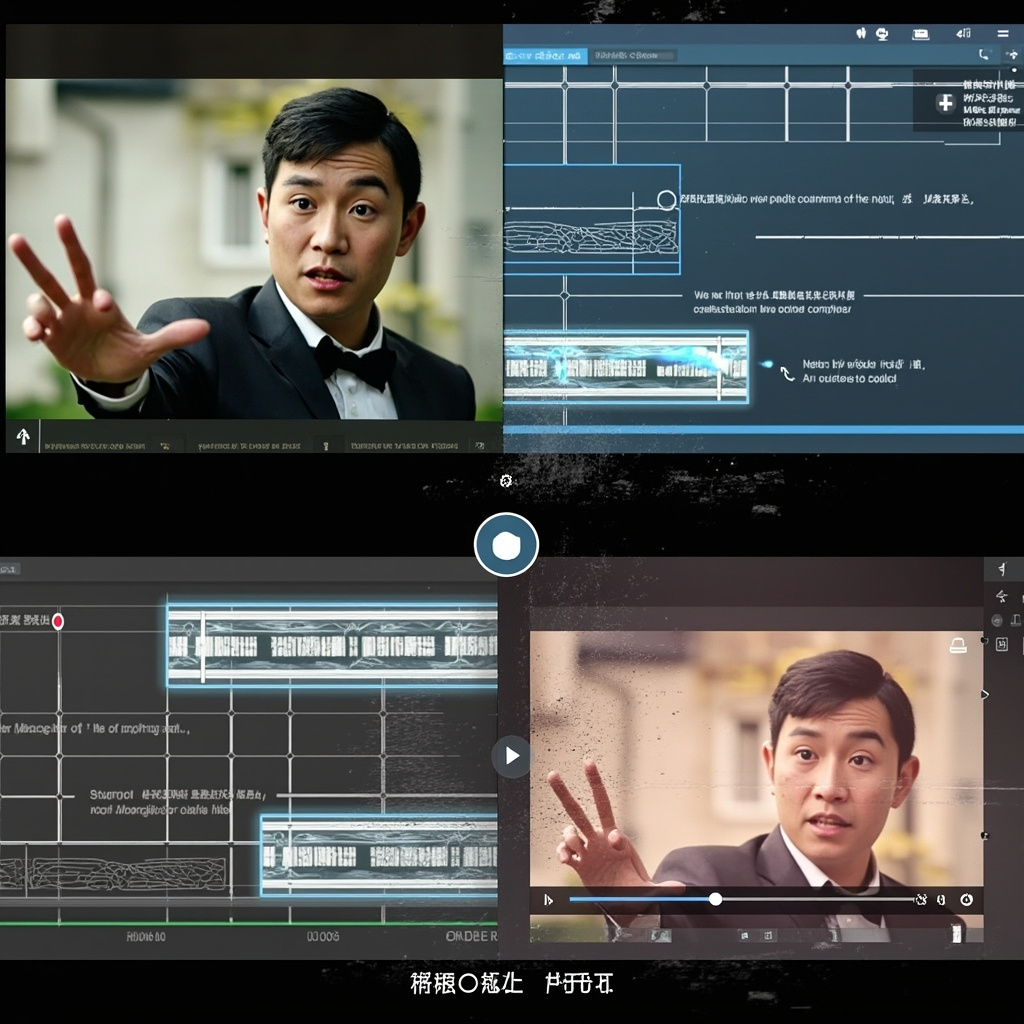
Creative workspace with Google Flow interface

Google Flow Gets Major AI Video Editing Upgrade — context image

What Makes This Update Revolutionary

The biggest change? Flow now includes Nano Banana image generation directly in the core experience. This means you can create high-fidelity images and instantly turn them into video ingredients without switching tools. Plus, image generation is completely free in Flow.

Google is also migrating the best features from Whisk and ImageFX directly into Flow. Starting in March 2026, you can transfer all your projects and assets from these tools seamlessly into your Flow library.

Precision Editing That Actually Works

The new lasso tool lets you select specific areas of images and edit them with natural language commands like “remove the man” or “add koi fish in the water.” You can also draw directly on images to show Flow exactly what you want changed.

For video editing, Flow now offers:

  • Seamless clip extension – Generate what happens next in your footage
  • Object manipulation – Add or remove elements from videos with simple text prompts
  • Camera controls – Direct precise movements like pans and zooms
  • Scene cleanup – Instantly remove unwanted subjects or objects

Before and after video editing comparison

Smart Asset Management for Real Workflows

Google recognizes that creative work isn’t linear. The new asset grid makes it easy to search, filter, and organize your images and videos into collections. You can drag assets around your interface, reference specific items using the “@” symbol, and toggle between different view modes.

This addresses a major pain point for creators who were struggling to manage large libraries of generated content.

Why This Matters for Everyday Creators

Flow is targeting the massive gap between simple AI video generators and professional editing suites. With these updates, you can:

  • Create mood boards and concept art
  • Direct short films with professional camera movements
  • Launch product campaigns with consistent visual branding
  • Edit and refine content iteratively without losing quality

Getting Started Today

The updated Flow is available now at flow.google. The interface redesign puts image generation front and center, making it much easier to jump between creating images and videos.

For creators who’ve been waiting for AI tools that handle real creative workflows—not just one-off generations—Flow’s latest update delivers on that promise. The combination of free image generation, precise editing controls, and professional asset management makes this a serious competitor to traditional creative suites.

Google has positioned Flow as the bridge between AI experimentation and professional creative work. Based on these features, they might just pull it off.

Related Reading

AI Agents Are Finally Going Mainstream: Your Personal Productivity Revolution Starts Now

After years of hype and limited real-world applications, AI agents are finally breaking into mainstream use—and 2026 marks the tipping point. These intelligent digital assistants aren’t just responding to prompts anymore; they’re taking initiative, executing multi-step tasks, and transforming how everyday users approach personal productivity.

What Makes 2026 Different for AI Agents

Unlike traditional AI tools that require constant guidance, today’s AI agents operate more like autonomous teammates. They can manage your calendar, sort through emails, coordinate tasks across multiple platforms, and even make decisions based on your preferences—all without constant supervision.

AI Agents Are Finally Going Mainstream — context image

Recent data shows that AI agents are challenging mainstream productivity tools worth an estimated $58 billion market. ChatGPT has overtaken TikTok as the top trending app, reflecting a massive shift toward AI-assisted productivity and problem-solving among consumers.

AI virtual assistant managing multiple productivity tasks

How AI Agents Handle Your Daily Tasks

Modern AI agents excel at connecting different aspects of your digital life. Here’s what they can do for you right now:

  • Email Management: Automatically sort, prioritize, and draft responses to routine messages
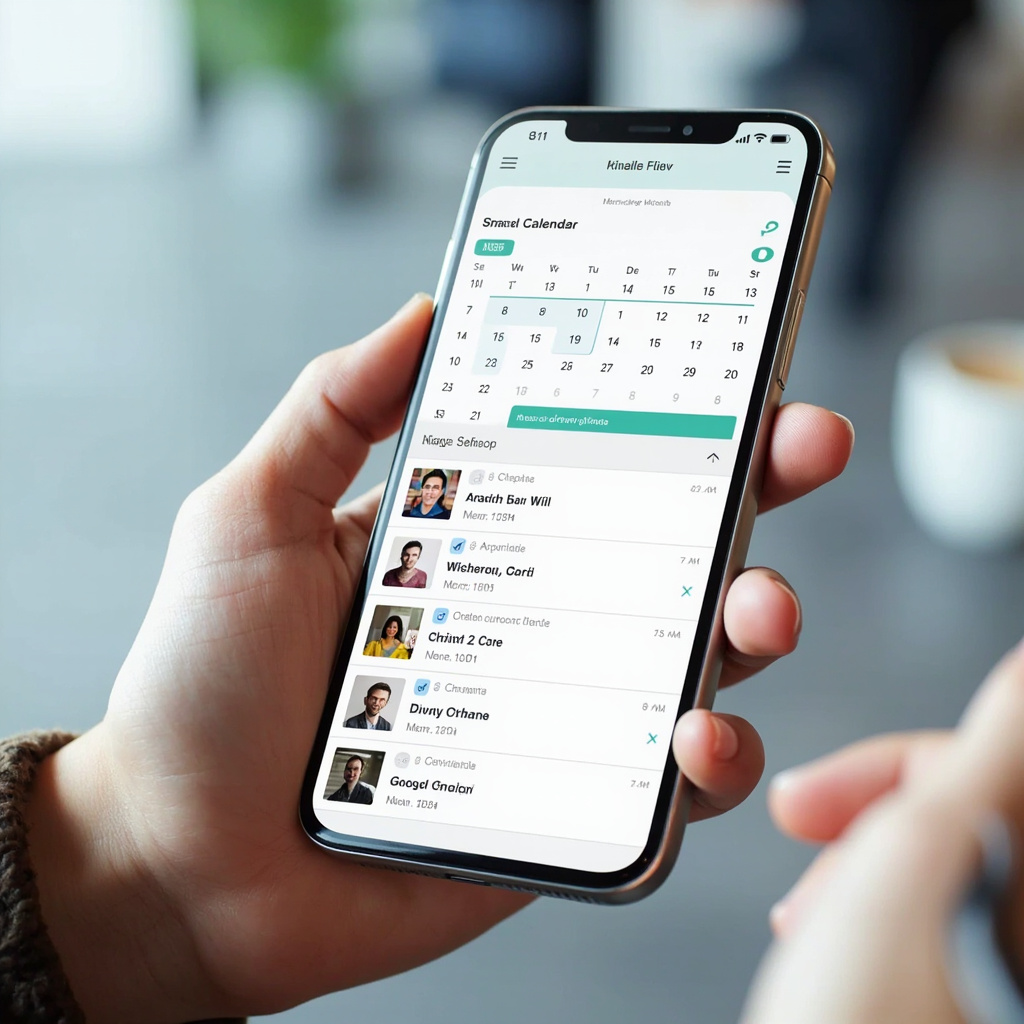
  • Calendar Optimization: Schedule meetings, find optimal time slots, and handle rescheduling conflicts
  • Task Coordination: Break down projects into manageable steps and track progress across platforms
  • Information Research: Gather relevant data, summarize findings, and present actionable insights
  • Routine Automation: Handle repetitive tasks like data entry, file organization, and follow-ups

The Multi-Agent Dashboard Revolution

One of the most exciting developments is the emergence of multi-agent control planes. Instead of juggling multiple separate AI tools, you can now orchestrate several specialized agents from a single dashboard. These agents work across your browser, email client, calendar app, and other tools simultaneously.

Think of it as having a team of digital assistants, each specialized in different areas but all coordinated through one central hub.

Popular AI Agent Tools You Can Use Today

Several AI agent platforms have gained traction among everyday users:

Scheduling and Planning Agents

Morgen’s AI Planner uses smart Frames to recommend optimal task scheduling based on your energy levels and work patterns. It integrates with Google Calendar, Outlook, and other platforms to create unified daily plans.

Productivity Ecosystem Agents

Tools like Notion AI, Slack AI, and integrated Gmail assistants are creating connected workflows where agents can move seamlessly between platforms to complete complex tasks.

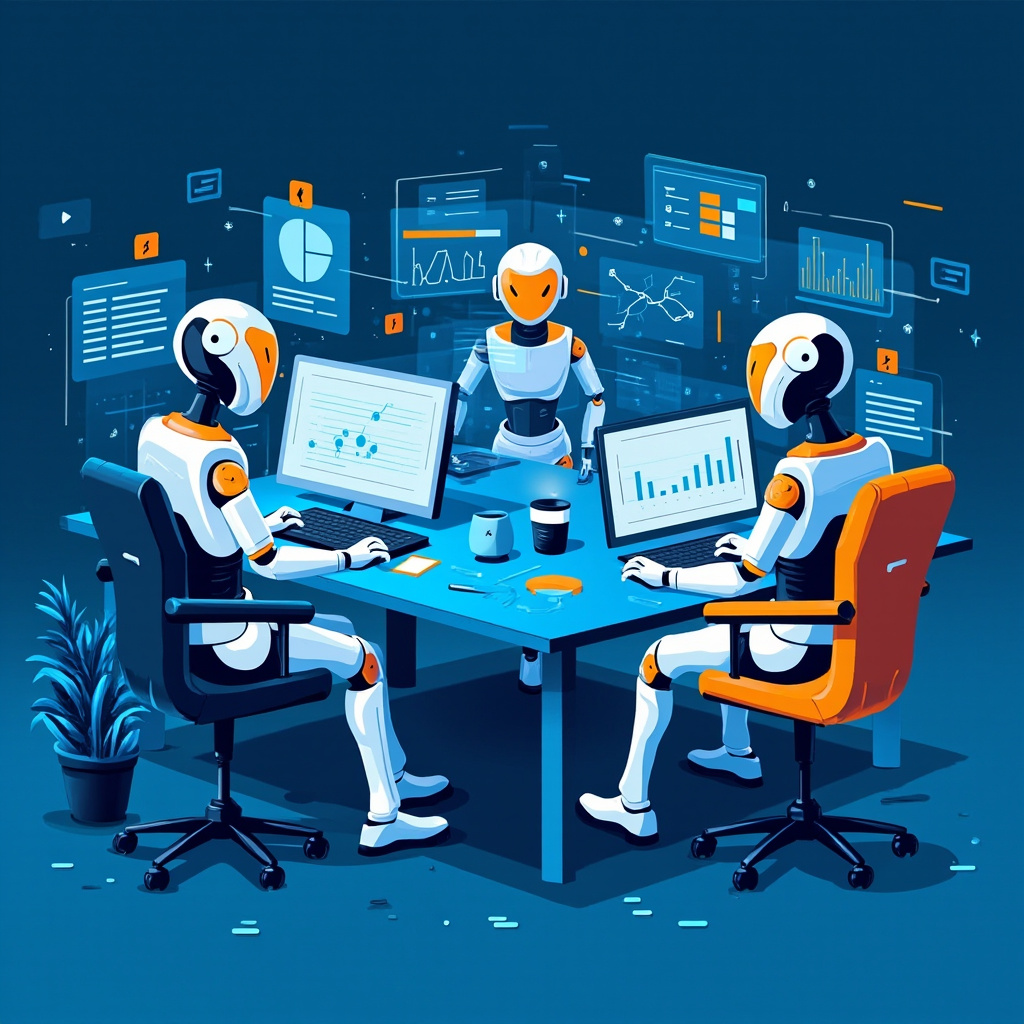
Multiple AI agents working together as a productive team

Getting Started with AI Agents

If you’re ready to integrate AI agents into your productivity workflow, start with these practical steps:

1. Identify Repetitive Tasks

Look for tasks you do multiple times per week that follow similar patterns. Email sorting, calendar management, and routine research are perfect starting points.

2. Choose Your Entry Point

Start with one area where you spend the most time or feel the most friction. Most users begin with email management or calendar optimization.

3. Set Clear Boundaries

Define what your AI agents can and cannot do. Start with low-risk tasks and gradually expand their responsibilities as you build trust.

4. Monitor and Adjust

AI agents learn from your feedback. Regularly review their actions and provide corrections to improve their performance over time.

The Road Ahead: What to Expect

Industry experts predict that by late 2026, AI agents will become as common as smartphones for productivity-focused professionals. The technology is moving from narrow, single-purpose tools toward comprehensive digital assistants capable of managing entire workflows.

However, the most successful implementations focus on augmenting human decision-making rather than replacing it entirely. The sweet spot appears to be agents handling routine, low-risk tasks while keeping humans in control of strategic decisions.

Ready to Join the AI Agent Revolution?

The transition to AI-assisted productivity isn’t just a trend—it’s becoming a necessity for staying competitive in an increasingly fast-paced digital world. The tools are mature, accessible, and ready for mainstream adoption.

Start small, focus on your biggest productivity pain points, and gradually build a system of AI agents that work for your specific needs. The future of personal productivity is here, and it’s more accessible than ever before.

Related Reading

AI Agent Tools That Will Transform Your Workflow in 2026

The AI landscape is evolving at breakneck speed, and 2026 promises to be a transformative year for productivity tools. After researching the latest trends from industry experts, we’ve identified the most impactful AI agent technologies that will revolutionize how you work.

Multi-Agent Control Planes: Your Digital Command Center

The biggest breakthrough coming in 2026 is the emergence of multi-agent dashboards and control planes. Instead of juggling multiple AI tools separately, you’ll have a unified interface where you can launch tasks and watch AI agents work across all your environments – your browser, code editor, email inbox, and more.

AI Agent Tools That Will Transform Your Workflow in 2026 — context image

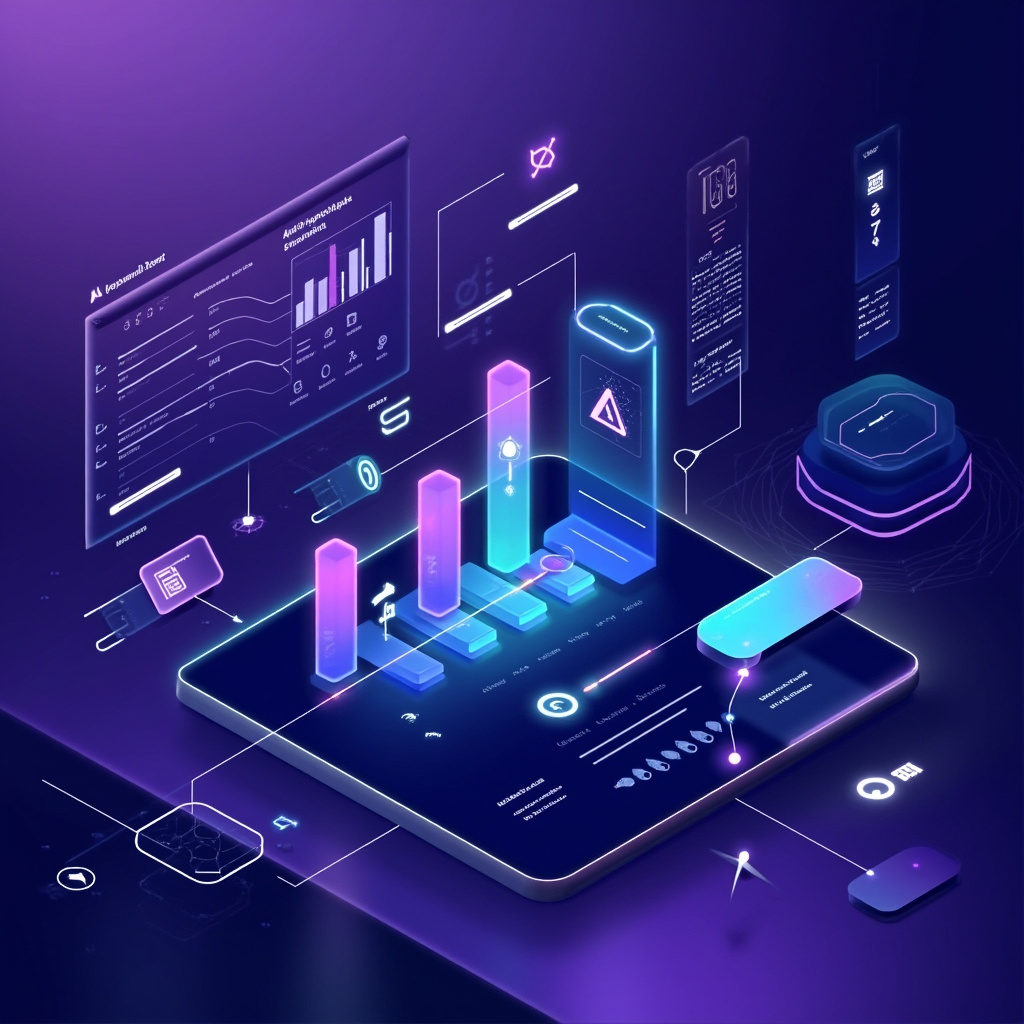
Multi-agent dashboard interface

Think of it as having a team of digital assistants that never sleep, each specialized in different tasks but all coordinated through one central command center. IBM researchers predict this will become the standard way we interact with AI by the end of 2026.

The Rise of AI Composers

We’re moving beyond simple AI assistance to becoming “AI composers” ourselves. Just as music producers orchestrate different elements to create a song, professionals in every field will learn to conduct AI tools to achieve their goals.

What This Means for You:

  • Marketers will compose campaigns by directing AI agents to research competitors, write copy, design graphics, and schedule posts
  • Programmers will orchestrate coding agents to handle different parts of software development simultaneously
  • Project managers will coordinate multiple AI assistants to track progress, update stakeholders, and identify bottlenecks

Enterprise-Ready AI Agents

After years of skepticism about AI’s return on investment, 2026 will finally deliver enterprise-grade agent tools that provide measurable business value. Companies are moving beyond experimental AI pilots to full-scale agent deployments.

Person using AI productivity tools

The key differentiator? These new agent platforms prioritize AI sovereignty – giving organizations complete control over their data and AI processes. Security and trust are no longer afterthoughts but fundamental features built into every tool.

Efficiency Revolution

While GPU power remains king, 2026 will see the emergence of specialized chip architectures designed specifically for agent workloads. This means:

  • Faster response times for AI agents
  • Lower costs for running multiple agents simultaneously
  • More sophisticated reasoning capabilities in lightweight packages

Getting Started with AI Agents Today

You don’t need to wait until 2026 to start benefiting from agent technology. Here’s how to prepare:

1. Start Small

Begin with simple automation tasks like email sorting, calendar management, or content scheduling. This builds your comfort level with delegating work to AI.

2. Learn Agent Thinking

Practice breaking down complex workflows into discrete steps that can be handled by different specialized agents.

3. Focus on Integration

Look for tools that work well together rather than isolated AI applications. The future belongs to interoperable agent ecosystems.

The Future Is Agentic

As we move through 2026, the question won’t be whether you use AI – it will be how skillfully you orchestrate your personal army of AI agents. The professionals who master this art of “AI composition” will have unprecedented productivity advantages.

The agent revolution is just beginning, and the early adopters who start experimenting now will be best positioned to capitalize on the massive productivity gains coming in 2026.

Related Reading

AI Planning Assistants for 2026: Save 2 Hours Daily with Smart Scheduling

Productivity experts have long known a simple truth: just 10-12 minutes of daily planning can save you up to 2 hours and boost productivity by 25%. But in 2026, AI planning assistants are taking this concept to entirely new levels, with users reporting an average of 26 minutes saved per day on routine tasks alone.

The days of juggling multiple calendars, sticky notes, and endless to-do lists are rapidly becoming a thing of the past. AI planning assistants represent one of the most significant productivity breakthroughs we’ve seen, transforming how everyday users organize their time and accomplish their goals.

AI Planning Assistants for 2026 — context image

The Planning Revolution: From Chaos to Clarity

Traditional planning methods often fail because they require constant manual updates and lack the intelligence to adapt to changing priorities. AI planning assistants solve these fundamental problems by learning your patterns, predicting conflicts, and automatically adjusting your schedule based on real-world constraints.

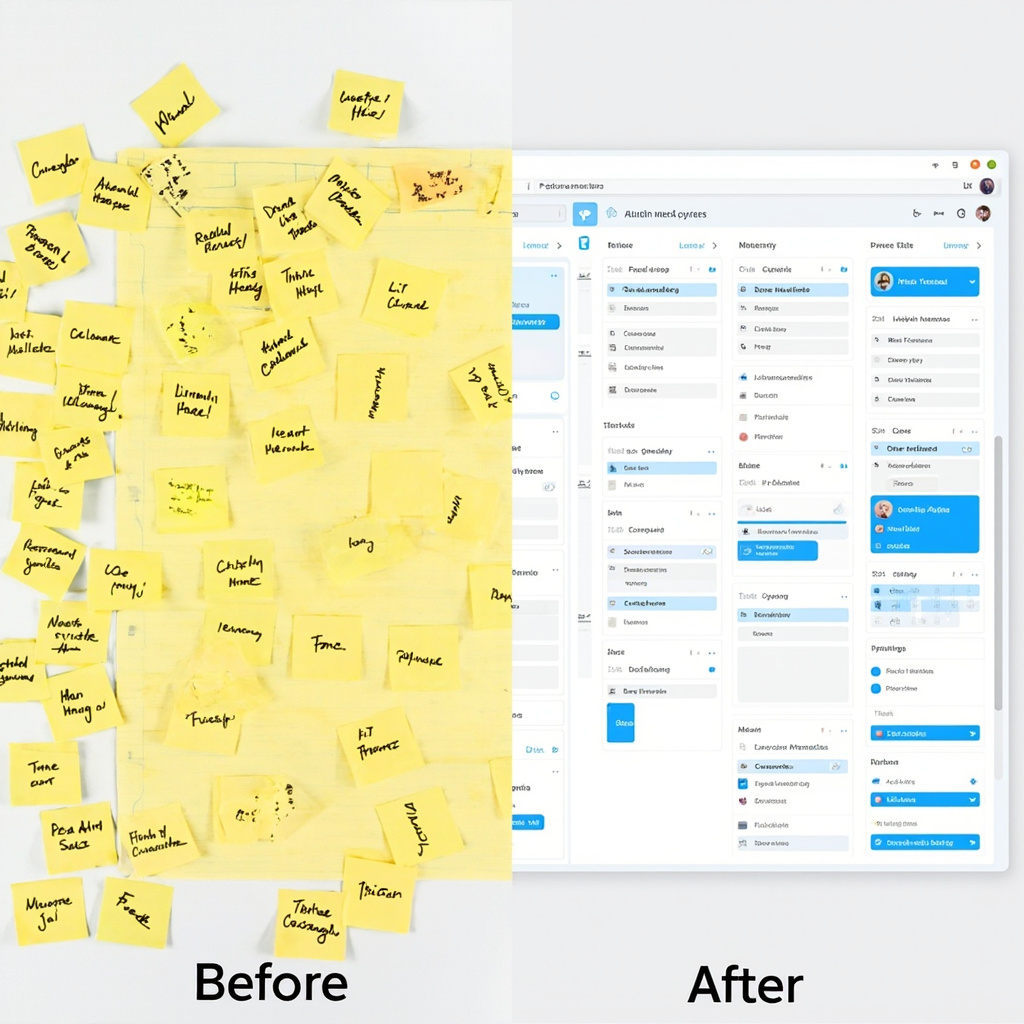
Before and after comparison of chaotic planning vs AI-organized scheduling

These intelligent systems don’t just manage your calendar—they understand context. They know that your 3 PM meeting tends to run long, that you’re most productive in the morning, and that you need buffer time between back-to-back video calls. This contextual awareness transforms scheduling from a reactive chore into a proactive advantage.

Key Benefits That Actually Matter

The real power of AI planning assistants lies in their ability to handle the mental overhead of organization:

  • Automatic Time Blocking: No more manual calendar tetris. AI assistants automatically block time for your priorities based on deadlines, energy levels, and availability.
  • Conflict Prevention: Advanced algorithms predict and prevent scheduling conflicts before they happen, saving you from embarrassing double-bookings.
  • Priority Intelligence: These tools learn what matters most to you and ensure high-priority tasks get protected time slots.
  • Adaptive Rescheduling: When plans inevitably change, AI assistants instantly reorganize your entire schedule to minimize disruption.
  • Cross-Platform Sync: Your AI assistant works across all your devices and apps, maintaining consistency whether you’re on your phone, laptop, or tablet.

Top AI Planning Tools to Try in 2026

The market has exploded with options, but several standout tools are leading the pack for everyday users:

Person using multiple AI planning tools across devices

Motion

Combines project management with intelligent scheduling. Motion’s AI automatically schedules tasks based on deadlines, priorities, and your available time slots. Perfect for professionals juggling multiple projects.

Clockify AI

Excels at time tracking and analysis. It learns your work patterns and suggests optimizations for better productivity. Great for freelancers and consultants who need detailed time insights.

Reclaim.ai

Specializes in defending your focus time. It automatically blocks calendar slots for important work and adjusts them based on meeting requests and priorities.

Trevor AI

Focuses on daily planning with drag-and-drop simplicity. It helps you realistically schedule tasks based on how long they actually take, not how long you think they should take.

Getting Started: Your First Week with AI Planning

Adopting an AI planning assistant doesn’t have to be overwhelming. Here’s a practical approach:

Week 1: Start with calendar sync only. Let the AI observe your current patterns without making changes. This builds its understanding of your routine.

Week 2: Enable automatic time blocking for one category of tasks (like “Deep Work” or “Email Processing”). See how it fits into your existing schedule.

Week 3: Add priority levels to your tasks and let the AI start making scheduling recommendations. You’ll be amazed at how it finds time slots you never noticed.

Week 4: Go full automation. Trust the system to manage your entire schedule while you focus on the work that actually matters.

The Future Is Already Here

We’re entering an era where AI planning assistants will work as “super agents” across all your productivity tools—seamlessly moving between your email, project management software, and calendar to create a unified workflow. The question isn’t whether you’ll eventually use an AI planning assistant, but how much productivity you’re willing to leave on the table while you wait.

The productivity gains are real, measurable, and immediate. With AI planning assistants handling the mental overhead of organization, you’re free to focus on what humans do best: creative thinking, relationship building, and strategic decision-making.

Start with one tool, give it a few weeks to learn your patterns, and prepare to wonder how you ever managed without it.

Related Reading

AI Agents for Everyday Users: How to Set Up Your First Automated Assistant in 2026

AI is no longer just about chatbots that wait for your questions. The biggest trend of 2026 is AI agents – artificial assistants that work in the background, handling tasks automatically without constant supervision. Unlike traditional AI tools, you give an agent a goal and it figures out the steps, uses your apps, and gets the job done on its own.

This week, OpenClaw became the most popular project on GitHub, even surpassing React and Linux in popularity. OpenAI acquired it in February, signaling that AI agents are moving from experimental technology to mainstream tools that everyday users can leverage.

AI Agents for Everyday Users — context image

What Makes AI Agents Different?

Traditional AI tools like ChatGPT or Gemini are reactive – you ask a question, get an answer, then ask another question. AI agents are proactive. You set them up once with clear instructions, and they continuously work toward your goals:

  • Email management: An agent can automatically sort your inbox, draft responses, and schedule follow-ups
  • Content creation: Set up an agent to research topics, write blog posts, and schedule social media posts
  • Data analysis: Agents can monitor spreadsheets, generate reports, and alert you to important changes
  • Personal scheduling: Coordinate calendars, book appointments, and send reminders

Person using ChatGPT Tasks interface

3 AI Agent Tools You Can Start Using Today

The good news is you don’t need programming skills to get started with AI agents. Here are three platforms that make automation accessible to everyone:

1. ChatGPT Tasks (Beginner-Friendly)

If you’re already using ChatGPT, Tasks is the easiest way to dip your toes into AI agents. Available to ChatGPT Plus subscribers, this feature lets you schedule repeating AI tasks without writing any code.

What you can do:

  • Schedule daily news summaries for your industry
  • Set up weekly reminders with personalized motivational messages
  • Automate research tasks that run on a schedule
  • Create recurring content ideas for social media

Getting started: Open ChatGPT, look for the “Tasks” option in the menu, and describe what you want automated. The system will ask clarifying questions to set up your first agent.

2. Lindy.ai (Most Versatile)

Lindy.ai connects to your most-used apps like Gmail, Slack, Notion, and Google Calendar. It’s more powerful than ChatGPT Tasks because it can actually take actions in your connected apps, not just provide information.

Popular use cases:

  • Automatically categorize and respond to customer emails
  • Update project status in Notion when Slack messages contain specific keywords
  • Schedule calendar events based on email requests
  • Generate and send weekly team reports

Pricing: Starts at $30/month for basic automation, with more complex workflows requiring higher-tier plans.

3. n8n (Free and Powerful)

For users who want maximum control without monthly fees, n8n is an open-source automation platform. While it requires more technical setup, it offers unlimited possibilities and connects to over 350 different services.

Best for:

  • Small businesses wanting to automate without recurring costs
  • Users comfortable with visual workflow builders
  • Teams needing custom integrations
  • Anyone who prefers self-hosted solutions

Comparison of AI automation tools

How to Choose the Right AI Agent Tool

The best platform depends on your technical comfort level and specific needs:

Choose ChatGPT Tasks if:

  • You’re new to AI automation
  • You already have a ChatGPT Plus subscription
  • You need simple, information-based tasks
  • You want to test AI agents without additional cost

Choose Lindy.ai if:

  • You need agents that take actions in multiple apps
  • You’re willing to pay for advanced features
  • You want pre-built templates for common workflows
  • Customer support and reliability are priorities

Choose n8n if:

  • You prefer one-time costs over subscriptions
  • You need custom integrations
  • Data privacy and control are important
  • You have some technical skills or access to IT support

Getting Started: Your First AI Agent in 5 Minutes

Ready to create your first AI agent? Here’s a simple project anyone can complete:

Goal: Set up a daily news digest agent that emails you industry-specific headlines every morning.

Using ChatGPT Tasks:

  1. Open ChatGPT and navigate to Tasks
  2. Type: “Send me a daily email with 5 headlines about [your industry] every morning at 8 AM”
  3. ChatGPT will ask for your email and specific preferences
  4. Confirm the setup and wait for your first automated digest

This simple automation can save you 15-20 minutes daily and ensure you never miss important industry news.

The Future of AI Agents

We’re still in the early days of AI agent adoption. By the end of 2026, experts predict that multi-agent dashboards will become standard, allowing you to manage dozens of AI assistants from a single interface. These agents will operate across all your digital environments – your browser, email, calendar, and work apps – without requiring constant management.

The key to success with AI agents is starting small. Pick one repetitive task that takes 10-15 minutes of your day, automate it with one of these tools, and gradually expand as you become more comfortable with the technology.

AI agents aren’t replacing human workers – they’re giving us back time to focus on creative and strategic work that actually matters. The question isn’t whether AI agents will become mainstream, but how quickly you’ll adopt them to stay competitive in an increasingly automated world.

Related Reading

AI Agents in 2026: The Autonomous Assistants Transforming Your Daily Workflow

The future of productivity is here, and it has a name: AI agents. These autonomous digital assistants are revolutionizing how we work, schedule, and manage our daily tasks. Unlike traditional AI chatbots that wait for your commands, AI agents proactively handle complex workflows, make decisions, and execute actions on your behalf.

What Are AI Agents and Why 2026 is Their Breakthrough Year

AI agents represent a fundamental shift from reactive tools to proactive thinking systems. Microsoft describes this evolution as moving from “tools to thinking systems with memory and agents” embedded directly into Windows and Office applications. These digital partners remember your preferences, learn from your habits, and execute complex workflows without constant supervision.

AI Agents in 2026 — context image

The key difference? Traditional AI tools respond to your requests. AI agents anticipate your needs and act autonomously within defined parameters. They can coordinate between multiple applications, handle multi-step processes, and even collaborate with other AI agents to complete complex tasks.

Game-Changing Applications for Everyday Users

Smart Scheduling That Actually Works

AI scheduling assistant managing calendars

Imagine an AI agent that doesn’t just schedule meetings—it negotiates with attendees’ calendars, finds optimal time slots across time zones, books conference rooms, sends prep materials, and even reschedules automatically when conflicts arise. These scheduling agents capture behavioral patterns and environmental signals to make intelligent decisions about when you’re most productive for different types of meetings.

Leading platforms like Microsoft 365 Copilot are rolling out agentic capabilities that handle the entire meeting lifecycle, from initial scheduling to follow-up actions. The agent learns that you prefer morning meetings for strategic discussions but afternoon slots for routine check-ins.

Email Management Revolution

AI email management system organizing inbox

Email AI agents go far beyond sorting your inbox. They can draft responses in your voice, prioritize urgent messages, schedule follow-ups, extract action items, and even coordinate with your calendar agent to schedule meetings mentioned in conversations. The most advanced systems learn your communication patterns and can handle routine correspondences entirely autonomously.

These agents don’t just filter spam—they understand context, urgency, and relationships. They can recognize when an email requires your personal attention versus when they can handle the response themselves, always keeping you in the loop on important decisions.

Project Coordination Across Platforms

AI agents excel at connecting disconnected workflows. They can monitor project management tools, update status reports, coordinate team communications, and ensure deliverables stay on track. If a deadline slips in one system, the agent automatically adjusts dependent tasks, notifies relevant stakeholders, and proposes alternative timelines.

The Enterprise Advantage: Multi-Agent Orchestration

The most powerful implementations involve multiple AI agents working together. Kore.ai and similar platforms offer multi-agent orchestration engines that act as control layers across enterprise tech stacks. These systems enable different specialized agents to collaborate, hand off context, and execute tasks with varying levels of autonomy.

For example, one agent might monitor customer support tickets while another handles inventory management. When a customer complaint relates to a product shortage, the agents automatically coordinate to provide accurate delivery estimates and proactive customer communication.

Privacy and Control: The Human-in-the-Loop Approach

Despite their autonomous capabilities, the best AI agents maintain human oversight. They operate within defined parameters, provide transparency into their decision-making, and always offer the option for human intervention. This “human-in-the-loop” approach ensures you maintain control while benefiting from AI efficiency.

Enterprise-grade platforms prioritize security and privacy, with agents operating within strict data governance frameworks. Your personal information stays protected while agents handle routine tasks that previously consumed hours of your day.

Getting Started with AI Agents Today

While full agentic capabilities are still rolling out, you can start preparing now:

  • Evaluate your repetitive tasks: Identify workflows that involve multiple steps across different applications
  • Clean up your digital workspace: AI agents work better with organized calendars, email folders, and project structures
  • Start with simple automation: Use existing tools like Zapier or Microsoft Power Automate to connect applications
  • Define your preferences: Begin documenting your work patterns, communication style, and decision-making criteria

The Road Ahead: What to Expect in 2026

Industry analysts predict that by late 2026, AI agents will handle up to 40% of routine business tasks for knowledge workers. Microsoft is embedding agentic capabilities directly into Windows, while specialized platforms are emerging for everything from financial planning to content creation.

The key is finding the right balance between automation and control. The most successful implementations will be those that enhance human capabilities rather than replace human judgment.

AI agents represent more than just productivity gains—they offer the promise of reclaiming time for strategic thinking, creative work, and meaningful relationships. As these systems mature throughout 2026, the question isn’t whether you’ll use AI agents, but how quickly you can adapt your workflows to benefit from their capabilities.

Related Reading

AI Browser Extensions Taking Over in 2026: The Smart Tools You Need Now

The AI revolution has moved beyond standalone apps and directly into your browser. In March 2026, we’re seeing an unprecedented wave of AI browser extensions and desktop tools that are transforming how people work, research, and browse the internet.

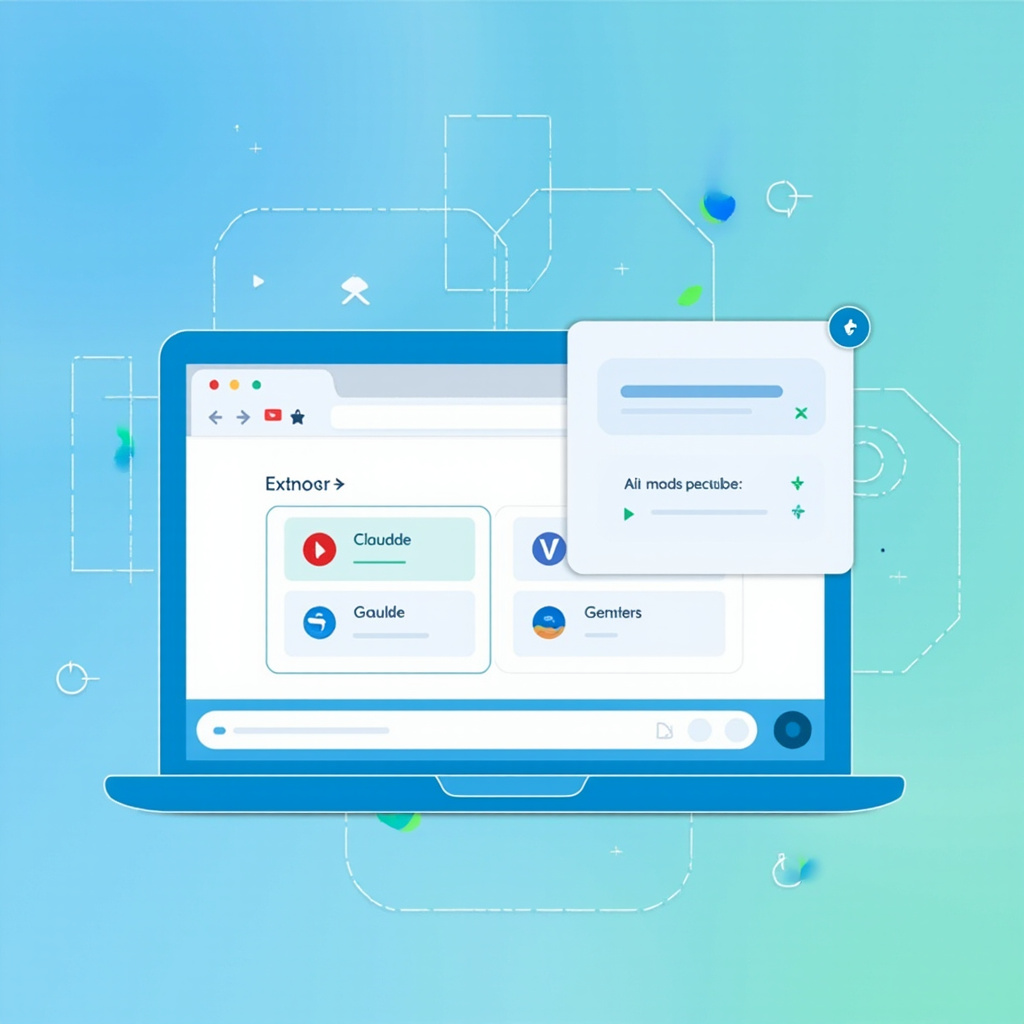
Google’s expansion of Gemini integration into Chrome across more regions, combined with emerging tools like Claude browser extensions and specialized AI companions, means everyday users now have access to powerful AI assistance without leaving their current workflow.

AI Browser Extensions Taking Over in 2026 — context image

Browser Extensions Leading the Charge

The most significant development is the integration of major AI models directly into browsers. Gemini Pro Companion has emerged as a standout extension, offering multimodal capabilities that can “see” and analyze images on web pages. If you have a circuit diagram open, the extension can identify potential issues in the schematic. This level of contextual understanding represents a massive leap forward.

Desktop AI productivity workspace

Chrome’s native Gemini features are also expanding rapidly. Users in India, New Zealand, and Canada recently gained access to enhanced AI experiences, with more regions expected to follow. These built-in capabilities include smart summarization, context-aware suggestions, and automated form filling.

Desktop Productivity Revolution

Beyond browsers, desktop AI tools are reaching new levels of sophistication. The latest productivity suites integrate AI writing assistants, smart calendars, and automated task managers that learn from your behavior patterns.

  • AI writing assistants that understand context across multiple applications
  • Smart calendar tools that automatically schedule based on email content
  • Task automation that connects different software platforms
  • Voice-to-text systems with near-perfect accuracy

These tools work seamlessly in the background, enhancing productivity without requiring constant user intervention.

Security Considerations You Can’t Ignore

AI security and privacy protection interface

With great power comes great responsibility—and significant security risks. Microsoft recently identified malicious AI assistant extensions harvesting LLM chat histories, highlighting the importance of choosing trustworthy tools.

When selecting AI browser extensions, prioritize:

  • Extensions from established developers with good reputations
  • Clear privacy policies explaining data usage
  • Regular security updates and active maintenance
  • Minimal permission requirements

Avoid extensions that request excessive browser permissions or come from unknown sources. The convenience of AI assistance isn’t worth compromising your personal data.

Getting Started Safely

For users ready to embrace AI browser tools, start with official extensions from major AI companies. Google’s Gemini integration, Anthropic’s Claude extensions, and Microsoft’s Copilot tools offer the best balance of functionality and security.

Begin with one tool at a time to understand its capabilities and limitations. Monitor your browser performance and data usage, as some AI extensions can be resource-intensive.

The AI browser revolution is here, transforming how we interact with the web. By choosing tools carefully and prioritizing security, you can harness this power to dramatically improve your digital productivity.

Related Reading