The Everyday AI Prompts That Actually Save You Time


Here is the uncomfortable truth about most AI tools: the technology is not what slows you down. The blank chat box is. You open ChatGPT, Claude or Gemini, you type something vague like “help me with this email,” you get something generic back, and you close the tab convinced AI is overhyped. The problem was never the model. It was the prompt.

Good news: a great prompt is not a magic spell you have to memorize. It is a repeatable recipe. Once you have a few solid ones saved in your notes app, you stop improvising every time and start getting useful results on the first try. Below are the everyday AI prompts that actually save time, ready to copy, paste and tweak. They are tool-agnostic, so they work wherever you already are.
The five ingredients in every prompt that works
Before the recipes, here is the pattern underneath all of them. Nail these five things and almost any request improves dramatically:
- Context — tell it who you are, who it is for, and the situation. “I’m a project manager writing to a nervous client” beats silence.
- Goal and constraints — say what a good result looks like and the limits. Length, tone, deadline, what to avoid.
- An example — show a sample of the style or format you want, even a rough one. Models are excellent mimics.
- A specific format — ask for bullet points, a table, three options, a numbered checklist. Vague in, vague out.
- Iteration — treat the first reply as a draft. “Make it warmer,” “cut it in half,” “add a line about timing.” The follow-ups are where the magic happens.
Every recipe below is just those five ingredients arranged for a common task. Steal them.
Tame your inbox: the email drafting recipe
Email is where most people waste the most time on the least interesting words. Hand the AI the context and let it draft while you edit.
You are helping me write a reply. Context: [who I am, who this is to, our relationship]. They wrote: [paste their message]. My goal: [what I want to happen]. Constraints: keep it to about [X] words, tone should be [warm / firm / neutral], and don’t overpromise on dates. Give me two versions: one short and direct, one a little warmer. End each with a clear next step.
The two-versions trick is the secret. You almost never use the AI’s draft verbatim, but picking and blending from two options is far faster than writing from scratch.

Turn a wall of text into decisions and actions
Long threads, meeting transcripts, PDFs, that Slack channel you ignored for a week — the point of summarizing is not a shorter wall of text. It is knowing what was decided and what you have to do. Ask for exactly that.
Summarize the following [document / email thread / transcript] for me. I care about three things, in this order: (1) decisions that were made, (2) action items with who owns them, (3) any open questions still unresolved. Use short bullet points. If something is unclear or missing, flag it instead of guessing. Here it is: [paste].
That “flag it instead of guessing” line is quietly one of the most valuable things you can add to any prompt. It turns confident nonsense into an honest “this part is ambiguous.”
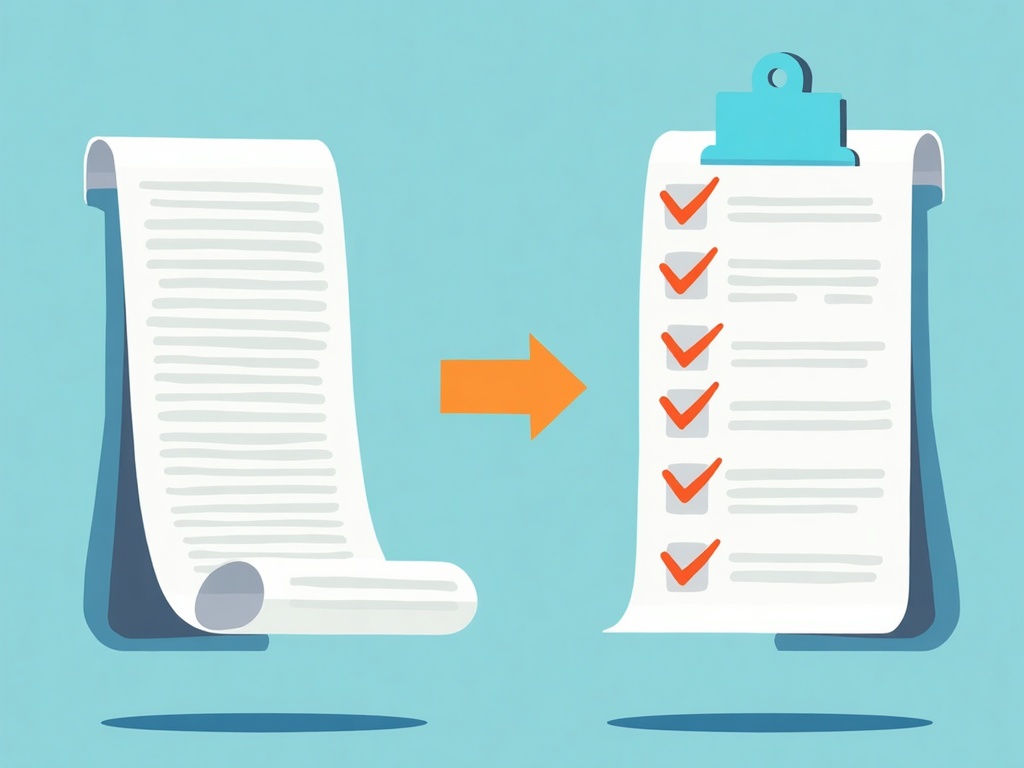
From messy notes to a clean to-do list
You brain-dumped half-sentences into your notes app during a call. Let the AI do the sorting.
Here are my raw notes. Turn them into a clean, prioritized to-do list. Group related items, put anything time-sensitive at the top, and phrase each item as a concrete next action starting with a verb. If a note is too vague to act on, put it under a “needs clarifying” heading. Notes: [paste].
Asking for verbs at the front of each item is a small thing that makes a list you will actually act on. “Email Priya about the budget” beats “budget??”
Plan around real life, not a fantasy
Trips, meals, events, a birthday weekend — planning stalls because you are juggling constraints in your head. Dump the constraints into the prompt and let the AI hold them all at once.
Help me plan [a 3-day trip to X / a week of dinners / a kid’s birthday party]. Real constraints: budget is [X], [number] people, must work around [dietary needs / nap times / a fixed appointment on Saturday], and I want [low effort / a bit adventurous]. Give me a simple day-by-day (or item-by-item) plan, note anything I need to book or buy ahead, and keep it realistic — no 14-stop itineraries.
Spell out the annoying real constraints. The difference between a useless plan and a great one is almost always the details you assumed were obvious.
Learn something fast: explain, then quiz me
When you need to get up to speed quickly, do not just ask for an explanation. Ask to be taught, then tested. Active recall is how things stick.
Explain [topic] to me like I’m brand new to it, in plain language with one everyday analogy. Keep it under [X] words. Then ask me 3 quick questions to check I understood, one at a time, and wait for my answers before telling me if I’m right. If I get one wrong, re-explain that part differently.
The “one at a time, wait for my answer” phrasing turns a lecture into a tutor. Ten minutes of this beats an hour of passive reading.
Rewrite tone and length on demand
You already have the words; they are just wrong for the moment. This is the fastest win in the whole list.
Rewrite the following to be [more concise / friendlier / more formal / simpler for a general audience] and about [half the length / 200 words]. Keep the key facts and my main point intact. Give me the rewrite only. Text: [paste].
Save two or three versions of this for the tones you use most. Turning a rambling message into a crisp one becomes a five-second reflex.
Build a quick comparison table
Deciding between options — laptops, tools, apartments, vendors — is easier when the trade-offs sit side by side. Ask for a table and the criteria that matter to you.
Make a comparison table of [option A, option B, option C]. Columns should be the things I actually care about: [price, ease of use, best-for, one downside]. Keep each cell short. After the table, give me a one-line recommendation for someone who mainly wants [your priority], and say what would change that answer.

Notice the pattern one more time: you told it the options, the criteria, the format, and asked for a reasoned pick. That is the whole game.
Make them yours
None of these recipes are precious. Copy the ones that fit your day into a note, swap in your own constraints, and edit them every time you find a phrasing that works better. Within a week you will stop thinking of AI as a chatbot you occasionally poke and start treating it like a fast, tireless assistant for the small stuff that used to nibble away your afternoons. The tools are genuinely good now — the skill worth building is simply asking well. Do that, and you are not replacing your judgment with a machine. You are handing off the busywork so you have more room for the work only you can do.
Related Reading
- How to Plan Your Week With AI: A 20-Minute Sunday System That Actually Sticks
- AI Planning Assistants for 2026: Save 2 Hours Daily with Smart Scheduling
- ChatGPT Scheduled Tasks: Put Your AI on Autopilot for the Work You Keep Forgetting