Let a Coding AI Run Loose — Safely: A Plain Guide to Docker Sandboxes


The best thing about a modern coding agent is that you can hand it a task and walk away. Tell Claude Code to “add tests and fix whatever is failing,” go make a coffee, and come back to a finished job. The worst thing about a modern coding agent is… exactly the same. To do real work it needs to run commands, install packages, and edit files — and by default it does all of that on your machine, with your credentials, your projects, and your entire home directory within reach. One confidently wrong command, or one poisoned instruction hidden in a file it reads, and the blast radius is your laptop.
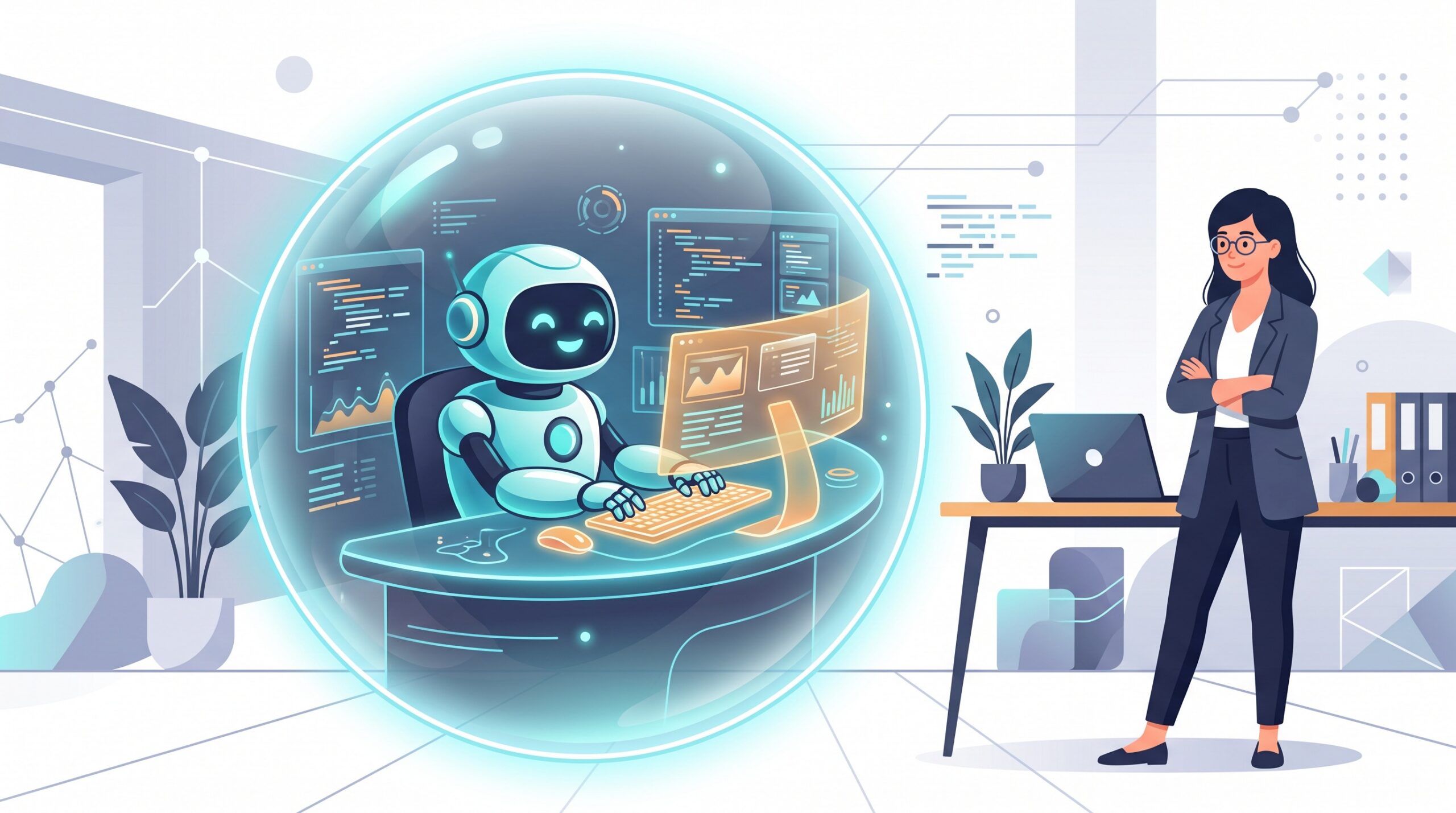
That tension — useful because it is unsupervised, dangerous for the very same reason — is what Docker Sandboxes is built to solve. The pitch is simple: give the agent a whole computer of its own to work in, walled off from yours, that you can throw away when it is done.
The real problem: agents that can touch everything
People reach for two clumsy workarounds today. The first is babysitting: approve every single command the agent wants to run, which throws away the whole point of letting it work on its own. The second is bravado: turn on “auto” or “yolo” mode and hope for the best, which works right up until it doesn’t. Neither is a real answer, because both leave the agent standing on your actual filesystem with your actual secrets.
What you actually want is a middle path: let the agent run freely and unattended, but inside a box where the worst it can do is wreck the box. That is precisely a sandbox.
What Docker Sandboxes actually is
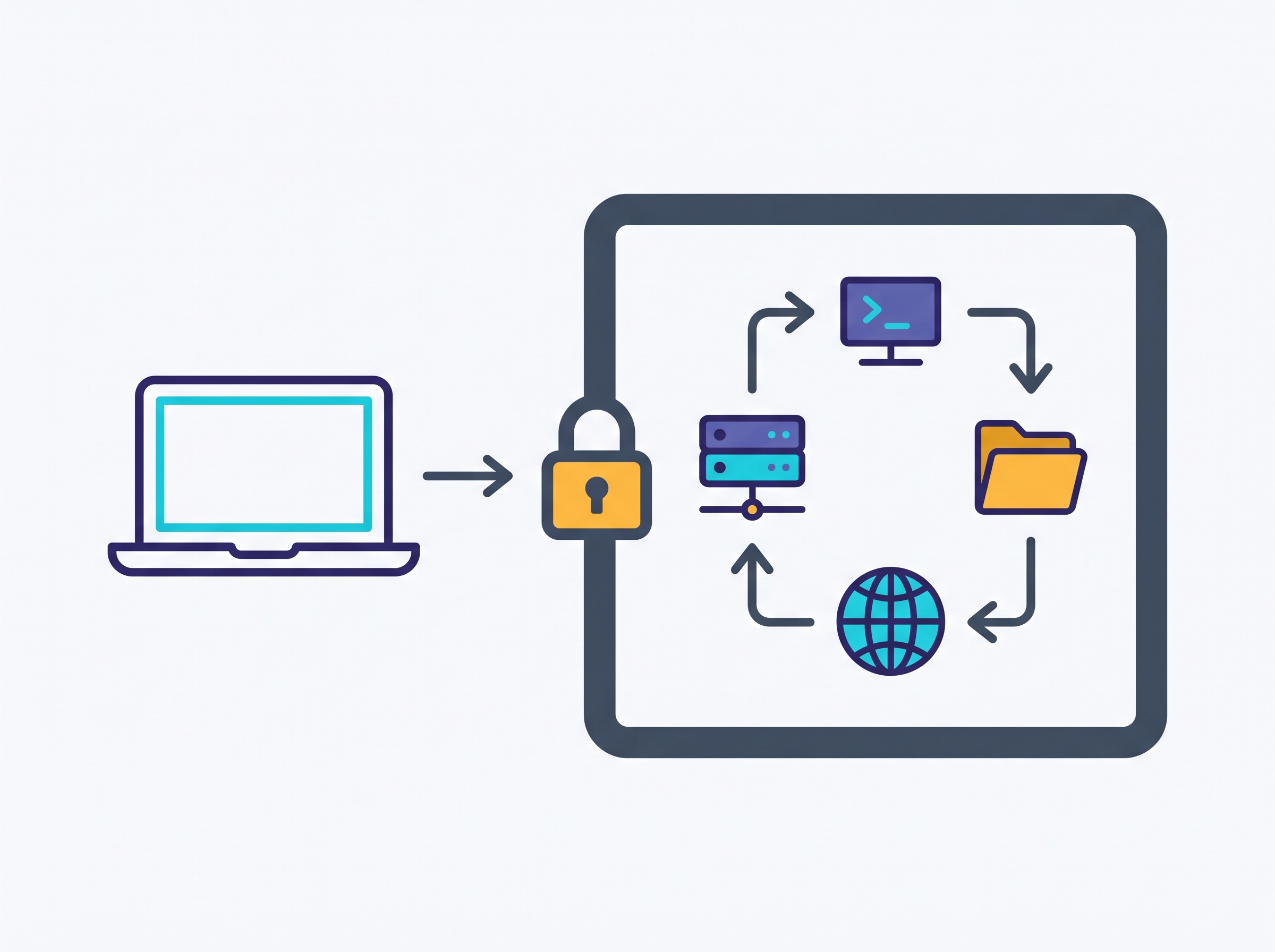
Docker Sandboxes runs an AI coding agent inside an isolated microVM — a lightweight virtual machine, not just a container. Each sandbox gets its own Docker engine, its own filesystem, and its own network. Inside that space the agent can build containers, install whatever packages it likes, and rewrite files to its heart’s content, all without touching your host system. Your real machine simply is not reachable from in there.
The word doing the heavy lifting is disposable. A sandbox is meant to be spun up for a job and thrown away after. If the agent finishes cleanly, great. If it goes off the rails, installs junk, or trips over something malicious, you delete the sandbox and every trace of the mess goes with it. Nothing to clean up, nothing that lingers on your laptop.
Why a microVM and not just a container
This is the detail worth understanding, because it is where the safety actually comes from. A normal Docker container shares the host’s kernel; it is isolated, but the wall is relatively thin. A microVM boots its own kernel and gets hardware-level separation, the same kind of boundary that keeps two different customers’ servers apart in the cloud. In plain terms: a container is a locked room in your house, while a microVM is a separate building. For letting an autonomous agent run commands you did not pre-approve, you want the separate building.
That isolation also covers the network and your credentials. The agent works against a copy of your project inside the sandbox rather than reaching out across your whole system, so a stray command can’t quietly read an SSH key three folders over or phone home with something it shouldn’t.
Getting it running in a few minutes
The tool is a small command-line utility called sbx. You install it, sign in once, then point it at a project. On Windows it is a one-line install through the package manager:
winget install -h Docker.sbx
sbx login
On macOS it comes through Homebrew (brew install docker/tap/sbx), and on Linux through the usual Docker install script plus a docker-sbx package. Once sbx is installed and you have logged in, launching an agent is almost anticlimactic — you move into your project folder and run it:
cd my-project
sbx run claude
That boots a fresh sandbox, drops your coding agent into it, and lets it work. When it is done, the environment can be discarded. No Dockerfiles to write, no VM to configure by hand.

It works with the agent you already use
Docker deliberately made this agent-agnostic rather than tying it to one assistant. At launch it supports the popular command-line coding agents — Claude Code, Gemini CLI, GitHub Copilot CLI, OpenAI’s Codex, OpenCode, and Kiro — with the same “run it in a box” workflow for each. If you like working from your editor, there are integrations to connect tools like VS Code and Cursor to a running sandbox over SSH, and an MCP gateway so an agent can still reach approved external tools and data sources without you punching a hole in the isolation.

The cost, and who it’s really for
The sbx command-line tool is free to use, including for commercial work. There is a paid tier, but it is aimed at organizations: a governance layer that lets admins centrally set network, filesystem, and tool policies across every developer’s machine, plus audit logs of what the agents did. For an individual developer or a small team just wanting a safe place to let agents run, the free CLI is the whole product.
Be clear-eyed about the trade-offs, too. A microVM is heavier than a bare container, so there is a little startup overhead and it leans on virtualization support on your machine. And a sandbox is not a magic morality chip — it contains the damage; it does not make the agent’s decisions good. You still review the code it produces before it ships. What the sandbox buys you is the freedom to let the agent get to that finished code without holding your breath the whole time.

The takeaway
Unsupervised is where coding agents earn their keep, and fear of the blast radius is the main thing holding people back from letting them off the leash. Docker Sandboxes flips that calculation: the agent gets a disposable computer of its own, walled off at the hardware level, that it can build in, break, and rebuild while your real machine sits untouched. Install sbx, run your agent inside it, and you get the best of both worlds — an assistant that works on its own, and a laptop you never have to worry about. That is the version of “AI writes the code while you get a coffee” worth actually trusting.
Sources & further reading:
- Docker Sandboxes — Docker Docs
- Docker Sandboxes: Run Claude Code and Other Coding Agents Unsupervised but Safely — Docker Blog
Related Reading
- The Shai-Hulud Worm Is Riding AI Coding Assistants Into Company Code: What It Means for You
- Slopsquatting: When Your AI Coding Assistant Invents a Package Name and an Attacker Is Waiting
- Your AI Coding Assistant Can Be Tricked: The GhostApproval Flaw and How to Code Safely with AI