Apple’s New ‘Reference Image’ Mode: How Your iPhone Can Now Prove a Photo Is Real, Not AI

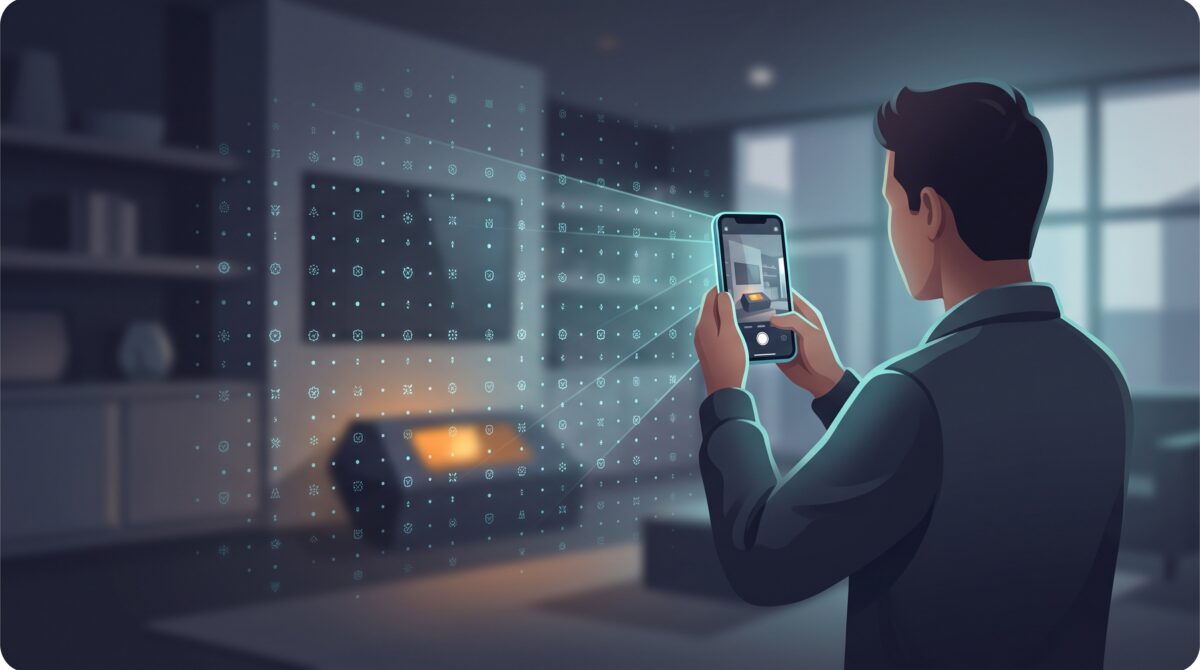
At its iPhone 18 Pro launch this month, Apple announced a feature aimed squarely at one of the most unsettling problems of the AI era: proving that a photo is real. It’s called Reference Image, and instead of trying to spot fakes after the fact, it does the opposite — it stamps a photo as authentic at the exact moment your camera captures it.
Here’s the direct answer, up front: Reference Image is a mode on the iPhone 18 Pro and Pro Max that uses the camera sensor to digitally sign a photo the instant it’s taken, creating an “unalterable” original you can later compare against any other copy to prove it came from a real camera and wasn’t generated or edited by AI. It’s a small idea with big implications, so let’s unpack exactly what it does, where it falls short, and why this approach might matter more than every fake-detector you’ve tried.
What Reference Image actually does
When you shoot in Reference mode, the iPhone’s new camera sensor “signs every pixel it sees.” That signed sensor data then gets processed through Apple’s Private Cloud Compute into what Apple calls an “unalterable reference image,” which lives in your Photos app. Think of it as a sealed, notarized original.
The clever part is what you do with it afterward. You can take the reference image and compare it against any other version of that photo — a cropped copy, a re-saved export, a version someone claims is untouched — and see whether edits were made. If the pixels don’t match the signed original, the difference shows up. It turns “trust me, this is the real photo” into something you can actually verify.
Why this is different from AI watermarks
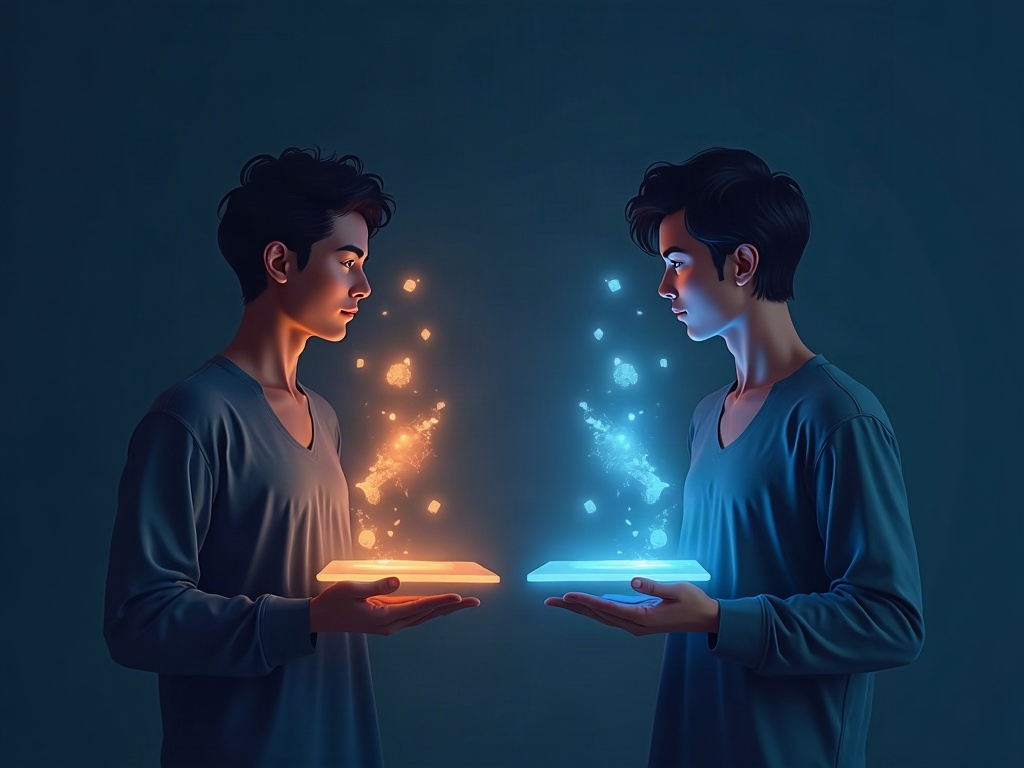
You’ve probably heard about the growing pile of standards for labeling AI content: Google’s SynthID, the C2PA “Content Credentials” standard, Meta’s Content Seal. Those all work from one direction — they try to mark what’s fake, tagging images and video that were created or altered by AI so you know not to trust them. The trouble is that labels can be stripped, screenshots erase them, and any generator that doesn’t play along simply produces unmarked fakes.
Apple is coming at it from the opposite end. Rather than labeling the fakes, it’s authenticating the real thing at the hardware level — building proof of genuine capture into the camera itself. That’s a meaningful flip. If we can’t reliably catch every fake, the next best thing is being able to positively prove which images are genuine. If you want the fake-spotting side of this coin, we covered how to tell whether an image or video is AI-generated when the watermarks have been stripped — the two approaches are complementary.
Who gets it, and when
Reference Image ships with the iPhone 18 Pro and iPhone 18 Pro Max, arriving later this month. It’s tied to the new camera sensor, so it isn’t a software update rolling out to older phones — it’s a Pro-model hardware feature.
Apple is also opening a Reference Image API across iOS, iPadOS, and macOS, which means third-party apps could eventually let you inspect these digitally signed photos too — not just Apple’s own Photos app. That’s the part that could make this genuinely useful beyond Apple’s walls: newsrooms, insurers, marketplaces, and legal teams all need to know whether a photo is authentic.
One notable gap: the feature won’t be available at launch in the European Union, though Apple says EU users will still be able to “develop and view” reference images in iOS 27, iPadOS 27, and macOS 27. If you’re in the EU, expect a delay on capturing them yourself.
The honest limits
This is a real step forward, but it’s not a magic truth-detector, and it helps to be clear-eyed about what it can and can’t do.
First, it’s opt-in. You have to deliberately shoot in Reference mode — a photo you snapped normally last week gets no protection retroactively. Second, it’s capture-side, not scene-side: it proves an image came from a real camera sensor and hasn’t been altered since, but it can’t tell you the photo isn’t misleading. You can still take a genuine, signed photograph of a staged scene. Third, it’s Pro-only for now, so most photos in the world — including every Android shot and every older iPhone — still won’t carry a signature.
And like every provenance system, it only helps if people actually check. A signature nobody verifies protects no one. The same limitation applies to text, by the way — we looked at how invisible signatures are being baked into AI-written text, and the story is the same: the tech is only as strong as the habit of verifying it.
How to actually use it
If you get an iPhone 18 Pro, here’s the practical playbook. Turn on Reference mode for photos where authenticity genuinely matters — think documenting an accident or property damage for an insurance claim, capturing evidence, listing a high-value item for sale, or any situation where someone might later ask “is this real, or did you touch it up?” For everyday snapshots of your lunch, you can skip it.
When you receive an important image from someone else and they claim it’s an untouched original, ask whether it’s a reference image — and if so, verify it rather than taking their word. As the API rolls into more apps, this check should get easier and more routine. The whole point is to make “prove it” a normal, low-friction request.
Why this matters for the rest of us
We’ve spent the last couple of years learning to distrust our own eyes. AI image generators got good enough that a convincing fake is now a five-second, one-sentence job — the same ease we celebrated when AI tools that build images straight from a prompt put design in everyone’s hands cuts the other way when the goal is deception. Detection alone was never going to win that race, because every improvement in detection just trains better fakes.
Proof-of-real changes the game. It won’t arrive overnight, and one phone maker can’t fix the whole internet — but building authenticity into the device where photos are born is exactly the kind of foundation this problem needs. The lesson for anyone using AI tools is a hopeful one: the same industry racing to blur the line between real and synthetic is also starting to build the tools that redraw it. Keep an eye on provenance features like this one, use them when authenticity counts, and get in the habit of asking images to prove themselves — because increasingly, the good ones can.

Sources & further reading:
- Apple’s new iPhone camera mode promises to prove your photo isn’t AI (The Verge)
- Apple debuts iPhone 18 Pro and iPhone 18 Pro Max (Apple Newsroom)
Related Reading
- AI Watermarks Are Vanishing: How to Actually Tell if an Image or Video Is AI-Generated
- Google Pics Is Here: Design by Prompting, Not Dragging — and What It Means for Canva Users
- Meta’s Muse Wants to Run Your Errands: What the New Personal AI Agent Actually Does — and What You’re Handing It