AI Planning Assistants for 2026: Save 2 Hours Daily with Smart Scheduling

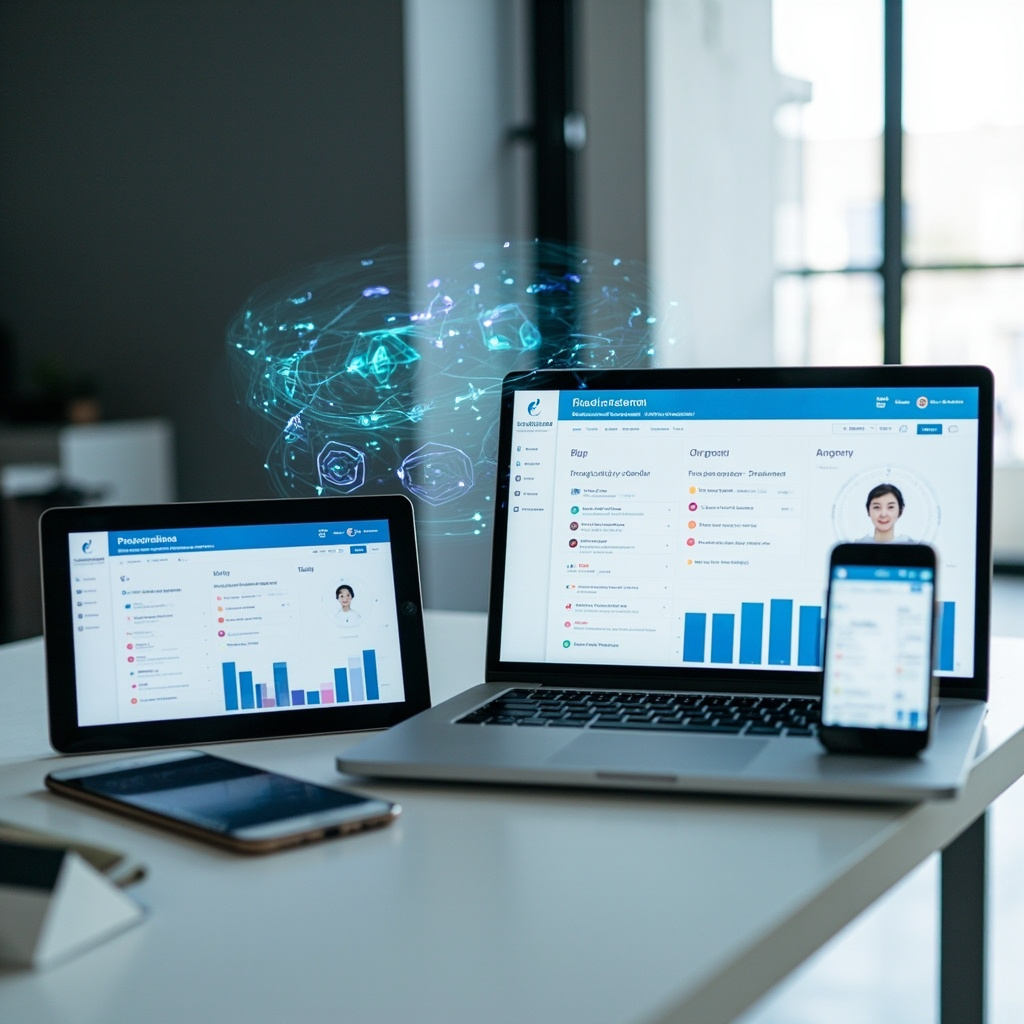
Productivity experts have long known a simple truth: just 10-12 minutes of daily planning can save you up to 2 hours and boost productivity by 25%. But in 2026, AI planning assistants are taking this concept to entirely new levels, with users reporting an average of 26 minutes saved per day on routine tasks alone.
The days of juggling multiple calendars, sticky notes, and endless to-do lists are rapidly becoming a thing of the past. AI planning assistants represent one of the most significant productivity breakthroughs we’ve seen, transforming how everyday users organize their time and accomplish their goals.

The Planning Revolution: From Chaos to Clarity
Traditional planning methods often fail because they require constant manual updates and lack the intelligence to adapt to changing priorities. AI planning assistants solve these fundamental problems by learning your patterns, predicting conflicts, and automatically adjusting your schedule based on real-world constraints.
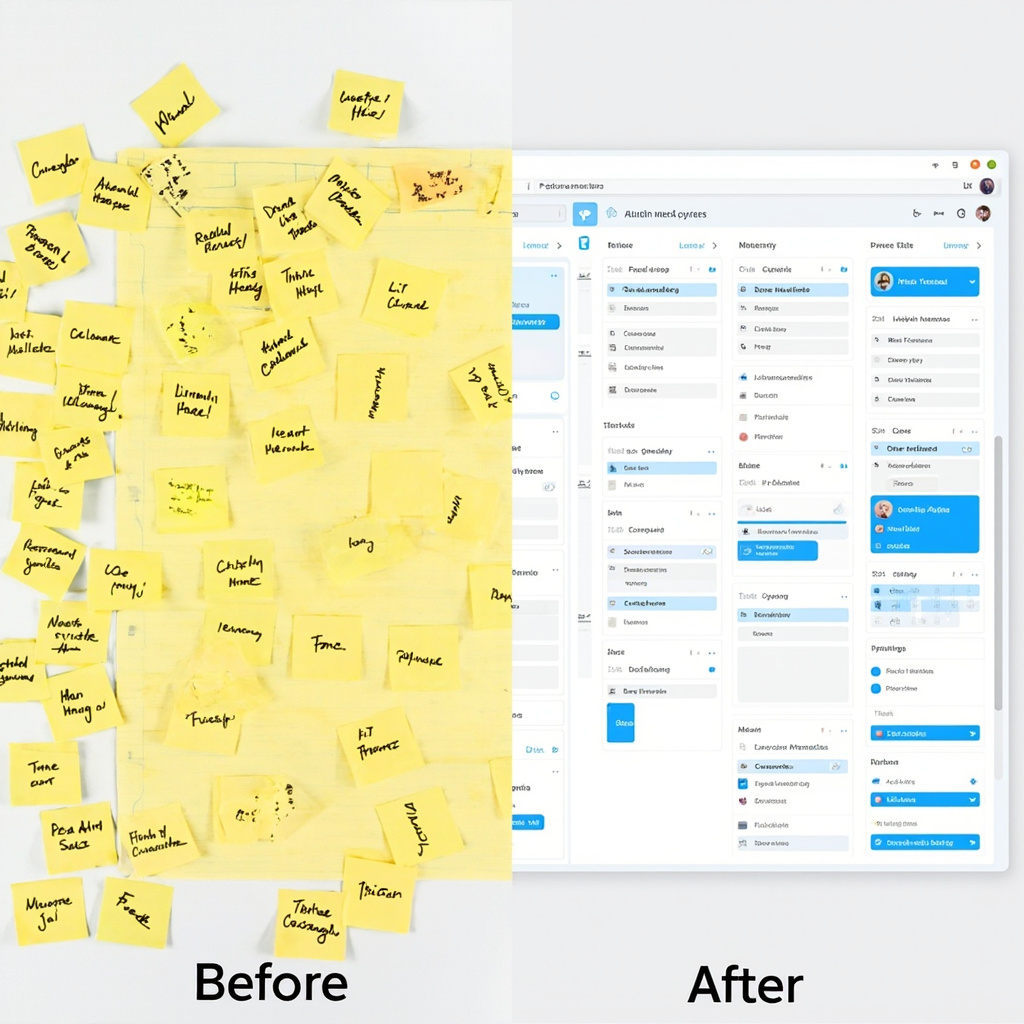
These intelligent systems don’t just manage your calendar—they understand context. They know that your 3 PM meeting tends to run long, that you’re most productive in the morning, and that you need buffer time between back-to-back video calls. This contextual awareness transforms scheduling from a reactive chore into a proactive advantage.
Key Benefits That Actually Matter
The real power of AI planning assistants lies in their ability to handle the mental overhead of organization:
- Automatic Time Blocking: No more manual calendar tetris. AI assistants automatically block time for your priorities based on deadlines, energy levels, and availability.
- Conflict Prevention: Advanced algorithms predict and prevent scheduling conflicts before they happen, saving you from embarrassing double-bookings.
- Priority Intelligence: These tools learn what matters most to you and ensure high-priority tasks get protected time slots.
- Adaptive Rescheduling: When plans inevitably change, AI assistants instantly reorganize your entire schedule to minimize disruption.
- Cross-Platform Sync: Your AI assistant works across all your devices and apps, maintaining consistency whether you’re on your phone, laptop, or tablet.
Top AI Planning Tools to Try in 2026
The market has exploded with options, but several standout tools are leading the pack for everyday users:

Motion
Combines project management with intelligent scheduling. Motion’s AI automatically schedules tasks based on deadlines, priorities, and your available time slots. Perfect for professionals juggling multiple projects.
Clockify AI
Excels at time tracking and analysis. It learns your work patterns and suggests optimizations for better productivity. Great for freelancers and consultants who need detailed time insights.
Reclaim.ai
Specializes in defending your focus time. It automatically blocks calendar slots for important work and adjusts them based on meeting requests and priorities.
Trevor AI
Focuses on daily planning with drag-and-drop simplicity. It helps you realistically schedule tasks based on how long they actually take, not how long you think they should take.
Getting Started: Your First Week with AI Planning
Adopting an AI planning assistant doesn’t have to be overwhelming. Here’s a practical approach:
Week 1: Start with calendar sync only. Let the AI observe your current patterns without making changes. This builds its understanding of your routine.
Week 2: Enable automatic time blocking for one category of tasks (like “Deep Work” or “Email Processing”). See how it fits into your existing schedule.
Week 3: Add priority levels to your tasks and let the AI start making scheduling recommendations. You’ll be amazed at how it finds time slots you never noticed.
Week 4: Go full automation. Trust the system to manage your entire schedule while you focus on the work that actually matters.
The Future Is Already Here
We’re entering an era where AI planning assistants will work as “super agents” across all your productivity tools—seamlessly moving between your email, project management software, and calendar to create a unified workflow. The question isn’t whether you’ll eventually use an AI planning assistant, but how much productivity you’re willing to leave on the table while you wait.
The productivity gains are real, measurable, and immediate. With AI planning assistants handling the mental overhead of organization, you’re free to focus on what humans do best: creative thinking, relationship building, and strategic decision-making.
Start with one tool, give it a few weeks to learn your patterns, and prepare to wonder how you ever managed without it.
Related Reading
- AI Agents for Everyday Users: How to Set Up Your First Automated Assistant in 2026
- AI Agents in 2026: The Autonomous Assistants Transforming Your Daily Workflow
- The Rise of AI-Powered Scheduling: 2026’s Must-Have Productivity Tools