AI-Powered Code Review Tools That Actually Catch Real Bugs in 2026


AI-generated code is flooding pull requests. GitHub reports that 41% of new code is now AI-assisted, and monthly merged PRs hit 43 million. The bottleneck has shifted from writing code to reviewing it. Enter AI code review tools — but not all of them are worth your time.

Software engineer using AI code review tools on multiple monitors
Modern AI-powered code review workflows help developers identify bugs and architectural issues across complex codebases

In 2026, the AI code review space has split into two distinct categories: diff-aware tools that analyze changed lines in isolation, and system-aware tools that understand how changes affect your entire architecture. The difference matters enormously.

AI system analyzing code for bugs, security vulnerabilities, and architectural issues

The Problem With “Smart Linters”

Most early AI code review tools were essentially smart linters. They looked at the diff, applied pattern-based checks, and flagged style issues. Useful? Somewhat. But they missed the bugs that actually break production.

Consider this scenario: a developer adds a required field to a shared request schema. The PR looks small and clean. A diff-aware tool sees well-structured code and approves. But that change silently breaks 23 downstream services. Only a system-aware reviewer catches this.

As one senior engineer put it: “I’ve been ignoring CodeRabbit comments for weeks. They’re usually about style, not substance.” That’s the danger of tools that lack architectural understanding.

Code review dashboard showing various AI-powered tools analyzing pull requests

The Best AI Code Review Tools in 2026

Qodo Merge (formerly PR-Agent): The System-Aware Reviewer

Qodo Merge has emerged as the most sophisticated AI code review tool available. It maintains persistent context about your codebase’s architecture, understands service dependencies, and can trace the impact of changes across repository boundaries.

When it flags a breaking change, it doesn’t just say “this might be a problem” — it tells you exactly which services are affected and what migration steps are needed. For enterprise teams managing microservices, this level of awareness is transformative.

The open-source PR-Agent version provides unlimited PR reviews for self-hosted setups, making it accessible for teams with privacy requirements.

GitHub Copilot Code Review

GitHub’s native AI review integration offers the lowest-friction experience. It provides inline feedback directly in pull requests, catches common issues, and integrates seamlessly with existing GitHub workflows.

It’s not as architecturally aware as Qodo, but for teams already on GitHub, the zero-setup experience and tight integration make it a solid first line of defense. Combined with Copilot’s coding assistance, it creates a complete AI-assisted development loop.

CodeRabbit: Quick Summaries, Limited Depth

CodeRabbit excels at generating clear PR summaries and catching obvious runtime issues. It’s fast and produces readable output. However, enterprise teams report that it lacks merge gating capabilities and struggles with complex architectural changes.

It’s solid for simple PRs but shouldn’t be your only reviewer for critical code paths.

Cubic: The Analytics-Focused Reviewer

Cubic differentiates itself with comprehensive analytics and issue tracker integration. Beyond just reviewing code, it tracks review quality metrics over time, helping engineering leaders understand whether their AI review investment is paying off.

OpenAI Codex Cloud

OpenAI’s Codex Cloud offers on-demand reviews focused on correctness and behavior. It’s particularly good at identifying logical errors and suggesting test cases for edge cases the original developer might have missed.
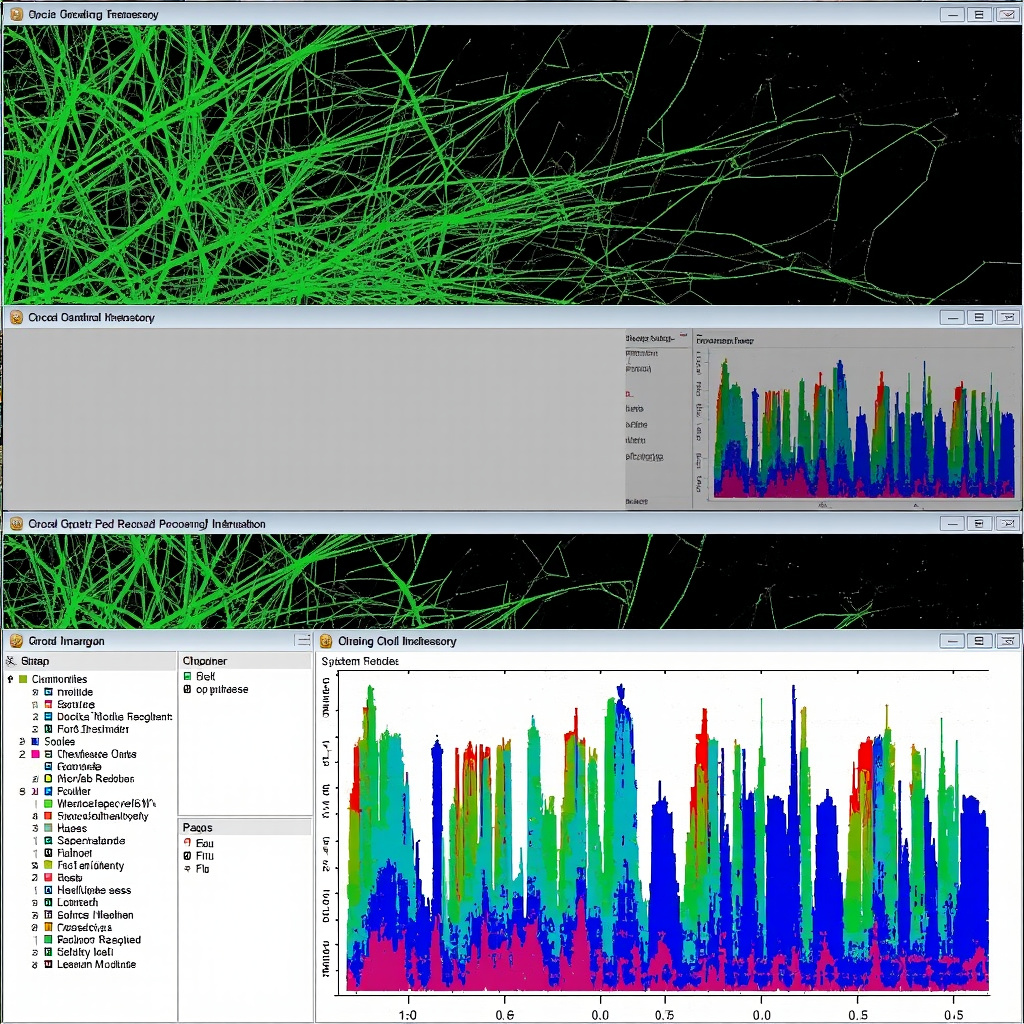
Split-screen comparison of diff-aware vs system-aware AI code review tools
Comparison between diff-aware tools (left) that focus on individual changes vs system-aware tools (right) that analyze architectural impact

What to Look For in an AI Code Reviewer

Based on our evaluation, here’s what separates useful AI review tools from noisy ones:

  • Breaking change detection: Does it understand how your change affects the broader system, or just the changed files?
  • Signal-to-noise ratio: Does it flag real issues or drown you in style nits?
  • Integration depth: Does it work within your existing PR workflow or require a separate tool?
  • Learning capability: Does it adapt to your team’s patterns and conventions over time?
  • Actionable feedback: Does it suggest specific fixes, or just point out problems?

Our Recommendation

For most teams, a layered approach works best: GitHub Copilot Review for baseline coverage, plus Qodo Merge for architectural awareness on critical services. This combination catches both common issues and subtle breaking changes without overwhelming developers with noise.

The teams seeing the best results aren’t replacing human reviewers — they’re using AI to handle the routine checks so human reviewers can focus on design decisions, business logic, and mentoring. That’s where AI code review delivers real value in 2026.

Want to see how the underlying AI models compare for coding tasks? Check out our comparison of Claude, GPT-4o, and Gemini for developers.


The Best AI Coding Assistants in 2026: Copilot, Cursor, Claude Code, and the New Contenders

AI coding assistants have gone from novelty to necessity. In 2026, the question isn’t whether to use one — it’s which one deserves a permanent spot in your workflow. After testing the major players on real projects, here’s our definitive guide.

Showcase of AI coding assistants including GitHub Copilot, Cursor, and Claude Code interfaces

The Big Three

GitHub Copilot: The Reliable Workhorse

GitHub Copilot remains the most widely adopted AI coding assistant, and for good reason. It works in virtually every IDE, supports dozens of languages, and its autocomplete suggestions have become remarkably accurate. The free tier now offers 12,000 completions per month — enough for most individual developers.

Copilot’s agent mode, introduced in late 2025, can now handle multi-step tasks like “add error handling to all API endpoints in this module.” It’s not as powerful as dedicated agentic tools, but it’s friction-free for existing GitHub users.

Best for: Developers who want solid AI assistance without leaving their current IDE or workflow.

Cursor: The AI-First Editor

Cursor has emerged as the editor of choice for developers who want maximum AI integration. Built as a fork of VS Code, it feels familiar but adds powerful AI capabilities that go far beyond autocomplete.

Cursor’s agent mode is genuinely impressive. It can navigate your codebase, make coordinated changes across files, run tests, and iterate until things work. The “Composer” feature lets you describe changes in natural language and watch Cursor implement them across your project.

The trade-off is that you need to switch editors. For many developers, VS Code extensions and configurations represent years of customization that’s painful to abandon.

Best for: Developers ready to go all-in on AI-assisted development and willing to switch editors.

Claude Code: The Terminal-Native Agent

Anthropic’s Claude Code takes a radically different approach — it lives in your terminal, not your editor. You describe what you want in plain English, and Claude Code reads your files, makes changes, runs commands, and iterates.

For complex refactoring, bug investigation, and architectural changes, Claude Code is extraordinarily capable. It leverages Claude Opus 4’s reasoning abilities to tackle problems that stump other tools.

Best for: Senior developers who prefer command-line workflows and tackle complex, multi-file tasks.

The Rising Contenders

Sourcegraph Cody: The Codebase Expert

Cody’s superpower is codebase understanding. Powered by Sourcegraph’s code search and intelligence platform, it genuinely understands your entire codebase — not just the files you have open. For large monorepos and complex enterprise codebases, this contextual awareness is a major advantage.

Aider: The Open-Source Champion

Aider deserves special mention as the best open-source AI coding assistant. It works with multiple LLM backends (Claude, GPT, local models), lives in your terminal, and handles pair-programming style interactions beautifully. If you want AI coding assistance without vendor lock-in, Aider is the answer.

Windsurf (formerly Codeium): The Smart Autocomplete

Windsurf focuses on making autocomplete smarter rather than adding agentic capabilities. Its “Cascade” feature provides contextually aware completions that consider your entire project. The free tier is generous, making it an excellent choice for students and hobbyists.

Zed: Speed Meets AI

Zed, the performance-focused editor written in Rust, has added compelling AI features. If editor speed is your priority and you want solid AI integration, Zed is worth a look — especially for large projects where VS Code starts to lag.

Developer evaluating and choosing between different AI coding assistant tools

How to Choose

The decision comes down to your priorities:

  • Staying in your IDE: GitHub Copilot. It works everywhere with minimal setup.
  • Maximum AI power: Cursor. Its agent mode is the most capable editor-integrated experience.
  • Terminal-first workflow: Claude Code or Aider. Both excel at complex, multi-step tasks.
  • Large codebase understanding: Cody. Sourcegraph’s search gives it an edge no one else has.
  • Budget-conscious: Copilot Free (12K completions/month) or Windsurf’s free tier.

Many developers are finding that the best approach is to combine tools: Copilot for daily autocomplete, plus Cursor or Claude Code for complex tasks. The tools complement rather than compete.

Whatever you choose, the productivity gains from AI-assisted coding in 2026 are real and substantial. Developers report 30-50% faster completion of routine tasks, with the biggest gains in boilerplate generation, test writing, and documentation. The key is finding the tool that fits your workflow rather than forcing your workflow to fit the tool.

For a deeper look at the underlying models powering these tools, check out our comparison of Claude, GPT-4o, and Gemini. And if you’re interested in how AI can help with the review side, see our guide to AI-powered code review tools.