Google Personal Intelligence Now Free: How to Turn Gemini Into Your Personal AI Assistant

Google just made its most powerful AI feature available to everyone. Personal Intelligence, which connects Gemini to your Gmail, Google Photos, YouTube history, and Search data, became free for all US users on March 17, 2026. This isn’t just another AI update—it’s the transformation of Gemini from a generic chatbot into a truly personal assistant.
What Is Google Personal Intelligence?
Personal Intelligence is Google’s answer to making AI assistants actually useful in your daily life. Instead of giving you generic responses, Gemini can now access your personal data across Google’s ecosystem to provide personalized, contextual answers.
The feature connects four key Google services:
- Gmail – Access your emails for travel confirmations, receipts, and important information
- Google Photos – Find specific images and use visual context from your photo library
- YouTube – Reference your watch history and preferences
- Search – Build on your previous searches and interests
Real-World Examples That Actually Matter
Google’s own example perfectly illustrates the power: A parent needed new tires for their 2019 Honda minivan while standing at the tire shop. Instead of searching for generic tire specifications, Gemini:
- Pulled the exact tire size for their specific vehicle
- Suggested options based on their family road trips found in Google Photos
- Provided ratings and prices for different tire types
- Retrieved their license plate number from a photo when needed at the counter
This isn’t about showing off—it’s about saving time and reducing friction in everyday situations.
Privacy: What You Need to Know
Google built Personal Intelligence with privacy controls at the center:
- Opt-in only – The feature is off by default and requires your explicit permission
- Selective connections – Choose which apps to connect (you can link Photos but not Gmail, for example)
- Data stays with Google – Your information doesn’t get sent to third-party services
- Training limitations – Gemini doesn’t train directly on your personal emails or photos
- Easy controls – Turn off connections or delete chat history anytime
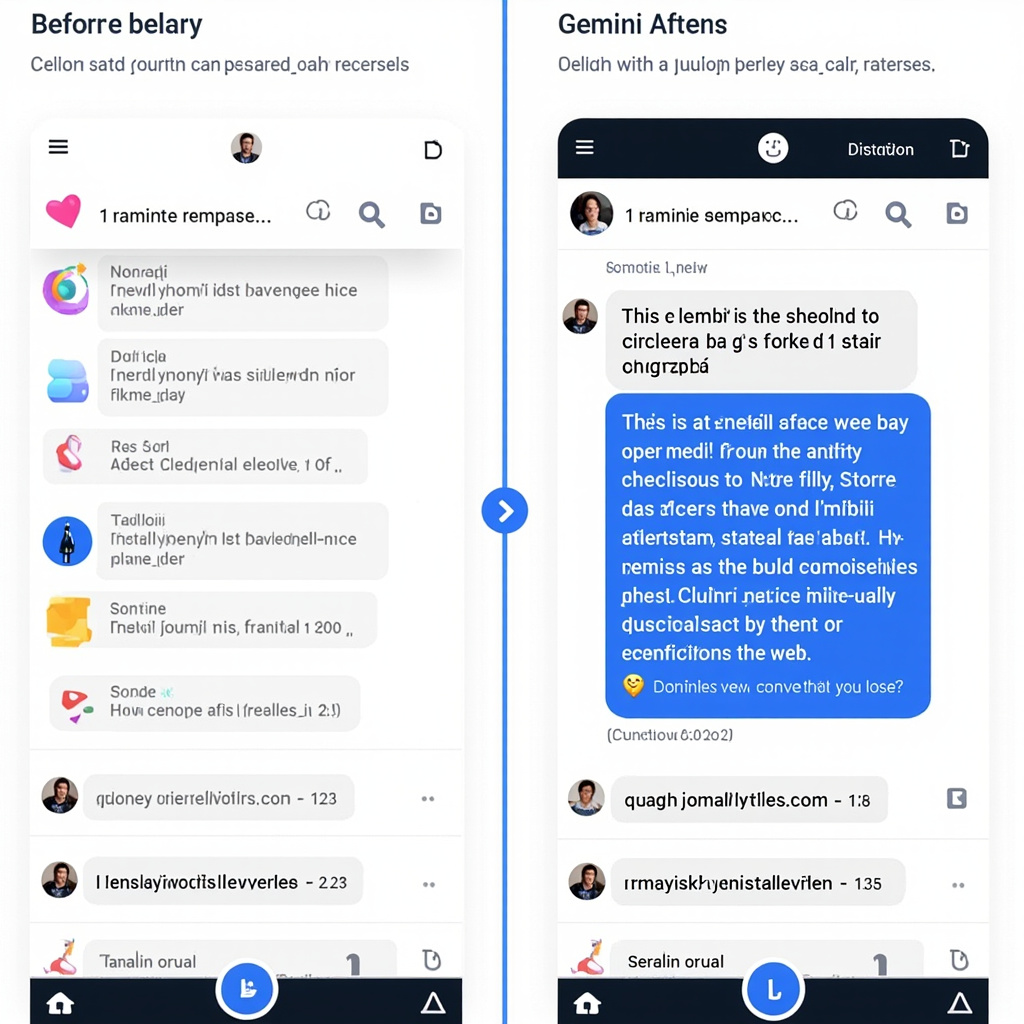
How to Enable Personal Intelligence
Setting up Personal Intelligence takes less than a minute:
- Open the Gemini app or visit gemini.google.com
- Look for the Personal Intelligence invitation on the home screen, or go to Settings
- Tap “Personal Intelligence”
- Select “Connected Apps”
- Choose which Google services to connect (Gmail, Photos, YouTube, Search)
- Confirm your choices
The feature works across web, Android, and iOS, and with all Gemini models in the model picker.
Current Limitations and Future Potential
Personal Intelligence is still in beta, and Google acknowledges some current issues:
- Over-personalization – Sometimes makes connections between unrelated topics
- Timing confusion – May struggle with relationship changes or life updates
- Nuance gaps – Might miss subtle context (like why you’re at a golf course regularly)
But the potential is enormous. This represents the shift from AI as a search tool to AI as a genuine personal assistant that understands your context, preferences, and needs.
Why This Matters for Everyday Users
Personal Intelligence addresses the biggest complaint about AI assistants: they don’t know you. Generic responses are fine for general questions, but they fall short when you need help with your specific situation, preferences, or context.
With Personal Intelligence enabled, Gemini becomes the AI assistant that can:
- Help plan trips based on your actual interests and past experiences
- Find specific information buried in your emails
- Suggest content based on what you’ve actually enjoyed
- Remember your preferences and apply them consistently
Google Personal Intelligence represents a major step toward AI that’s genuinely useful in daily life. It’s not perfect yet, but for the first time, we have an AI assistant that can access the context it needs to actually help you—not just provide generic information you could have Googled yourself.
The feature is rolling out to all US users over the next week. If you don’t see it yet, check back in a few days. When it arrives, take five minutes to set it up—it might just change how you think about AI assistants.