AI Meeting Transcription Tools in 2026: Never Miss Another Action Item Again


Gone are the days of frantically scribbling notes during important meetings or struggling to remember what was decided three calls ago. AI meeting transcription tools have revolutionized how we capture, organize, and act on meeting information, turning every conversation into searchable, actionable insights.
Why AI Meeting Transcription Matters More Than Ever
In 2026, the average knowledge worker spends over 15 hours per week in meetings. That’s nearly 40% of their work time. Yet studies show that 67% of meeting participants struggle to remember key decisions and action items just 24 hours later.
AI meeting transcription tools solve this problem by automatically capturing every word, identifying speakers, and generating intelligent summaries with action items. They’re not just transcribing—they’re understanding context, extracting insights, and helping teams stay aligned.
The Top AI Meeting Transcription Tools Transforming Workflows
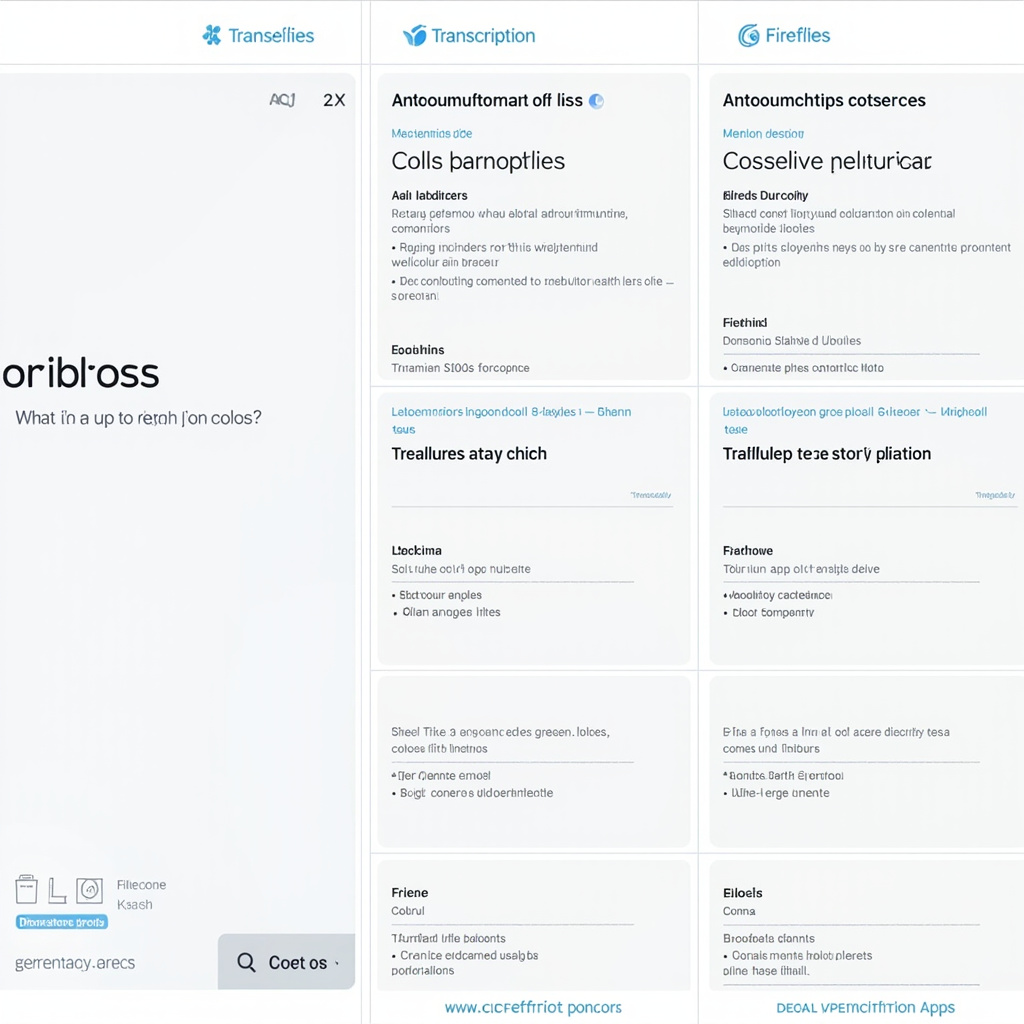
1. Otter.ai – The Voice-Activated Meeting Intelligence Platform
Otter.ai has evolved into more than a transcription service. Their 2026 updates include real-time question answering about past meetings and advanced speaker recognition across multiple languages. The platform integrates seamlessly with Zoom, Google Meet, and Microsoft Teams.
Key Features:
- 98% transcription accuracy in English
- Live transcription with speaker identification
- AI-generated meeting summaries with action items
- Voice-activated search across meeting history
- Integration with popular calendar and CRM systems
Best For: Teams that need comprehensive meeting intelligence and want to query their meeting history conversationally.
2. Fireflies.ai – The Analytics-Driven Meeting Assistant
Fireflies.ai focuses on meeting analytics and insights. Beyond transcription, it tracks conversation metrics, identifies sentiment, and provides detailed analytics about meeting dynamics.
Key Features:
- Advanced conversation analytics
- Sentiment analysis and speaker talk time tracking
- Custom vocabulary for industry-specific terms
- Automated CRM updates
- Team collaboration features
Best For: Sales teams and managers who need detailed meeting analytics and automated CRM workflows.
3. tl;dv – The Video-First Meeting Recorder
tl;dv combines video recording with AI transcription, allowing teams to capture both the conversation and visual context of presentations and demonstrations.
Key Features:
- HD video recording with timestamp-synced transcripts
- AI-generated video highlights
- Multi-platform support (Zoom, Google Meet, Teams)
- Shareable video clips with automatic transcripts
- Integration with 50+ productivity tools
Best For: Teams conducting product demos, training sessions, or client presentations where visual context matters.
4. Notta – The Multilingual Meeting Specialist
Supporting 58 languages, Notta excels at transcribing global team meetings and automatically translating content in real-time.
Key Features:
- Real-time transcription in 58 languages
- Automatic translation capabilities
- Mobile app for in-person meeting recording
- AI-generated slides and infographics
- Cross-meeting search and insights
Best For: International teams or organizations with multilingual meeting requirements.
Choosing the Right AI Meeting Tool for Your Needs

The best AI meeting transcription tool depends on your specific workflow and requirements:
- Small teams starting out: Otter.ai’s free tier offers excellent basic functionality
- Sales organizations: Fireflies.ai’s CRM integration and analytics are unmatched
- Product teams: tl;dv’s video capabilities capture demos and visual presentations perfectly
- Global companies: Notta’s multilingual support makes it essential for international collaboration
Getting Maximum Value from AI Meeting Transcription
To maximize the impact of these tools, follow these best practices:
1. Set Clear Meeting Agendas
AI tools work best when meetings have structure. Clear agendas help the AI identify key topics and generate more accurate summaries.
2. Use Speaker Identification Features
Train the AI to recognize team members’ voices for more accurate attribution and better meeting analytics.
3. Review and Edit Transcripts
While AI accuracy is excellent, human review ensures critical details are captured correctly, especially for technical discussions.
4. Integrate with Your Workflow
Connect your meeting tool to project management platforms, CRMs, or note-taking apps to automate follow-up actions.
The Future of AI Meeting Intelligence
2026 represents a turning point for AI meeting tools. Beyond transcription, these platforms are becoming meeting intelligence systems that proactively suggest agenda items, track project progress across conversations, and even predict meeting outcomes based on discussion patterns.
The most successful teams are those that embrace these tools not just for recording meetings, but for transforming how they collaborate, make decisions, and maintain organizational memory. Whether you’re a startup founder juggling investor calls or a project manager coordinating distributed teams, AI meeting transcription tools have become essential infrastructure for modern work.
Start with a free trial of any of these platforms and experience how AI can transform your meeting productivity. The future of work isn’t just about having better meetings—it’s about never losing track of what matters most.