Voice Cloning Revolution: 7 AI Tools That Let Anyone Clone Voices in Under 10 Minutes

Voice cloning technology has exploded in 2026, transforming from a complex, expensive process into something anyone can do with just a few minutes of audio. Whether you’re a content creator, business owner, or just curious about AI, these cutting-edge voice synthesis tools are making personalized audio more accessible than ever.

The Voice Cloning Revolution

Just a year ago, creating a convincing voice clone required hours of professional recording and thousands of dollars. Now, breakthrough models like Fish Speech V1.5 and XTTS-v2 can clone your voice with as little as 6 seconds of audio across 17 languages. This isn’t science fiction—it’s happening right now, and the results are remarkably convincing.
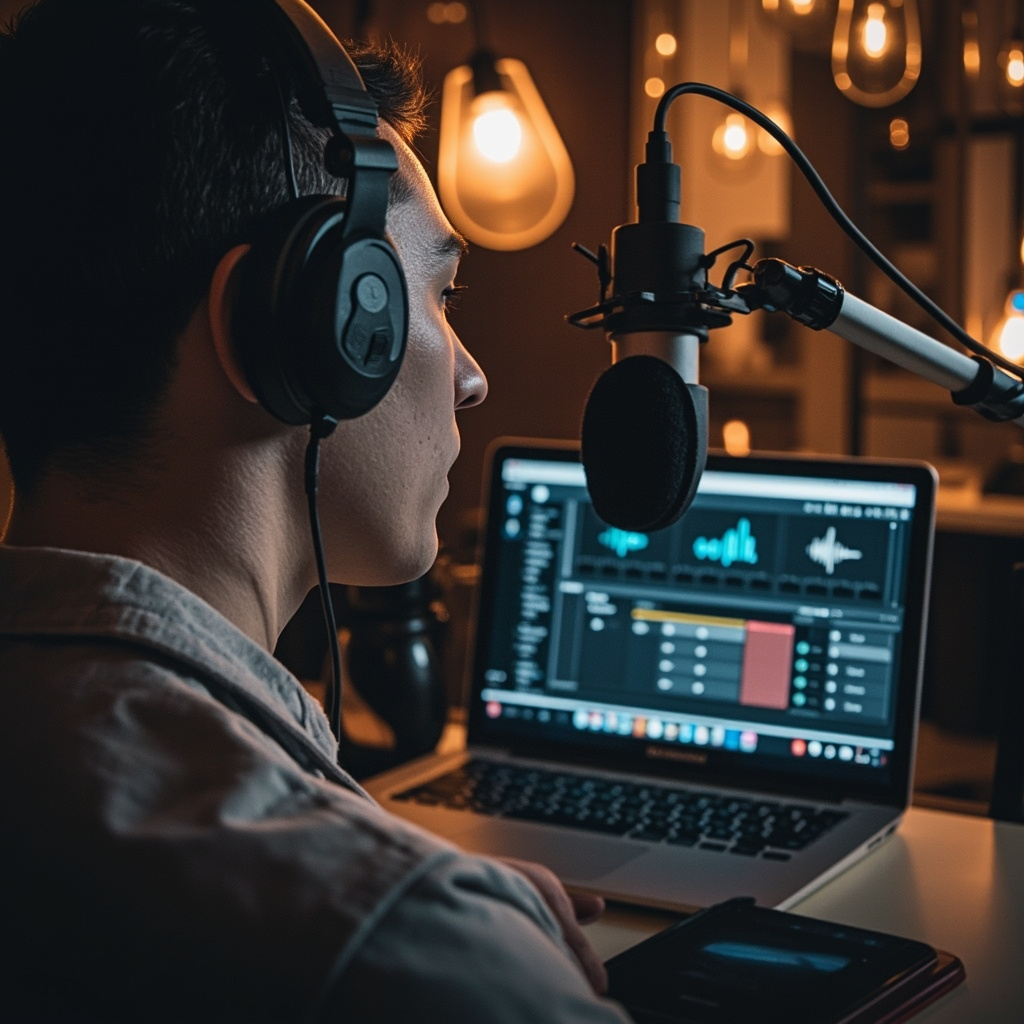
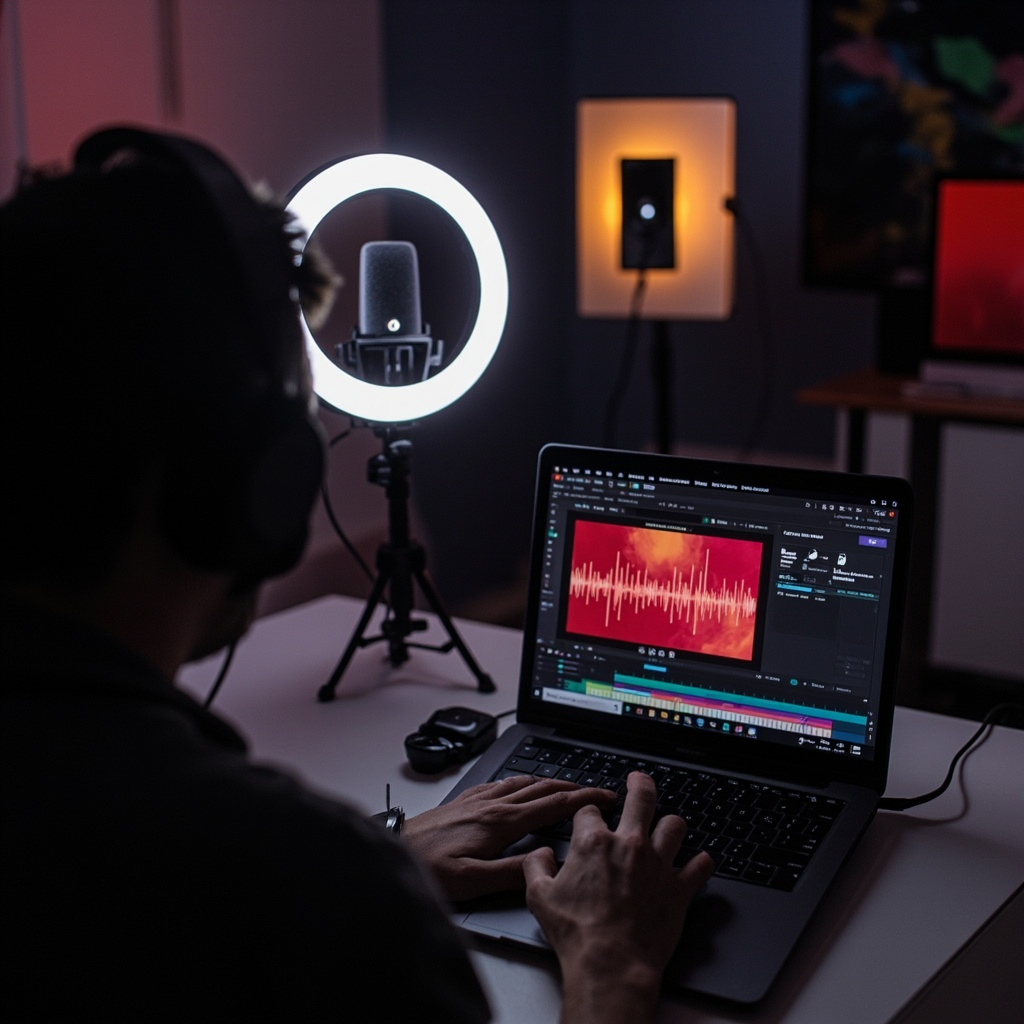
Person recording voice sample with professional microphone and laptop showing voice cloning interface

The technology behind modern voice cloning uses advanced neural networks that analyze unique vocal characteristics including tone, pitch, accent, speaking patterns, and emotional inflection. These AI models then generate new speech that maintains the speaker’s distinctive voice while saying completely new words and sentences.

Top Voice Cloning Tools for Everyday Users

ElevenLabs

Leading the consumer market, ElevenLabs offers studio-quality voice cloning with remarkable emotion control. Their platform supports over 70 languages and provides both instant voice cloning and professional voice design tools. The free tier gives you enough credits to experiment, while paid plans unlock commercial usage rights.

Fish Audio

Fish Audio has become the go-to platform for creators seeking professional-grade text-to-speech with voice cloning capabilities. Their Fish Speech V1.5 model delivers exceptional quality with minimal input requirements, supporting 8 languages with over 2 million pre-built voices in their library.

Uberduck

Known for making voice synthesis accessible to everyone, Uberduck offers free AI voice cloning alongside their extensive library of celebrity and character voices. Their user-friendly interface makes it perfect for beginners who want to experiment without technical complexity.

Open Source Powerhouses

The open-source community has made tremendous strides in 2026, with several models now rivaling commercial offerings:

  • XTTS-v2: Supports voice cloning across 17 languages using just 6 seconds of reference audio
  • CosyVoice2-0.5B: Delivers exceptional quality with efficient computational requirements
  • IndexTTS-2: Offers real-time voice generation with impressive naturalness
  • Qwen3-TTS: Gaining attention for multilingual support and minimal reference audio needs
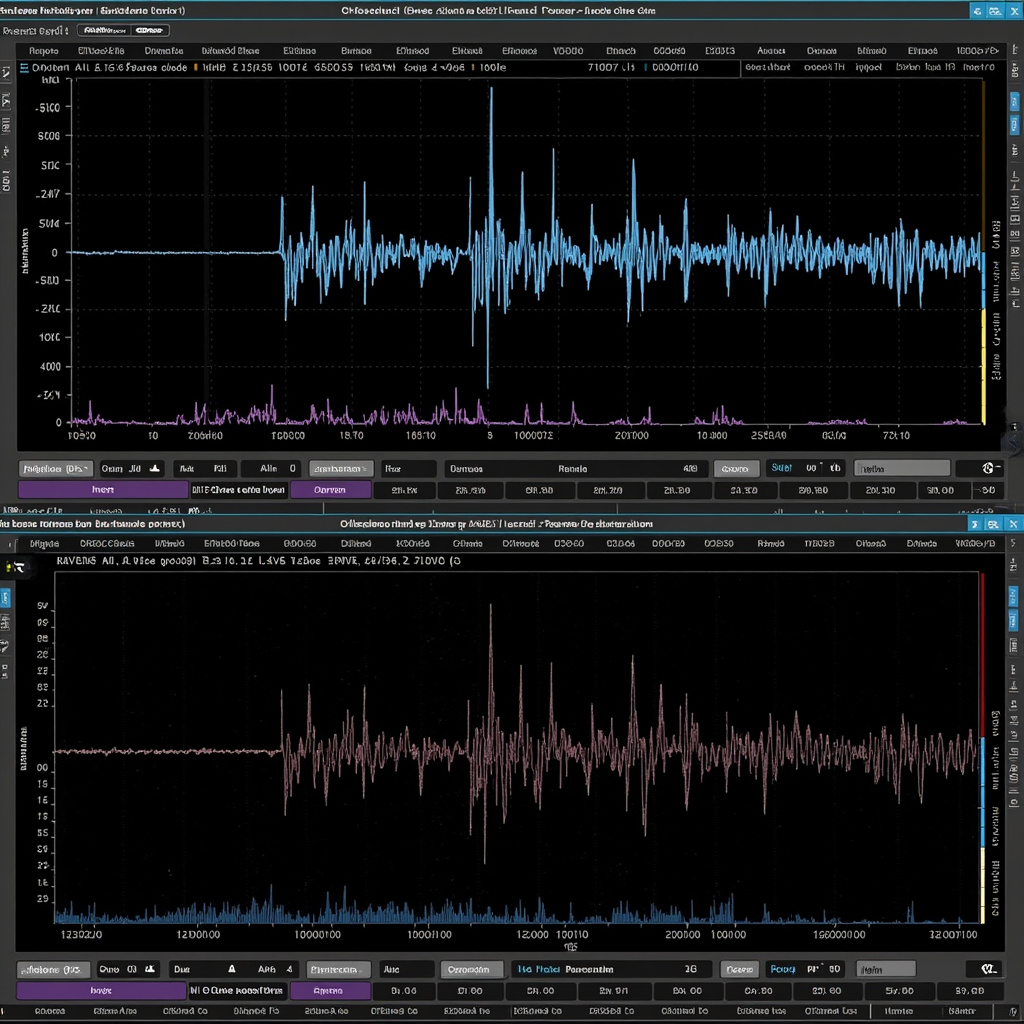
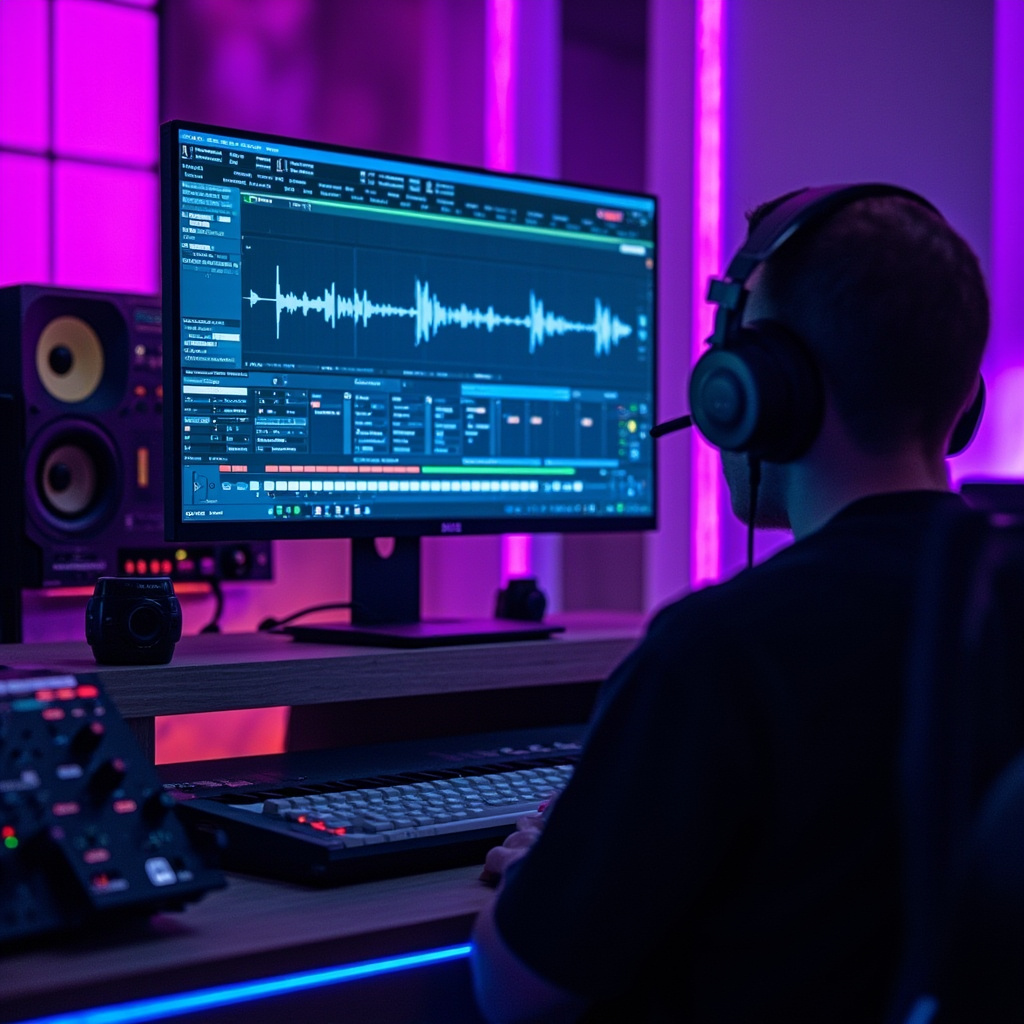
Side-by-side comparison of original voice waveform and AI-generated voice clone waveform

Real-World Applications

Voice cloning isn’t just a novelty—it’s solving real problems across industries. Content creators use it for consistent narration across long-form content. Businesses leverage it for personalized customer communications at scale. Individuals with speech disabilities can preserve their natural voice even as their condition progresses.

Podcast producers are using voice cloning for multilingual versions of their shows, while audiobook publishers can maintain narrator consistency even when recording sessions are months apart. The technology is also enabling new forms of accessibility, helping people communicate in their own voice even when they can’t physically speak.

Ethical Considerations and Best Practices

With great power comes great responsibility. The same technology that enables amazing creative possibilities also raises important ethical questions. Always obtain explicit consent before cloning someone’s voice, clearly disclose when synthetic voices are being used, and respect intellectual property rights.

Most reputable platforms now include built-in safeguards against misuse, requiring voice verification for cloning and implementing detection mechanisms for unauthorized usage. As users, we must use these tools responsibly and transparently.

Getting Started Today

Ready to try voice cloning yourself? Start with a free platform like Uberduck or ElevenLabs to understand the basics. Record 30-60 seconds of clear, varied speech in a quiet environment. Most tools work best with conversational tone rather than monotone reading.

For professional applications, consider Fish Audio or investing in ElevenLabs’ paid tiers for higher quality and commercial licensing. If you’re technically inclined, explore open-source options like XTTS-v2 for complete control over your voice models.

The voice cloning revolution is just beginning. As these tools continue improving and becoming more accessible, we’re entering an era where personalized, high-quality synthetic speech will become as common as written text. The question isn’t whether voice cloning will change how we communicate—it’s how quickly you’ll adapt to this new reality.
Google Personal Intelligence Now Free: How to Turn Gemini Into Your Personal AI Assistant

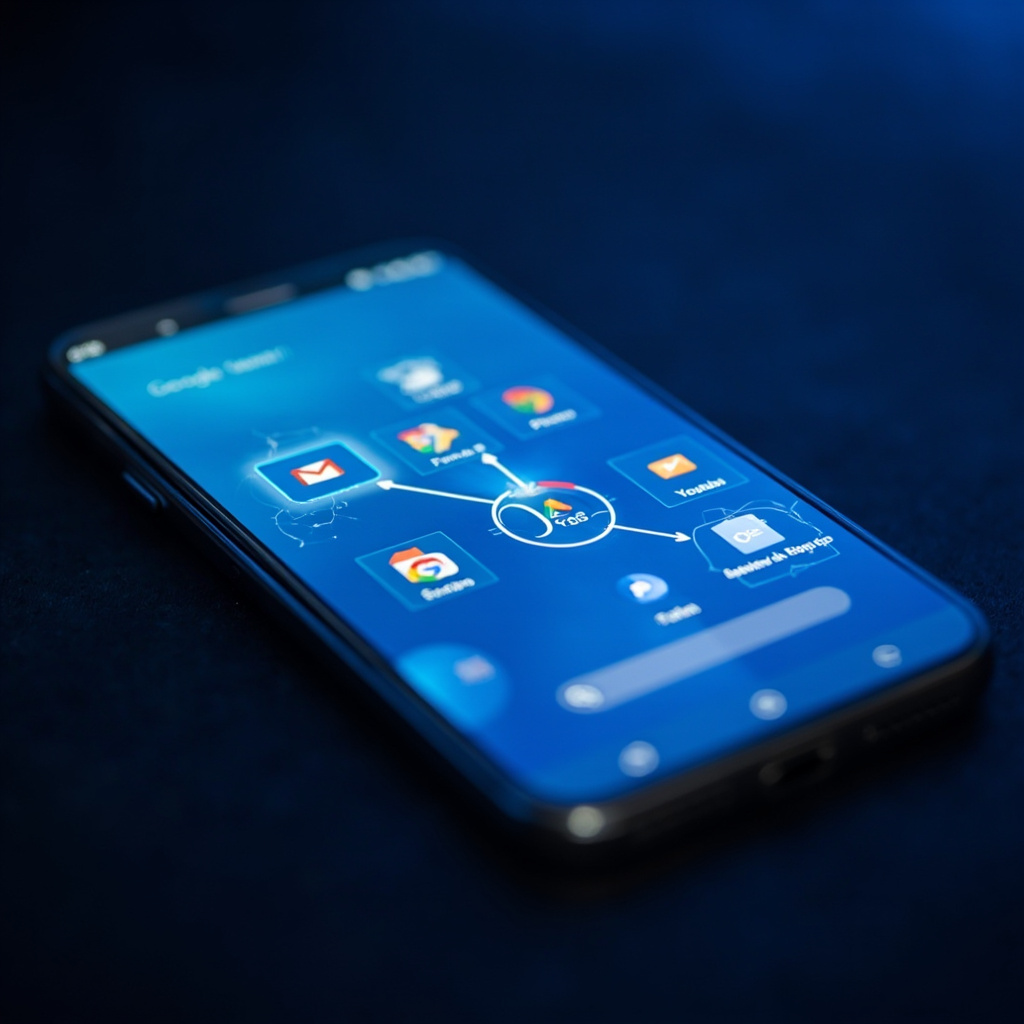
Google just made its most powerful AI feature available to everyone. Personal Intelligence, which connects Gemini to your Gmail, Google Photos, YouTube history, and Search data, became free for all US users on March 17, 2026. This isn’t just another AI update—it’s the transformation of Gemini from a generic chatbot into a truly personal assistant.

What Is Google Personal Intelligence?

Personal Intelligence is Google’s answer to making AI assistants actually useful in your daily life. Instead of giving you generic responses, Gemini can now access your personal data across Google’s ecosystem to provide personalized, contextual answers.

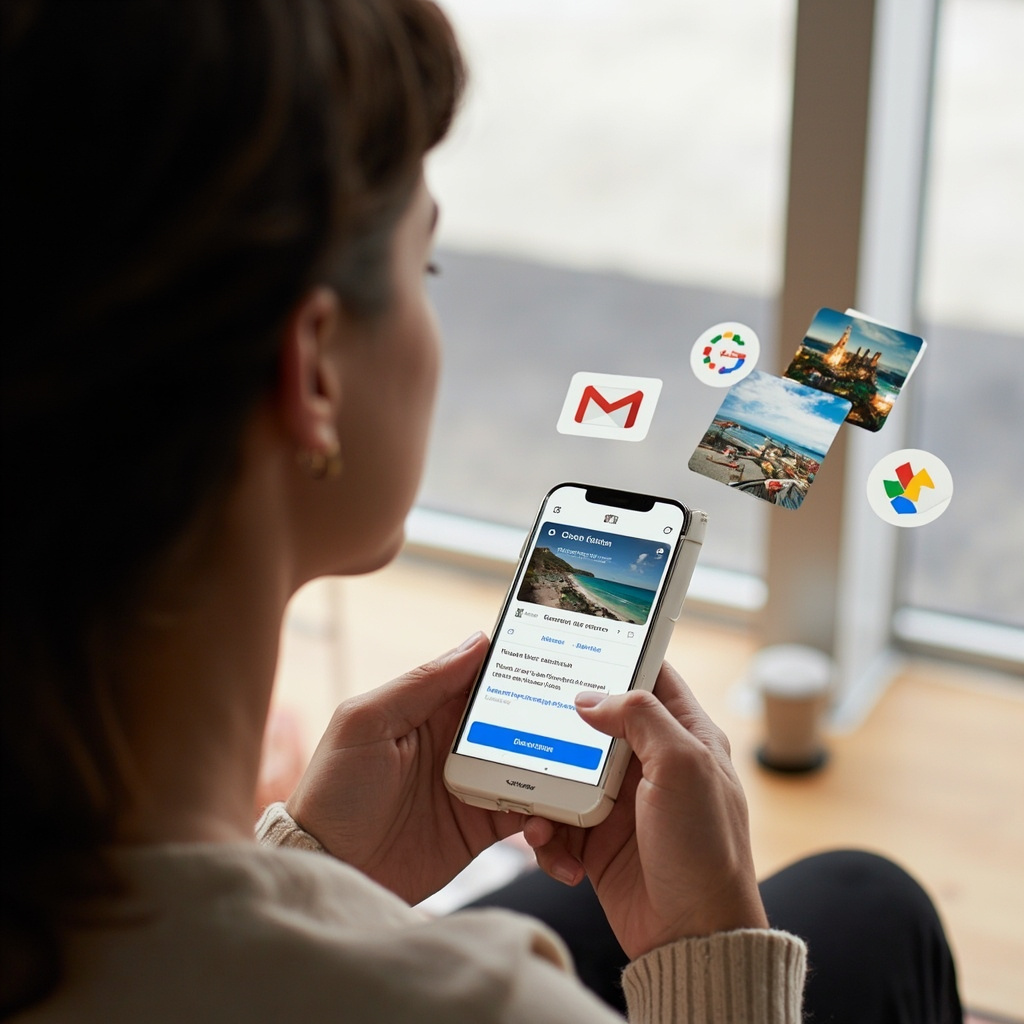
Person using Gemini with connected Google apps

The feature connects four key Google services:

  • Gmail – Access your emails for travel confirmations, receipts, and important information
  • Google Photos – Find specific images and use visual context from your photo library
  • YouTube – Reference your watch history and preferences
  • Search – Build on your previous searches and interests

Real-World Examples That Actually Matter

Google’s own example perfectly illustrates the power: A parent needed new tires for their 2019 Honda minivan while standing at the tire shop. Instead of searching for generic tire specifications, Gemini:

  • Pulled the exact tire size for their specific vehicle
  • Suggested options based on their family road trips found in Google Photos
  • Provided ratings and prices for different tire types
  • Retrieved their license plate number from a photo when needed at the counter

This isn’t about showing off—it’s about saving time and reducing friction in everyday situations.

Privacy: What You Need to Know

Google built Personal Intelligence with privacy controls at the center:

  • Opt-in only – The feature is off by default and requires your explicit permission
  • Selective connections – Choose which apps to connect (you can link Photos but not Gmail, for example)
  • Data stays with Google – Your information doesn’t get sent to third-party services
  • Training limitations – Gemini doesn’t train directly on your personal emails or photos
  • Easy controls – Turn off connections or delete chat history anytime

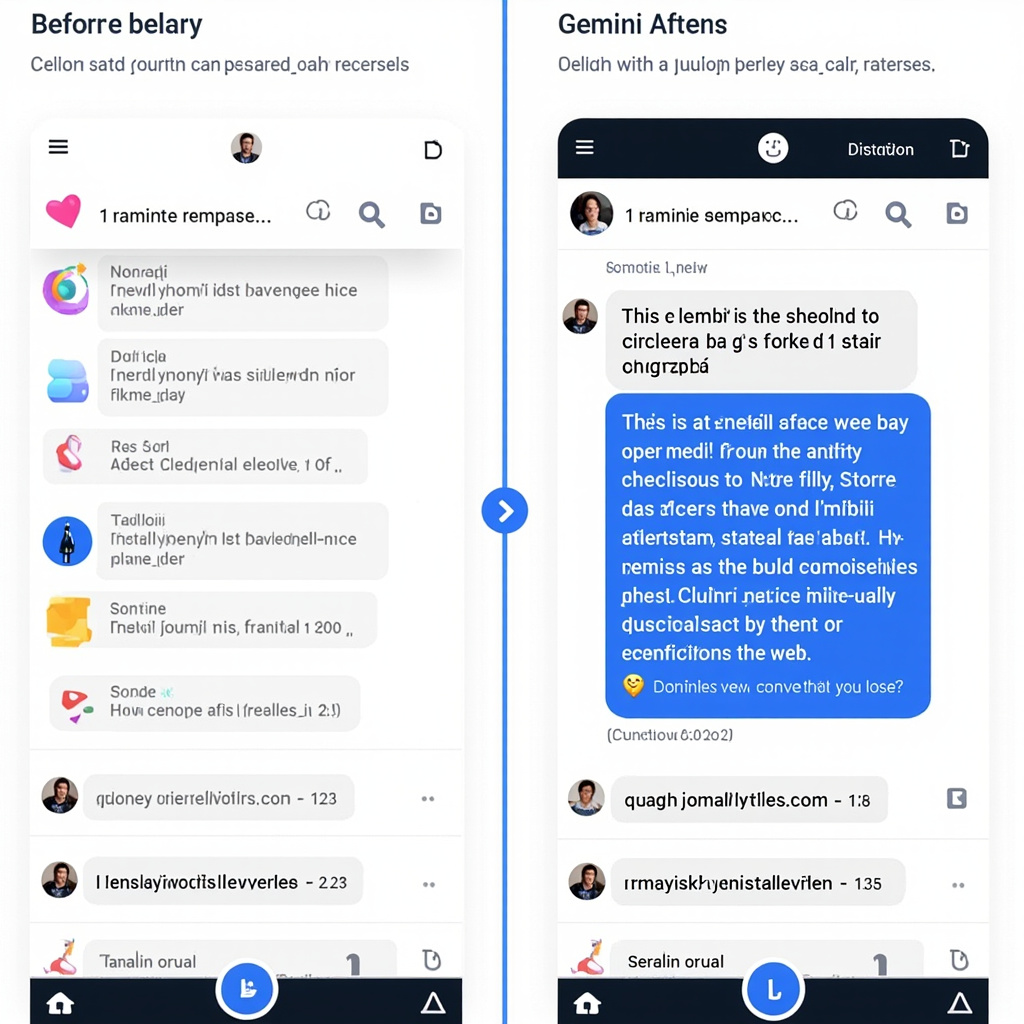
Comparison of generic vs personalized AI responses

How to Enable Personal Intelligence

Setting up Personal Intelligence takes less than a minute:

  1. Open the Gemini app or visit gemini.google.com
  2. Look for the Personal Intelligence invitation on the home screen, or go to Settings
  3. Tap “Personal Intelligence”
  4. Select “Connected Apps”
  5. Choose which Google services to connect (Gmail, Photos, YouTube, Search)
  6. Confirm your choices

The feature works across web, Android, and iOS, and with all Gemini models in the model picker.

Current Limitations and Future Potential

Personal Intelligence is still in beta, and Google acknowledges some current issues:

  • Over-personalization – Sometimes makes connections between unrelated topics
  • Timing confusion – May struggle with relationship changes or life updates
  • Nuance gaps – Might miss subtle context (like why you’re at a golf course regularly)

But the potential is enormous. This represents the shift from AI as a search tool to AI as a genuine personal assistant that understands your context, preferences, and needs.

Why This Matters for Everyday Users

Personal Intelligence addresses the biggest complaint about AI assistants: they don’t know you. Generic responses are fine for general questions, but they fall short when you need help with your specific situation, preferences, or context.

With Personal Intelligence enabled, Gemini becomes the AI assistant that can:

  • Help plan trips based on your actual interests and past experiences
  • Find specific information buried in your emails
  • Suggest content based on what you’ve actually enjoyed
  • Remember your preferences and apply them consistently

Google Personal Intelligence represents a major step toward AI that’s genuinely useful in daily life. It’s not perfect yet, but for the first time, we have an AI assistant that can access the context it needs to actually help you—not just provide generic information you could have Googled yourself.

The feature is rolling out to all US users over the next week. If you don’t see it yet, check back in a few days. When it arrives, take five minutes to set it up—it might just change how you think about AI assistants.

AI Music Generation Tools for Content Creators in 2026: Create Professional Soundtracks in Minutes

Content creators no longer need expensive studio equipment or years of music training to produce professional-quality soundtracks. AI music generation tools have revolutionized how we create audio content, making it possible to generate custom music, sound effects, and even full compositions from simple text prompts.

Whether you’re a YouTuber, podcaster, social media creator, or filmmaker, these AI music tools can save you thousands of dollars in licensing fees while giving you complete creative control over your audio.

The Rise of AI Music Creation

The music industry has been transformed by artificial intelligence. What once required a full production team can now be accomplished by anyone with a computer and an internet connection. AI music generators use machine learning models trained on millions of songs to understand musical patterns, genres, and styles.

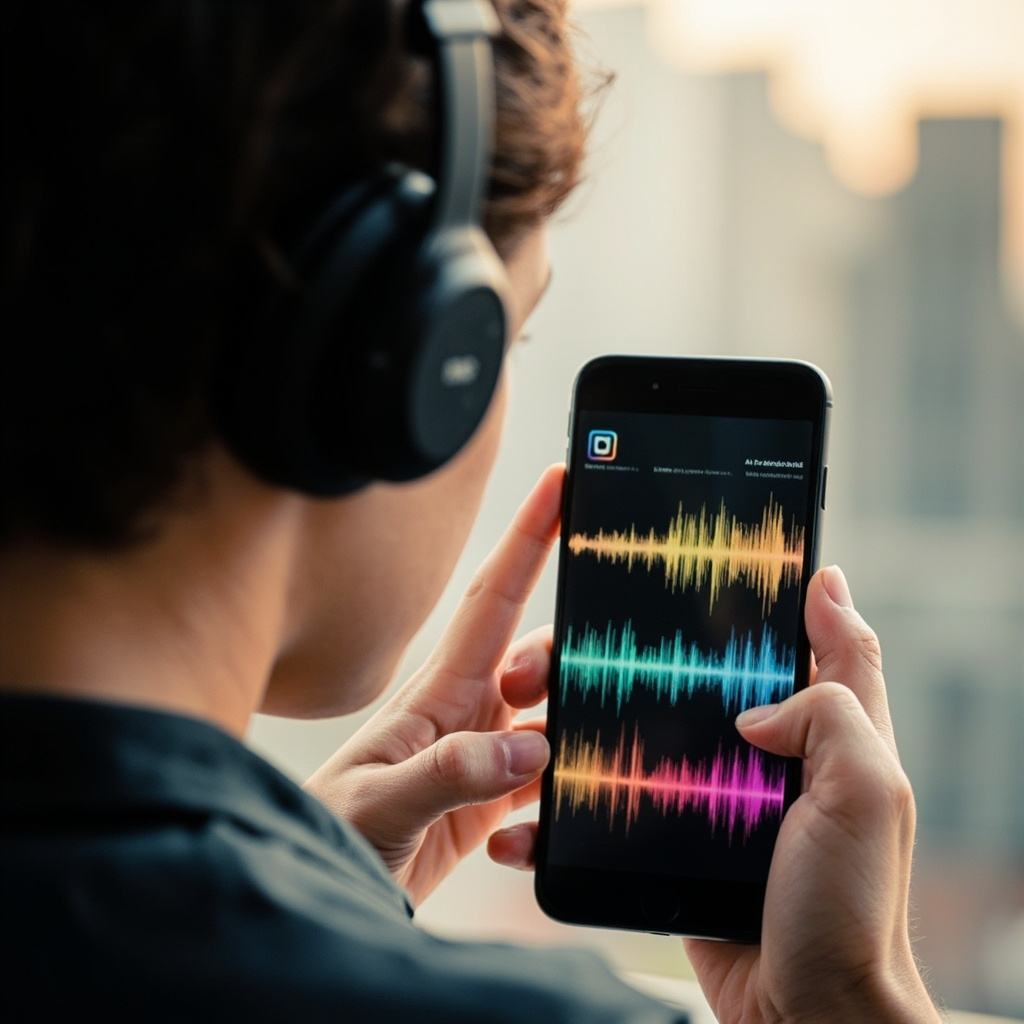
AI music generation on mobile device

These tools analyze everything from chord progressions to instrumentation, allowing them to create original compositions that sound professionally produced. The best part? You don’t need any musical knowledge to use them effectively.

Top AI Music Tools for 2026

Suno: The Complete Music Creation Suite

Suno stands out as the most comprehensive AI music generator available in 2026. It can create full songs with vocals, lyrics, and instrumentation from simple text descriptions. The platform excels at understanding genre-specific requests and can produce everything from pop hits to classical compositions.

  • Generates complete songs with vocals and instruments
  • Supports multiple genres and styles
  • Fast generation times (under 2 minutes per song)
  • High-quality audio output suitable for commercial use

Udio: Professional-Grade Audio Production

Udio focuses on creating studio-quality instrumental tracks perfect for background music. It’s particularly strong with electronic music, ambient soundscapes, and cinematic scores that content creators love.

AIVA: Classical and Orchestral Specialist

For creators who need sophisticated orchestral arrangements or classical-style compositions, AIVA (Artificial Intelligence Virtual Artist) delivers exceptional results. It’s perfect for documentary soundtracks, educational content, and premium video productions.

Content creator using AI music tools

Practical Applications for Content Creators

YouTube Videos

Replace expensive royalty-free music with custom tracks that perfectly match your content’s mood and pacing. Generate intro music, background tracks, and outros that are uniquely yours.

Podcasts

Create branded intro and outro music, segment transitions, and background ambience that gives your podcast a professional sound without the licensing headaches.

Social Media

TikTok, Instagram Reels, and YouTube Shorts perform better with engaging audio. Generate trending-style beats and background music that complement your visual content.

Commercial Projects

For client work, AI-generated music eliminates copyright concerns while providing custom soundtracks that align perfectly with brand messaging.

Getting Started: Best Practices

Success with AI music generation comes down to effective prompting and understanding each tool’s strengths:

  • Be specific with genre and mood: Instead of “upbeat music,” try “energetic electronic dance music with heavy bass and synthesizers.”
  • Reference existing styles: Many tools work well when you mention specific artists or songs as style references.
  • Experiment with length: Start with shorter clips (30-60 seconds) before generating full-length tracks.
  • Layer and edit: Combine AI-generated elements with traditional editing software for polished results.

Cost Comparison: AI vs Traditional Music

The economics are compelling. Premium royalty-free music can cost $50-200 per track for commercial use. Most AI music platforms offer unlimited generation for $10-30 monthly, making them incredibly cost-effective for regular content creators.

The Future of AI Music

2026 has seen remarkable improvements in AI music quality and accessibility. Tools now generate music that’s indistinguishable from human-composed tracks, and we’re seeing integration with video editing software and live streaming platforms.

Expect to see more specialized tools for specific genres, better collaboration features for teams, and improved integration with existing content creation workflows.

AI music generation isn’t just a cost-saving measure—it’s a creative catalyst that democratizes music production. Whether you’re creating content for millions of followers or just starting your creative journey, these tools put professional-quality music creation at your fingertips.

ChatGPT Health Is Here: The AI Medical Assistant That Could Save Your Life

In an era where long wait times for medical appointments have become the norm, AI is stepping in to fill the healthcare gap. With 59% of people now using artificial intelligence to self-diagnose and check medical symptoms, the landscape of healthcare is rapidly evolving.

The driving force behind this shift? OpenAI's revolutionary ChatGPT Health – a specialized AI tool that's transforming how we approach personal healthcare management.

What Is ChatGPT Health?

ChatGPT Health represents a significant leap forward in AI-powered healthcare assistance. This dedicated feature allows users to securely connect their medical records and wellness apps – including Apple Health, Function, and MyFitnessPal – creating a comprehensive health profile that ChatGPT can analyze and interpret.

AI Symptoms Checker Interface

Unlike generic symptom checkers, ChatGPT Health provides personalized insights based on your actual health data, recent test results, and medical history. The system is designed to support – not replace – professional medical care, offering a bridge between doctor visits and health concerns.

Real-World Impact: When AI Saves Lives

The potential of AI in healthcare isn't just theoretical. Stories are emerging of patients who credit AI with helping identify serious conditions that might otherwise have been missed. As one cancer survivor notes, "Unlike doctors, ChatGPT has nearly unlimited time to engage in exhaustive inquiry with patients."

This unlimited availability addresses a critical gap in healthcare: the time constraint that often prevents thorough exploration of symptoms. While doctors are pressed for time, AI can spend hours analyzing patterns, asking follow-up questions, and exploring possibilities.

Key Features of ChatGPT Health:

  • Medical Record Integration: Securely connects to your existing health data
  • Test Result Analysis: Helps interpret lab results and medical reports
  • Appointment Preparation: Generates relevant questions for your doctor
  • Diet and Exercise Guidance: Personalized recommendations based on health goals
  • Insurance Navigation: Helps understand coverage options based on your healthcare patterns

The Rise of AI Self-Diagnosis

The statistics paint a clear picture: healthcare accessibility issues are driving people toward AI solutions. With long GP waiting times and limited access to professional care, patients are increasingly turning to AI for initial health assessments.

AI Health Dashboard

This trend spans everything from medication side effects to mental health support, representing a fundamental shift in how people approach their healthcare journey. AI tools are filling the gap between symptoms appearing and professional consultation becoming available.

Safety and Limitations

It's crucial to understand that ChatGPT Health is designed as a supplementary tool, not a replacement for professional medical advice. The system includes built-in disclaimers and is explicitly not intended for diagnosis or treatment of medical conditions.

Important Considerations:

  • Not a replacement for doctors: Always consult healthcare professionals for serious concerns
  • Privacy protection: Medical data integration uses secure, encrypted connections
  • Accuracy limitations: AI can make mistakes – professional verification is essential
  • Emergency situations: Seek immediate medical attention for urgent symptoms

Getting Started with ChatGPT Health

For those interested in exploring AI-assisted health management, ChatGPT Health offers a user-friendly entry point. The setup process involves connecting your preferred health apps and medical record systems through secure APIs.

The key to successful implementation lies in viewing AI as a health management partner rather than a replacement for professional medical care. Use it to track patterns, prepare for appointments, and gain insights – but always follow up with qualified healthcare providers for important health decisions.

The Future of AI Healthcare

As AI tools become more sophisticated and widely adopted, we're witnessing the early stages of a healthcare revolution. ChatGPT Health represents just the beginning of how artificial intelligence will integrate into our daily health management routines.

The combination of unlimited availability, pattern recognition capabilities, and personalized analysis makes AI an invaluable healthcare companion. While it won't replace the human touch and expertise of medical professionals, it's creating new possibilities for proactive health management and early intervention.

As we move forward, the key will be striking the right balance between AI assistance and professional medical care – using technology to enhance, rather than replace, the human elements that remain essential to effective healthcare.

Google Flow Gets Major AI Video Editing Upgrade: The Creative Tool That Changes Everything

Google just dropped a massive update to Flow that transforms it from a simple video generator into a complete creative powerhouse. With over 1.5 billion videos created since launch, Flow now integrates image generation, precise editing tools, and seamless asset management in one unified workspace.

Creative workspace with Google Flow interface

What Makes This Update Revolutionary

The biggest change? Flow now includes Nano Banana image generation directly in the core experience. This means you can create high-fidelity images and instantly turn them into video ingredients without switching tools. Plus, image generation is completely free in Flow.

Google is also migrating the best features from Whisk and ImageFX directly into Flow. Starting in March 2026, you can transfer all your projects and assets from these tools seamlessly into your Flow library.

Precision Editing That Actually Works

The new lasso tool lets you select specific areas of images and edit them with natural language commands like “remove the man” or “add koi fish in the water.” You can also draw directly on images to show Flow exactly what you want changed.

For video editing, Flow now offers:

  • Seamless clip extension – Generate what happens next in your footage
  • Object manipulation – Add or remove elements from videos with simple text prompts
  • Camera controls – Direct precise movements like pans and zooms
  • Scene cleanup – Instantly remove unwanted subjects or objects

Before and after video editing comparison

Smart Asset Management for Real Workflows

Google recognizes that creative work isn’t linear. The new asset grid makes it easy to search, filter, and organize your images and videos into collections. You can drag assets around your interface, reference specific items using the “@” symbol, and toggle between different view modes.

This addresses a major pain point for creators who were struggling to manage large libraries of generated content.

Why This Matters for Everyday Creators

Flow is targeting the massive gap between simple AI video generators and professional editing suites. With these updates, you can:

  • Create mood boards and concept art
  • Direct short films with professional camera movements
  • Launch product campaigns with consistent visual branding
  • Edit and refine content iteratively without losing quality

Getting Started Today

The updated Flow is available now at flow.google. The interface redesign puts image generation front and center, making it much easier to jump between creating images and videos.

For creators who’ve been waiting for AI tools that handle real creative workflows—not just one-off generations—Flow’s latest update delivers on that promise. The combination of free image generation, precise editing controls, and professional asset management makes this a serious competitor to traditional creative suites.

Google has positioned Flow as the bridge between AI experimentation and professional creative work. Based on these features, they might just pull it off.

AI Agents Are Finally Going Mainstream: Your Personal Productivity Revolution Starts Now

After years of hype and limited real-world applications, AI agents are finally breaking into mainstream use—and 2026 marks the tipping point. These intelligent digital assistants aren’t just responding to prompts anymore; they’re taking initiative, executing multi-step tasks, and transforming how everyday users approach personal productivity.

What Makes 2026 Different for AI Agents

Unlike traditional AI tools that require constant guidance, today’s AI agents operate more like autonomous teammates. They can manage your calendar, sort through emails, coordinate tasks across multiple platforms, and even make decisions based on your preferences—all without constant supervision.

Recent data shows that AI agents are challenging mainstream productivity tools worth an estimated $58 billion market. ChatGPT has overtaken TikTok as the top trending app, reflecting a massive shift toward AI-assisted productivity and problem-solving among consumers.

AI virtual assistant managing multiple productivity tasks

How AI Agents Handle Your Daily Tasks

Modern AI agents excel at connecting different aspects of your digital life. Here’s what they can do for you right now:

  • Email Management: Automatically sort, prioritize, and draft responses to routine messages
  • Calendar Optimization: Schedule meetings, find optimal time slots, and handle rescheduling conflicts
  • Task Coordination: Break down projects into manageable steps and track progress across platforms
  • Information Research: Gather relevant data, summarize findings, and present actionable insights
  • Routine Automation: Handle repetitive tasks like data entry, file organization, and follow-ups

The Multi-Agent Dashboard Revolution

One of the most exciting developments is the emergence of multi-agent control planes. Instead of juggling multiple separate AI tools, you can now orchestrate several specialized agents from a single dashboard. These agents work across your browser, email client, calendar app, and other tools simultaneously.

Think of it as having a team of digital assistants, each specialized in different areas but all coordinated through one central hub.

Popular AI Agent Tools You Can Use Today

Several AI agent platforms have gained traction among everyday users:

Scheduling and Planning Agents

Morgen’s AI Planner uses smart Frames to recommend optimal task scheduling based on your energy levels and work patterns. It integrates with Google Calendar, Outlook, and other platforms to create unified daily plans.

Productivity Ecosystem Agents

Tools like Notion AI, Slack AI, and integrated Gmail assistants are creating connected workflows where agents can move seamlessly between platforms to complete complex tasks.

Multiple AI agents working together as a productive team

Getting Started with AI Agents

If you’re ready to integrate AI agents into your productivity workflow, start with these practical steps:

1. Identify Repetitive Tasks

Look for tasks you do multiple times per week that follow similar patterns. Email sorting, calendar management, and routine research are perfect starting points.

2. Choose Your Entry Point

Start with one area where you spend the most time or feel the most friction. Most users begin with email management or calendar optimization.

3. Set Clear Boundaries

Define what your AI agents can and cannot do. Start with low-risk tasks and gradually expand their responsibilities as you build trust.

4. Monitor and Adjust

AI agents learn from your feedback. Regularly review their actions and provide corrections to improve their performance over time.

The Road Ahead: What to Expect

Industry experts predict that by late 2026, AI agents will become as common as smartphones for productivity-focused professionals. The technology is moving from narrow, single-purpose tools toward comprehensive digital assistants capable of managing entire workflows.

However, the most successful implementations focus on augmenting human decision-making rather than replacing it entirely. The sweet spot appears to be agents handling routine, low-risk tasks while keeping humans in control of strategic decisions.

Ready to Join the AI Agent Revolution?

The transition to AI-assisted productivity isn’t just a trend—it’s becoming a necessity for staying competitive in an increasingly fast-paced digital world. The tools are mature, accessible, and ready for mainstream adoption.

Start small, focus on your biggest productivity pain points, and gradually build a system of AI agents that work for your specific needs. The future of personal productivity is here, and it’s more accessible than ever before.

AI Agent Tools That Will Transform Your Workflow in 2026

The AI landscape is evolving at breakneck speed, and 2026 promises to be a transformative year for productivity tools. After researching the latest trends from industry experts, we’ve identified the most impactful AI agent technologies that will revolutionize how you work.

Multi-Agent Control Planes: Your Digital Command Center

The biggest breakthrough coming in 2026 is the emergence of multi-agent dashboards and control planes. Instead of juggling multiple AI tools separately, you’ll have a unified interface where you can launch tasks and watch AI agents work across all your environments – your browser, code editor, email inbox, and more.

Multi-agent dashboard interface

Think of it as having a team of digital assistants that never sleep, each specialized in different tasks but all coordinated through one central command center. IBM researchers predict this will become the standard way we interact with AI by the end of 2026.

The Rise of AI Composers

We’re moving beyond simple AI assistance to becoming “AI composers” ourselves. Just as music producers orchestrate different elements to create a song, professionals in every field will learn to conduct AI tools to achieve their goals.

What This Means for You:

  • Marketers will compose campaigns by directing AI agents to research competitors, write copy, design graphics, and schedule posts
  • Programmers will orchestrate coding agents to handle different parts of software development simultaneously
  • Project managers will coordinate multiple AI assistants to track progress, update stakeholders, and identify bottlenecks

Enterprise-Ready AI Agents

After years of skepticism about AI’s return on investment, 2026 will finally deliver enterprise-grade agent tools that provide measurable business value. Companies are moving beyond experimental AI pilots to full-scale agent deployments.

Person using AI productivity tools

The key differentiator? These new agent platforms prioritize AI sovereignty – giving organizations complete control over their data and AI processes. Security and trust are no longer afterthoughts but fundamental features built into every tool.

Efficiency Revolution

While GPU power remains king, 2026 will see the emergence of specialized chip architectures designed specifically for agent workloads. This means:

  • Faster response times for AI agents
  • Lower costs for running multiple agents simultaneously
  • More sophisticated reasoning capabilities in lightweight packages

Getting Started with AI Agents Today

You don’t need to wait until 2026 to start benefiting from agent technology. Here’s how to prepare:

1. Start Small

Begin with simple automation tasks like email sorting, calendar management, or content scheduling. This builds your comfort level with delegating work to AI.

2. Learn Agent Thinking

Practice breaking down complex workflows into discrete steps that can be handled by different specialized agents.

3. Focus on Integration

Look for tools that work well together rather than isolated AI applications. The future belongs to interoperable agent ecosystems.

The Future Is Agentic

As we move through 2026, the question won’t be whether you use AI – it will be how skillfully you orchestrate your personal army of AI agents. The professionals who master this art of “AI composition” will have unprecedented productivity advantages.

The agent revolution is just beginning, and the early adopters who start experimenting now will be best positioned to capitalize on the massive productivity gains coming in 2026.

AI Planning Assistants for 2026: Save 2 Hours Daily with Smart Scheduling

Productivity experts have long known a simple truth: just 10-12 minutes of daily planning can save you up to 2 hours and boost productivity by 25%. But in 2026, AI planning assistants are taking this concept to entirely new levels, with users reporting an average of 26 minutes saved per day on routine tasks alone.

The days of juggling multiple calendars, sticky notes, and endless to-do lists are rapidly becoming a thing of the past. AI planning assistants represent one of the most significant productivity breakthroughs we’ve seen, transforming how everyday users organize their time and accomplish their goals.

The Planning Revolution: From Chaos to Clarity

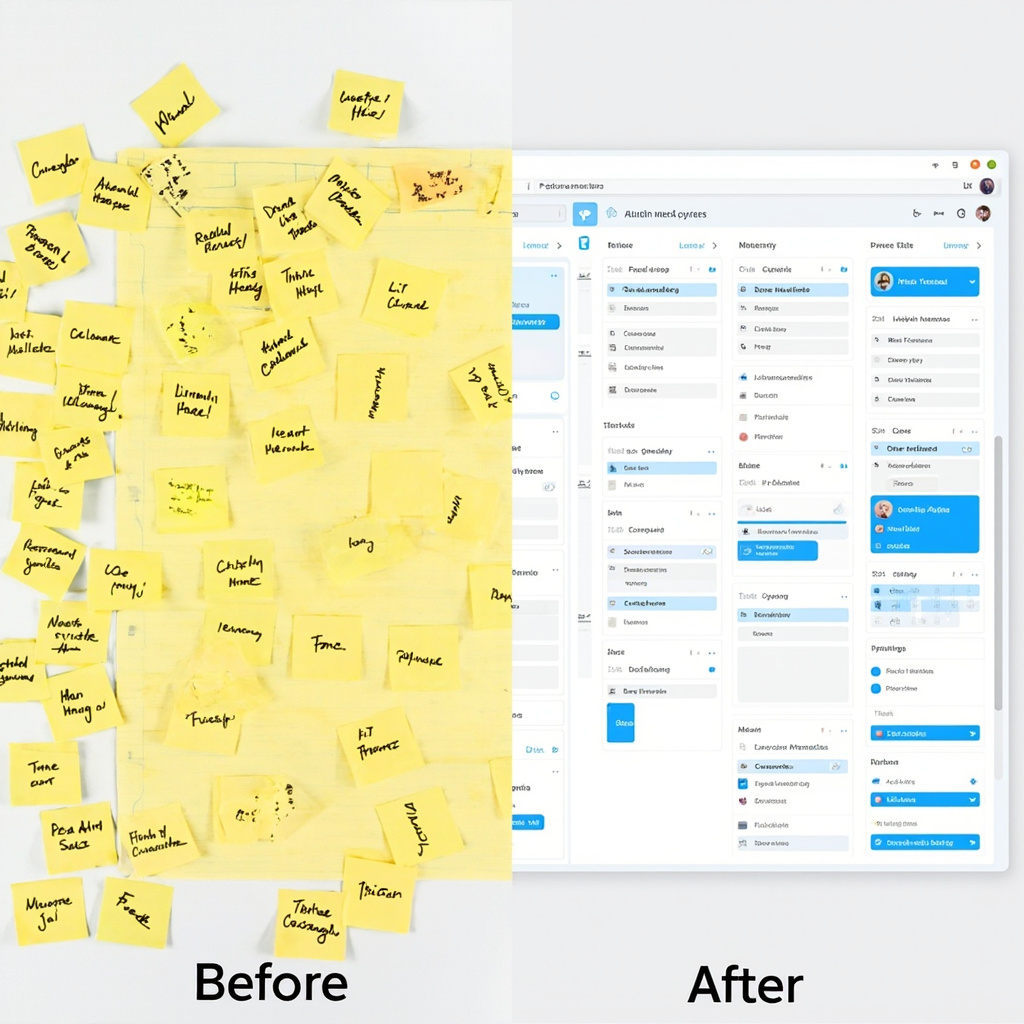
Traditional planning methods often fail because they require constant manual updates and lack the intelligence to adapt to changing priorities. AI planning assistants solve these fundamental problems by learning your patterns, predicting conflicts, and automatically adjusting your schedule based on real-world constraints.

Before and after comparison of chaotic planning vs AI-organized scheduling

These intelligent systems don’t just manage your calendar—they understand context. They know that your 3 PM meeting tends to run long, that you’re most productive in the morning, and that you need buffer time between back-to-back video calls. This contextual awareness transforms scheduling from a reactive chore into a proactive advantage.

Key Benefits That Actually Matter

The real power of AI planning assistants lies in their ability to handle the mental overhead of organization:

  • Automatic Time Blocking: No more manual calendar tetris. AI assistants automatically block time for your priorities based on deadlines, energy levels, and availability.
  • Conflict Prevention: Advanced algorithms predict and prevent scheduling conflicts before they happen, saving you from embarrassing double-bookings.
  • Priority Intelligence: These tools learn what matters most to you and ensure high-priority tasks get protected time slots.
  • Adaptive Rescheduling: When plans inevitably change, AI assistants instantly reorganize your entire schedule to minimize disruption.
  • Cross-Platform Sync: Your AI assistant works across all your devices and apps, maintaining consistency whether you’re on your phone, laptop, or tablet.

Top AI Planning Tools to Try in 2026

The market has exploded with options, but several standout tools are leading the pack for everyday users:

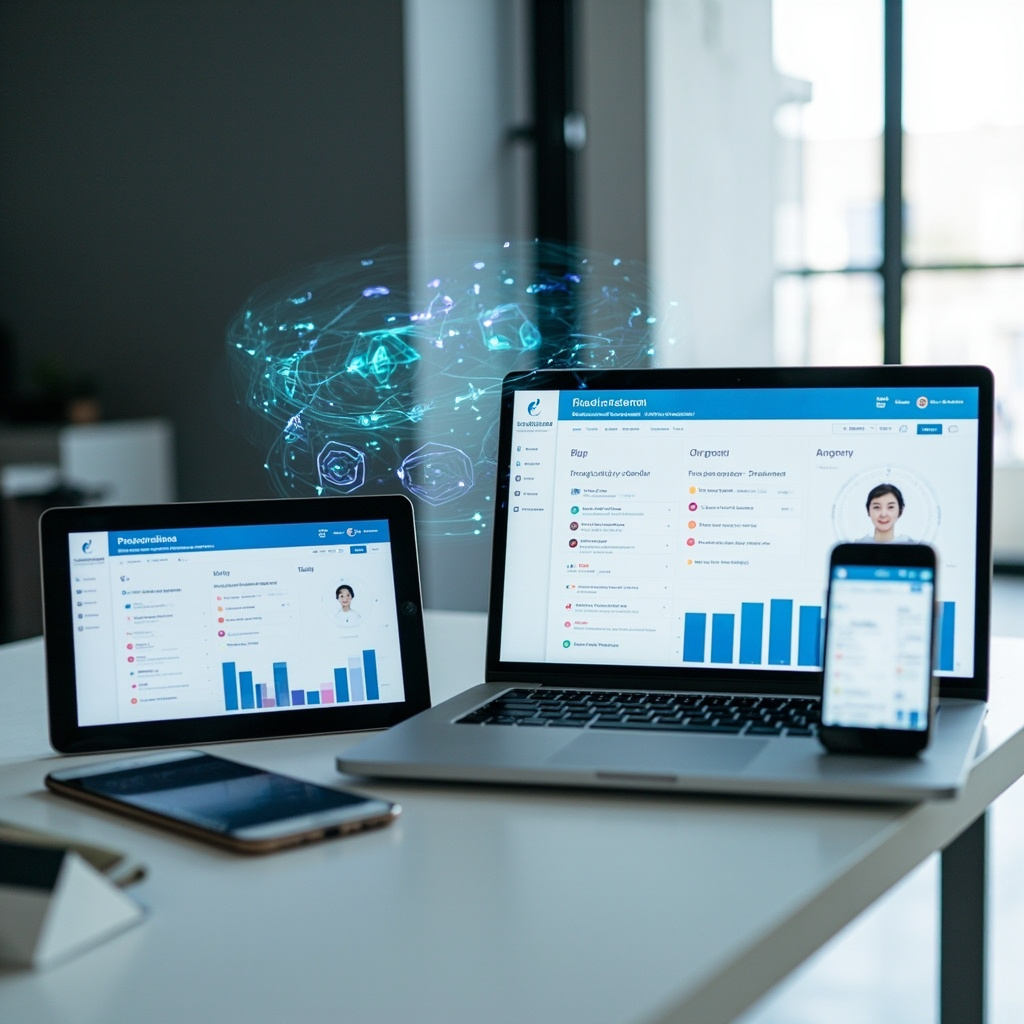
Person using multiple AI planning tools across devices

Motion

Combines project management with intelligent scheduling. Motion’s AI automatically schedules tasks based on deadlines, priorities, and your available time slots. Perfect for professionals juggling multiple projects.

Clockify AI

Excels at time tracking and analysis. It learns your work patterns and suggests optimizations for better productivity. Great for freelancers and consultants who need detailed time insights.

Reclaim.ai

Specializes in defending your focus time. It automatically blocks calendar slots for important work and adjusts them based on meeting requests and priorities.

Trevor AI

Focuses on daily planning with drag-and-drop simplicity. It helps you realistically schedule tasks based on how long they actually take, not how long you think they should take.

Getting Started: Your First Week with AI Planning

Adopting an AI planning assistant doesn’t have to be overwhelming. Here’s a practical approach:

Week 1: Start with calendar sync only. Let the AI observe your current patterns without making changes. This builds its understanding of your routine.

Week 2: Enable automatic time blocking for one category of tasks (like “Deep Work” or “Email Processing”). See how it fits into your existing schedule.

Week 3: Add priority levels to your tasks and let the AI start making scheduling recommendations. You’ll be amazed at how it finds time slots you never noticed.

Week 4: Go full automation. Trust the system to manage your entire schedule while you focus on the work that actually matters.

The Future Is Already Here

We’re entering an era where AI planning assistants will work as “super agents” across all your productivity tools—seamlessly moving between your email, project management software, and calendar to create a unified workflow. The question isn’t whether you’ll eventually use an AI planning assistant, but how much productivity you’re willing to leave on the table while you wait.

The productivity gains are real, measurable, and immediate. With AI planning assistants handling the mental overhead of organization, you’re free to focus on what humans do best: creative thinking, relationship building, and strategic decision-making.

Start with one tool, give it a few weeks to learn your patterns, and prepare to wonder how you ever managed without it.

AI Agents for Everyday Users: How to Set Up Your First Automated Assistant in 2026

AI is no longer just about chatbots that wait for your questions. The biggest trend of 2026 is AI agents – artificial assistants that work in the background, handling tasks automatically without constant supervision. Unlike traditional AI tools, you give an agent a goal and it figures out the steps, uses your apps, and gets the job done on its own.

This week, OpenClaw became the most popular project on GitHub, even surpassing React and Linux in popularity. OpenAI acquired it in February, signaling that AI agents are moving from experimental technology to mainstream tools that everyday users can leverage.

What Makes AI Agents Different?

Traditional AI tools like ChatGPT or Gemini are reactive – you ask a question, get an answer, then ask another question. AI agents are proactive. You set them up once with clear instructions, and they continuously work toward your goals:

  • Email management: An agent can automatically sort your inbox, draft responses, and schedule follow-ups
  • Content creation: Set up an agent to research topics, write blog posts, and schedule social media posts
  • Data analysis: Agents can monitor spreadsheets, generate reports, and alert you to important changes
  • Personal scheduling: Coordinate calendars, book appointments, and send reminders

Person using ChatGPT Tasks interface

3 AI Agent Tools You Can Start Using Today

The good news is you don’t need programming skills to get started with AI agents. Here are three platforms that make automation accessible to everyone:

1. ChatGPT Tasks (Beginner-Friendly)

If you’re already using ChatGPT, Tasks is the easiest way to dip your toes into AI agents. Available to ChatGPT Plus subscribers, this feature lets you schedule repeating AI tasks without writing any code.

What you can do:

  • Schedule daily news summaries for your industry
  • Set up weekly reminders with personalized motivational messages
  • Automate research tasks that run on a schedule
  • Create recurring content ideas for social media

Getting started: Open ChatGPT, look for the “Tasks” option in the menu, and describe what you want automated. The system will ask clarifying questions to set up your first agent.

2. Lindy.ai (Most Versatile)

Lindy.ai connects to your most-used apps like Gmail, Slack, Notion, and Google Calendar. It’s more powerful than ChatGPT Tasks because it can actually take actions in your connected apps, not just provide information.

Popular use cases:

  • Automatically categorize and respond to customer emails
  • Update project status in Notion when Slack messages contain specific keywords
  • Schedule calendar events based on email requests
  • Generate and send weekly team reports

Pricing: Starts at $30/month for basic automation, with more complex workflows requiring higher-tier plans.

3. n8n (Free and Powerful)

For users who want maximum control without monthly fees, n8n is an open-source automation platform. While it requires more technical setup, it offers unlimited possibilities and connects to over 350 different services.

Best for:

  • Small businesses wanting to automate without recurring costs
  • Users comfortable with visual workflow builders
  • Teams needing custom integrations
  • Anyone who prefers self-hosted solutions

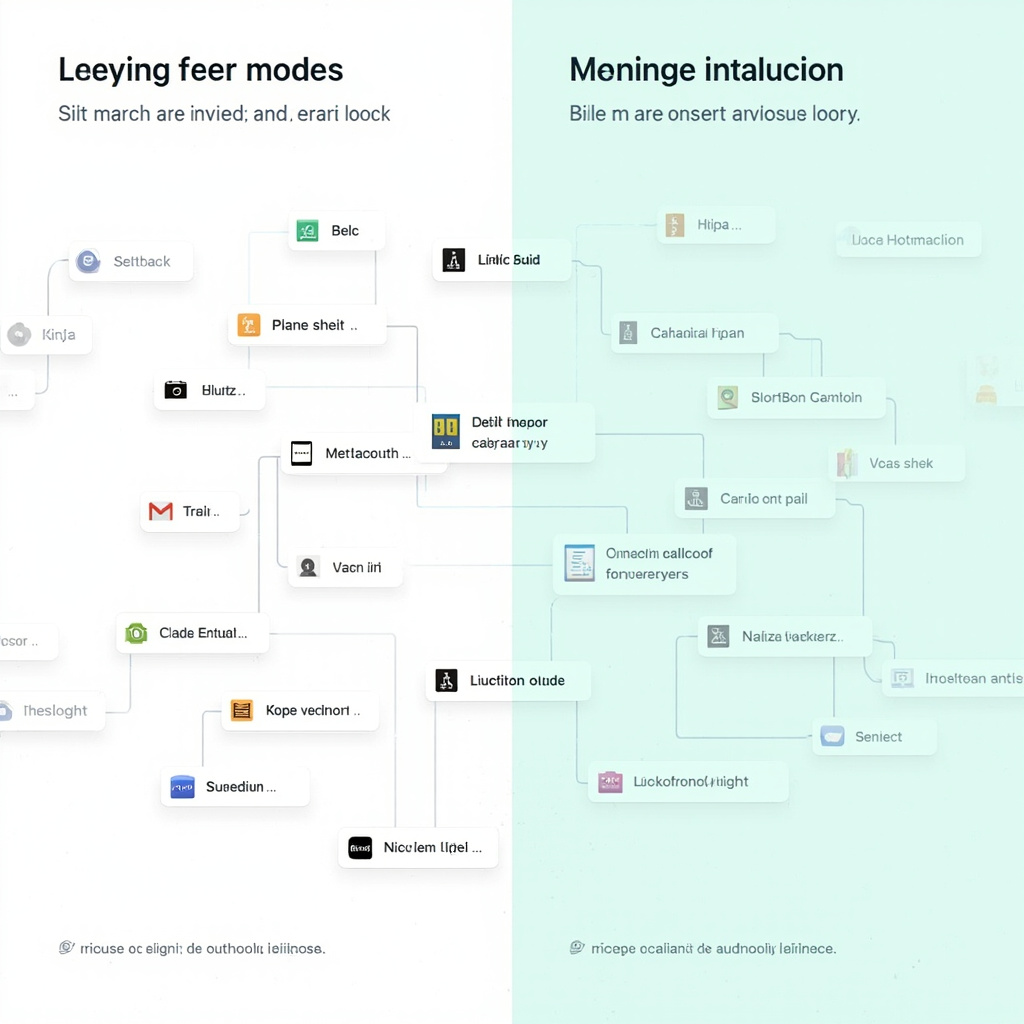
Comparison of AI automation tools

How to Choose the Right AI Agent Tool

The best platform depends on your technical comfort level and specific needs:

Choose ChatGPT Tasks if:

  • You’re new to AI automation
  • You already have a ChatGPT Plus subscription
  • You need simple, information-based tasks
  • You want to test AI agents without additional cost

Choose Lindy.ai if:

  • You need agents that take actions in multiple apps
  • You’re willing to pay for advanced features
  • You want pre-built templates for common workflows
  • Customer support and reliability are priorities

Choose n8n if:

  • You prefer one-time costs over subscriptions
  • You need custom integrations
  • Data privacy and control are important
  • You have some technical skills or access to IT support

Getting Started: Your First AI Agent in 5 Minutes

Ready to create your first AI agent? Here’s a simple project anyone can complete:

Goal: Set up a daily news digest agent that emails you industry-specific headlines every morning.

Using ChatGPT Tasks:

  1. Open ChatGPT and navigate to Tasks
  2. Type: “Send me a daily email with 5 headlines about [your industry] every morning at 8 AM”
  3. ChatGPT will ask for your email and specific preferences
  4. Confirm the setup and wait for your first automated digest

This simple automation can save you 15-20 minutes daily and ensure you never miss important industry news.

The Future of AI Agents

We’re still in the early days of AI agent adoption. By the end of 2026, experts predict that multi-agent dashboards will become standard, allowing you to manage dozens of AI assistants from a single interface. These agents will operate across all your digital environments – your browser, email, calendar, and work apps – without requiring constant management.

The key to success with AI agents is starting small. Pick one repetitive task that takes 10-15 minutes of your day, automate it with one of these tools, and gradually expand as you become more comfortable with the technology.

AI agents aren’t replacing human workers – they’re giving us back time to focus on creative and strategic work that actually matters. The question isn’t whether AI agents will become mainstream, but how quickly you’ll adopt them to stay competitive in an increasingly automated world.